AI tool
Onset MCP
Onset MCP lets Claude or Cursor draft, schedule, and publish release notes directly from the editor. It is designed for developers who want to hand off changelog writing to the agent that built the release. A free plan is available with no credit ...
About Onset MCP
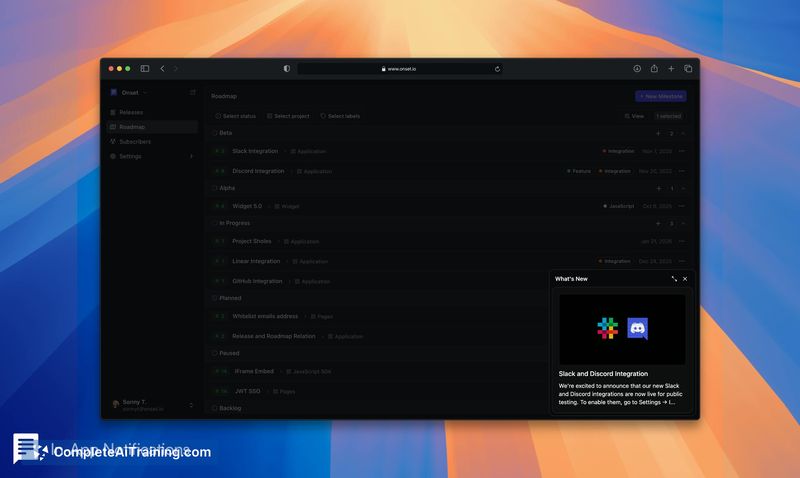
Onset MCP is an extension of the Onset release notes platform that connects AI coding assistants like Claude and Cursor directly to a team's changelog workspace. Through the Model Context Protocol (MCP), the tool lets an AI agent draft, schedule, and publish release notes without leaving the editor. It works with the free plan, which includes unlimited releases, up to 1,000 subscribers, and custom domain support.
Review
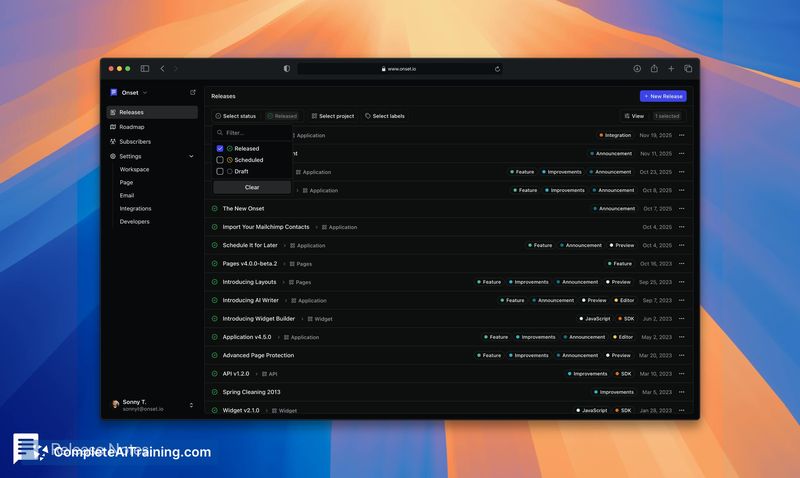
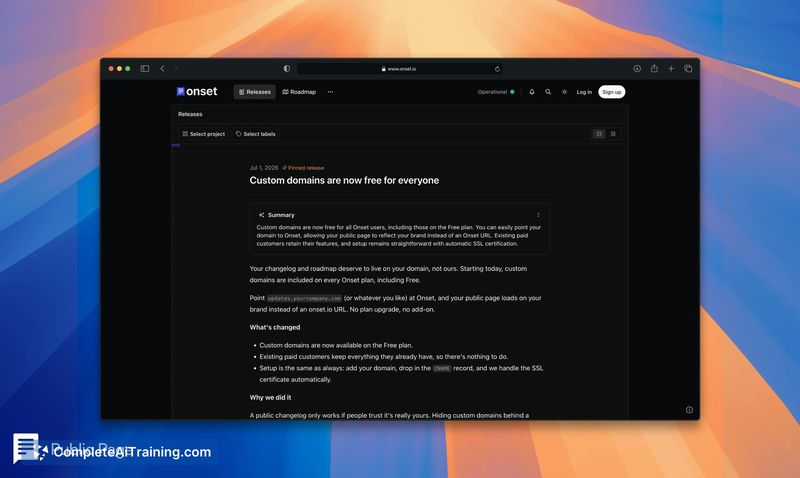
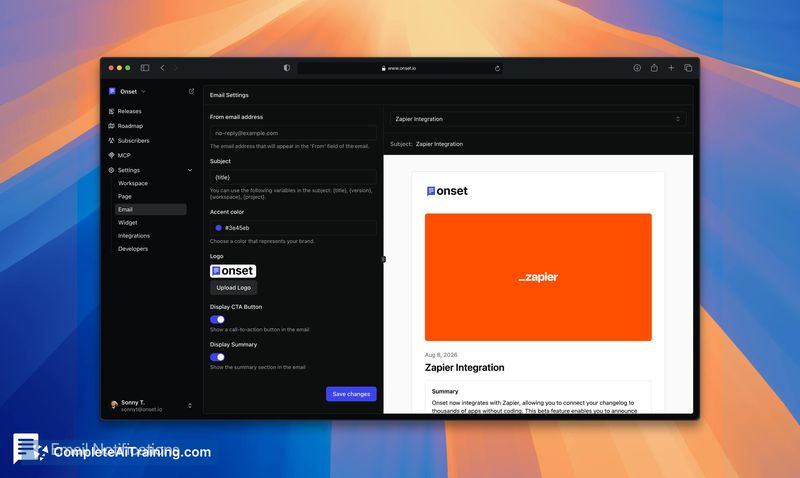
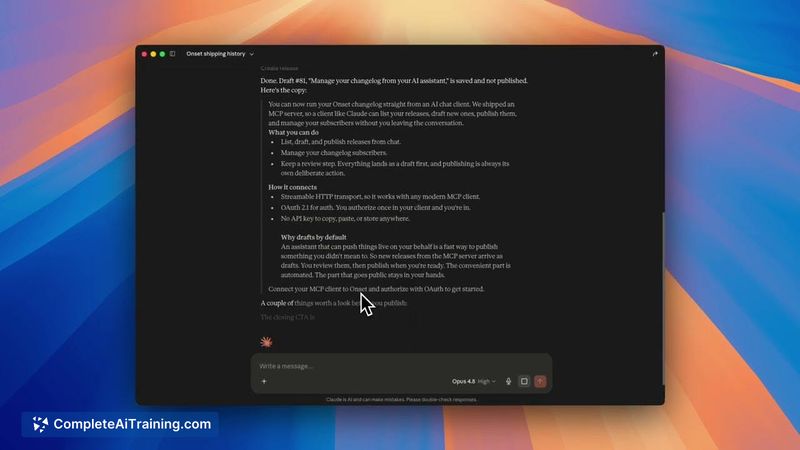
Onset MCP addresses a specific friction point in software teams: the changelog entry that gets pushed aside after a release ships. The idea is straightforward - since an AI assistant already knows what code changed, it should be able to write and publish the corresponding release note. The tool connects via a single configuration block, and the maker reports it cut build time roughly in half during development.
Key Features
- Draft release notes by asking Claude or Cursor to summarize recent work, with the agent reading your existing releases and roadmap for context
- Schedule and publish notes to a branded, public-facing changelog page directly from the AI assistant
- Configure change types (New, Changed, Fixed, Removed, Deprecated, Security) that can be renamed, recolored, and reordered in workspace settings
- Pull merged pull requests into a draft through the Onset editor using GitHub, Linear, or Jira integrations - or bypass integrations entirely by having the agent read the repo
- Review every draft before publication; the agent does not push anything live without approval
Pricing and Value
Onset MCP operates on the free plan, described as free forever with no credit card required. That plan covers unlimited releases, 1,000 subscribers, and a custom domain. The maker has not published details about paid tiers or what features might sit behind them, so pricing beyond the free plan is not yet defined.
Pros
- Eliminates the context switch between coding and writing release notes by keeping the workflow inside the editor
- Works with tools developers already use - Claude, Cursor, GitHub, Linear, Jira - without requiring new integrations for the MCP path
- Free tier includes custom domain and a subscriber cap high enough for many small-to-medium teams
- Review step is mandatory, so the agent can't publish unvetted content to the public changelog
- Change type labels are customizable, allowing teams to match their own release taxonomy
Cons
- Teams that don't use MCP-compatible AI coding assistants won't get value from the MCP server; the tool is not suited for workflows built around traditional IDEs without agent integration
- Tone and detail control relies entirely on natural language instructions in chat, which can produce inconsistent results across different prompts and sessions
- Roadmap mentions template-based drafting for different release types as a user suggestion, but it is not a shipped feature - current customization is limited to change type labels and colors
Onset MCP fits teams that already use Claude or Cursor for daily development and have fallen behind on their public changelog. It makes the most sense when the AI assistant has direct access to the repository and can reference pull requests without additional setup. Teams that don't use AI coding agents, or that need precise, templated formatting for regulated industries, will likely find the tool less useful in its current state.
Jobs Onset MCP suits
We checked Onset MCP against 500+ jobs; these get the most out of it.