
Learning path
Learning AI as a Full-Stack Developer
AI can help full-stack developers move faster on boilerplate, debugging, tests, and docs. This path shows you how to use it well without giving up control.

Your path
Everything in the Full-Stack Developer AI kit, in the order that makes sense. Members tick off each step and see their progress.
Set up your AI
We guide you through each click.
Let skills do your everyday tasks
Connect your apps and pick your AI apps
Hand whole tasks to AI agents
Build your own tools
Keep growing
Everything for full-stack developers
All the courses, certifications, AI tools, MCP servers and apps for full-stack developers, most relevant first. Open any list to see more.
Take the prompt courses
A short framework course to learn how to ask, then 9 lessons with ready-to-use prompts for full-stack developers.
Start with this framework: how to talk to AI
RACE fits full-stack work because you can specify role, action, context, and expected quality when asking for a secure API endpoint fix.
Then your prompt course for full-stack developersWatch the video courses or add them to your Favorites for later
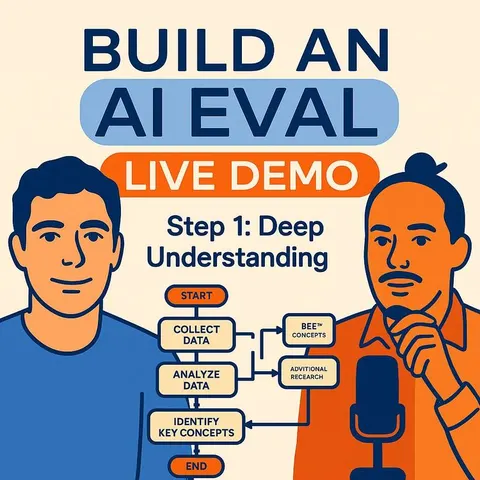
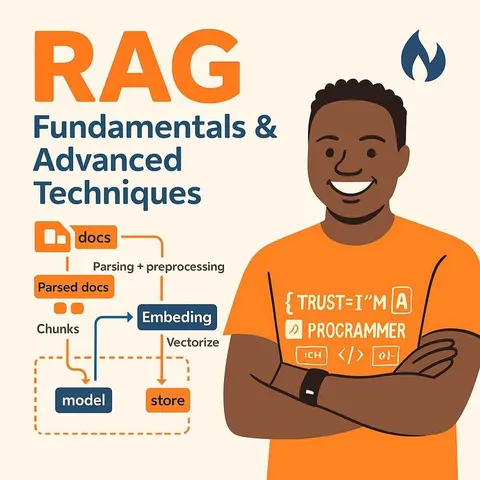
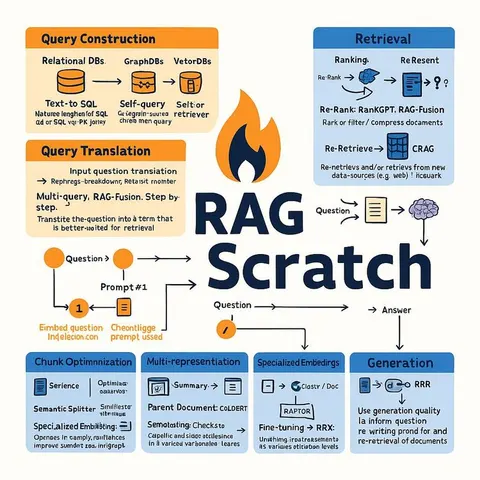
173 video courses our AI picked for full-stack developers, most useful first. Save the ones you want to watch later with the heart.
Favorites are saved to your account: sign in or get your AI kit first.
Show all 173 video courses
Get certified, or add certifications to your Favorites
Every course ends in an exam and a certificate you can add to LinkedIn. Save the certifications you are aiming for with the heart.
Favorites are saved to your account: sign in or get your AI kit first.
More certifications for full-stack developersShow all 24 certifications
Try the AI tools for full-stack developers
24 AI tools our AI matched to the work of full-stack developers, best fit first. Each review shows what it does, its alternatives and the jobs it suits.
Favorites are saved to your account: sign in or get your AI kit first.
Show all 24 AI tools
Connect your AI to the apps full-stack developers use
MCP servers let ChatGPT, Claude or Copilot look things up and get work done in other apps, like your email, calendar or bookkeeping software. These 12 fit the work of full-stack developers best, well-known apps first.
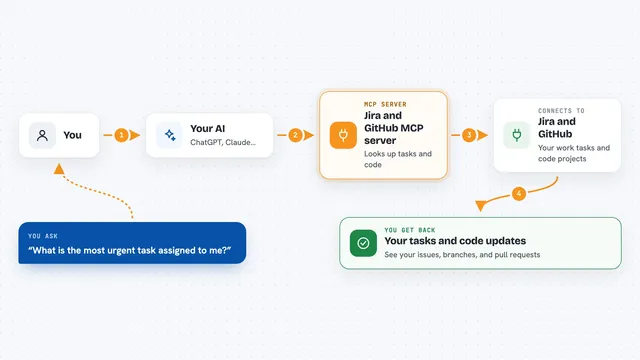
Jira and GitHub MCP server
by TamarEngelLets your AI look up Jira issues and handle GitHub branches, commits, and pull requests for you.
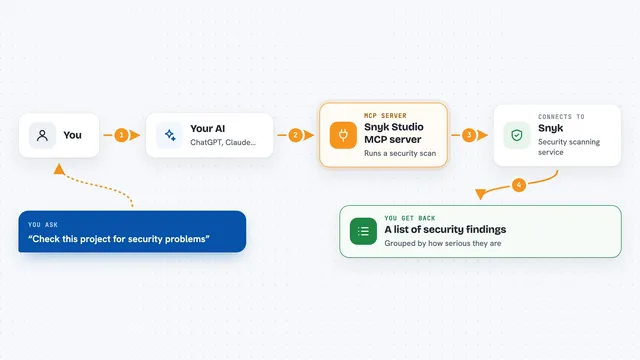
Snyk Studio MCP server
by snykLets your AI run Snyk security scans on your code and show you the findings in plain chat.
SecurityDeveloper tools Official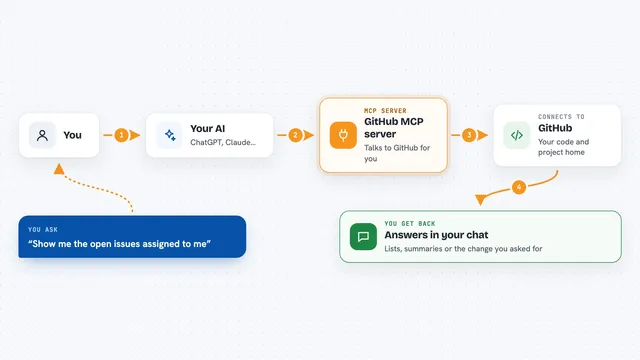
GitHub MCP server
by githubConnect your AI to GitHub so it can read code, handle issues and pull requests, and check builds for you.
GitHubDeveloper toolsNo install
VS Code MCP server
by juehangLets your AI read, search, edit and check files inside your open VS Code workspace for you.

Google AI Search MCP server
by shariqriazzLets your AI search the web and pull answers from official docs using Google's AI models.
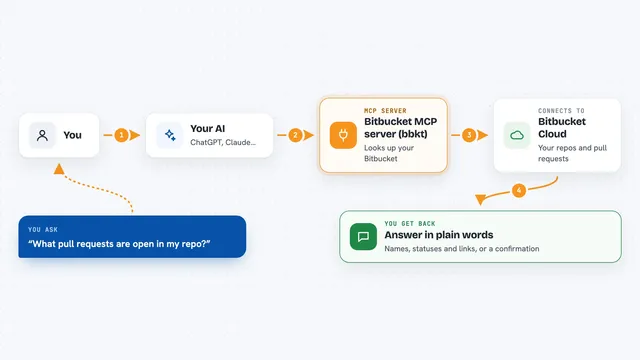
Bitbucket MCP server (bbkt)
by zach-snellLets your AI look at and work with your Bitbucket Cloud repos, pull requests, pipelines and issues.
Show all 12 MCP servers

Semgrep MCP server
by semgrepLets your AI check code for security problems using Semgrep before you ship it.
SecurityDeveloper tools Official
Copilot CLI MCP server
by x51xxxAsk GitHub Copilot CLI to read, review and bulk-process your code straight from your AI chat window.
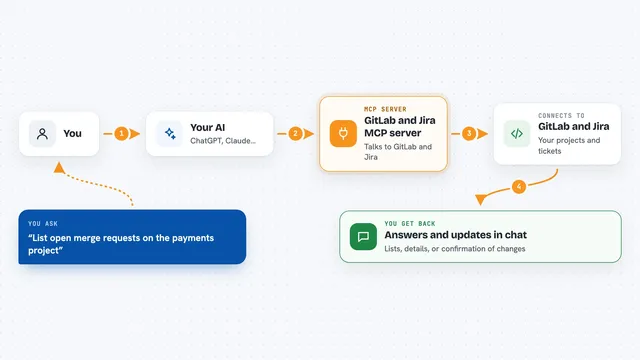
GitLab and Jira MCP server
by HainanZhaoLets your AI read and update your GitLab projects and Jira tickets for you.

Sentry MCP server
by getsentryLets your AI look up Sentry errors, issues and performance data and help you debug them.
Developer toolsNo install
ContextForge MCP server
by alfredoizdevGive your AI coding assistant a long-term memory so it remembers your project across sessions.

VS Code Dev Tools MCP server
by biegehydraLets your AI look up code details inside VS Code, like where a function is used or defined.
Build your own AI apps for full-stack developers
Apps you build yourself with your own AI, no coding needed and no monthly fee. Our AI picked the 12 that fit the work of full-stack developers.
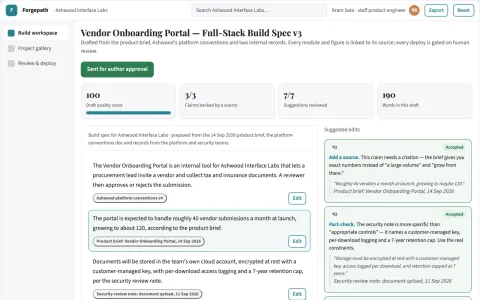
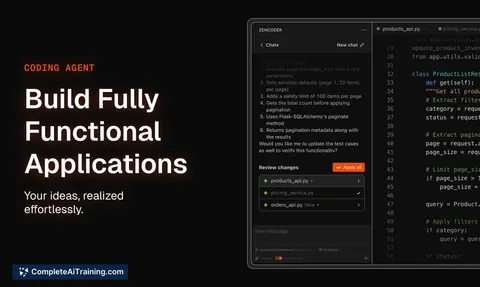
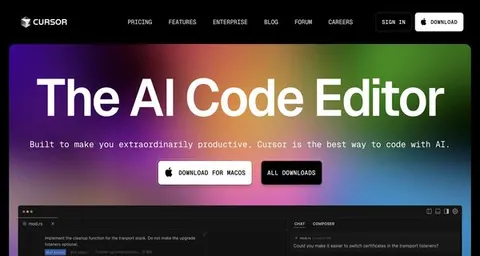
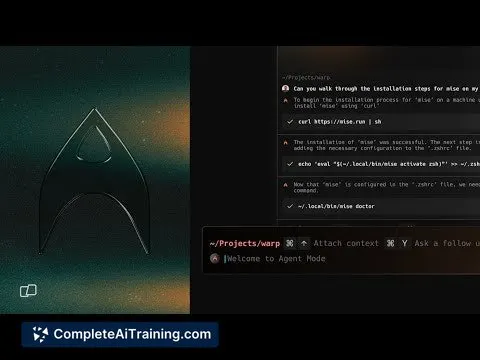
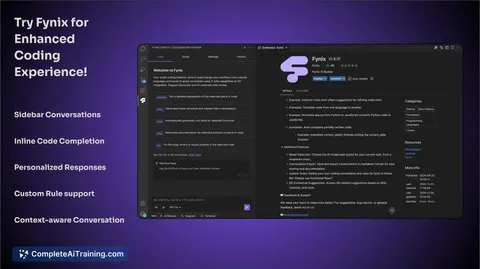
Prompt-to-production full-stack app workbench
Reduce tool sprawl and handoff time while keeping the generated codebase inspectable and owned.
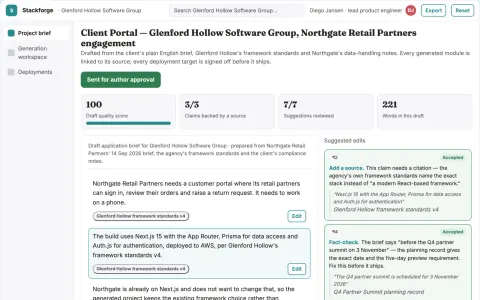
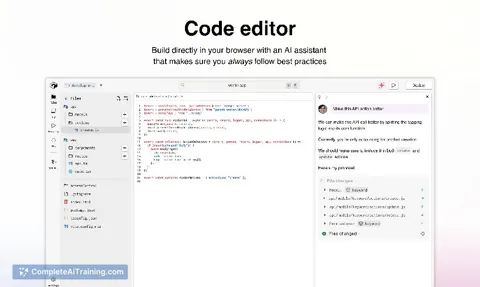
Full-stack app generation and deployment workspace
Reduce tool switching and handover work while keeping the generated codebase owned and deployable.
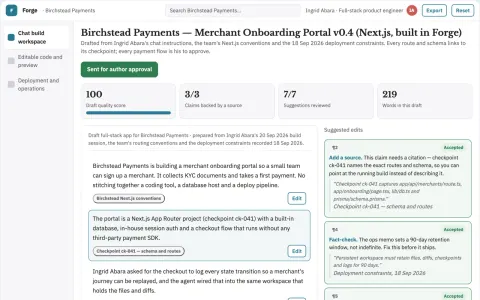
Chat-built full-stack app delivery workspace
Reduce tool sprawl while keeping the generated app and its source under the team's control.
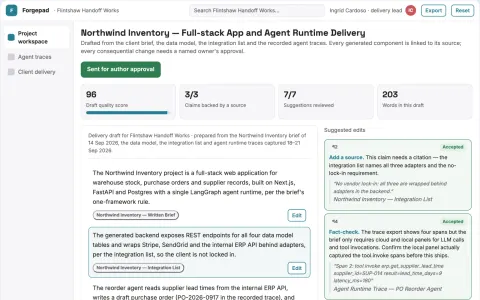
Full-stack app and agent delivery workspace
Reduce tool stitching and rework while keeping the code and runtime under the team's control.
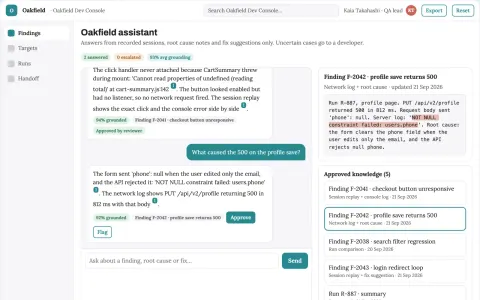
Source-linked autonomous web app bug testing console
Reduce debugging time while keeping developers in control of every fix.
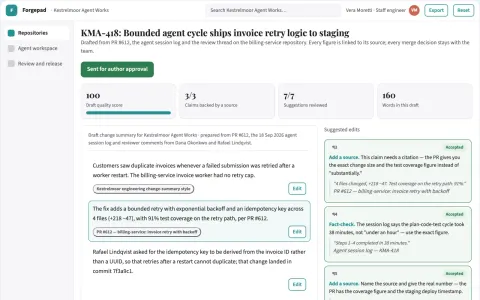
Integrated AI development and delivery workspace
Reduce tool sprawl and repeated context setup while keeping code review and release decisions with the team.
Show all 12 apps
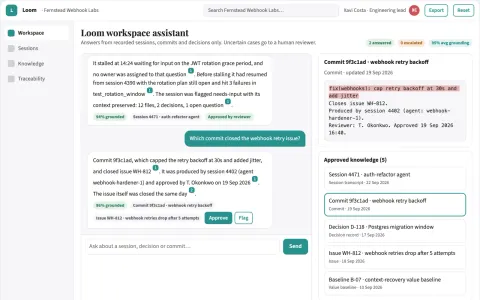
Multi-agent coding workspace with persistent project memory
Keep agent work continuous and traceable in one owned workspace.
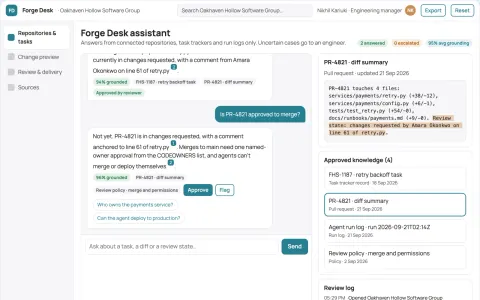
Source-linked development assistant and admin console
Consolidate coding assistance, review and task management into one owned console.
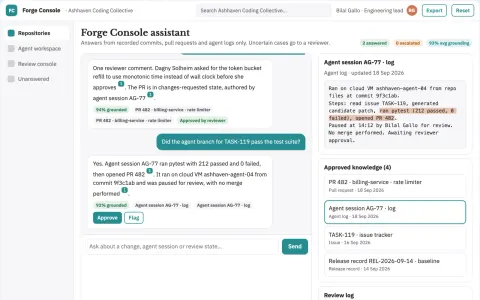
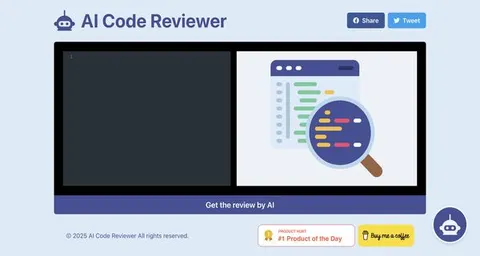
Source-linked AI coding and review console
Reduce tool sprawl while keeping code changes under team review.
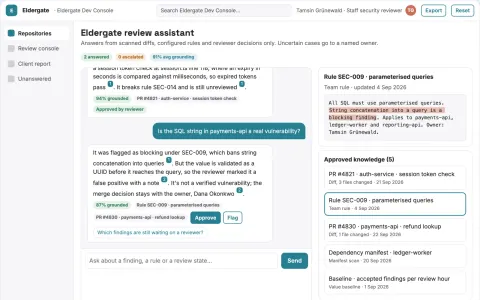
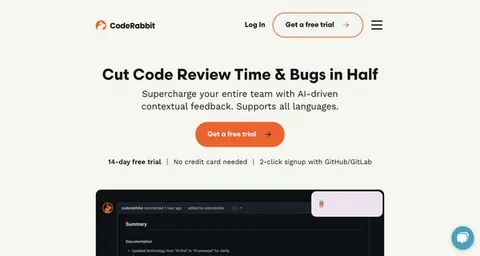
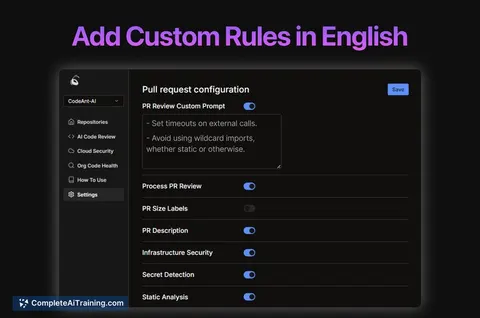
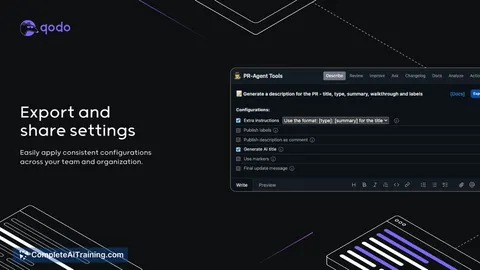
Source-linked code review and security console
Reduce manual review effort and catch security issues before merge while keeping reviewer control.
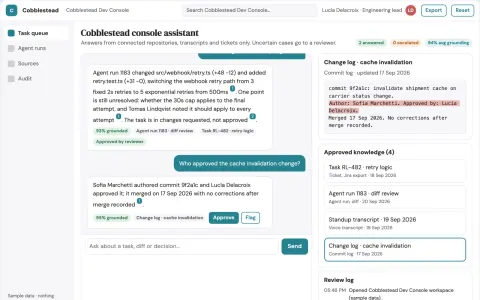
Source-linked development agent console
Reduce tool sprawl while keeping code, transcripts and approvals inside the team's own environment.
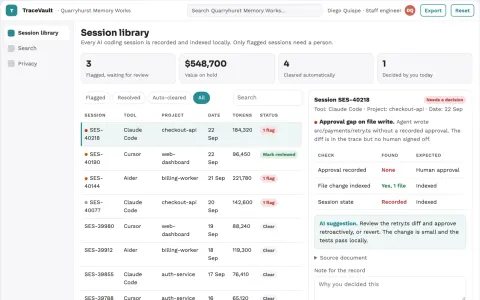
AI coding session record and search console
Reduce debugging time and improve team collaboration by making AI coding sessions searchable and inspectable.





































































































About this learning path
6 topicsAI for Full-Stack Developers: A Practical Path
Full-stack work asks you to hold many pieces at once: frontend, backend, database, security, deployment, and the people waiting on your updates. AI can take some weight off the repetitive parts so you can spend more time on design, decisions, and clean code.
This path is built for working full-stack developers. It starts with setup questions, helps you connect your AI tool, then walks through the skills you need for your job, this prompt course, and video courses chosen for full-stack work, including their certifications.
Why AI matters now
The job keeps growing wider. You are expected to know more tools, ship faster, and keep systems safe. AI can help you read errors, draft code, write tests, and explain systems without adding hours to your day.
It also changes what clients and teams expect. Developers who can use AI with good judgment stand out because they deliver clear work and avoid careless mistakes.
What the path includes
You begin with setup questions and a short guide to connecting your AI tool. Then you work through skills for the job inside your AI, followed by this prompt course with nine lessons built around real full-stack tasks.
The path also includes video courses picked for full-stack developers. Each one lists the certifications you can earn, so you can show what you have learned.
How it saves you time
AI is useful when you are stuck on a blank page, a confusing error, or a task you have done many times. It gives you a first draft, a plain explanation, or a checklist you can improve.
That means less time hunting through logs, writing boilerplate, and formatting docs. You still review everything, but you start from something useful instead of nothing.
How it protects your career
Teams want developers who can work with AI safely and well. This path teaches you to keep secrets out of prompts, check output, and use AI as a helper, not a replacement for your judgment.
You also build habits that matter over time: clear documentation, tested code, and better estimates. Those habits make you harder to replace and easier to trust with important work.
How to start
Start with the setup questions so your AI tool knows your stack and preferences. Connect your AI, then take the prompt course lesson by lesson.
After that, choose a video course that matches your next goal. Try each new prompt on a real ticket, not a fake example, so the habit sticks.
Frequently asked questions
Do I need to be an AI expert to use this path?
No. The path assumes you are good at full-stack work, not AI research. It explains the setup and prompts in plain language and focuses on tasks you already do.Which AI tool should I use?
You can use ChatGPT, Claude, Gemini, or another approved tool at your company. The lessons focus on how you ask, what context you give, and how you check the answer. The habits work across tools.Will AI replace full-stack developers?
AI can write code and explain errors, but it still needs a developer to set direction, review tradeoffs, and keep systems safe. The path helps you use AI to do more of the work that matters.How long does the learning path take?
You can move at your own pace. Many people start with the setup and prompt course, then add video courses as their schedule allows. The goal is steady practice, not rushing.