
AI tool
OpenCharm
OpenCharm gives AI coding agents a visual face and voice that lives by the Mac notch. It shows when an agent is thinking, working, or needs attention, and responds to a push-to-talk key. It is for developers who run agents like Claude Code or Code...
About OpenCharm
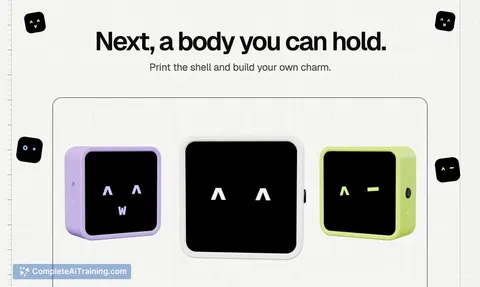
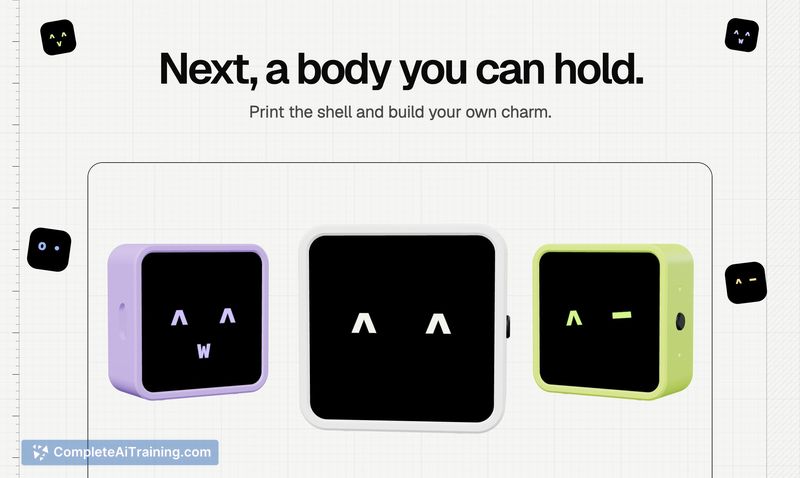
OpenCharm is an open-source project that gives a visual and audible presence to the AI agents a developer already runs. It sits by the Mac's notch as a desktop companion, displaying the agent's state-thinking, working, or requesting permission-and lets users respond with a single keypress. A physical, keychain-sized hardware version is planned as the next step.
Review
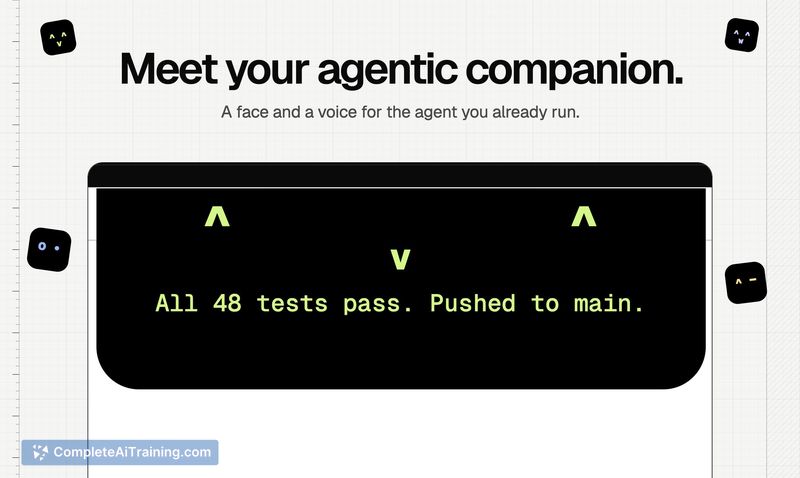
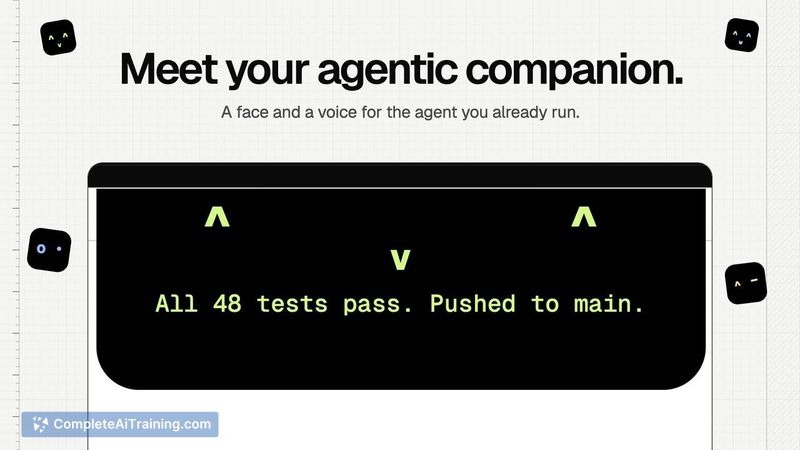
OpenCharm tackles a specific friction point for developers who keep an AI agent running in the terminal: the agent is invisible unless you actively check its window. The tool separates itself from a typical chatbot UI by living in the Mac menu bar area and using glanceable face states plus voice. It's built and tested primarily with Claude Code, but the maker designed it to work with any agent that follows the APC protocol.
Key Features
- A desktop charm that sits by the Mac's notch, showing eye states that reflect the agent's current mode: thinking, working, or asking for permission.
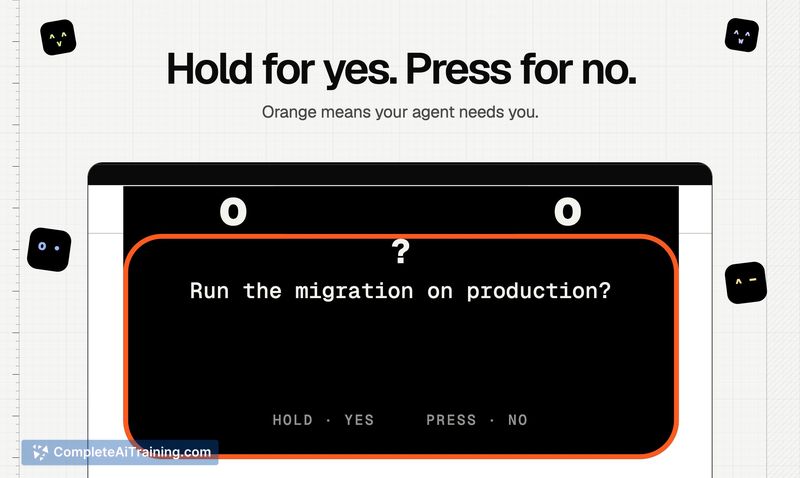
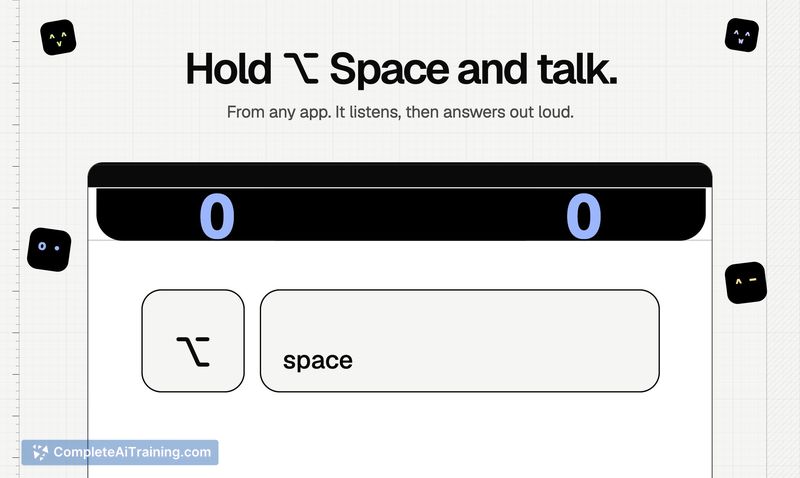
- Hold-to-talk voice input with audible responses from the connected agent, paired with a single-key mechanism for granting or denying permission requests.
- Agent-agnostic firmware core compiled to WebAssembly, shared between the desktop app and the planned physical device so both display the same faces.
- Name, color, and face customization so the charm can be personalized per agent or user preference.
- Compatibility listing includes Claude Code, Codex, Hermes, OpenClaw, and any tool adhering to the APC spec.
Pricing and Value
OpenCharm is free and the source code is publicly available. There is no paid tier at launch, and the maker has not announced any future pricing model. The desktop app itself is approximately 4 MB, built with Tauri, which keeps it lighter than an Electron-based equivalent. For users who want the keychain hardware version, build-it-yourself plans are referenced, though specific hardware costs or availability aren't yet defined.
Pros
- Shows agent permission requests visually, so a user doesn't need to keep the terminal in view to know when input is required.
- Follows real event streams between the user and the agent-when the charm indicates a permission need, it's the agent's actual request, not a heartbeat signal.
- Small download footprint thanks to the Tauri runtime, with the same WebAssembly core running on desktop and planned hardware.
- Open-source codebase allows inspection of how agent state is translated into face states, and permits community contributions.
- Works with multiple agents through the APC protocol, avoiding lock-in to a single coding assistant.
Cons
- A hung tool call currently appears as "thinking" until a timer expires; the face doesn't yet distinguish between a genuinely busy agent and one that's stuck.
- Not well suited for users who don't run a local AI agent in the first place-without a connected agent, the charm has nothing to reflect.
- The physical keychain charm is still a next-step plan, so the current experience is limited to the on-screen notch companion.
OpenCharm fits a developer who already keeps Claude Code or a similar APC-compatible agent running locally and wants a peripheral way to monitor its state without switching windows. It's less relevant for someone who interacts with agents exclusively through a web chat interface, since the tool depends on a persistent local agent process. The planned hardware charm could extend the concept to mobile contexts, but for now the desktop app delivers the core idea in a minimal, inspectable form.



