AI tool
Port Radar for macOS
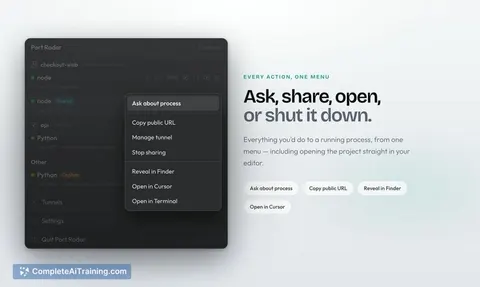
Port Radar for macOS is a menu bar utility that shows which ports are in use on your Mac and explains what each process is. It uses on-device Apple Intelligence to tell you whether a process is safe to stop, lets you end it with one click, and can...
About Port Radar for macOS
Port Radar is a native macOS menu bar app that shows what's running on your ports in plain English. It identifies processes like Vite, Next.js, Docker, or forgotten apps and lets you stop them with a single click. The app launched this week and is currently free.
Review
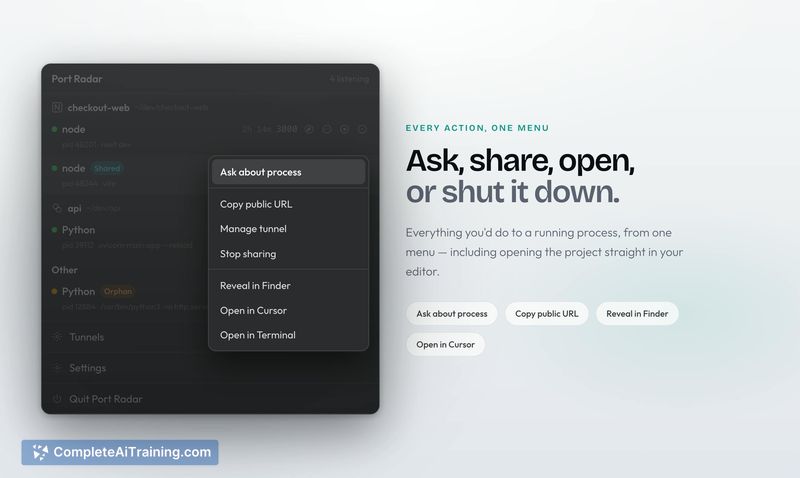
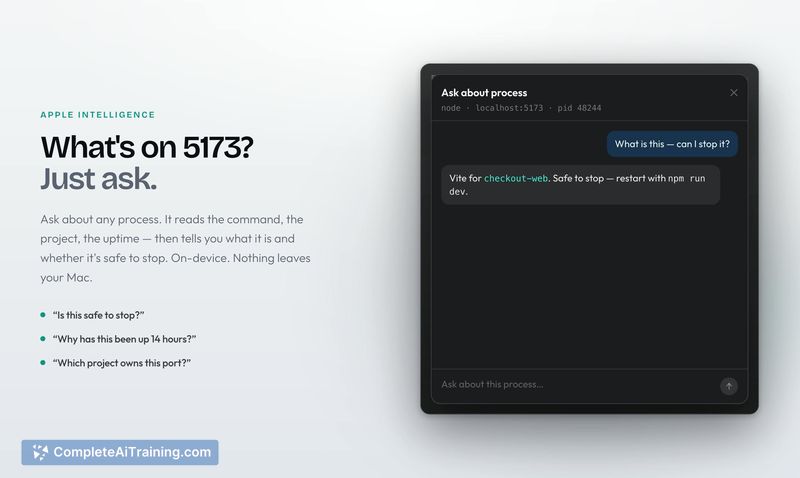
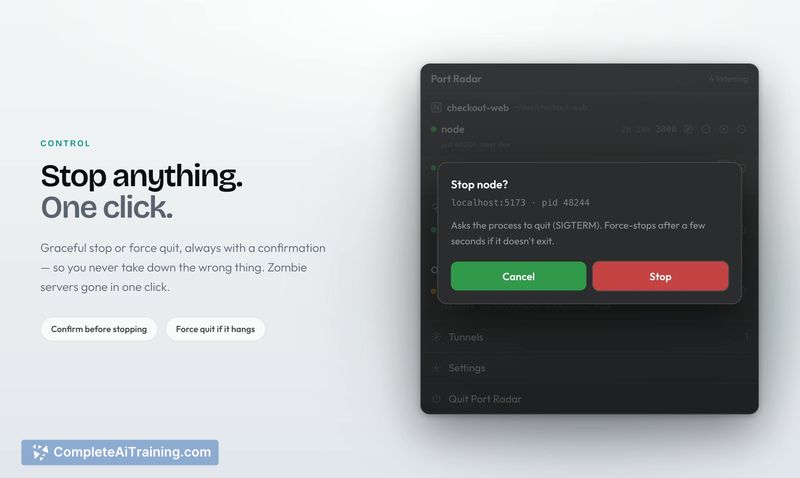
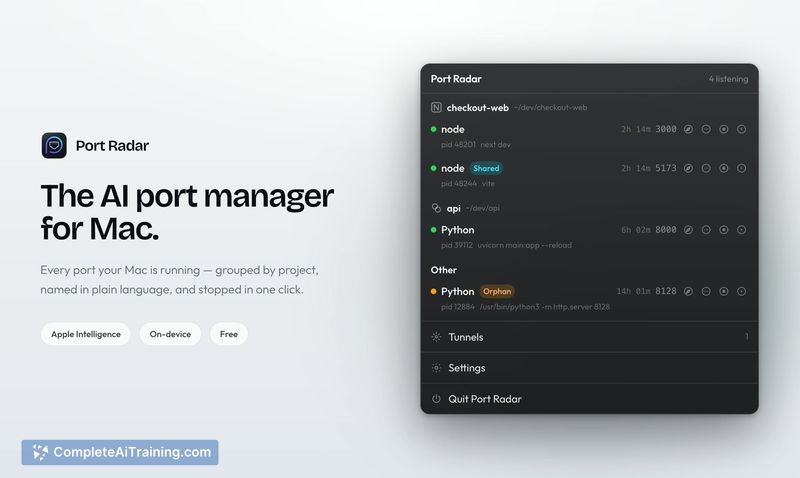
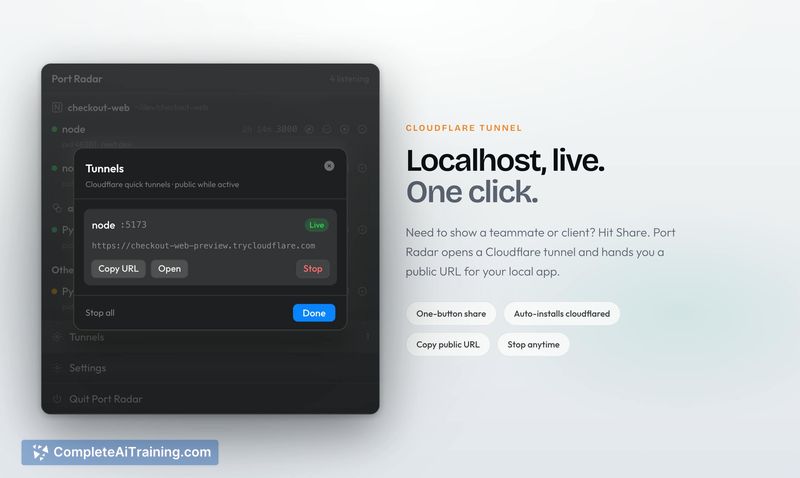
Port Radar addresses a common developer annoyance: figuring out which process occupies a port and whether it's safe to kill it. Instead of running Terminal commands like lsof, the app presents the information in a menu bar popover. The AI explanation feature is the main differentiator, and it runs entirely on-device via Apple Intelligence.
Key Features
- Lists every port your Mac is currently running, with process names in plain language rather than just port numbers.
- Apple Intelligence answers "what is this, is it safe to stop?" directly on your device, so no data leaves your machine.
- One-click termination for any running process on a port.
- One-click Cloudflare quick tunnels turn a local site into a public HTTPS URL for sharing.
- Built as a MenuBarExtra app with zero third-party dependencies, so it opens instantly and idles at minimal memory usage.
Pricing and Value
The app is listed as free on its Product Hunt launch page. There is no mention of a paid tier or subscription model in the current listing. The developer has not defined future pricing plans.
Pros
- On-device AI explanations mean running processes never leave your Mac, even when asking whether something is safe to stop.
- No Terminal commands or memorized flags are required; the menu bar interface handles the workflow.
- Cloudflare quick tunnels require no account, auth token, or session limits, and the app downloads
cloudflaredon first use. - The SwiftUI-native implementation consumes far less memory than Electron-based alternatives.
Cons
- Apple Intelligence-powered explanations only work on Apple Silicon Macs with supported macOS versions; older Intel Macs get the port monitoring but no AI answers.
- The developer is only looking at adding a local heuristic process lookup fallback for unsupported Macs; that feature is not shipped yet.
- Port Radar is not well suited for users who need network-level port scanning or remote monitoring, since it only shows processes on the local Mac.
Port Radar fits developers who regularly hit port conflicts and want a visual way to identify and stop processes without leaving the menu bar. It's also appropriate for teams that need to share local development sites quickly without setting up ngrok or similar tools. The on-device AI constraint means the full experience is limited to recent Apple Silicon hardware.
Jobs Port Radar for macOS suits
We checked Port Radar for macOS against 500+ jobs; these get the most out of it.