
AI tool
Remocn Studio
Remocn Studio is a Mac app that uses your own coding agent to build editable Remotion videos from text descriptions. It is for developers and creators who want code-based motion design without templates or lock-in.
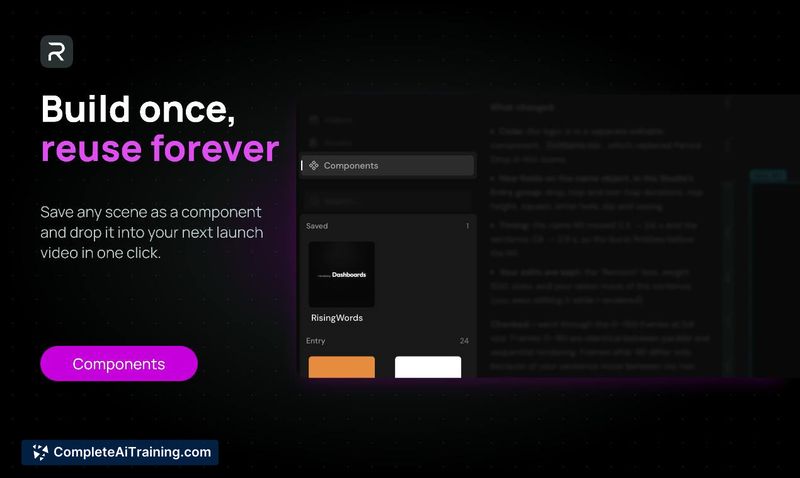
About Remocn Studio
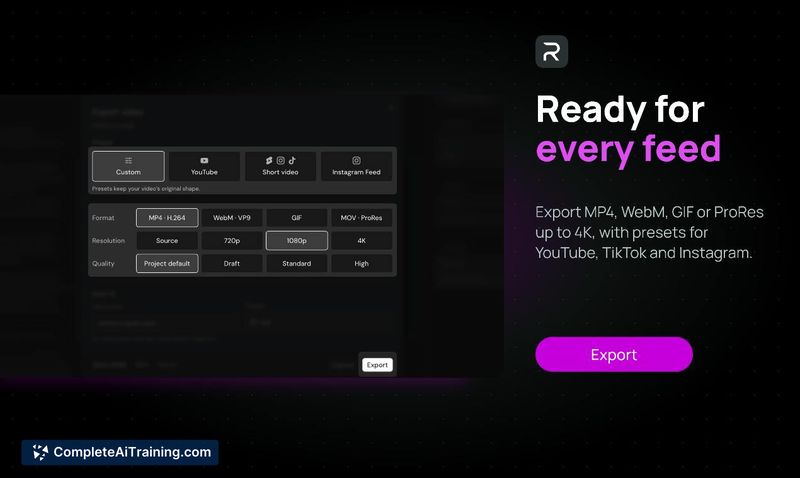
Remocn Studio is a free, open-source macOS application that lets a coding agent-Claude Code, Codex, GitHub Copilot, or Grok-construct a video as a real Remotion project. The tool generates a plain TSX project folder on disk, with a live preview where you can click elements to adjust type, spacing, and easing curves directly. It exports MP4, WebM, GIF, or ProRes up to 4K, with presets for YouTube, Shorts, Reels, and TikTok.
Review
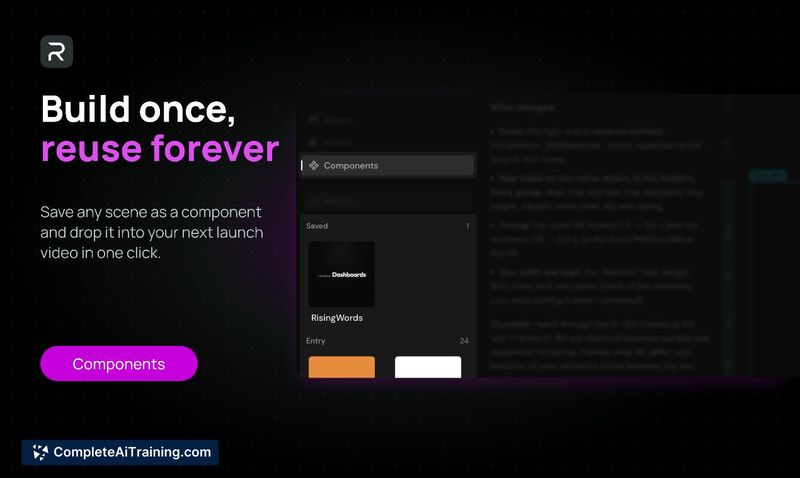
Remocn Studio takes a different approach to AI-assisted video creation. Instead of generating pixels or forcing you into a template, it instructs a coding agent you already subscribe to-Claude Code, Codex, Copilot, or Grok-to write motion design as Remotion code. The result is a project you can open in your own editor, commit to version control, and modify without touching a traditional timeline.
Key Features
- A 7-stage pipeline (analysis, brand, script, motion, build, choreography, review) that produces a readable document at each stage, letting you overrule decisions before they reach the code.
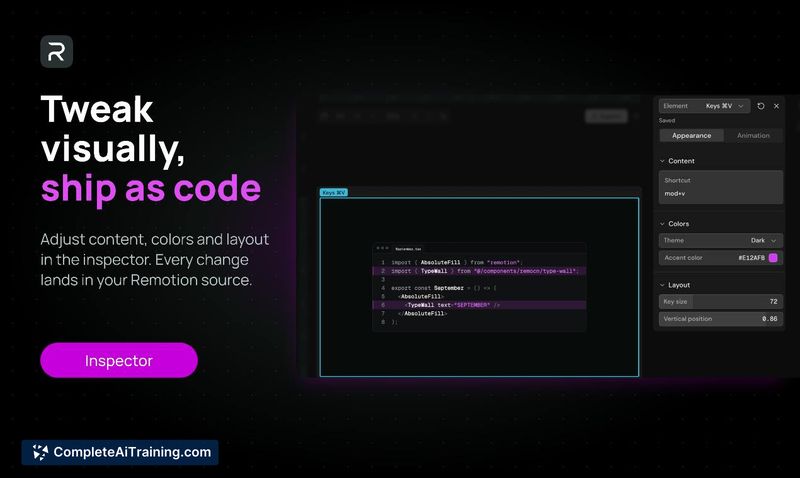
- Live preview with direct manipulation: click any element and drag its type, spacing, and easing curves, with values written back into the TSX source.
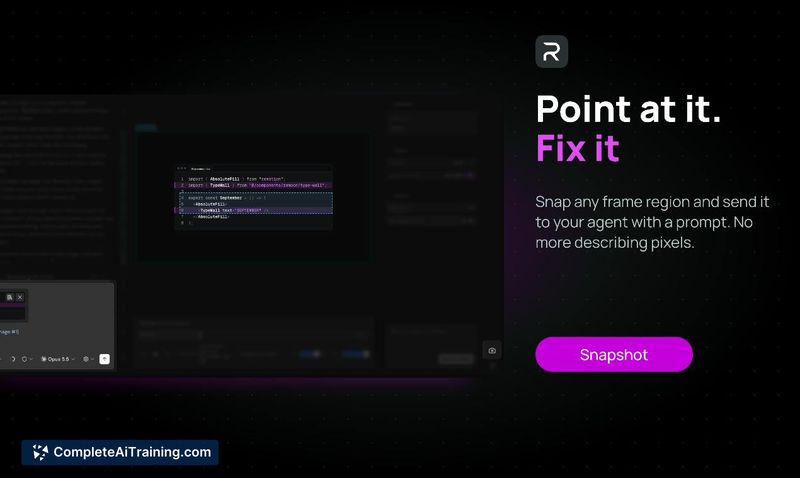
- Snapshot boxes you can drag over a crop area and then discuss with the agent via chat.
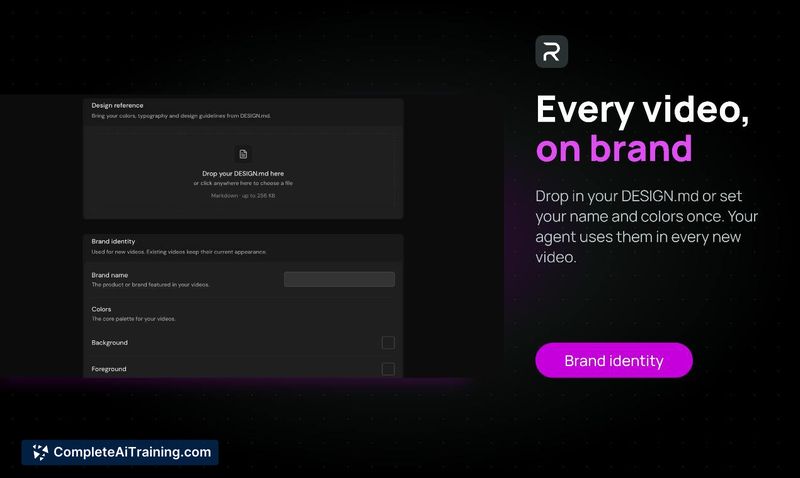
- Brand consistency through a DESIGN.md file or a one-time color configuration.
- Export presets for MP4, WebM, GIF, and ProRes at up to 4K resolution, including aspect ratios for YouTube, Shorts, Reels, and TikTok.
Pricing and Value
Remocn Studio is free and MIT-licensed. There are no API keys to configure and no additional token billing-the tool uses the coding agent subscription you already pay for. The project files remain standard Remotion projects with no proprietary lock-in.
Pros
- Output is a plain Remotion project folder, so you can open it in any editor, commit it, or move it elsewhere.
- No timeline, keyframes, or track-based interface; all motion comes from the generated code.
- Crash reporting is opt-in, and the app collects no telemetry by default.
- Direct manipulation in the preview updates the underlying code, keeping the UI and source in sync.
- Works with coding agents you may already have access to, without extra seat licenses.
Cons
- Requires a separate coding agent subscription and familiarity with how those agents operate; the tool itself does not include an AI model.
- macOS-only at launch, so Windows and Linux users cannot run it natively.
- Not well suited for people who prefer a traditional timeline-and-keyframe workflow or who want a fully self-contained, no-code video generator.
Remocn Studio fits developers and technical product teams who already use a coding agent and need launch videos they can version and tweak in code. It won't replace a conventional video editor for someone who works best with timelines and keyframes, but it gives code-comfortable users a way to direct motion design through text prompts and direct manipulation, with full ownership of the resulting project files.



