AI tool
Restaurant Menu Visualizer
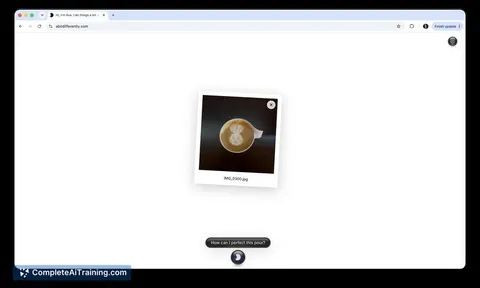
The Restaurant Menu Visualizer shows diners what dishes look like before they order. Customers can ask the AI assistant Ava to display images of food to clarify unfamiliar menu descriptions.
About Restaurant Menu Visualizer
Restaurant Menu Visualizer is a feature built into the Ava AI assistant. It lets users type a dish name and its ingredients, then generates an image of what that dish might look like. The tool is intended for moments when a menu item's description is unclear and you'd rather not ask the waiter.
Review
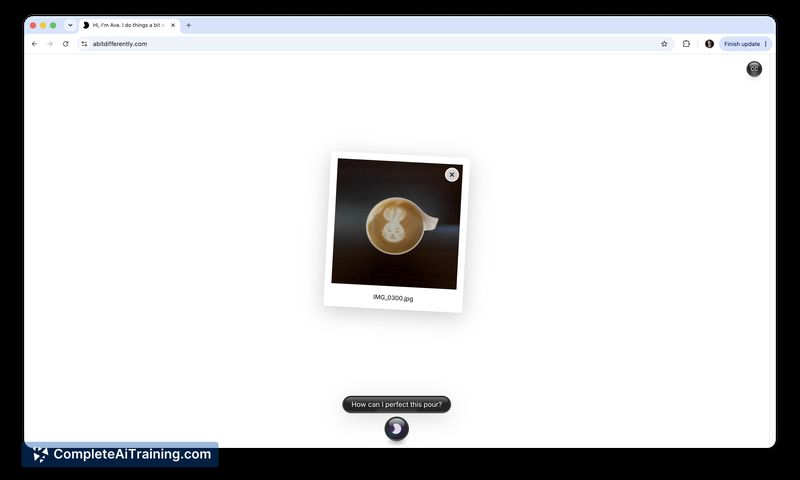
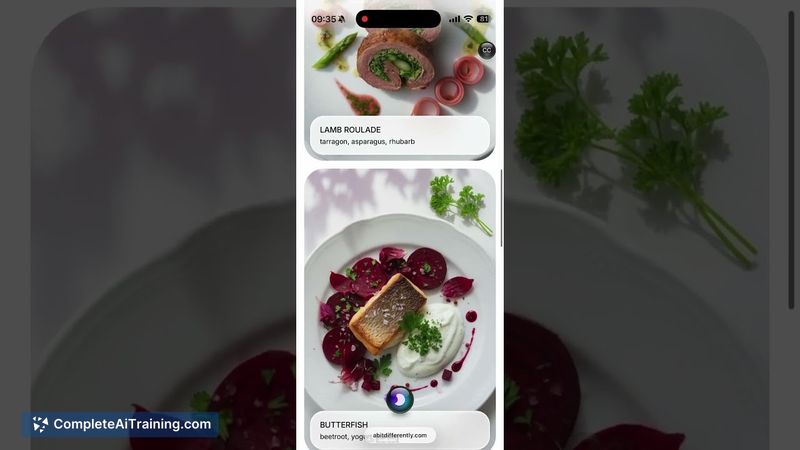
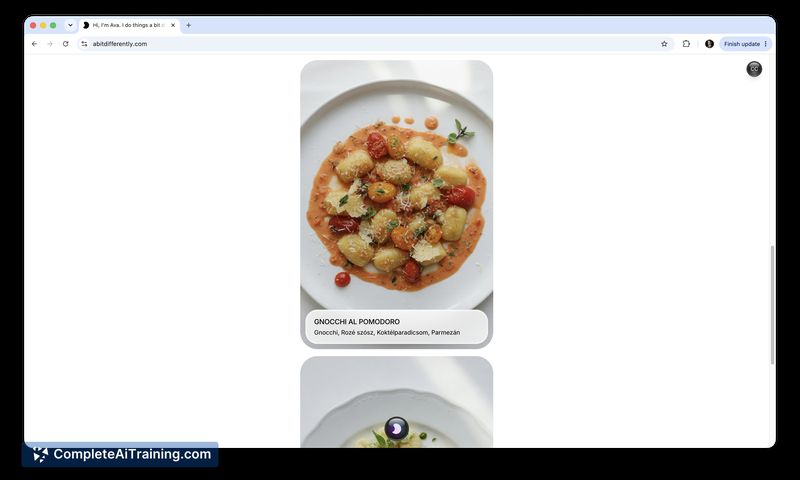
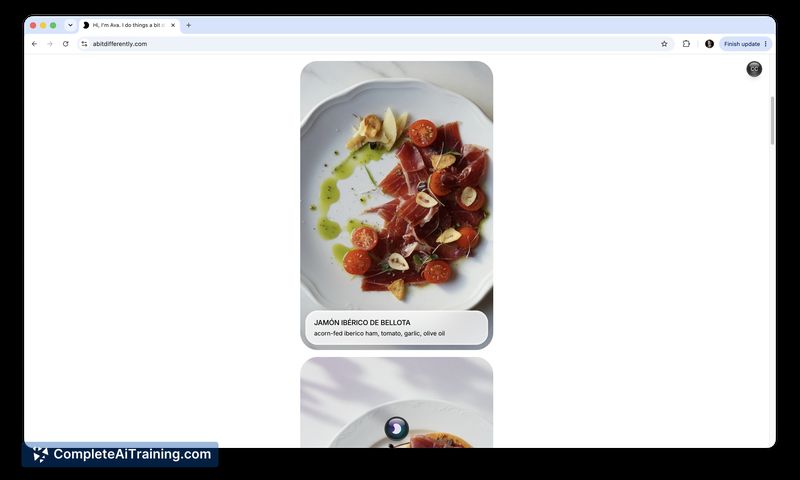
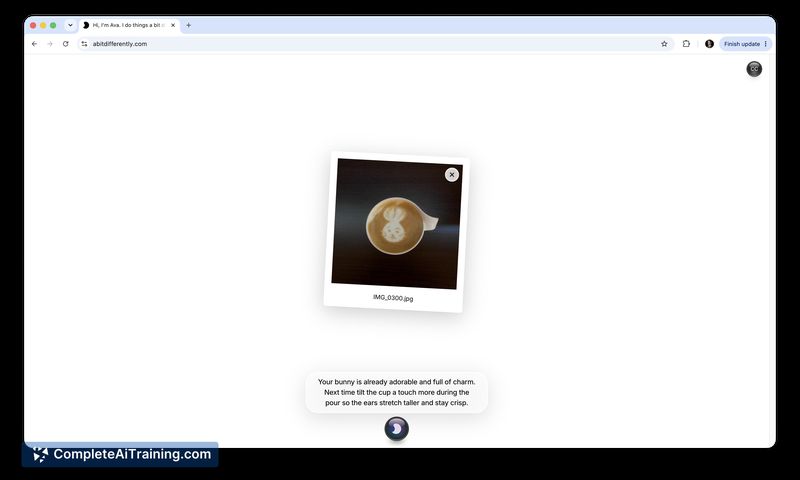
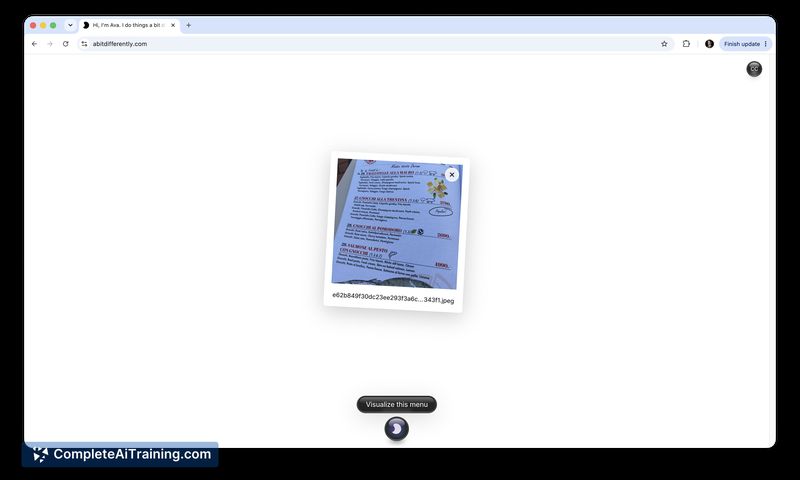
Restaurant Menu Visualizer handles a specific, relatable situation - staring at a fancy dish name and not knowing what to expect. You give Ava a textual description, and the system produces an AI-generated visual in response. The creator notes that Ava is still in development and won't always get things right.
Key Features
- Accepts typed dish names and ingredient lists to create a visual preview.
- Generates images in a matter of seconds once you submit a description.
- Requires no account, login, or payment to start using.
- Interprets many dish names and ingredient combinations based on its training data, so you can try cuisines from different regions.
- Works from text input only - it does not scan menu photos or QR codes.
Pricing and Value
The tool is free. The product page lists no paid tiers, subscription fees, or in-app purchases. There is no pricing page or mention of future costs at this stage.
Pros
- Completely free with no registration steps needed.
- Fast image output, usually within seconds.
- Removes the guesswork for unfamiliar dish names without involving restaurant staff.
- Works for any dish you can describe in text, regardless of cuisine.
Cons
- Images may not match the actual dish because generation is based solely on the name and ingredients, not on that restaurant's specific recipe or plating.
- The AI assistant, Ava, is described by its maker as not fully baked; it can produce irrelevant or odd results.
- Not well suited for diners who need precise, restaurant-specific dish previews - the tool doesn't yet incorporate real-world data from individual establishments.
Travelers and diners who run into obscure menu terms will likely find the instant visual suggestion useful as a starting point. The tool is less helpful for someone who wants an exact preview of a particular chef's dish, at least until the planned Tripadvisor integration (which would fetch restaurant-specific details) moves from roadmap to reality.
Alternatives to Restaurant Menu Visualizer
Other tools that do the same main job. Our AI compared Restaurant Menu Visualizer with similar tools and kept the ones you could use instead.