AI tool
Shipyard
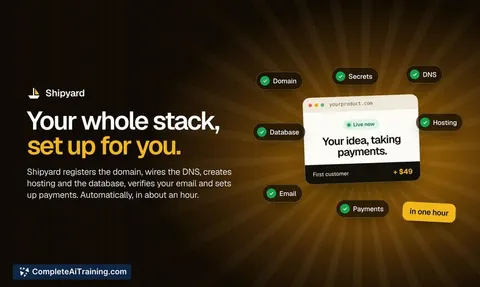
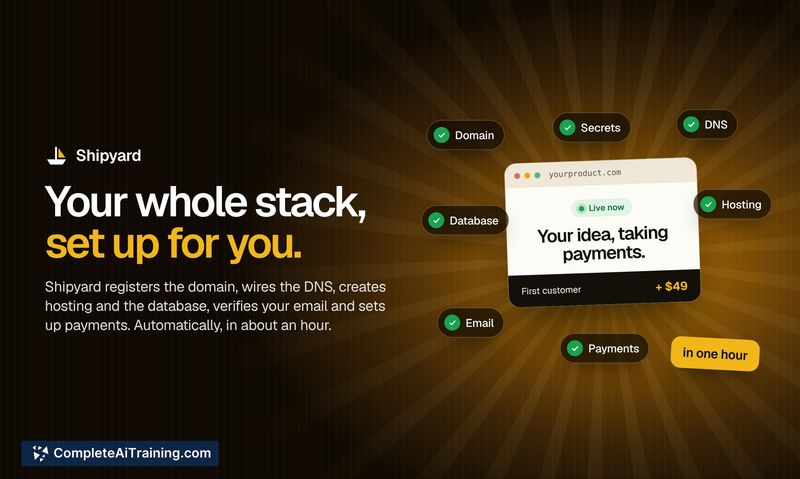
Shipyard automates the post-coding setup for launching apps, handling domain, hosting, database, email, and payment integration. It is built for developers who use AI coding tools and want to ship products more frequently.
About Shipyard
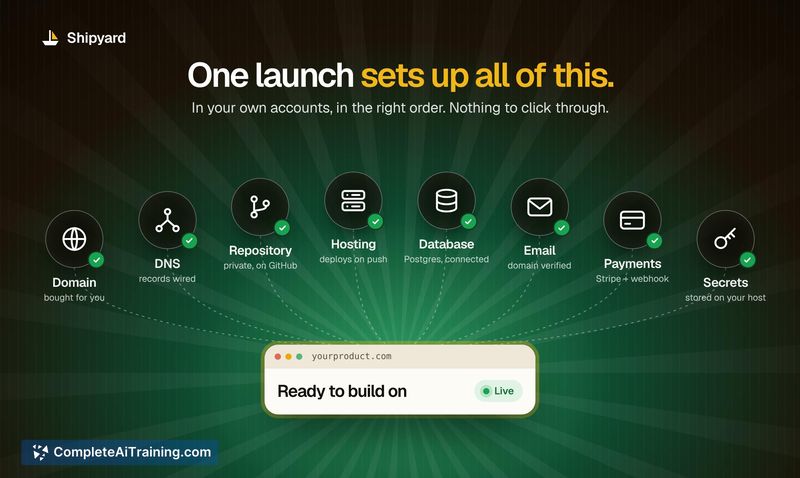
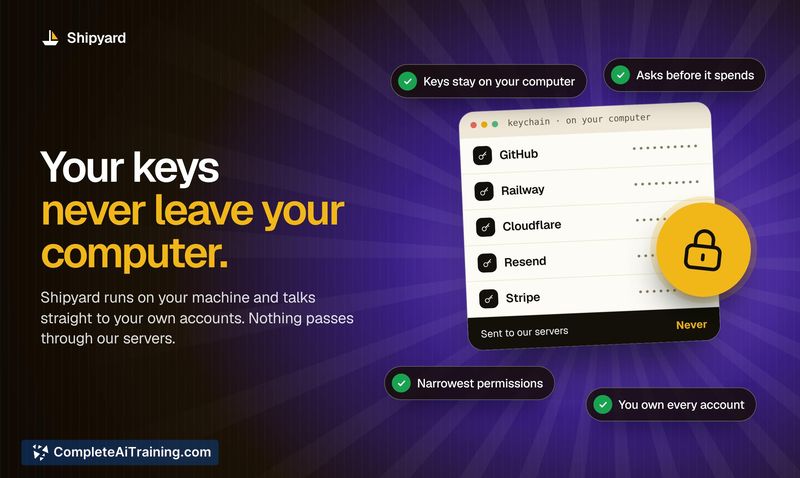
Shipyard is a local CLI and MCP server that works inside Claude Code, Cursor, and Codex. It automates the infrastructure setup for new web applications-domain registration, DNS configuration, hosting, database creation, email setup, and Stripe payment integration-in about an hour. Your API keys and credentials stay in your computer's keychain and are never transmitted to Shipyard's servers.
Review
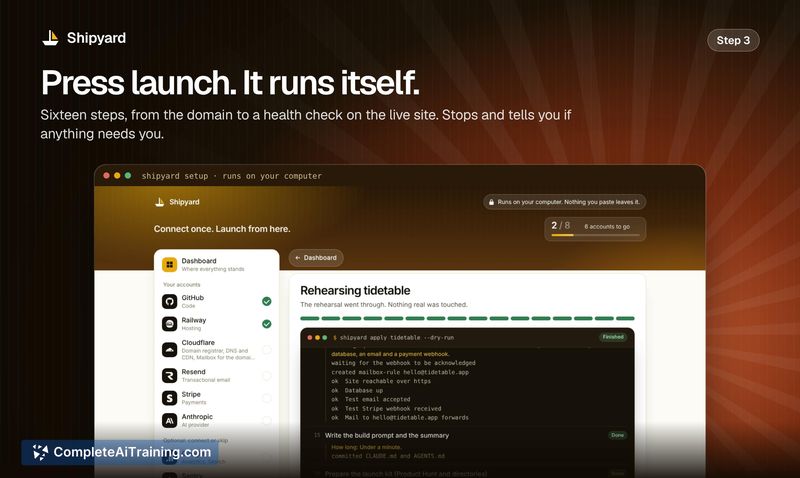
Shipyard addresses a specific friction point in the "vibecoding" workflow: the gap between generating application code with AI and actually getting that application live on the internet. The tool doesn't write code. Instead, it provisions the real-world infrastructure that a new SaaS product needs, then hands a build prompt back to your coding assistant that reflects the actual stack.
Key Features
- Operates as an MCP server inside Claude Code, Cursor, and Codex, so you stay in your coding environment
- Provisions domain, DNS, hosting, database, email, and Stripe test-mode payments from a single launch command
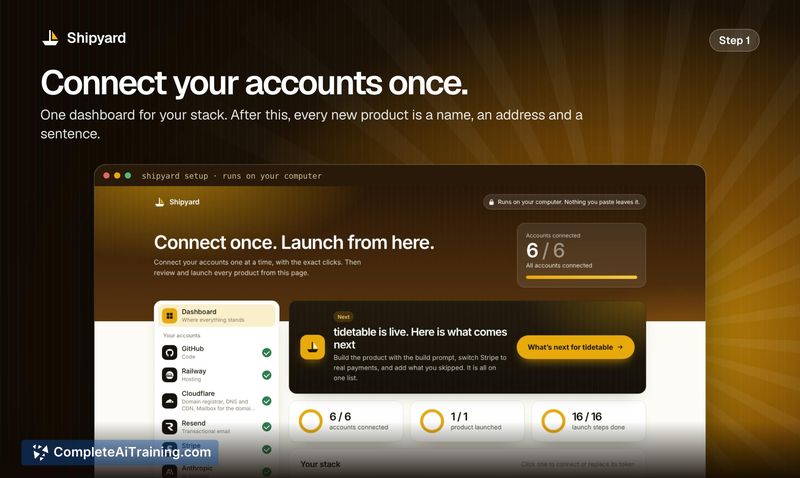
- Browser-based setup pages guide account connections with click-by-click instructions-no terminal skills required
- Retains connected accounts for subsequent products, reducing repeat launches to a name, address, and description
- Runs entirely on your local machine; keys remain in your OS keychain
Pricing and Value
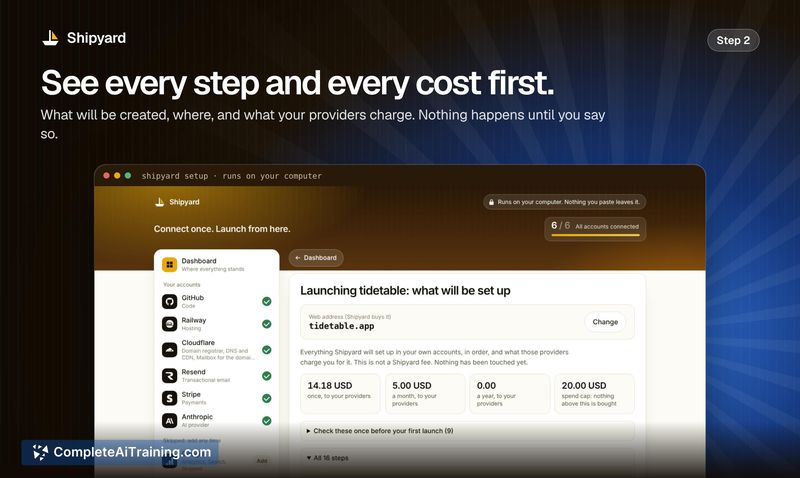
Shipyard's listing indicates payment is required, but specific pricing tiers or subscription models are not yet defined on the product page. The tool itself does not charge for infrastructure-the only purchase during a launch is the domain registration, and Shipyard pauses to request confirmation before spending. A 20% discount for Product Hunt users is active at launch. You own every account created, and stopping use of Shipyard leaves all infrastructure running independently.
Pros
- Collapses a multi-hour manual setup process into roughly 60 minutes of automated provisioning
- Keys never leave your computer, which reduces third-party exposure compared to cloud-hosted alternatives
- Generates a build prompt matched to the provisioned stack, so your AI coder builds against real infrastructure
- Requires no terminal knowledge for the account-linking and launch steps
- Infrastructure remains yours and continues operating even if you stop using the tool
Cons
- Limited to the specific providers currently supported-if your preferred host, database, or email service isn't integrated, the tool can't use it
- Not well suited for teams with complex, custom infrastructure that falls outside the standard domain/hosting/database/email/Stripe pattern
- Launch failures mid-process (DNS propagation delays, webhook errors) leave the cleanup path unclear; the maker hasn't yet documented how partial failures are handled
Shipyard fits solo developers and small teams who build multiple small SaaS products or side projects and want to remove the repetitive infrastructure work that follows code generation. It's less relevant for developers who already have templated infrastructure-as-code setups or who need fine-grained control over every provisioning step. For the "ship often and let the market decide" approach the maker describes, the tool removes a consistent bottleneck.