
AI tool
Shrine
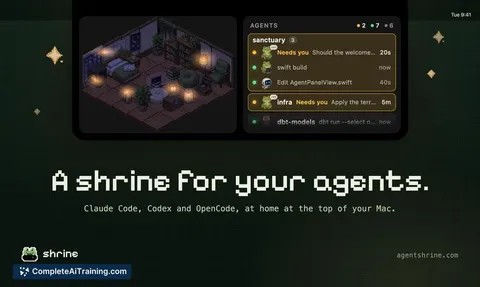
Shrine is a Mac menu bar utility that tracks the status of multiple coding agents so you can see which one needs your attention. It is built for developers managing concurrent agent sessions and lets you collect in-app assets as agents complete ta...
About Shrine
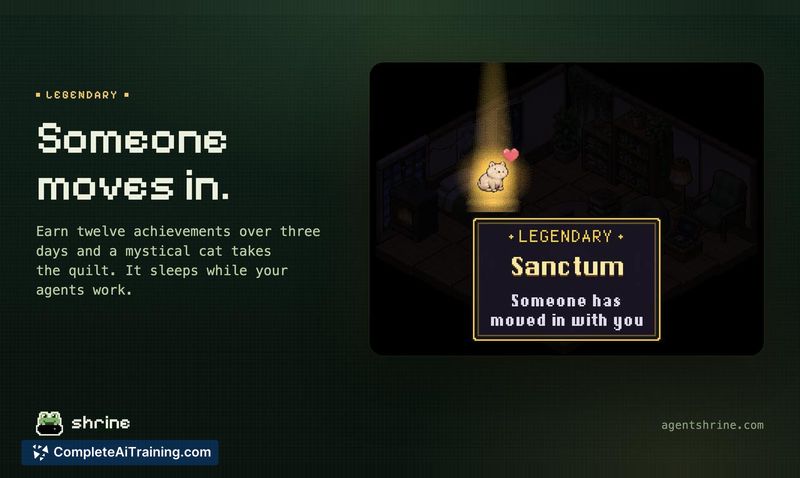
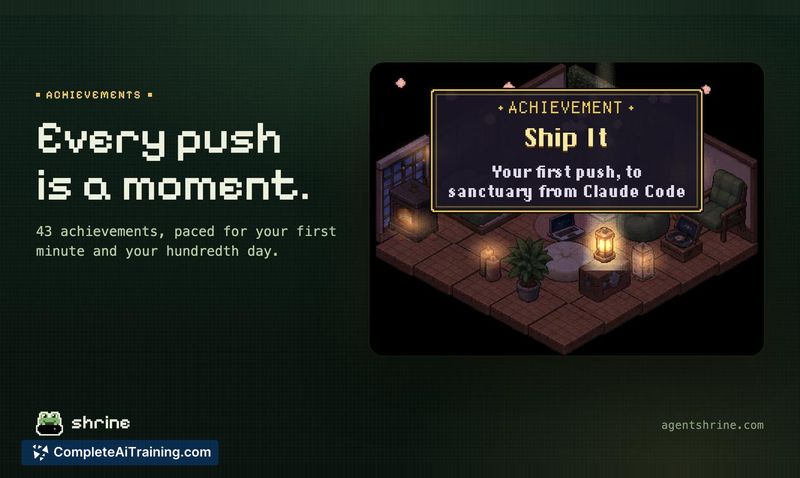
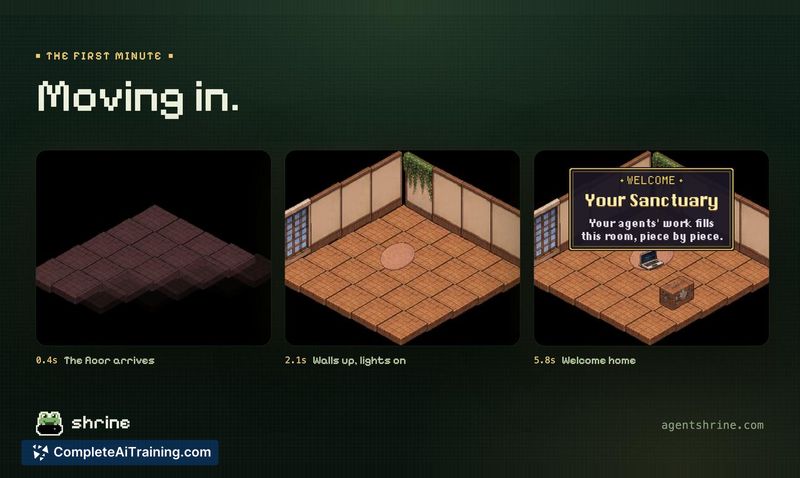
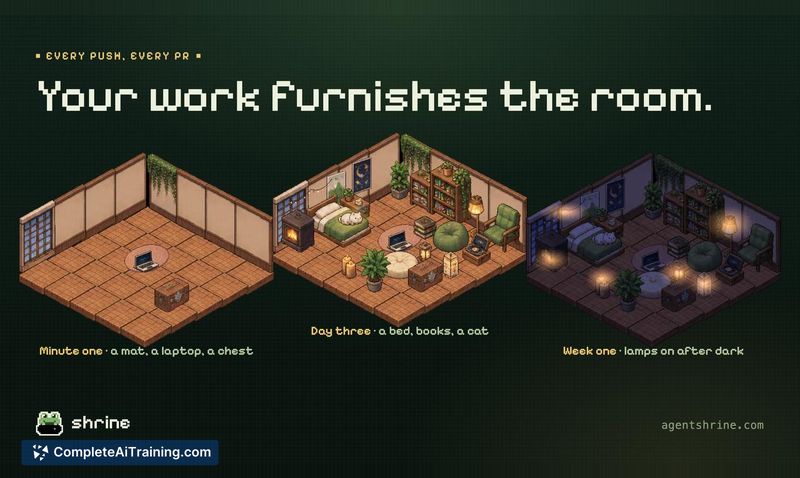
Shrine is a Mac menu bar app that lives in the notch, tracking active AI coding agent sessions from tools like Claude Code, Codex, and OpenCode. It shows how many sessions are running and which one needs attention, so you don't have to keep a dashboard window open. Each push, pull request, and research session earns pixel art assets that fill a small virtual room over time.
Review
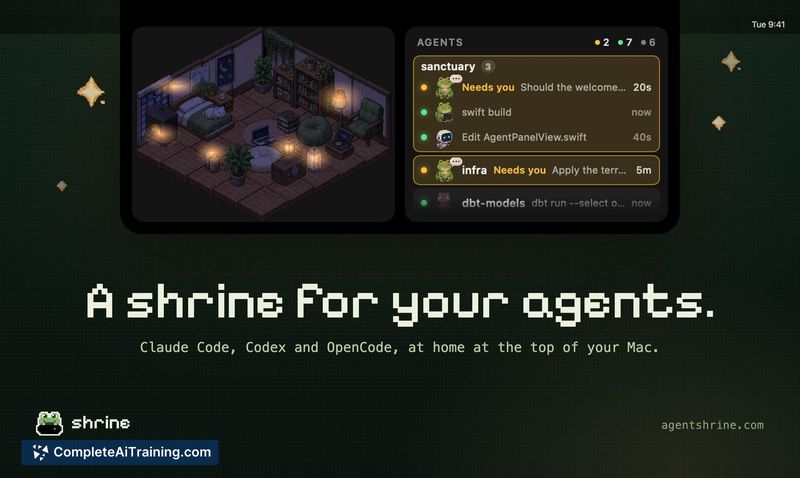
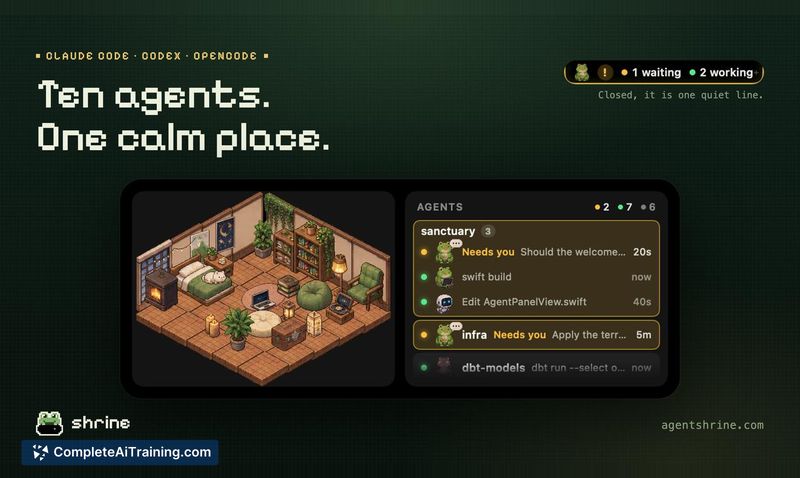
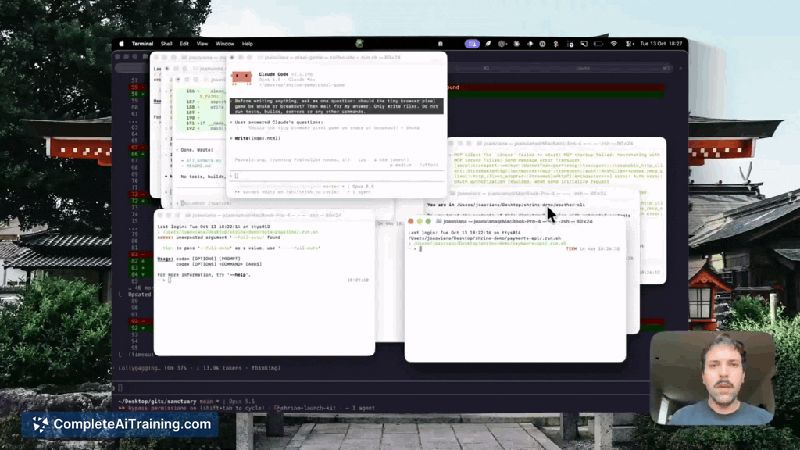


Shrine emerged from a week-long hackathon built by the team at Lightdash. It addresses a specific friction point for developers who run multiple AI coding agents simultaneously-losing track of which session has paused and requires input. The app surfaces that signal directly in the Mac notch, removing the need to cycle through terminal windows or a separate monitoring interface.
Key Features
- Displays active agent session count and status in the Mac notch
- Flags which specific agent session currently needs user attention
- Tracks Claude Code, Codex, and OpenCode sessions
- Grants pixel art assets for completed pushes, pull requests, and research sessions
- Builds a visual room that fills with earned items, including pets and custom content
Pricing and Value
Shrine charges a base fee of $14.99. Additional pixel art assets are available as paid add-ons. The pricing model is one-time payment with optional asset purchases, though the exact scope of included versus add-on content is not yet fully detailed.
Pros
- Surfaces agent status in the notch, a glanceable location that doesn't require switching windows
- Supports three agent tools at launch, covering popular options for AI-assisted coding
- Pixel art room mechanic ties work milestones to a lightweight collection layer
- Built by developers who use the tool themselves in their daily workflow
- No separate dashboard to manage-information appears in the existing macOS menu bar area
Cons
- Limited to macOS and specifically requires a Mac with a notch, excluding many desktop setups
- Only tracks three agent tools at launch; developers using other AI coding agents won't see their sessions
- Not well suited for users who run a single agent session at a time, since the core monitoring benefit matters most with multiple concurrent sessions
Shrine fits developers who regularly juggle several AI coding agents and want a lightweight, always-visible status indicator without adding another window to their workspace. It's less useful for those working with a single agent or on machines without a notch. As a hackathon project that just launched, its feature set is focused and narrow, which may appeal to users who prefer tools that do one thing without expanding into a broader platform.



