AI tool
Skillbox
Skillbox organizes AI skills from scattered repos and folders into one library, then syncs only the active set to tools like Claude Code, Cursor, and Codex. It is for developers who need to track skill sources, review diffs, and scan each version ...
About Skillbox
Skillbox is a tool that centralizes AI agent skills into a single library and syncs them across Claude Code, Cursor, and Codex. It tracks skills pulled from GitHub or GitLab sources, shows diffs when upstream versions change, and scans each version for prompt injection and other security concerns. The tool also includes a feature called Trim that shortens noisy command output to extend session length.
Review
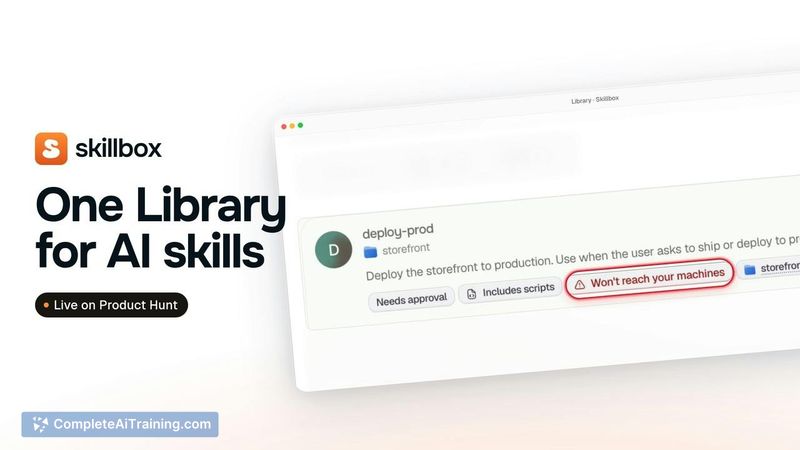
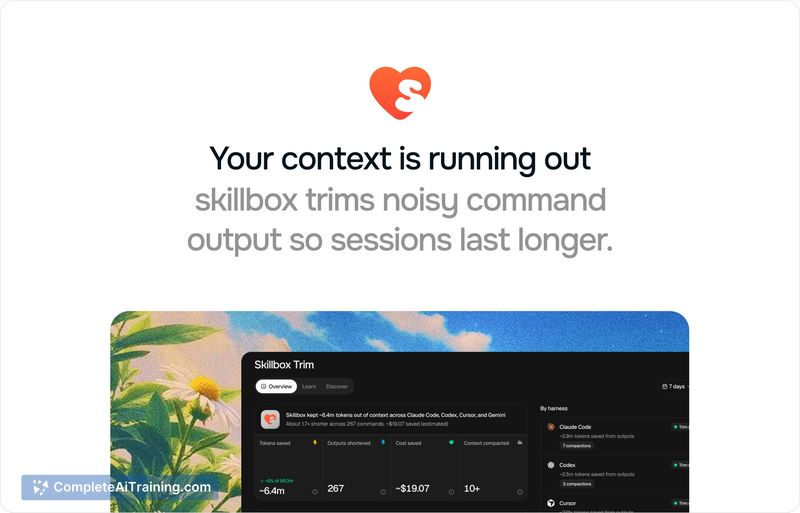
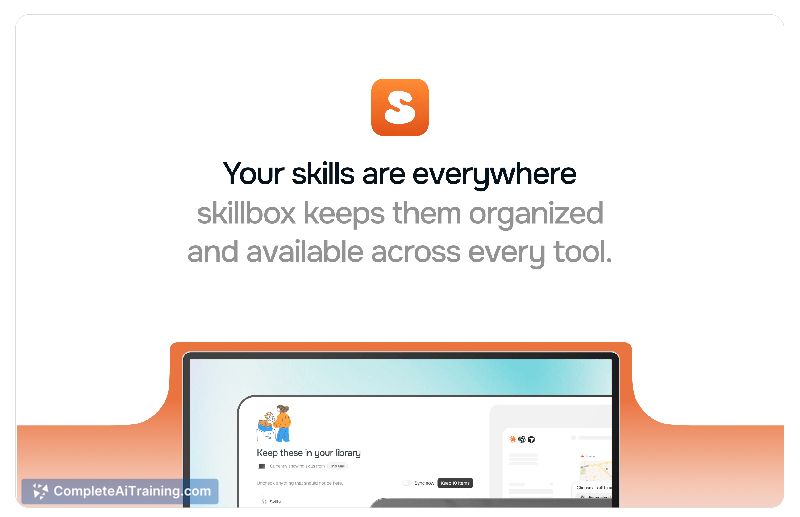
Skillbox tackles a specific friction point for developers who work with multiple AI coding agents: skills scattered across repos, project folders, and local copies with no clear source of truth. The tool acts as a central library where skills live, with a smaller active set delivered to each agent so context windows don't fill up with unused files. It's built as a Go agent, a Cloudflare Worker API, and a Next.js app in one repository.
Key Features
- Centralized skill library with scoped delivery. All collected skills sit in one library, but only the ones needed for a specific tool or project get sent to the agent. This keeps context usage low instead of treating every saved skill as installed everywhere.
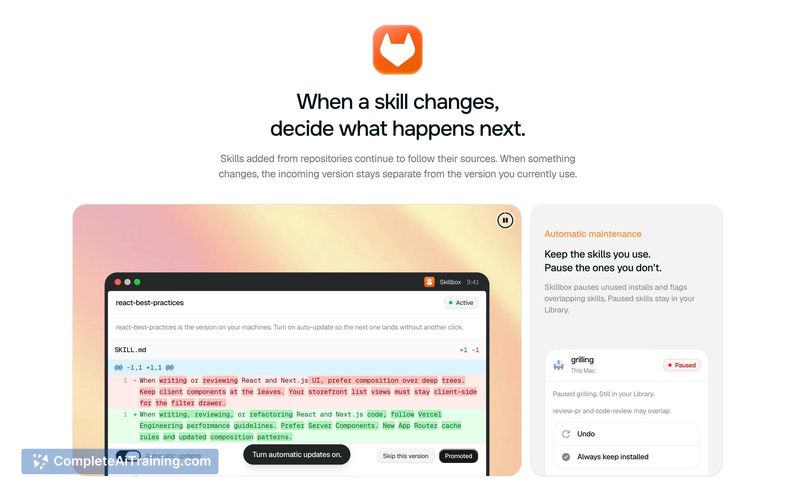
- Source tracking and diff review. Skills added from GitHub or GitLab keep their source attached. When the upstream repository changes, Skillbox surfaces a diff so you can decide whether to pull the update.
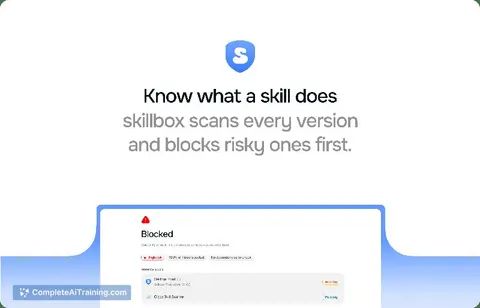
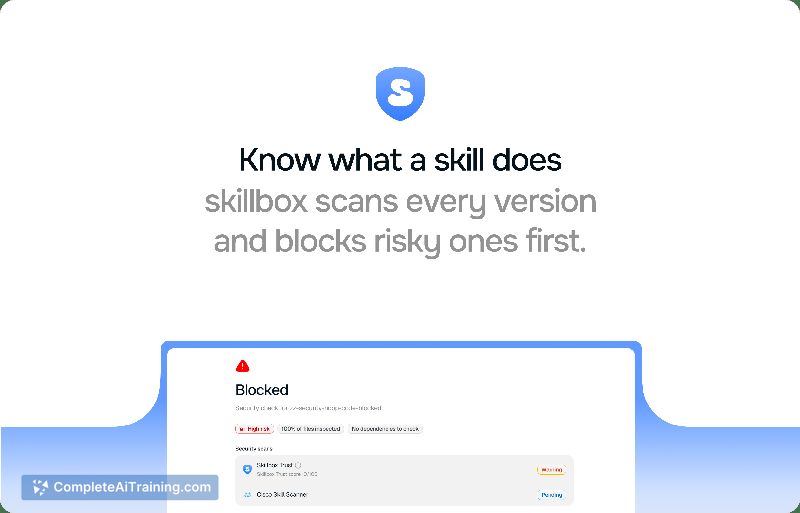
- Per-version security scanning. Each version of a skill gets scanned for prompt injection, data exfiltration, command injection, hardcoded secrets, and obfuscated code. The scan uses Cisco's Skill Scanner among other checks. Approval is tied to the exact content reviewed, so a passing check doesn't silently carry over when the skill changes.
- Trim for noisy command output. Trim shortens verbose test, git, and build output before the agent reads it. When a command fails, the full original output is saved locally and the agent can retrieve it with a single command. Per-command toggles let you disable trimming where needed.
- Local skill support. Skills you write yourself can be imported from disk or saved from a chat session. They sync across supported agents, can be scoped per project, and appear labeled as "Yours" with no upstream to follow.
Pricing and Value
Skillbox offers a permanent free plan that covers the library, syncing, source updates, and Trust scanning. Trim and AI features sit on the Individual plan, which includes a 7-day trial. Pricing details beyond this tier split are not yet defined in the available information.
Pros
- Syncs a single skill library across Claude Code, Cursor, and Codex, reducing version confusion between tools.
- Trust scans run per version, not per skill, so approval doesn't silently apply to changed content.
- Source-following with diffs lets you review upstream changes before adopting them.
- Trim preserves full output on command failure, with a hint pointing the agent to the complete logs.
- Local skills get the same library treatment and sync capabilities as externally sourced ones.
Cons
- Trim can drop output lines by design to save tokens, which may occasionally remove context an agent would have found useful outside of failure scenarios.
- Skillbox doesn't automatically toggle skills based on which repository is open-project scoping requires manual assignment to a specific folder.
- The tool is not well suited for developers who work entirely within a single agent and already have a consistent, repo-based skill management workflow with no version drift.
Skillbox fits teams or solo developers juggling multiple AI coding tools who've lost track of which skill version lives where. It's built around a specific workflow-pull skills from sources, review changes, scan for safety, and trim noisy output-so it'll make the most sense if that workflow matches how your skills already spread across environments. If you only use one agent and keep skills in a single repo, the coordination problem Skillbox solves may not exist for you.