AI tool
Dessn
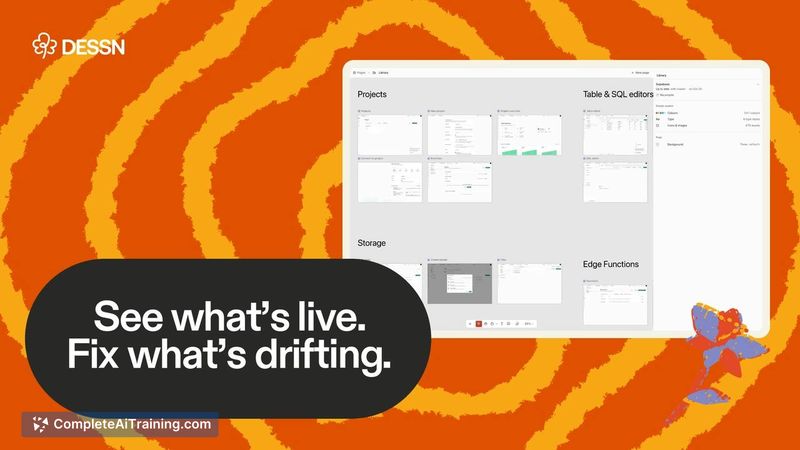
Dessn places your live production UI onto a design canvas so teams can see what is actually shipped, identify drift, and design next steps. It is for product designers and PMs who need to work from the real codebase instead of outdated mockups.
About Dessn
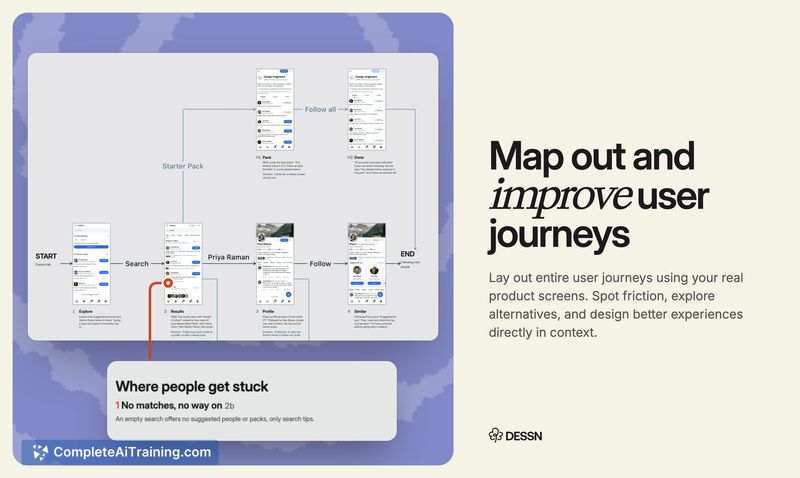
Dessn is a design canvas that runs your real production code, connecting directly to GitHub, GitLab, or Bitbucket. It renders your frontend and mocks your backend so the whole product appears on a canvas synced with production. The tool sits at the intersection of design and development workflows, letting teams audit inconsistencies, map user flows, and iterate on designs that reflect what's actually live.
Review

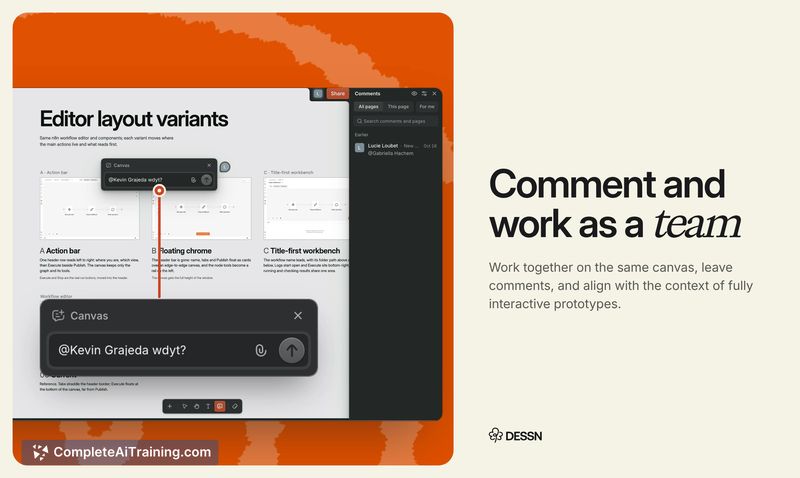
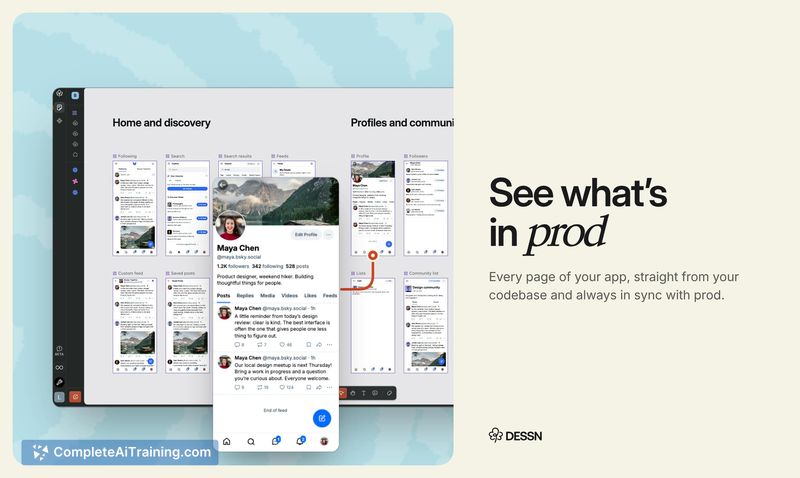
Dessn addresses a specific friction point in product teams: the gap between design files and the deployed codebase. Instead of maintaining separate mockups that drift from reality, teams work from a single source of truth. The tool launched this week on Product Hunt and comes from a team who experienced this problem firsthand in product and engineering roles.
Key Features
- One-click connection to GitHub, GitLab, or Bitbucket repositories without local setup
- Renders your frontend 1-to-1 and mocks the backend, keeping the canvas in sync with production
- Audit tool that identifies where the live UI has drifted from intended design
- Comment, branch, and iterate collaboratively on the canvas, then hand a code diff to a coding agent for shipping
- Share prototypes for reviews, user tests, or sales demos directly from the canvas
Pricing and Value
Dessn uses a credit-based system. New users from Product Hunt receive 50 free credits with the code PHBLOOM. The reference content does not detail pricing tiers or what each credit covers beyond this introductory offer, so the long-term cost structure is not yet defined.
Pros
- Designs stay anchored to the actual codebase, eliminating the drift between Figma files and production
- Read-only repo access means non-technical team members can explore safely without risking changes
- Works with any web app tech stack; iOS support is in closed beta
- Sales and support teams can build their own demos without relying on designers or PMs
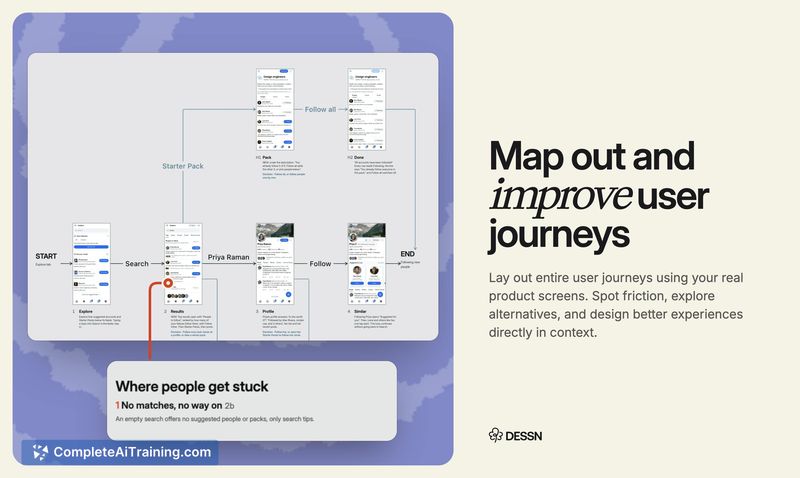
- Maps multiple states and personas for the same screen, making edge cases visible as interactive flows
Cons
- The tool is brand new-launched this week-so documentation and community troubleshooting resources are minimal
- Credit-based pricing details beyond the initial 50 free credits are not yet published
- Not well suited for teams that don't use Git-based version control or whose workflows center entirely on static design files disconnected from code
Dessn fits teams where designers, PMs, and engineers need a shared view of what's actually deployed, especially as AI-assisted shipping accelerates the pace of changes. It's also useful for sales engineers who create custom demos from real product builds. Teams that rarely update their UI or have no need to audit production consistency won't find as much immediate use for it.