AI tool
tday.com
tday.com creates narrated product demos by recording your actual app through a coding agent. It adds voice, zooms, captions, and brand elements while keeping your code local. The tool is for developers who want to produce demo videos for launches,...
About tday.com
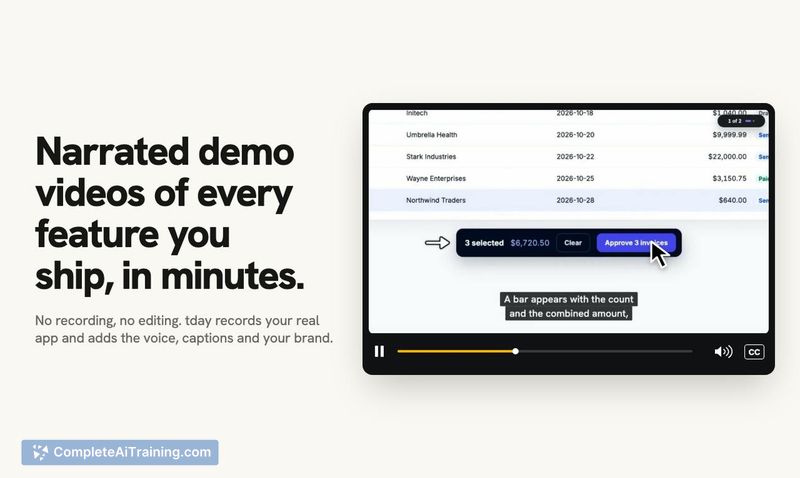
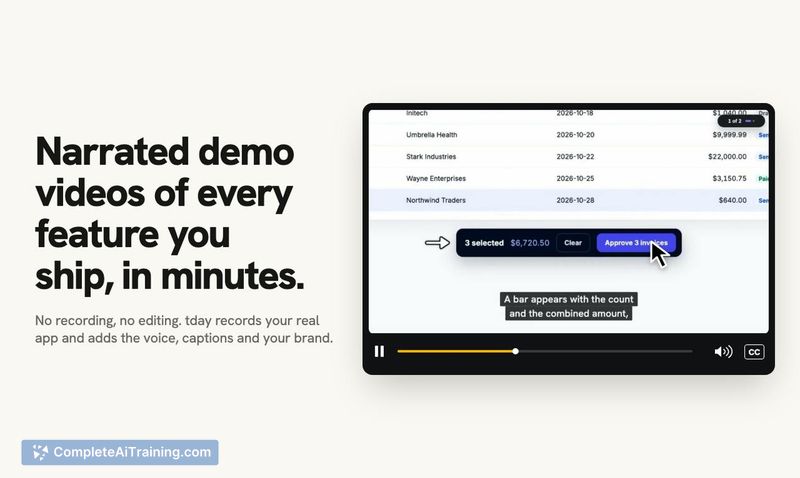
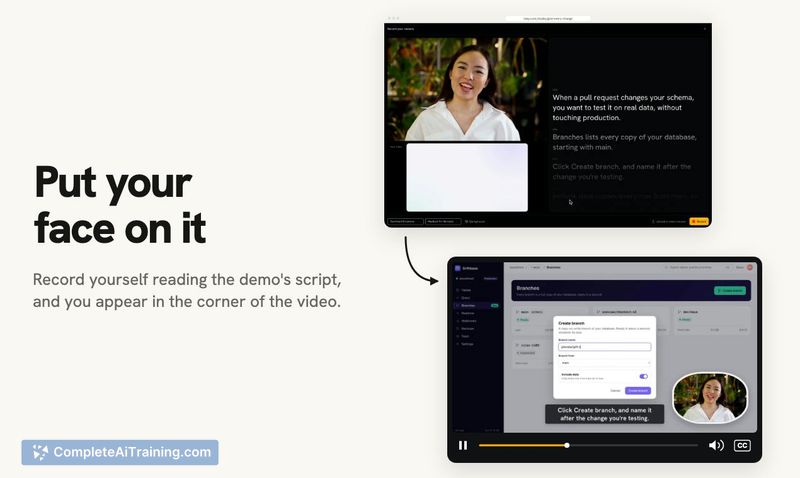
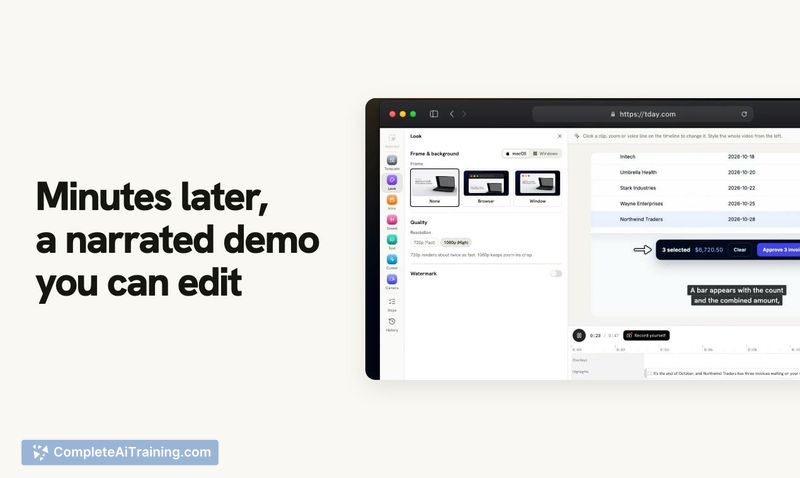
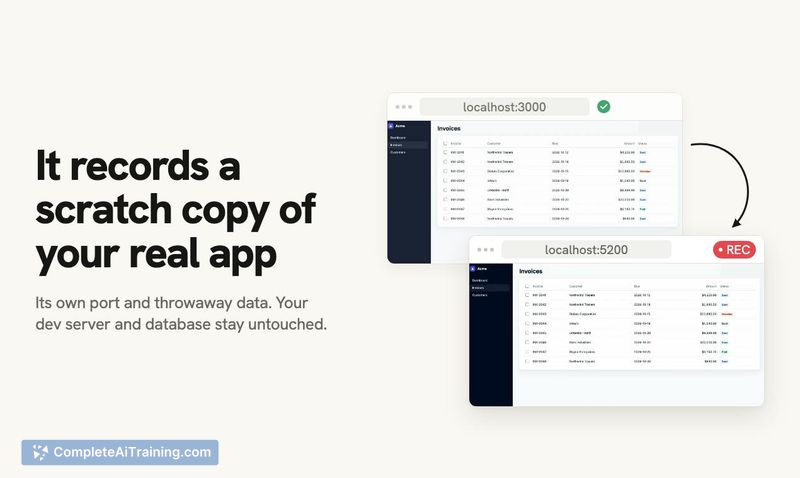
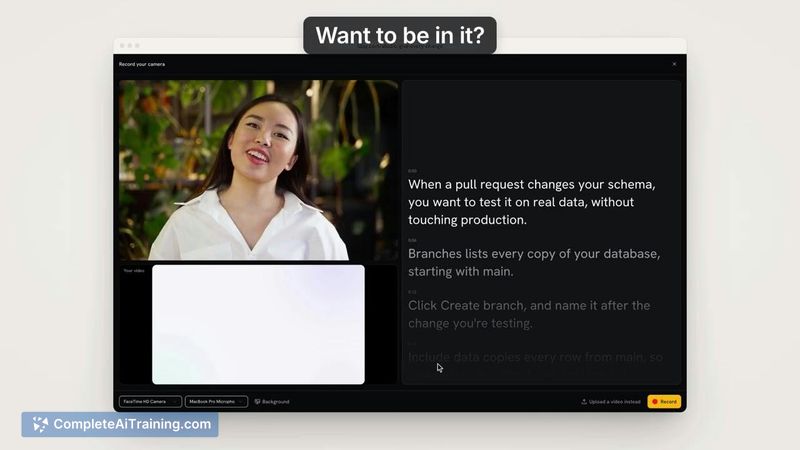
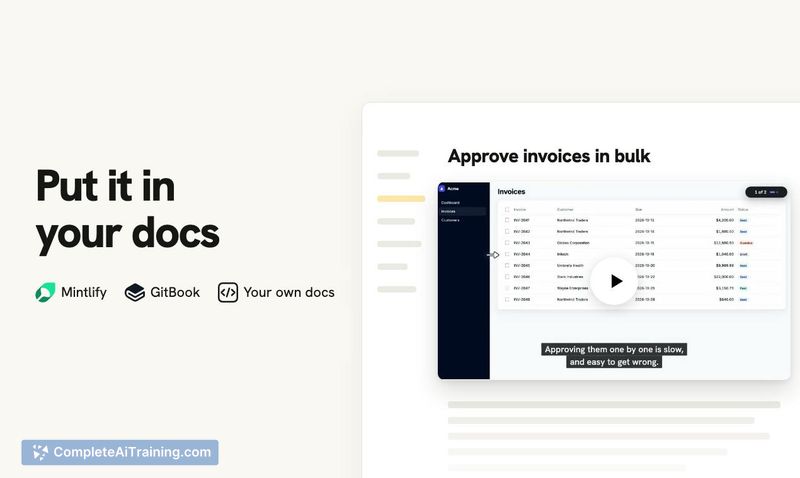
tday.com generates narrated demo videos from a one-line prompt given to a coding agent like Claude Code, Cursor, or Codex. The agent records the user's actual application running locally, including localhost and unreleased features, while tday.com adds voiceover, cursor movement, zooms, captions, and branding. Users can edit individual narration lines before using the video in launches, documentation, or changelogs.
Review
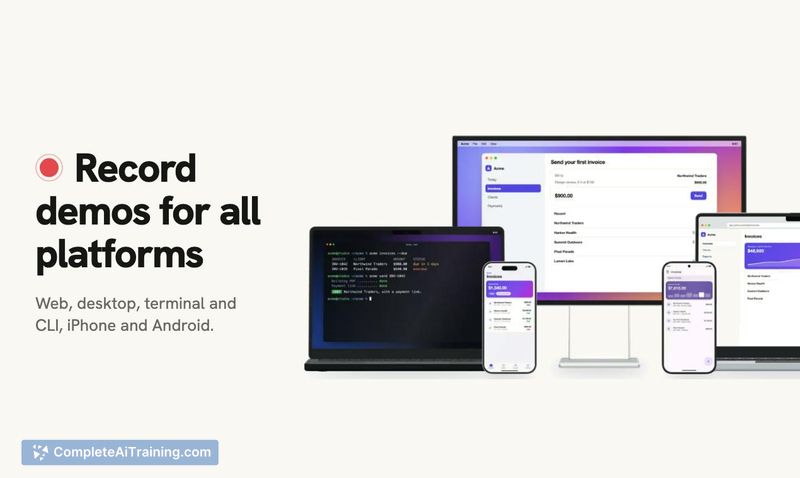
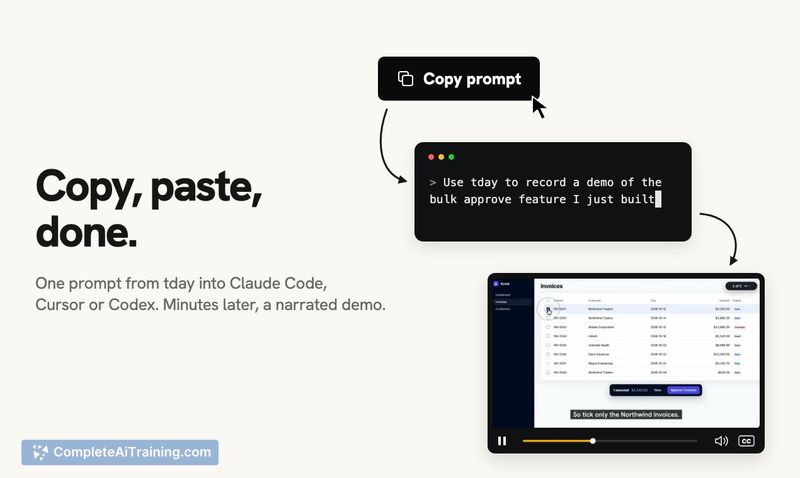
Most feature demos never get made because scripting, recording, re-taking, and editing takes hours. tday.com reduces that workflow to a single prompt. The tool records real apps across web, desktop, terminal, iPhone, and Android platforms, then assembles the footage into an editable, branded video.
Key Features
- One-line demo requests through Claude Code, Cursor, or Codex that trigger a local recording of the actual application.
- Automatic addition of voiceover, cursor visualization, zooms, captions, and brand elements to the recorded footage.
- Line-level narration editing that lets users change any spoken sentence without re-recording the entire video.
- Step-level error correction during recording - if a click doesn't land, the agent redoes just that step before uploading.
- Multi-feature grouping that scans docs and site content, then records multiple features into a single video.
Pricing and Value
The free plan includes 5 saved demos. A Pro plan exists with a monthly subscription, though the exact price isn't listed on the current page. A launch promotion code (PRODUCTHUNT) gives 50% off the first month of Pro until November 28. No other pricing tiers or enterprise options appear in the available reference material.
Pros
- Records the user's real app, including localhost and features not yet shipped, rather than mockups or staging environments.
- Code never leaves the user's machine during the recording process.
- Supports a wide range of platforms: web, desktop, terminal, iPhone, and Android.
- Handles mid-flow pauses (such as waiting for human approval) by cutting or speeding up that portion of the clip.
- Editor allows cutting, speed adjustments, zoom tweaks, or re-voicing individual lines after recording.
Cons
- The editor cannot re-shoot a single step - if the app performed the wrong action on camera, the entire demo must be re-recorded.
- macOS permission prompts mid-recording (like screen recording access dialogs) are not addressed in the current feature set, leaving their handling unclear.
- Teams that prefer fully manual control over every frame of a demo, or who don't use a supported coding agent, won't find a workflow that fits their process.
tday.com suits development teams that ship frequently and want to attach demo videos to feature launches without dedicating hours to video production. It's also practical for solo developers who document their own work and need a faster way to show real app behavior. Organizations with strict offline requirements or those not using Claude Code, Cursor, or Codex will need to look elsewhere.