AI tool
Omi CLI
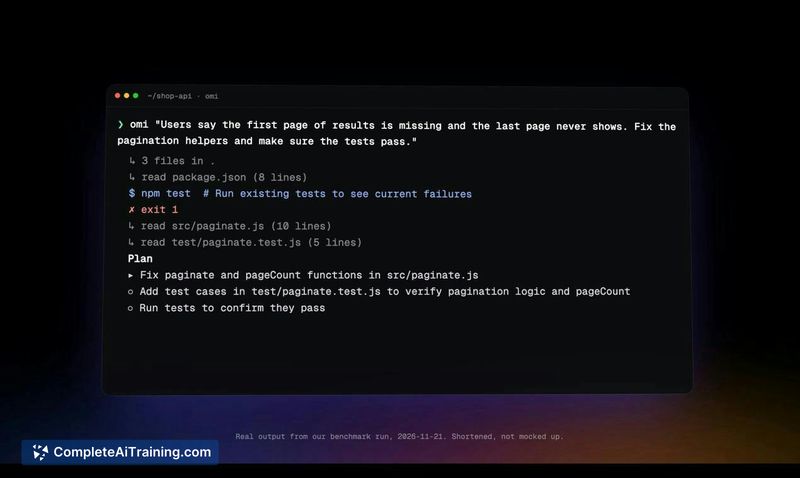
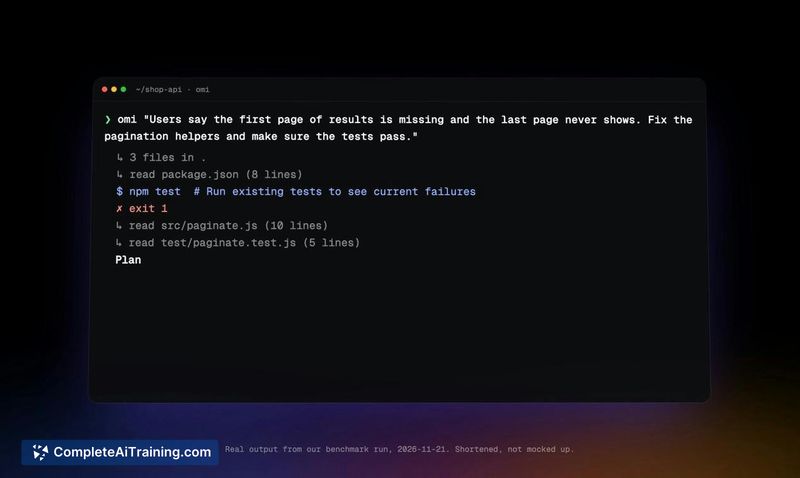
Omi CLI is an AI coding agent that runs in your terminal. It reads your repository, proposes code edits as reviewable diffs, and runs your test suite until the tests pass. The tool is for developers who want an automated assistant that can plan ch...
About Omi CLI
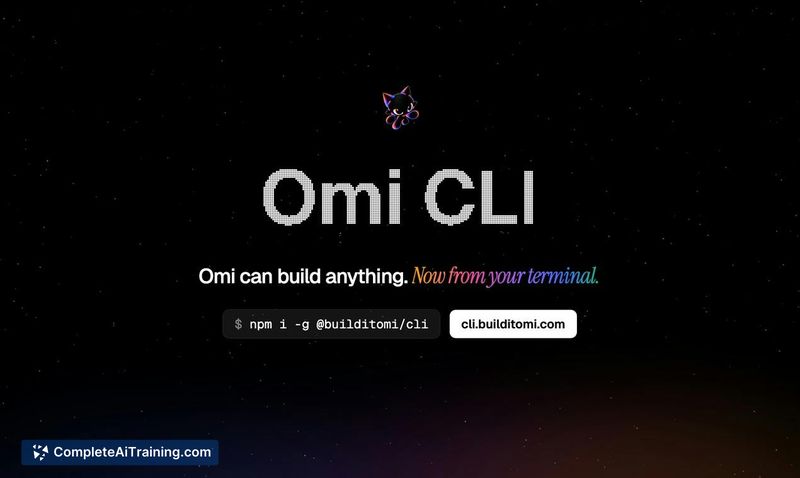
Omi CLI is a command-line AI coding agent that operates directly in your terminal. It reads your repository, proposes edits as diffs for approval, runs tests, and can use a headless browser to check your application. The tool supports background agents that continue after the terminal closes and cloud agents that run via GitHub Actions to open pull requests.
Review
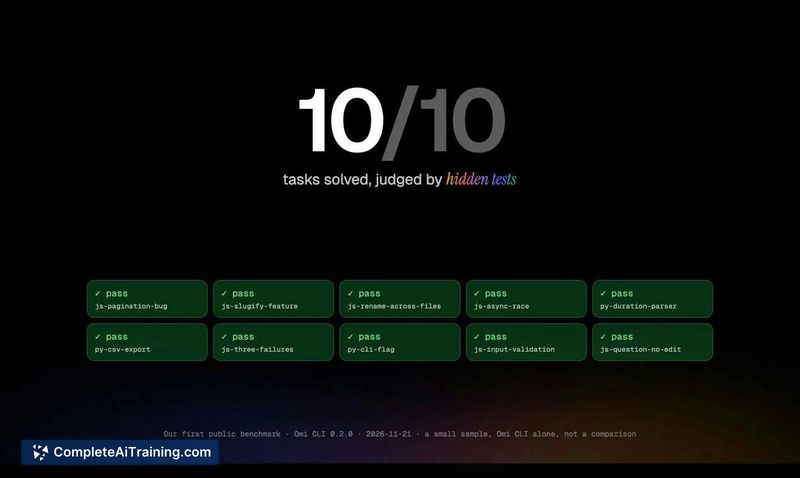
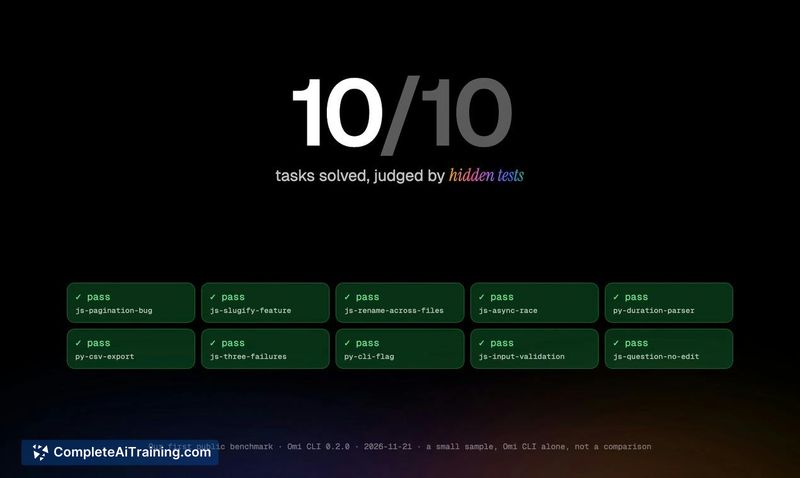
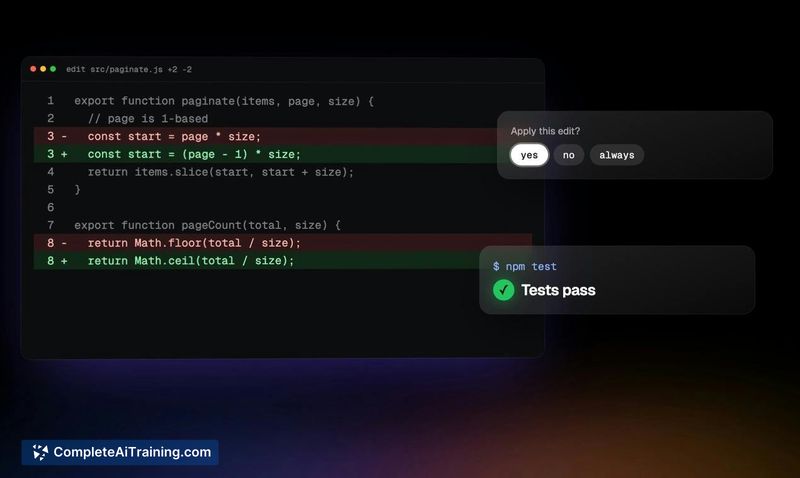
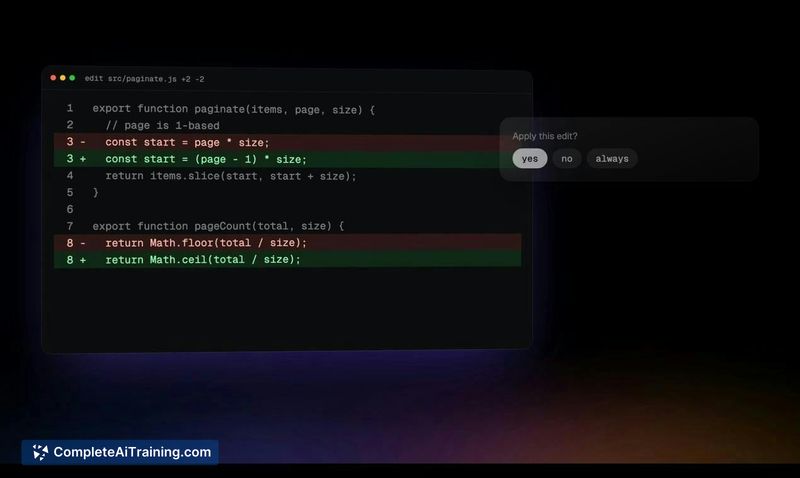
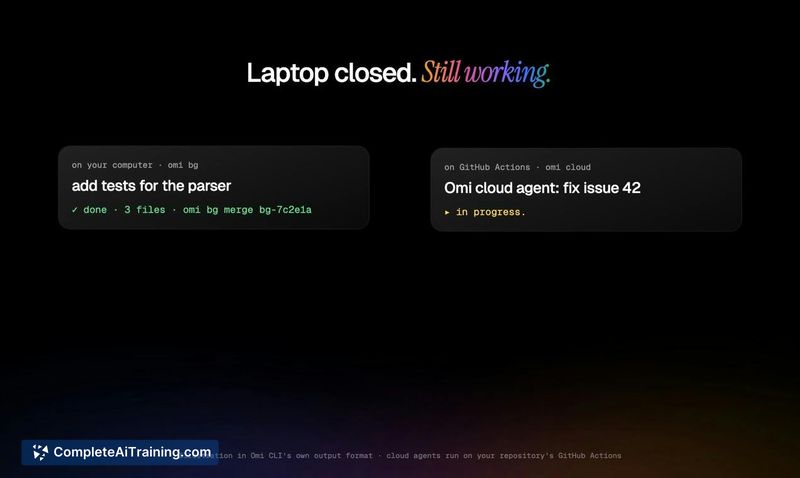
Omi CLI enters a crowded field of AI coding assistants with a specific focus on agentic, multi-step task execution from the terminal. What differentiates it is the diff-first workflow-every file change appears as a diff you approve or reject before it's applied. The 0.5.0 release adds parallel subagents, browser testing, and background execution, making it a tool that can run tasks while you step away from the keyboard.
Key Features
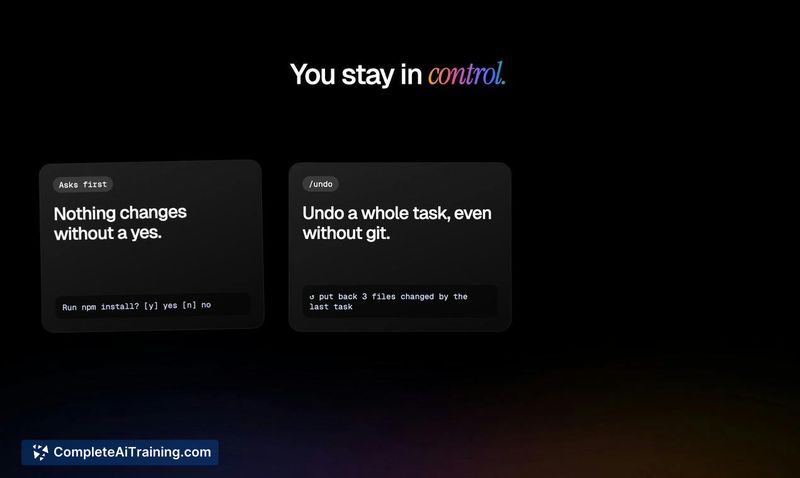
- Diff-based approval workflow: Every edit appears as a diff with yes/no/always options before changes are applied. The /undo command reverts all files changed by the last task, even without git.
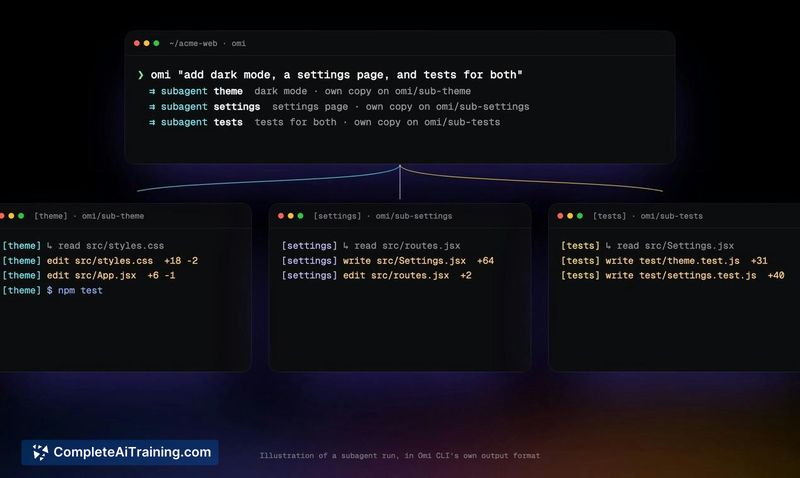
- Parallel subagents in separate worktrees: Subagents edit in their own git worktrees and merge back using three-way merges. Conflicts on overlapping edits produce standard conflict markers rather than silent overwrites.
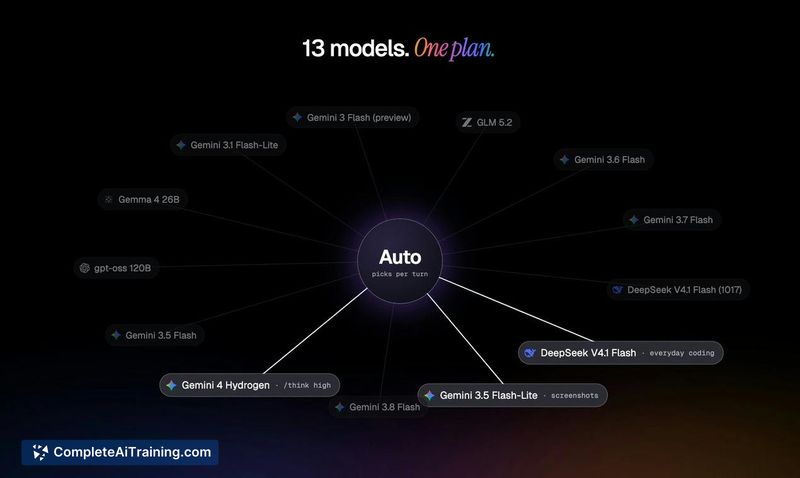
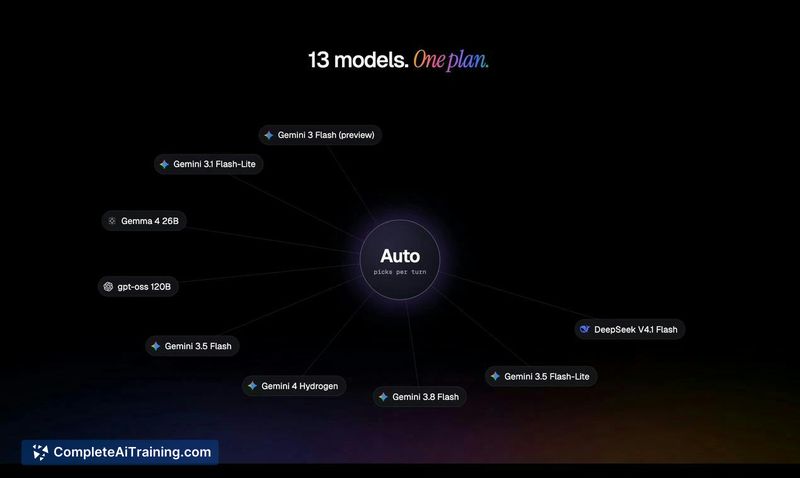
- Automatic model selection: Omi CLI auto-picks from 13 models (including DeepSeek, Gemini, Gemma, gpt-oss, and GLM) per turn, using cheaper models for routine edits and stronger ones for complex problems. Users can also pin a specific model with /model.
- Background and cloud agents: Background agents (omi bg "task") keep working after the terminal closes. Cloud agents (omi cloud "task") run on the repo's GitHub Actions and open a pull request when finished.
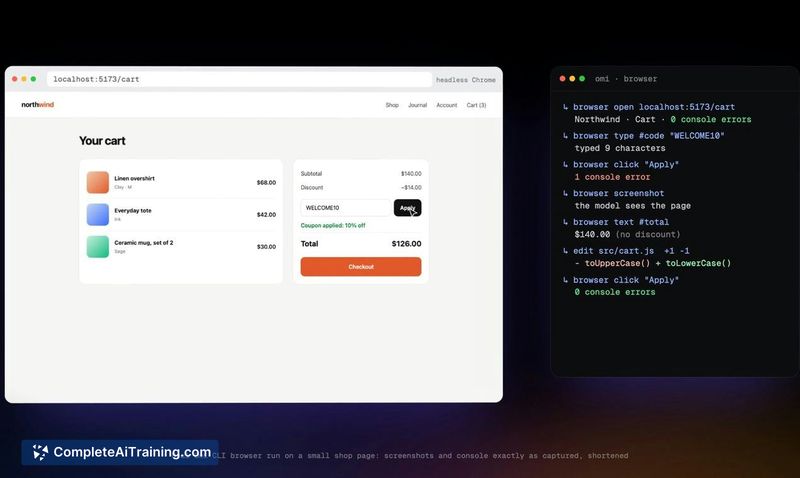
- Built-in browser testing: The tool opens your app in headless Chrome, clicks through it, and reports console errors and failed requests.
Pricing and Value
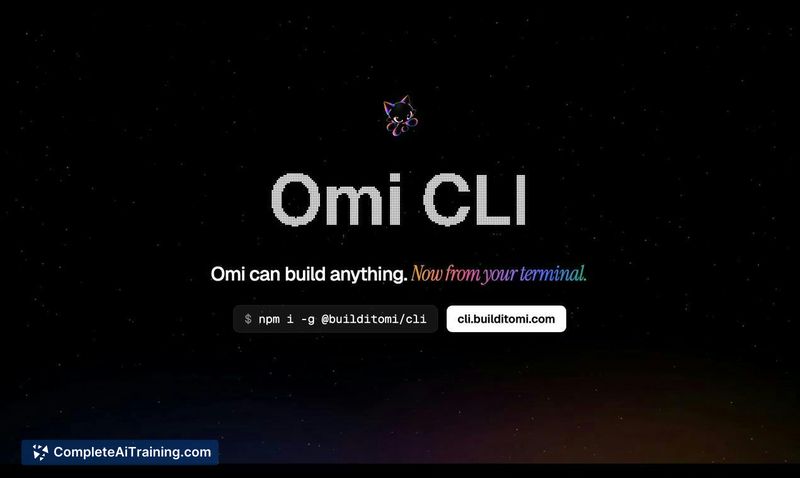
Omi CLI has a free plan that lets users start with npm i -g @builditomi/cli. The maker describes one paid plan in USD with defined 5-hour and weekly limits, though exact pricing figures are not specified on the launch page. The free tier provides enough access to evaluate the tool's core workflow before committing to a paid plan.
Pros
- Every edit requires explicit diff approval, which prevents unwanted code changes from slipping through unnoticed.
- Subagents work in isolated worktrees, so parallel tasks don't interfere with each other or the main working directory.
- The /undo command provides a clean rollback mechanism that doesn't depend on git history.
- Auto model selection routes simple tasks to cheaper models and hard problems to stronger ones without manual switching.
- Background agents remain useful for long-running tasks-close your laptop and the agent continues on the remote machine.
Cons
- The tool is not well suited for projects that lack a test suite; Omi CLI relies on running tests to verify its changes, and without them the feedback loop weakens considerably.
- Subagent worktrees don't copy git-ignored files like .env or built packages, so teams with complex local build dependencies need to configure setup commands in OMI.md for each subagent session.
- The auto model selection doesn't explain why a particular model was chosen for a given turn, making it harder to debug when results are poor-though the model used is printed at the end of each task.
Omi CLI fits developers who want an AI agent that asks permission before touching files and can handle multi-step tasks like bug fixes or small refactors while they're away. Teams with established test suites and clear project conventions will get the most out of the diff-first workflow. Those who prefer a tighter, synchronous pairing experience or need subagents to handle complex local build environments out of the box may find the current limitations worth evaluating against their workflow.