AI tool
Trainn MCP
Trainn MCP lets AI agents like Claude or ChatGPT create training materials from recordings instead of just planning them. It converts sessions into product videos, help articles, and courses through chat. It is for teams that want their AI tools t...
About Trainn MCP
Trainn MCP is a connector that links Trainn's content creation platform to AI tools like Claude, ChatGPT, and other MCP-compatible agents. It lets those AI tools create and update product videos, help articles, and training courses directly through chat, rather than just drafting text. The content lands as drafts in Trainn, where you review and publish it manually.
Review
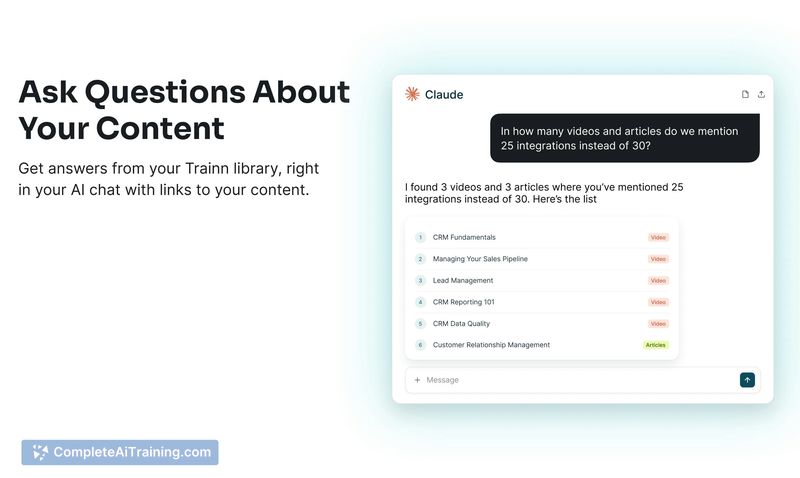
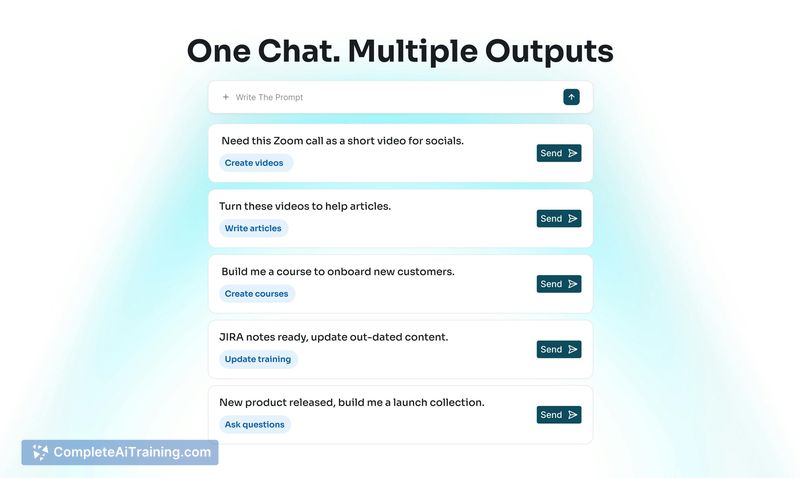
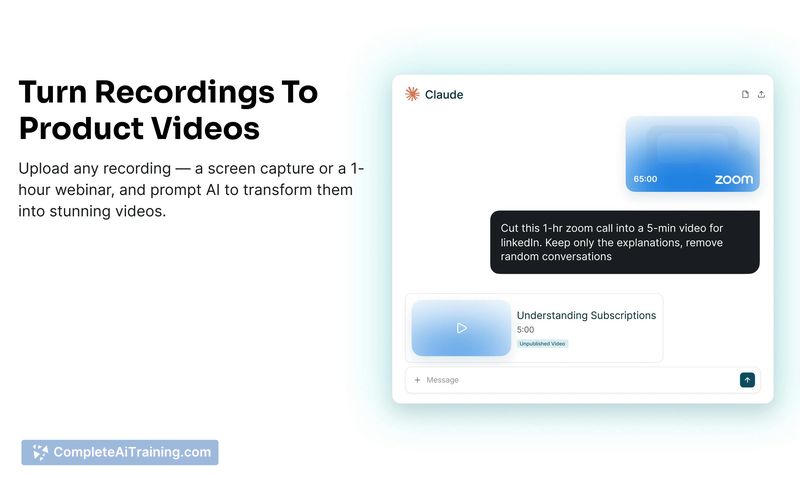
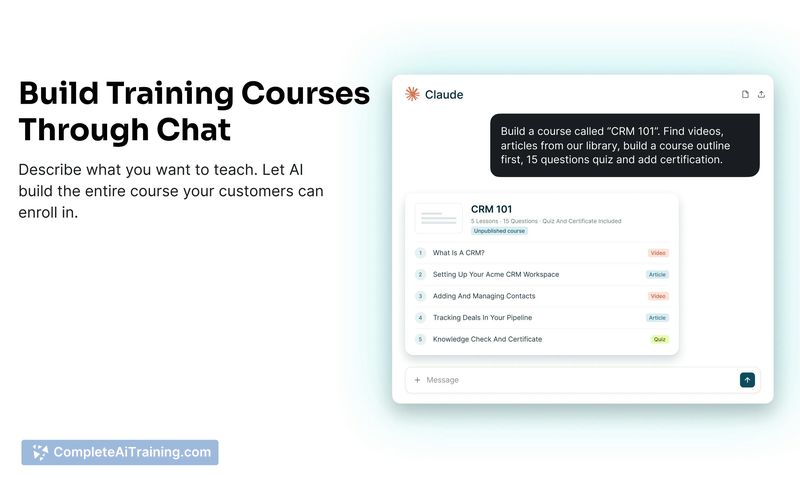
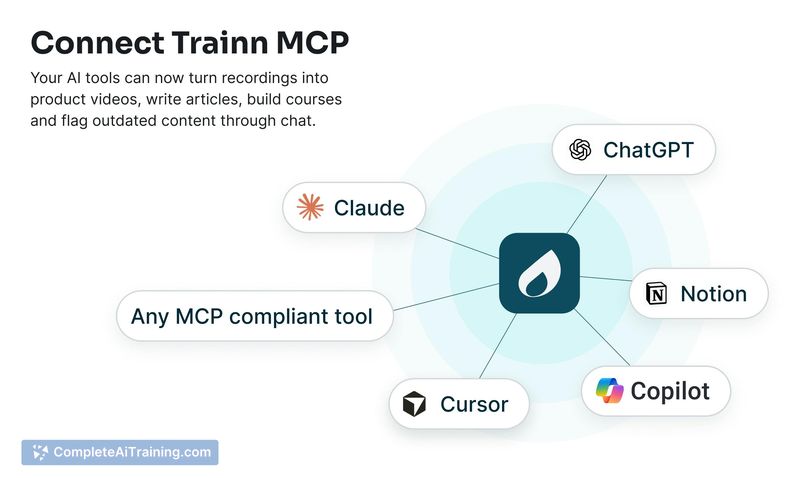
Trainn MCP addresses a specific friction point: the gap between AI-generated drafts and finished customer-facing content. Instead of copying text from a chat window into a separate editor, you stay in the conversation and ask the AI to produce videos, articles, or courses that appear in your Trainn account. The tool doesn't publish anything automatically - everything requires your approval first.
Key Features
- Chat-to-video creation: Upload screen recordings or call footage and ask the AI to trim, add AI voiceovers, apply zooms, and highlight sections to produce product walkthrough videos.
- Help article generation: Feed call transcripts, product notes, or existing videos into the chat and the AI structures them into step-by-step help articles.
- Course building: Request a full training course with chapters, lessons, and quizzes. You can approve an outline before the AI builds the complete course in Trainn.
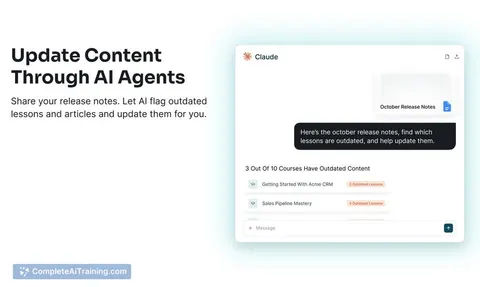
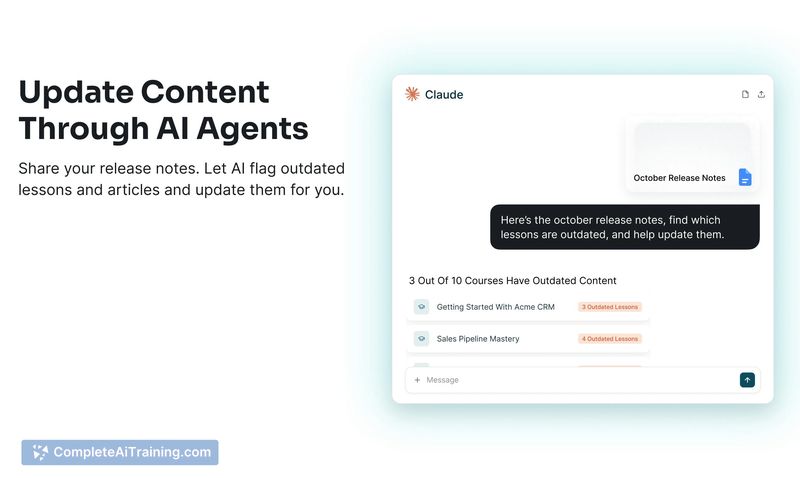
- Content updating: Share release notes and the AI scans your existing library to identify outdated content, suggests changes, and applies updates through the same chat thread.
- Voiceover translation: The AI can translate video voiceovers into other languages, though the on-screen UI in the recording remains untranslated.
Pricing and Value
Trainn offers a 14-day free trial with access to all features. The MCP functionality is included in the $19/month plan, which covers AI voiceovers, zooms, and spotlights. Pricing for other tiers beyond this plan isn't specified in the available reference material.
Pros
- AI-generated content never goes live without manual review and publishing in Trainn.
- Works with any MCP-compatible AI tool, not locked to a single assistant.
- Video editing capabilities go beyond basic trimming - the underlying editor handles zooms, highlights, and voiceover styling.
- Cuts long recordings (like 30-minute Zoom calls) into shorter explainer videos by removing off-topic conversation.
- Each chat session saves as a project inside Trainn, with direct links back from the AI tool.
Cons
- Screen UI translation isn't available - only voiceover translation is supported, so multi-language teams see a mismatch between audio and on-screen text.
- Automatic UI change detection across uploaded videos is a roadmap item, not yet released.
- Teams that don't create customer-facing training content regularly won't find enough utility here - the tool is built for recurring content workflows, not one-off video edits.
Trainn MCP suits product and customer education teams who already use AI chat tools for drafting but need to turn those drafts into finished videos, articles, and courses without switching contexts. It fits organizations shipping frequent product changes where training content needs regular updates. Teams that only occasionally produce a help video or don't use MCP-compatible AI tools will likely find the integration unnecessary.