AI tool
Adobe AI Assistant
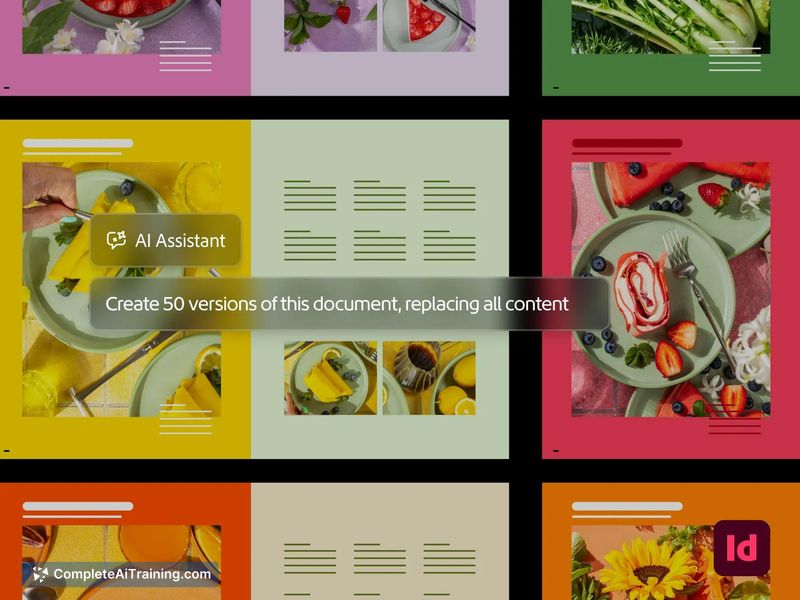
Adobe AI Assistant lets creative professionals complete complex tasks across Creative Cloud apps by describing what they want in plain language. It is for designers, video editors, and marketers who want to generate mockups, apply edits, or organi...
About Adobe AI Assistant
Adobe AI Assistant is a conversational AI layer integrated across Creative Cloud applications. It accepts natural-language instructions to execute multi-step creative tasks in Photoshop, Premiere, Illustrator, InDesign, After Effects, and Firefly. The tool works by generating a plan for user review before applying changes, and edits can be reversed afterward.
Review
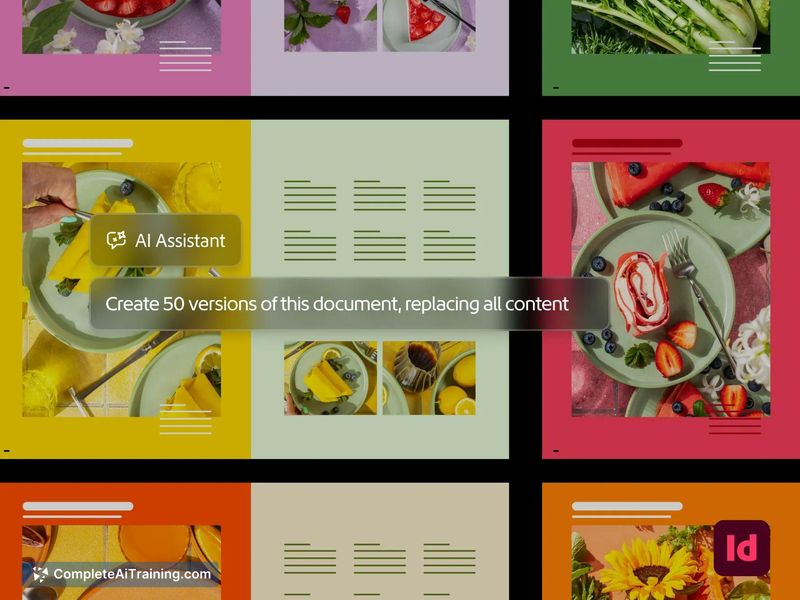

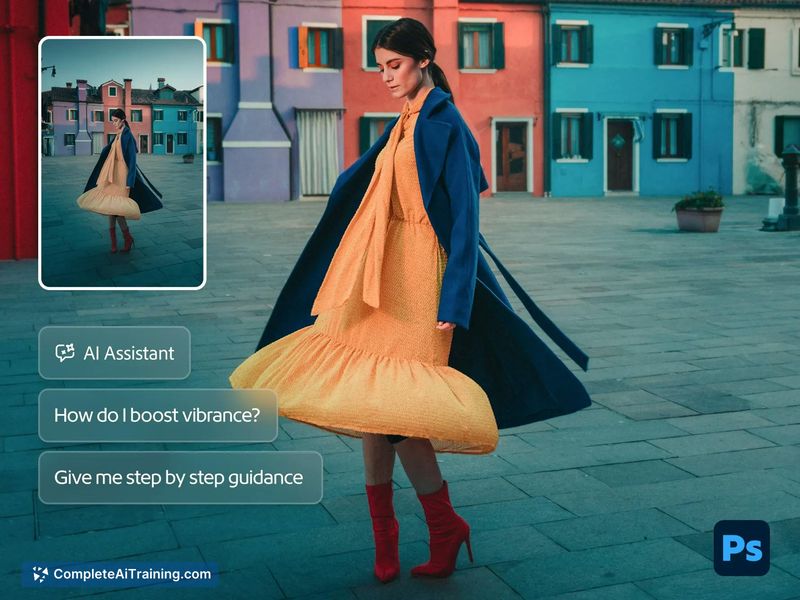
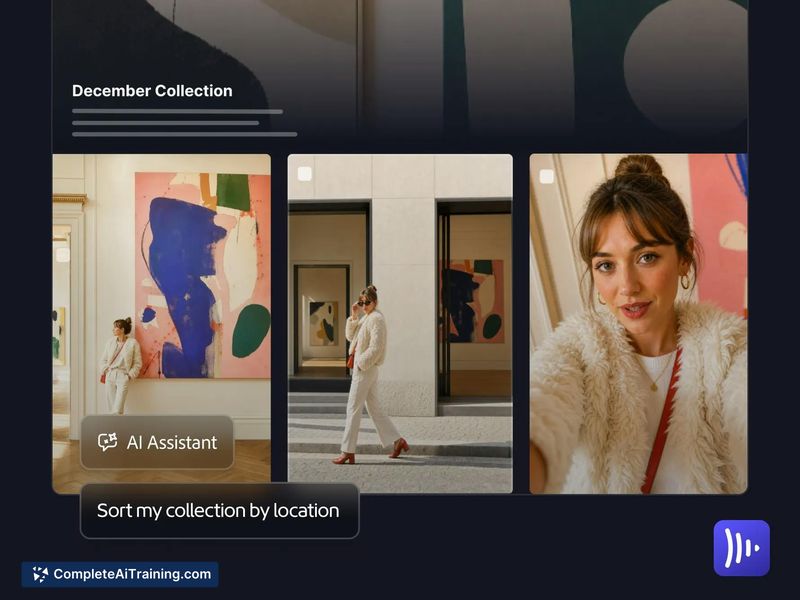
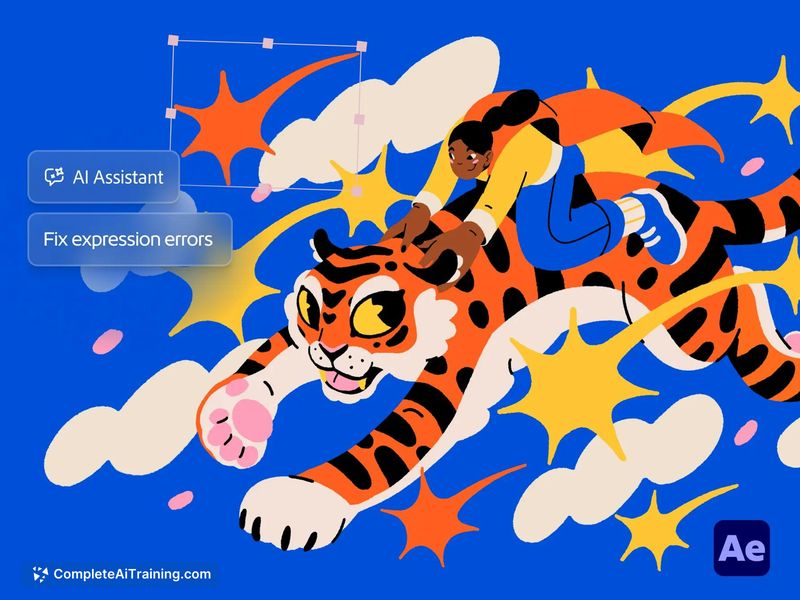
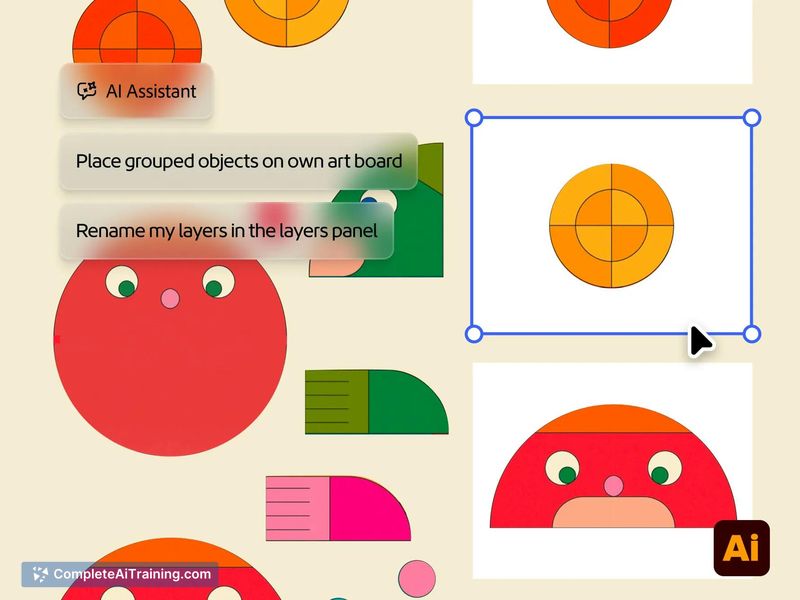
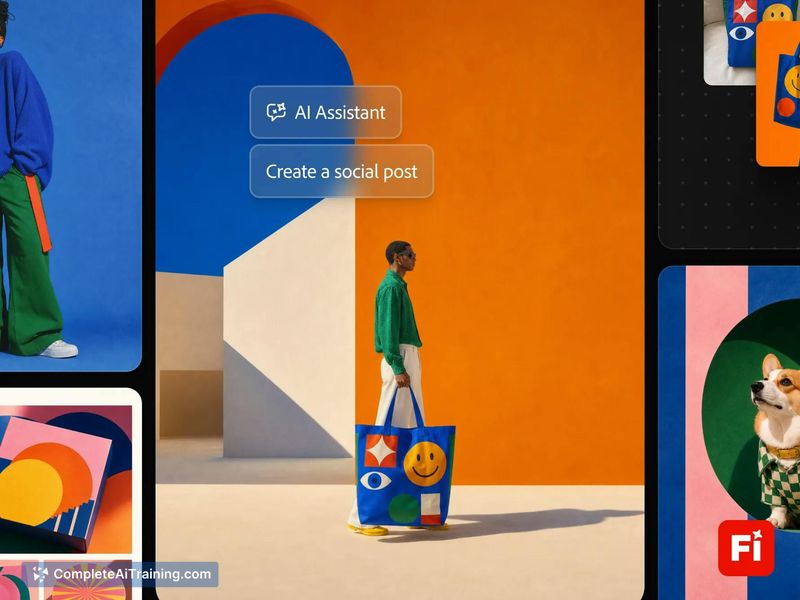
The assistant positions itself as a cross-app automation layer rather than a single-app plugin. You describe a task in plain language, and it maps that request to specific actions across multiple Adobe programs. It doesn't replace manual editing-it shifts the interaction model from direct tool manipulation to plan review and refinement.
Key Features
- Firefly AI Assistant: Creates mood boards, mockups, and social media variations using tools across Adobe applications.
- Photoshop integration: Describes edits and applies adjustments on non-destructive layers, leaving original content intact.
- Premiere automation: Detects slates, checks text in lower thirds, reframes clips for social media, and batch-exports sequences.
- Cross-app workflows: Chains tasks across multiple applications-for example, a Photoshop edit followed by batch exports in Premiere.
- Human-in-the-loop controls: Users review proposed plans, approve changes, refine results, and reverse edits, including partial rollback scenarios.
Pricing and Value
The launch page indicates payment is required, but specific pricing tiers or subscription models are not yet defined in the available reference material. Access appears tied to Adobe Creative Cloud, though whether it's included in existing plans or requires an add-on isn't stated.
Pros
- Spans multiple Creative Cloud apps, reducing the need to switch contexts for routine cross-application tasks.
- Non-destructive editing in Photoshop preserves original layers, so manual fallback remains possible.
- Batch operations in Premiere and Illustrator handle repetitive work like reframing clips or recoloring artwork.
- Plan review step lets users inspect and approve actions before the assistant executes them.
- Reversal controls allow undoing edits, with a question raised about partial rollback when a plan spans two apps.
Cons
- Multi-app reversal behavior isn't fully clarified-whether you can unwind just one step in a chain or must reverse the entire plan.
- Reliance on natural-language descriptions may produce inconsistent results for nuanced creative decisions that depend on visual judgment.
- Not well suited for users who don't already work within the Adobe Creative Cloud ecosystem, since the assistant has no standalone mode.
Adobe AI Assistant fits scenarios where designers and video editors regularly perform sequenced, repeatable tasks across multiple Creative Cloud apps. Teams that batch-export, reformat, or check brand compliance across files may find the plan-review workflow useful. It's less relevant for single-app users or those whose work requires granular, frame-by-frame control that conversational instructions can't easily capture.