AI tool
Zoom Slides
Zoom Slides uses AI to turn meeting transcripts, summaries, and documents into editable presentation decks with layouts, visuals, and speaker notes. It is built for professionals who want to skip blank slides and start with structured drafts they ...
About Zoom Slides
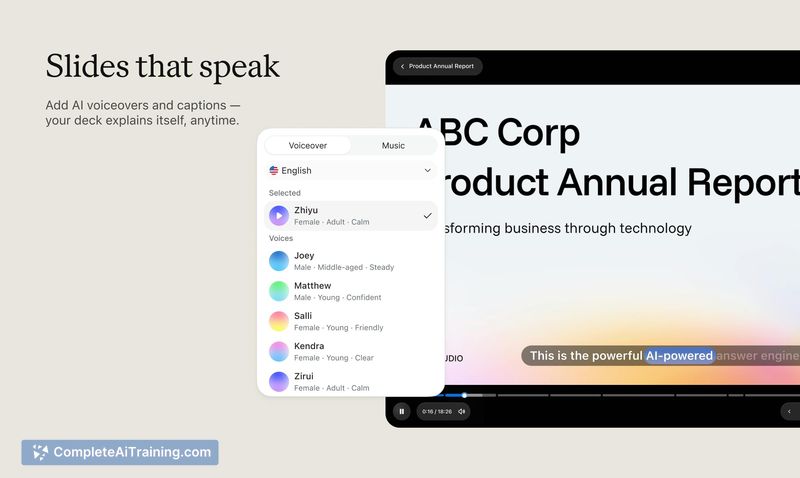
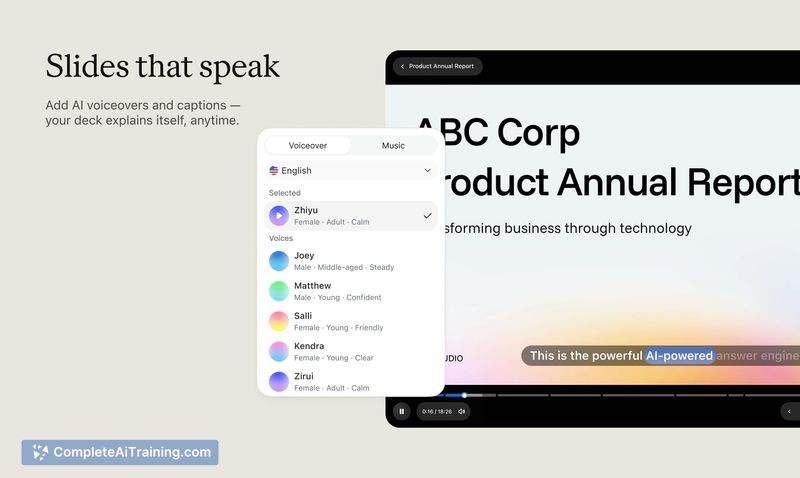
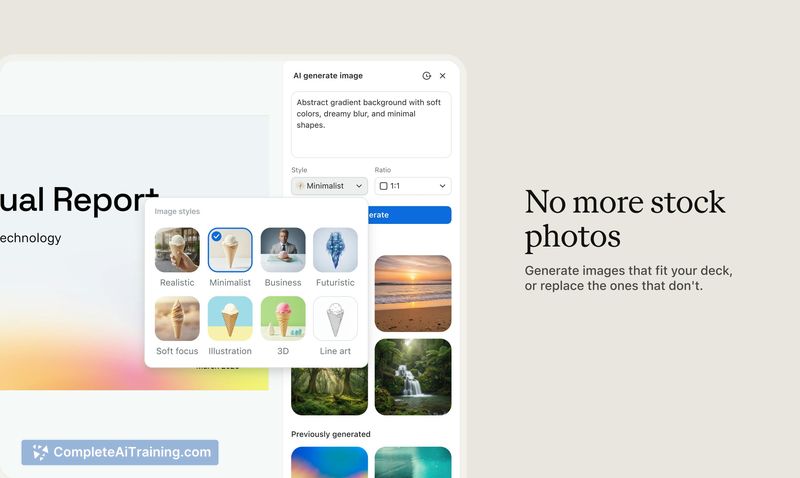
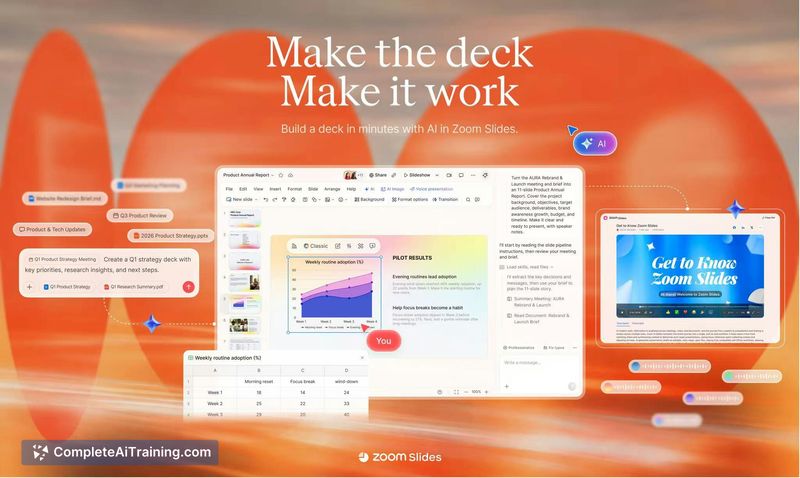
Zoom Slides is an AI-powered presentation maker built into the Zoom platform. It converts meeting transcripts, summaries, documents, or text prompts into editable slide decks with layouts, visuals, and speaker notes. The tool supports team collaboration, PowerPoint import/export, and a Voice Presentation feature that generates AI narration from speaker notes.
Review


Zoom Slides addresses a specific workflow problem: the gap between meeting discussions and the presentations that often follow them. Instead of starting from a blank slide, users can generate a first draft directly from what was discussed. The tool keeps all content editable, so the AI output functions as a starting point rather than a finished product.
Key Features
- Meeting-to-deck conversion - Turns Zoom meeting transcripts and summaries into structured presentations with layouts, visuals, and speaker notes.
- Multi-source input - Accepts meeting context, uploaded documents, or plain text prompts as starting material for slide generation.
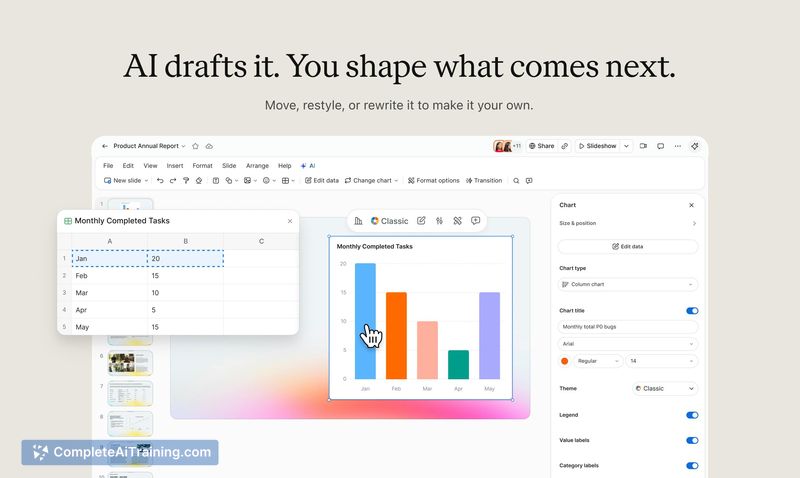
- Full editability - Every slide remains editable after AI generation. Users can reorder, add, or remove slides, rewrite content, adjust layouts, and refine with AI or manually.
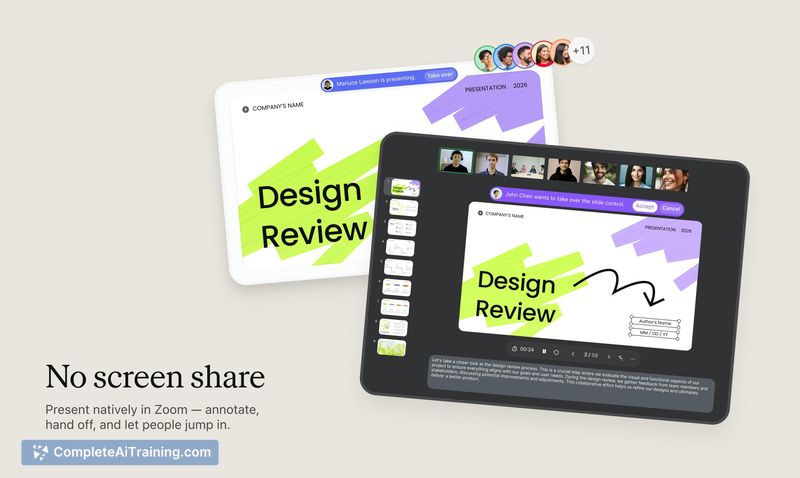
- In-meeting collaboration - Teams can co-edit slides during a Zoom meeting and hand off presenter control between speakers.
- Voice Presentation - Converts speaker notes into AI narration so colleagues can review the presentation on their own schedule, with the explanation attached to the slides.
Pricing and Value
Zoom Slides is listed with "Free Options" on its launch page. Specific pricing tiers, feature limits for free versus paid accounts, and any per-seat costs are not yet defined in the available product information. The tool requires a Zoom account, but the extent to which it is bundled with existing Zoom subscriptions remains unclear.
Pros
- Reduces the manual work of translating meeting notes into a slide structure.
- Keeps the original meeting context visible during the editing process.
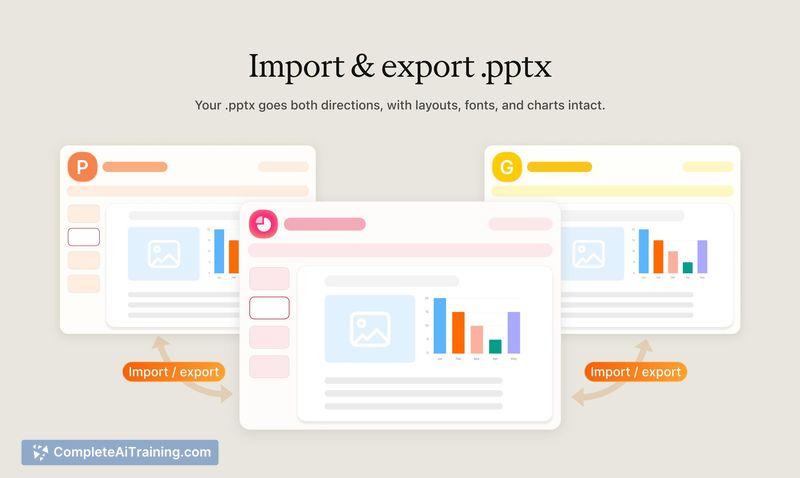
- Supports round-tripping with PowerPoint - import a .pptx file, edit in Zoom Slides, and export back.
- Slide duplication allows experimenting with different versions while preserving the original.
- Voice Presentation lets presentations carry explanatory narration without requiring a live presenter.
Cons
- The tool is not well suited for users who don't regularly conduct meetings in Zoom or who prefer other video platforms.
- AI-generated drafts may require significant manual rearrangement to match a presenter's intended narrative structure.
- Pricing details and any usage caps on the free tier are not yet published, making cost evaluation difficult.
Zoom Slides fits teams that already run most of their meetings inside Zoom and frequently turn those discussions into slide decks. It's less relevant for people whose meeting tool of choice lies elsewhere, or who prefer building presentations from scratch without AI drafting. The PowerPoint compatibility and in-meeting editing features suggest the tool is aimed at reducing round-trip friction rather than replacing dedicated presentation software.