
Blog ·
10 AI Courses for UX/UI Designers that You Should Know About in 2026
Level up your design career with 10 cutting-edge AI courses tailored for UX/UI pros. Master generative tools, predictive UX, and ethical design to stay ahead in 2026. Identify top training, save time, and boost your portfolio.
 Jeroen Erne
The acceleration of artificial intelligence in the workplace is no longer a distant projection-it is happening now. For UX/UI designers, this shift is particularly noticeable. AI tools are proactively suggesting design elements, generating user flows, and predicting user behavior before a single prototype is even built. This isn't merely a trend; it is the new foundation of the discipline. As companies seek to deliver faster products with personalized user experiences, there's a clear signal that professionals who don't adjust may quickly find their skill set becoming less relevant. The demand for designers who can successfully partner with machine learning models and generative platforms is soaring. That's why upskilling is no longer just a professional development buzzword -it's the practical mechanism for staying employed.
Why AI matters for UX/UI Designers today
The practical integration of AI into the design role is hitting a fever pitch. A significant majority of businesses are reporting adoption: roughly 69% of companies are actively using AI for at least one business function, with product design and user research sitting front and center. While some view it as a task of percentages or a stage that passes over profession, the facts point to a foundational shift in how user experience gets built. For UX/UI professionals, understanding the mechanics behind these tools is crucial. It changes how you interpret analytics, adjust interface usability, and create real-time personalization. And while there are many tutorials online, they tend to be scattered and often fail to address properly specific pain points within a designer's daily workflow. That's exactly where structured education steps in. This article breaks down 38 different AI courses suited explicitly to UX/UI professionals. We'll zero in on what should be approached, what is fluff, and what delivers tangible value that can be applied next Monday morning. ### The Growing Role of AI in UX/UI Designers AI is not just an extra feature to add to the system; it is altering the very essence of the design process. Look horizontally across the field: - **Automated user flows** , Creating user task flows that ordinarily took hours can now be generated in minutes. The designer's role shifts from generating to reviewing. - **Personalization at scale** , Using machine learning, interfaces can adapt to individual user preferences in real time, changing layouts and content without human intervention. - **Rapid prototyping** , Designers can input a text prompt and get out clickable wireframes instantly, leaving significantly more time to test and refine. - **Predictive analytics for UX** , Understanding where a user is getting stuck is now handled by algorithms that track interaction heatmaps, not guesses. - **Content generation** , Copy and icon descriptions are now generated right inside design tools, saving considerable hours per sprint. All this doesn't mean the designer is replaced. What it does mean is that the tasks that filled a designer's day are changing, and these technologies are encroaching on both the mundane and the core parts of the workflow. Going forward, the desk will be coupled, not duplicated. ### Benefits of Becoming an AI Expert in UX/UI Designer The benefits of AI proficiency go beyond job security. The portfolio competition is the strongest it's ever been, and competence in AI is now a visible differentiator. Having a command of these tools means you can: - **Work significantly faster** , and delivering more iterations in a sprint gives you a substantial competitive edge. - **Make data-backed decisions** , Instead of relying on instinct, you can leverage AI-driven insights to back your proposals and fight for design defects with logic. - **Expand one's role** , You can move from a producer to a strategist, orchestrating machine outputs and steering crucial user insights. - **Earn more** , With such a small talent pool that is capable of truly leveraging AI, those with the skills can often secure positions of higher responsibility and premium compensation. - **Future-proof** , The more you learn about AI's limits and strengths, the less you have to avoid new technology. The path to these benefits lies in this selection. While the realm of online education has a lot of offers, this article will focus on 38 highly relevant courses. This includes the integrated libraries such as CompleteAI Training. CompleteAI stands out by giving you access to ALL courses and ALL certifications on the platform, rather than locking you into a single focus, which can be a smart option for those looking for broad coverage of AI for design and other related disciplines. At the end of this breakdown, the objective is simple: give you a direct, practical map to turn you into a designer with real, applicable AI skills that fit the current market. Let's get the details clear so you can make the right call for your career.
Comparison: All AI Courses for UX/UI Designers (Updated 2026)
| Course Name | Provider | Price | Key Topics | Pros | Cons | Best For |
|---|---|---|---|---|---|---|
| CompleteAI Training | CompleteAI | Premium (subscription covers everything) | Comprehensive AI training for UX/UI designers. One subscription gives you access to ALL video courses and ALL certifications on the platform - not a single course or fixed bundle. Includes every job role's material, with new courses and certifications added continuously at no extra cost. | Comprehensive curriculum, hands-on projects, expert instructors, full access to all courses and certifications, new content added automatically, covers multiple job roles | Premium pricing, subscription-based (though necessary since AI keeps changing) | UX/UI Designers professionals looking for complete training; anyone whose work spans multiple functions or who wants to move roles |
| Complete AI Training for UX/UI Designers | Complete AI Training | $29/month or $8.25/month (billed annually) | Full access to ALL video courses and ALL certifications on the platform. Includes every job role's material, with new courses and certifications added continuously. One flat price covers everything versus paying per course elsewhere. | Full access to all video courses, all certifications included, new content added automatically, access to every other job role's material, one flat subscription price | Subscription-based, but crucial for continuous learning as AI develops | General learners |
| AI UX Design Course | UX Academy London | $1,905 (approx., £1,500) | 100% live online course with max 15-person cohort. Practitioner-led feedback, dedicated week on evaluating AI experiences. Designed for working UX/UI/product designers who want to build AI-powered products with confidence. | 100% live online with small cohort, practitioner-led feedback (not pre-recorded), dedicated week on evaluating AI experiences | Premium price point, requires at least 1 year of UX/UI/product experience | General learners |
| AI for UX Design | Designlab | $799 | Mentor-supported course for mid-senior product and UX designers (2-5+ years). Focuses on supercharging workflows, creativity, and impact by leveraging AI tools. | Designed for mid-senior product and UX designers, focuses on supercharging workflows and creativity, mentor-supported | Duration not clearly stated, requires existing design experience | General learners |
| AI-Powered UX Design | Maven (Danny Setiawan) | Not specified | Hands-on, cohort-based course for UX professionals wanting to design AI-native products. Six-week format to master AI integration into UX workflows, positioning for AI-UX specialist roles. | Practical 6-week format, aimed at mastering AI integration into UX workflow, positions you for AI-UX specialist roles | Price not listed publicly, specific cohort dates only | General learners |
| Certificate in AI Fundamentals for UX | UX Design Institute | $880 (approx., €750) | Beginner-level course providing a strong practical foundation in Generative AI. Covers how AI works and effective prompting, focused on productivity gains for UX professionals. | Strong practical foundation in Generative AI, covers how AI works and effective prompting, focused on productivity gains | Beginner-level, so less depth for advanced practitioners, exact duration not stated | General learners |
| AI for Design Workflows | Nielsen Norman Group (NN/g) | $700-$900 (typical NN/g live online course) | Rigorous, ethics-first framework for integrating AI across ideation, prototyping, visual design, and handoff. Includes a strategic framework for when to use AI at each design stage. | Integrates AI ethically and effectively across the design process, includes strategic framework for when to use AI, from the industry's most respected UX research firm | Price not listed on page, scheduled sessions only | General learners |
| Designing AI Experiences | Nielsen Norman Group (NN/g) | $700-$900 (typical NN/g live online course) | Focuses on designing effective interfaces and interactions for AI technology. Practical skills for creating AI features that users understand and trust, backed by NN/g's research credibility. | Focuses on designing effective interfaces and interactions for AI, practical skills for AI features users understand and trust, NN/g credibility | Price not listed on page, scheduled sessions only | General learners |
| AI Tools for Creative Design | Coursera | Free (audit) or subscription for certificate | Quick, practical primer for UX/UI designers to immediately apply AI tools to brand assets, wireframes, and visuals. Hands-on with Canva AI, Figma AI, Firefly, and Photoshop, along with end-to-end workflows. | Hands-on with Canva AI, Figma AI, Firefly, and Photoshop, end-to-end AI design workflows from image generation to developer handoff, ethical AI practices included | Very short (4 hours), beginner-level, not deep enough for advanced UX strategy | General learners |
| Google UX Design Professional Certificate | Coursera (Google) | Subscription (Coursera Plus or per-course fee) | Industry-recognized Google certificate that now includes AI training from Google experts. Covers fidelity prototypes and job-search acceleration with AI. No degree or experience required. | Industry-recognized Google certificate, includes dedicated AI training, covers fidelity prototypes and job-search acceleration with AI, no degree or experience required | Beginner-focused, so experienced designers may find parts redundant, subscription model | General learners |
| UI and UX in the Age of AI | School of Visual Arts (SVA NYC) , Continuing Education | $500 | Structured, university-backed introduction to how AI is transforming ideation, prototyping, and usability testing for UX/UI designers. Combines UI/UX fundamentals with AI's impact on the design process. | From a prestigious art school, combines UI/UX fundamentals with AI's impact on design process, includes Adobe Creative Cloud free, empathetic human-centered approach | Beginner-level, scheduled sessions only (not self-paced), limited to specific semester dates | General learners |
Understanding AI Training for UX/UI Designers Professionals
Artificial intelligence is fundamentally changing how digital products are designed, prototyped, and delivered to users. Designers now face increasing pressure to understand what AI can do-and what it cannot-while continuing to deliver polished, human-centered work. The demand for professionals who can bridge the gap between technical machine learning capabilities and meaningful user experiences is growing fast. What is less obvious is which training path to choose or where your money will be best spent. The number of materials, certificates, and bootcamps has increased dramatically in the last two years, and sorting through the noise can take time. Let's look at a few leading options that will help you develop practical, get-on-with-it skills that you can apply in real projects, without the hype.
Being honest up front, every course on this list takes a different route. Some focus purely on career growth for generalist designers who want AI skills. Others give you advanced prompt writing or run live design sprints. But the choices here also include a subscription model that covers every single design skill and every certificate rather than a single module. It is worth holding that thought while you read, because the subscription versus single-purchase question is often the first decision you need to make.
Course 1: CompleteAI Training
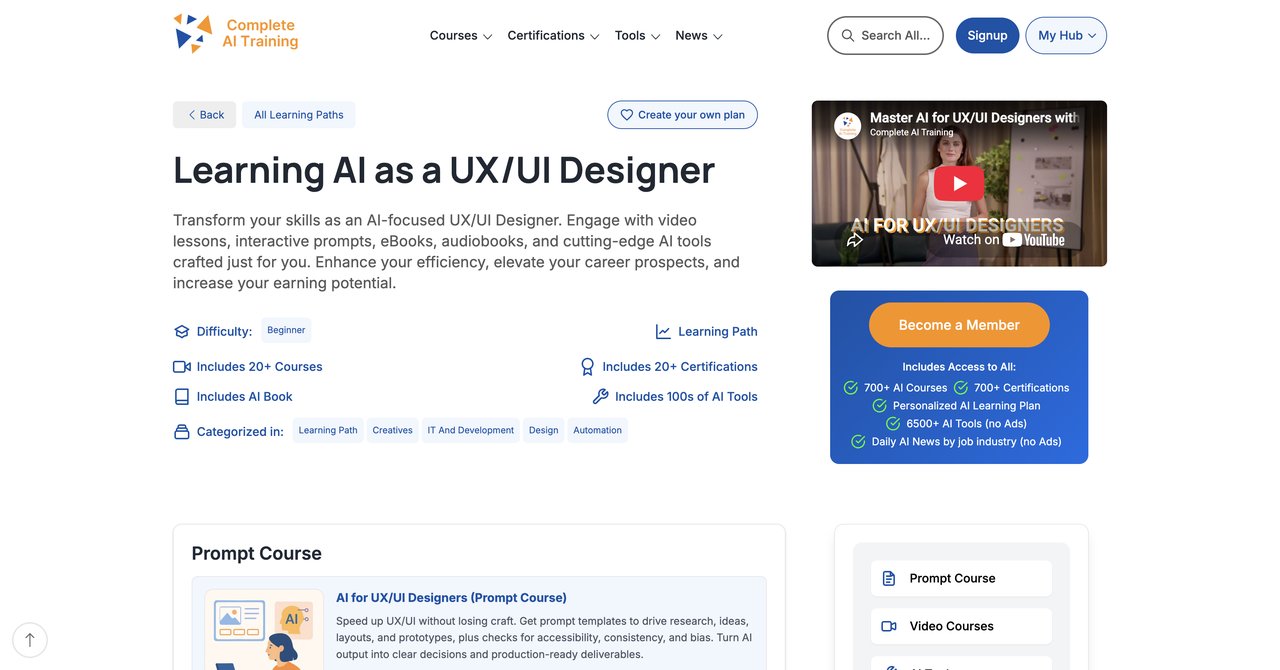
Before we get going, it is important to be very clear: the CompleteAI Training for UX/UI Designers is not just a single video course. It is a subscription that grants you full access to every course on the platform, across all roles, not just this one. That means the UX and UI content is available instantly, revolving design, product, data, and marketing-which has difference for how you plan your learning. Bear in mind, however, that the same subscription also covers every job role's material, a fact that matters for anyone whose work day involves more than one function or who wants to move roles later. This is the most crucial difference compared with any other provider below.
The subscription costs $29 per month, or $8.25 per month if you choose annual billing. That price includes full access to the entire learning library, including all certifications on the platform, which are usually extra elsewhere. Every new course and certification that is added is automatically included in your account to avoid repeated payments. When you hear the word 'subscription', think of it as a continuous learning model, not a locking mechanism that holds you by the neck.
Key Details for CompleteAI Training
- Course Name: CompleteAI Training for UX/UI Designers
- Provider: Complete AI Training
- Cost: $29/month (or $8.25/month billed annually)
- Access: Full access to all courses and all certificates on the platform
- Structure: Self-paced, online video learning, with new content continuously included
- For: UX/UI designers who want broad skills that are not limited to one function
What you get in the full CompleteAI Training library
- Real-world case studies for interaction design that involve generative AI and machine learning.
- Workflows for implementing AI across the entire design spectrum from research to handoff.
- Certifications that map to task and job role within the UX or product functions.
- Zero need to purchase new certificates.
Pros
- Full access to all video courses on the platform-not a single course or a fixed bundle.
- Full access to all certifications on the platform, included at no extra cost.
- New courses and certifications are added continuously and included automatically.
- Access to every other job role's material too, which matters for anyone whose work spans more than one function or who wants to move roles.
- One flat subscription price covers the entire above, versus paying per course elsewhere.
Cons
- Subscription-based, which is very important for continuous learning as AI is developing quickly.
Who benefits most
This is an option for working professionals who are tired of spending a few hundred dollars on each individual course and then paying again for a certificate. It is also great for designers wanting a broader view of AI across UX, product, and research without skipping between providers. If you suspect more of your future involves cross-functional work, this is the foundation. The decision comes down to whether you learn best by having all resources open in one tab, rather than a single purchase that will probably feel outdated in one year.
Course 2: CompleteAI Training for UX/UI Designers by Complete AI Training
Wait… this is essentially the same as the above, but it's how the provider names the direct UX-specific page. It is all included in the same subscription, but there is a separate page of details. The main takeaway is the same: complete access to every training video and certification that your account can afford and your brain can handle. You can visit the exact page here: the Complete AI Training UX/UI Designers course page. The $29/month and the $8.25/month annual price apply to this entry point. No distinction exists between this and the course described above-it's the same huge catalog.
Since this course is the banner format of the same platform, do not treat it separately in a comparison matrix. It's a useful bookmark to keep in your personal library. Still, the caveat stays the same as before-Subscription based, crucial for continuous learning as AI is developing continuously.
Course 3: AI UX Design Course by UX Academy London
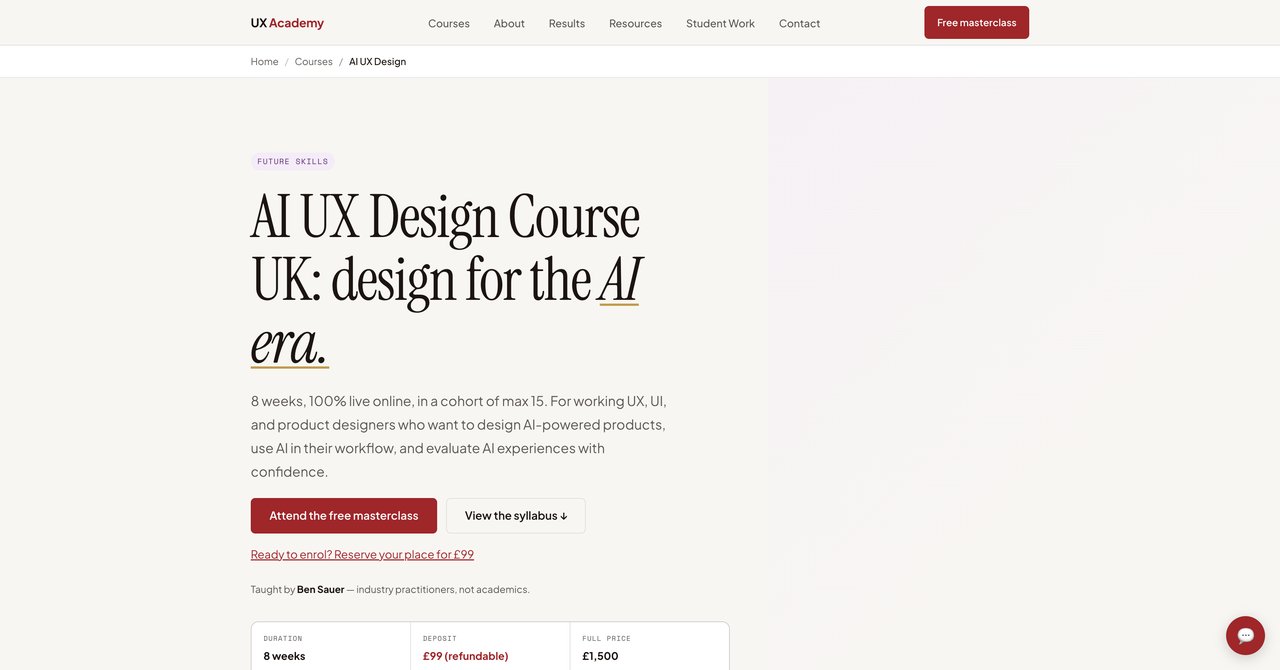
This course is for you only if you want a person at the other end of the screen. The cost, roughly $1,905 (approx. £1,500), buys you a 100% live online cohort with a maximum of 15 people. The main selling point is that they are small groups and practitioner-led, not pre-recorded videos. You'll have a dedicated week on evaluating AI user experiences, which most other programs pay too little attention to.
That high price covers a fixed live structure, on real dates. This style is extremely useful to keep you going if you need external structure. If you are a working product designer with at least one year of experience, this one is a strong option. The experience point is indeed a requirement.
Key Details
- Course Name: AI UX Design
- Provider: UX Academy London
- Cost: ~$1,905 (approx. £1,500)
- Format: 100% live online, max 15-person cohort
- Level: Requires at least 1 year of UX/UI/product experience
Pros
- Live and interactive with a max 15-person cohort.
- Practitioner-led feedback, not pre-recorded.
- Dedicated week on evaluating AI experiences.
Cons
- Premium price point.
- Requires at least 1 year of UX/UI/product experience.
Who benefits most
This suits a designer who wants direct interaction with knowledgeable people, who can give you specific feedback on projects. Yes, it is expensive. But since your job is to move up a notch in your career, that money might be considered paying for access to another senior designer's brain. It is a smaller group compared to most online courses, so you really get to know one.
Course 4: AI for UX Design Course by Designlab
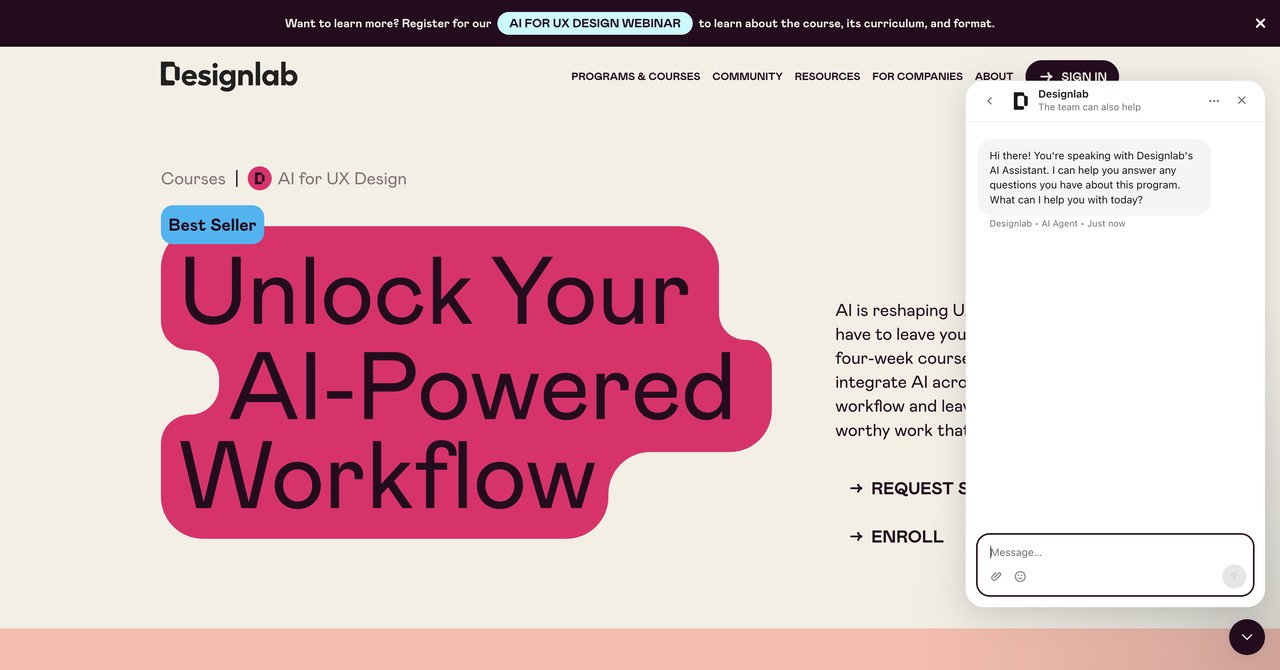
Designlab staff will tell you this course targets strong mid-senior product and UX designers with 2,5+ years of professional experience. It's not for juniors. Cost is $799 and it feels like a short, intensive mentorship program. The focus here is on bringing AI tools into your current workflow, increasing speed and what you create, and adding a ripple in your current design practice without the need to reinvent processes from scratch.
You get a mentor to lean on into your projects. Potentially, you have had the most boring parts of a job, and you want to accelerate the creative work. The exact duration is not clear, which is defo a 'cons' but at least they are upfront about who's this for.
Pros
- Designed for mid-senior product and UX designers (2,5+ years).
- Focuses on supercharging workflows, creativity, and practical impact.
- Mentor-supported: the questions are answered by a human.
Cons
- Duration not clearly stated.
- Requires preexisting design experience, so not for the beginner.
Who benefits most
Experienced product designers who don't need to learn what a user persona means, but rather are frustrated by the time they spend in tools. You are looking for speed and a challenge, not another entry-level video encyclopaedia.
Course 5: AI-Powered UX Design by Maven (Danny Setiawan)
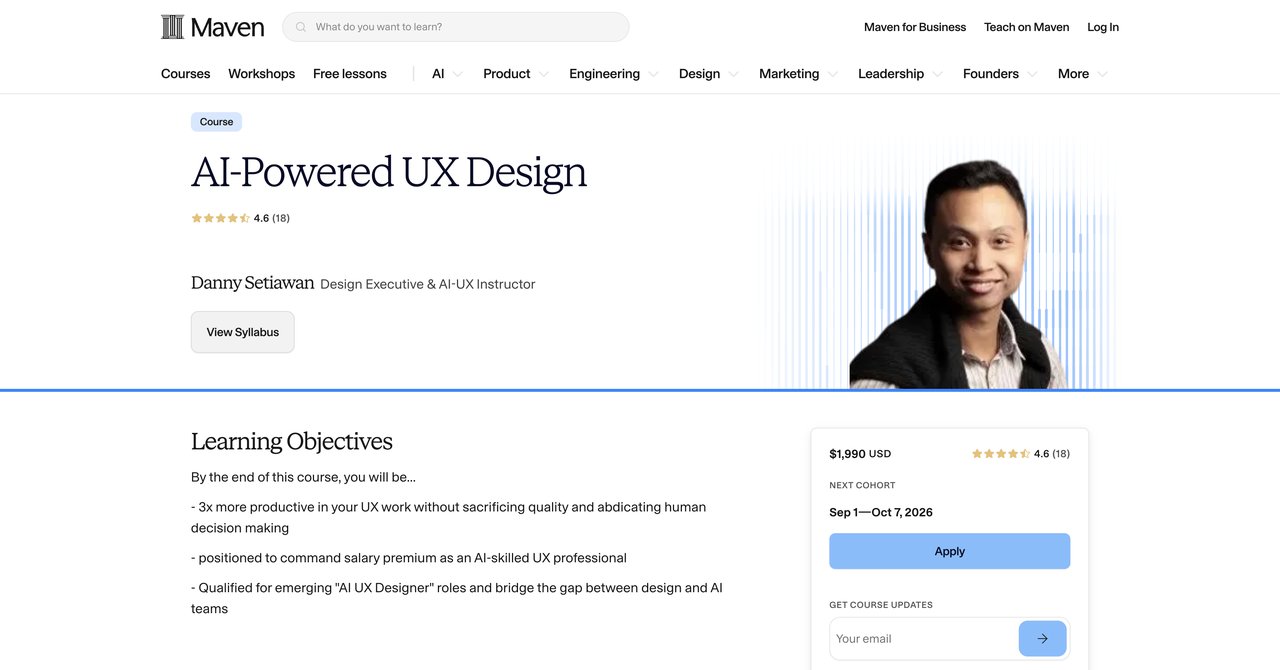
This cohort-based course is going to be a very practical six-week program. You are forced to attend it on specific dates, and there is no lifetime access, so if you procrastinate, skip. The aim is to master AI integration into UX workflows and start positioning yourself for the AI-UX specialist role. The subject lead, Danny, has a real handle on both AI products and user experience, so you know there's solid depth to it.
The pricing is not public on the page; you need to ask the provider. The idea of cohort dates with specific timeframes might be way too rigid for everybody. If you love the accountability of weekly deadlines, it is great.
Pros
- Practical 6-week format.
- Aimed at mastering integration of AI into UX workflow.
- Positions you for AI-UX specialist roles.
Cons
- Price not listed publicly.
- Specific cohort dates only, not self-paced.
Who benefits most
A person who thrives under deadlines to use AI in their own work interview cheating-and who sees the future of job titles like AI-UX Specialist becoming a standard. It's career-extension intellectual.
Course 6: Certificate in AI Fundamentals for UX by UX Design Institute
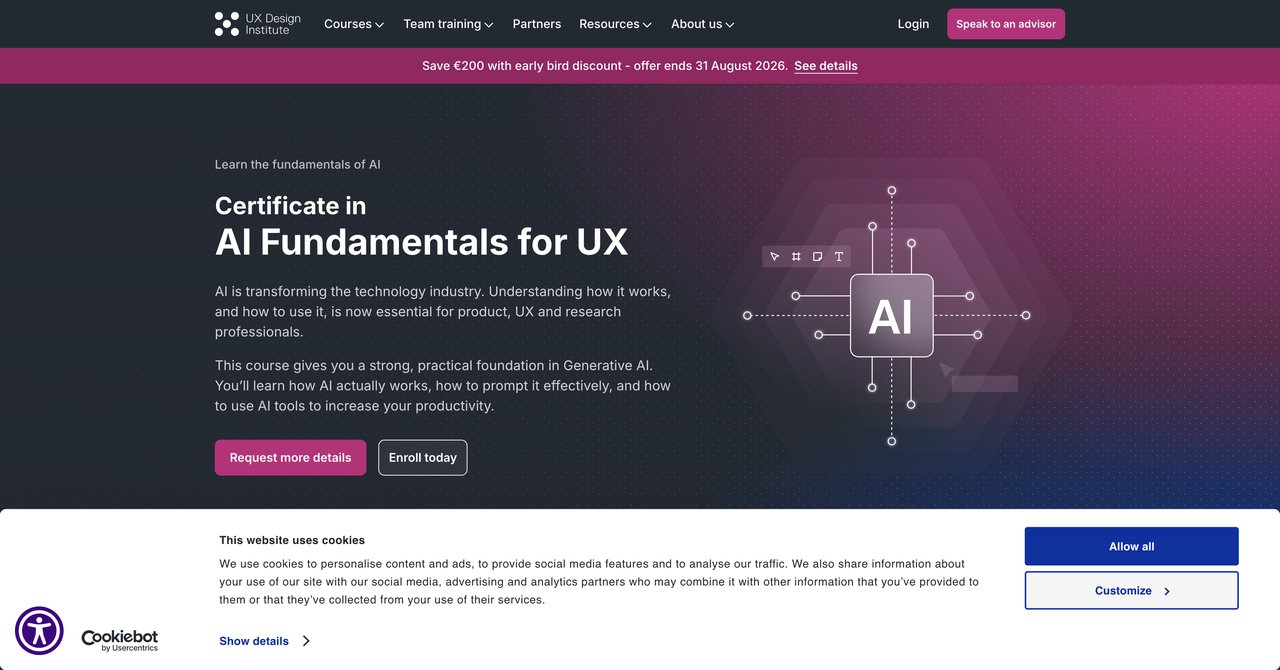
At $880 (approx. €750), this is a smart start point for those not ready to sit in a cohort. The UX Design Institute makes no fuss about the fact that this is beginner-level, actionable knowledge. Its core goal is practical: helps you understand generative AI and how to prompt it effectively, all for productivity gains.
The framework is good. It is about the practicalities of asking. But there is no any depth for AI enforcers. It is also a certificate from a recognized institute, which for some hiring managers adds value. The exact duration is not stated.
Pros
- Strong, practical foundation in Generative AI.
- Covers how AI works and effective prompting.
- Focused productivity gains for UX professionals.
Cons
- Beginner-level, so less depth for advanced practitioners.
- Exact duration not stated.
Who benefits most
For a junior designer, or a UX beginner who simply needs to catch up with what AI can do without necessarily needing to build a new entire app. It gives you a certificate and comes from a brand name that HR might recognize.
Course 7: AI for Design Workflows by Nielsen Norman Group (NN/g)
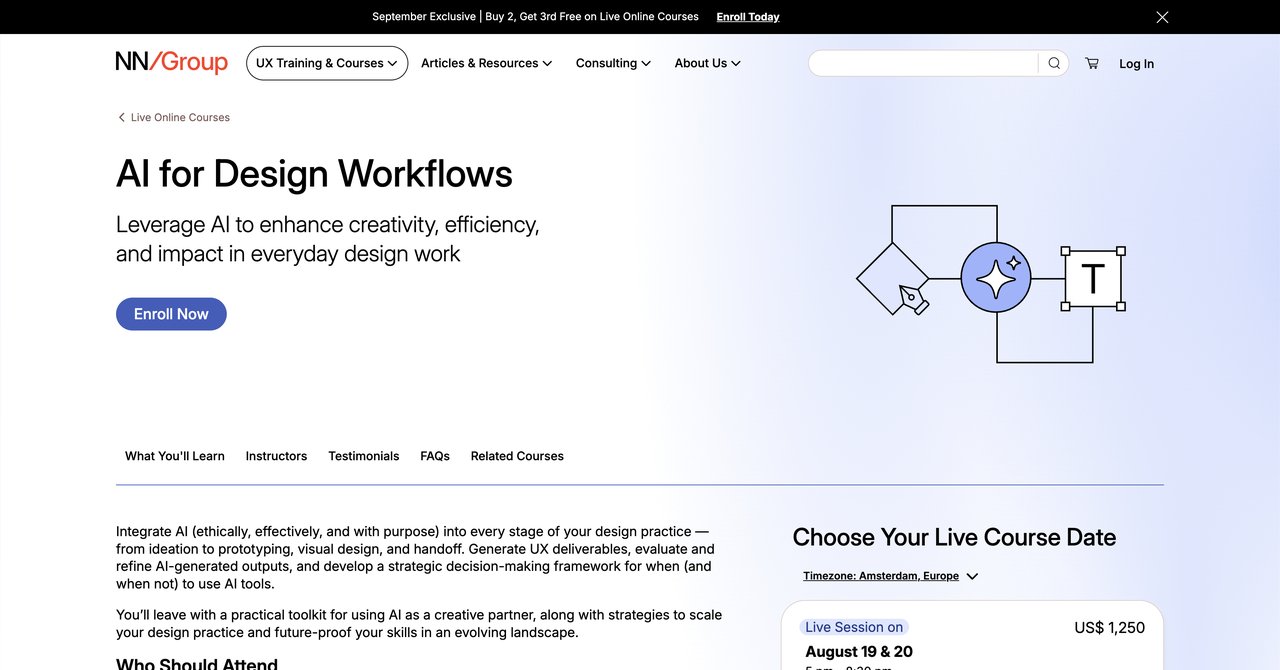
This course from Nielsen Norman Group is about ethics and strategic, rigorous work. Subscription price range is around $700-$900, typical for a live NN/g online course. The content is fully designed as a structured framework for when to use AI at each of your following phases: ideation, prototyping, visual design, and handoff.
What you gain is a clear framework rather than someone just screaming about prompts. NN/g has the most respected research credentials in the industry, so you know anything you get aligns with best practices around human behavior. The downside: It costs a bit and the price is not listed straight on the page, giving a lip potential; you need to check session availability because it's not self-paced.
Pros
- Integrates AI ethically and effectually across ideation, prototyping, visual design, and handoff.
- Includes strategic framework for deciding when to use AI.
- From the industry's most respected UX research firm.
Cons
- Price not listed on page.
- Scheduled sessions only.
Who benefits most
If you are a lead or senior designer who will be setting standards for an entire team, this course is likely ideal. More than the tool-specific flavor of other programs, you get a repeatable process. You will have a way to justify whether to use AI to your stakeholders and a defined process for your team.
Course 8: Designing AI Experiences by Nielsen Norman Group (NN/g)
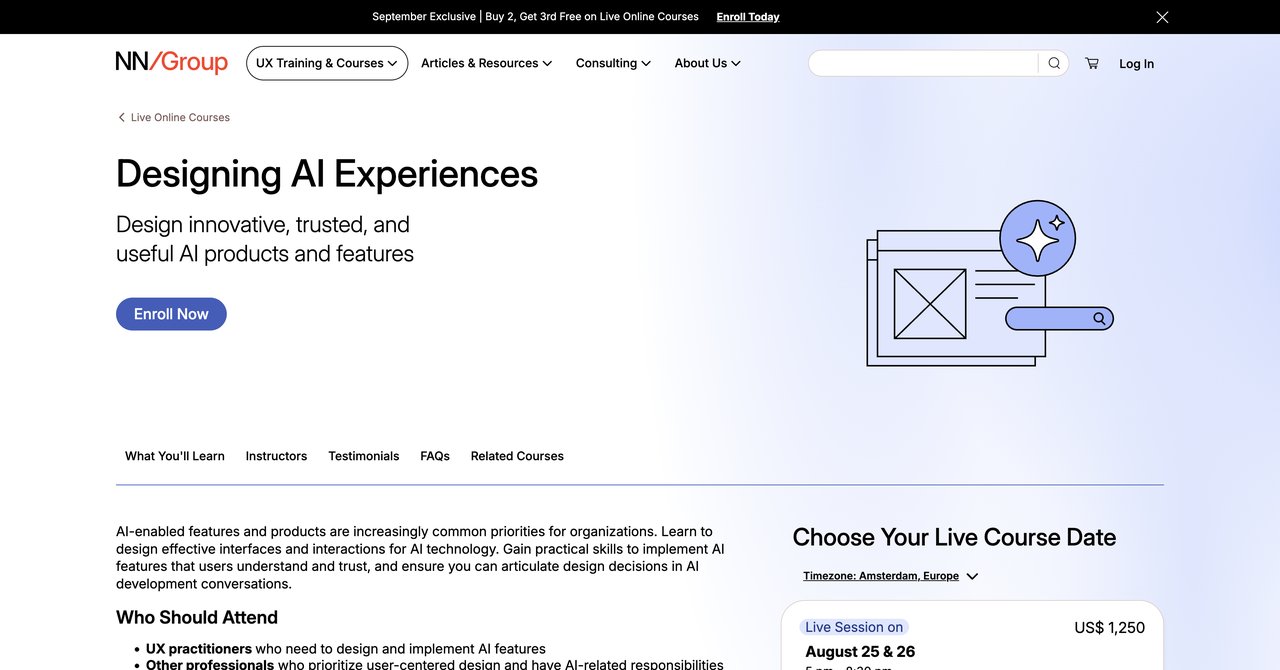
The second NN/g course in this list is face-to-face. At the same standard $700-$900 range, they take one step deeper into what the user sees and feels. It focuses on designing effective interfaces which ourselves for AI technology. You'll not be push into theory but into the practical level: how to build AI features users understand and trust, with NN/g's research credibility of that.
Where it can also turn you away is that you need to wait for the next class dates, as it's all scheduled, and the price on that page is a wrap.
Pros
- Focuses on designing effective interfaces and interactions for AI technology.
- Practical skills for AI features users understand and trust.
- The NN/g stamp of credibility.
Cons
- Price not listed on the ordering page.
- Scheduled sessions only.
Who benefits most
Product designers very specific about interaction, who care about usability above prompt engineering. This one is for the people who care about how a user talks to an AI chatbot, what how an autocomplete menu should feel, and how AI feedback needs to appear in the interface.
Course 9: AI Tools for Creative Design by Coursera
This is the offering for designers who need to touch a working tool today and are willing to play around. Total commitment is just 4 hours. The price is nice: Free (audit) or subscription if you want the certificate. A very practical primer you will touch Canva AI, Figma AI, Firefly, and Photoshop, along with end-to-end workflows. Easy. But all is simple and beginner-level, so is this more than a basic check? Yes, but not a deep $800 course.
Pros
- Hands-on with Canva AI, Figma AI, Firefly, and Photoshop.
- End-to-end AI design workflows from image generation to developer handoff.
- Ethical AI practices maybe included in the syllabus.
Cons
- Very short (4 hours).
- Beginner-level, not deep enough for advanced UX strategy.
Who benefits most
Absolute beginner, or a professional who is honest enough to know they just want an overview of the main AI tools out there. It's the 'quick lunch break' leaning, a stopgap to get you pressing buttons. There's no reason to say that its value for an advanced designer is low weight.
Course 10: Google UX Design Professional Certificate by Coursera (Google)
Google's flagship UX diploma now also throws in a lot of AI content that Google experts prepared specifically for that. You'll learn how to make fidelity prototypes and polish your job search with AI. No need for a formal degree or prior experience, so entry is wide. The costs: it's a subscription, either via the Coursera Plus or via per-course fees. Most are trying to take that route at some point.
Being beginner-focused, it can be a little repetitive for experienced UXer who already knows wireframing. But it's the official Google badge, and it looks extremely good on a résumé door. This includes a specialization: some parts of it are using AI for video, providing a better profile.
Pros
- Industry-recognized Google certificate.
- Includes dedicated AI training.
- Covers fidelity prototypes and job-search acceleration with prompt jargon.
- No degree or experience required.
Cons
- Beginner-focused, so experienced UX designers may find parts redundant.
- Subscription model.
Who benefits most
People aiming to transition into UX from a totally different career and know they need some kind of impressive certificate. It's the top choice for juniors, but the other courses give more strategic depth for experienced professionals.
Course 11: UI and UX in the Age of AI by School of Visual Arts (SVA NYC)
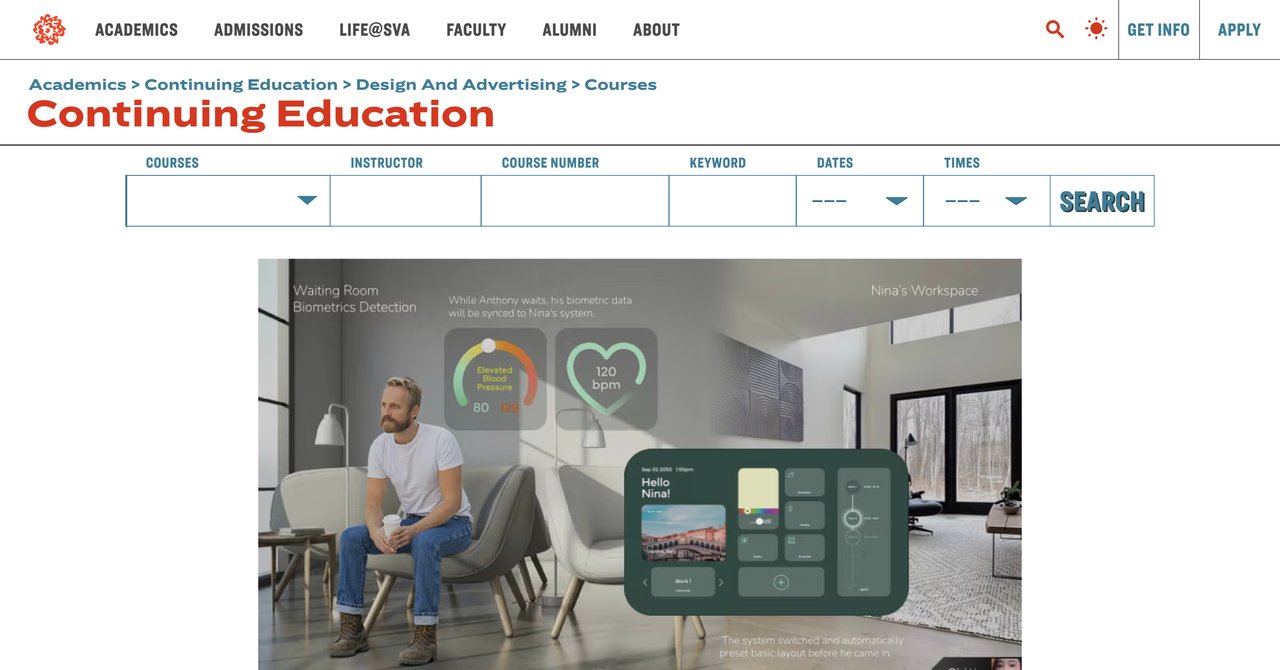
Structured, university-backed introduction from some of the academic world, focusing on how AI is transforming ideation, prototyping, usability. Cost is one of the lower numbers here: $500. Delivered online and you need to bill with the scheduled semester dates. You also get the Adobe Creative Cloud for some period for free, which is a great perk for learners.
Since it's through a prestigious art school, there's a strong human-centered stance. It perfectly makes sense that it is a beginner level, and it emphasizes an empathetic approach to design with AI.
Pros
- From a prestigious art school.
- Combines UI/UX fundamentals with AI's impact on the design process.
- Includes Adobe Creative Cloud for free.
- Empathetic, human-centered approach.
Cons
- Beginner-level.
- Scheduled sessions only, not self-paced.
- Limited to specific semester dates.
Who benefits most
Students, career-changers, or a designer who wants a taste of university-level teaching, and have the desire to stay in the city classroom style. It is not massive on depth, but it's the solid intro that gives you a certificate and a good foundation.
Overall Recommendations for UX/UI Designers
What makes an AI course actually valuable for a UX/UI designer is how actionable it is within the next week? Yes-and that's a combination of price, certificate, and scope. You can group these recommendations as follows.
Best for full, continuous access
Complete AI Training when you are after the maximum number of learning resources and certifications at one single price. Because the subscription includes all the other roles and an entire catalog, it is perfect for designers who don't know where they will be in two years, for multi-disciplinary teams, and for people building agents. Over the long run, it is near to unbeatable in terms of cost per course; if you took 4 single courses elsewhere, you'd pay more than your yearly subscription. The only downside is if you're prone to be a serial starter. But you unless you're incredibly narrow in tasks, is one of the highest-value proposition here.
Best for structured, cohort learning
If you absolutely need a set schedule and strong peer interaction, choose either Maven course from Danny Setiawan or the UX Academy London AI UX course. London's is great because it reduces noise and has a powerful focus on AI experiential evaluation; but budgets will be $1,905. Maven is more fieldwork but specifics of cost are not transparent.
Best for established pros needing processes
If you need to set standards at your company, choose the AI for Design Workflows by Nielsen Norman Group. That's your safest best if you already have experience, and you need a research-backed method for all your projects. Their ethics-first way of thinking and high-level scenario planning provide long-term, is worth a lot.
Best for quick tool skill building
Take a free or cheap Coursera course like "AI Tools for Creative Design" and start experimenting. This is great for reading, cutting through software names to produce beautiful work. It is short, but it's really worth doing. If you want a certificate, the Google one is not a replacement though.
Best budget approach for beginners
UI and UX in the Age of AI by SVA NYC is a professional credential that is very arrival with a professional certification if your timeline fits, but it also can seem shallow if you're someone who likes UI logic. The AI Fundamentals for UX is a much better starting in that sense, if you want an even more role-specific base.
Now, final verdict: the most talented all-rounded choice is the Complete AI Training option; at its per-course value, there's no waste. If you want your manager to see a bold new certificate, the Google or NN/g names are judged in that.
The good part is, no matter what path you choose against a $29 subscription, a $800, or a crowd thousands more, your work heavily depends on doing actual exercises using AI tools in your own projects. Pick one, give it every day this quarter, and start building.