
Blog ·
10 Essential AI Courses for Help Desk Technicians in 2026
Future-proof your help desk career with 10 curated AI courses for 2026—covering automation, chatbots, and predictive troubleshooting. Learn the skills to cut ticket times and boost resolutions, from beginner basics to advanced integrations.
 Jeroen Erne
Artificial intelligence is no longer a distant concept discussed in tech conferences. It is actively reshaping how IT support teams operate, triage tickets, and communicate with end-users. For Help Desk Technicians, the rise of AI tools like ChatGPT, Microsoft Copilot, and specialized support automation platforms presents both a challenge and an opportunity. The challenge is obvious: many routine support tasks are becoming automated, which can feel threatening. The opportunity, however, is far more compelling. Professionals who learn to leverage AI can dramatically speed up troubleshooting, provide more accurate responses, and focus on complex issues that require genuine human judgment. The job market is shifting in real-time, and the question is no longer if AI will be part of this profession, but when. Upskilling now is the only way to keep your resume competitive and your career on an upward trajectory.
Why AI matters for Help Desk Technicians today
Help Desk roles are on the front line of AI adoption. Reports consistently show that a large percentage of companies are investing in AI tools for their support functions. In fact, very recent business surveys indicate that nearly 69% of businesses are currently using AI in some capacity, and a significant portion of that usage involves automating the first level of support. For technicians, this does not mean the end of the job; it means the job is changing. The technician who only resets passwords and answers basic "how-to" questions will face pressure. But the technician who can create an AI bot to answer those basic questions, and who can then step in to handle the unresolved, sensitive, or creative matters, becomes significantly more valuable to the company. AI reduces the boring repetitive work, freeing you to tackle challenges that truly need a human. This article exists precisely for that transition: to help Help Desk Technicians professionals identify and select the best AI courses available so you can move confidently into a more senior, strategic role.
The Growing Role of AI in Help Desk Technicians
So what does this actually look like day-to-day? Let's ditch the theory and look at specific applications where AI is already changing the workflow for IT support staff:
- Automated Ticketing and Triage: AI analyzes incoming tickets, prioritizes them by urgency, and routes them to the right person or team without a human glancing at the queue to manually organize the inbox.
- Smarter Knowledge Bases for search: Instead of someone searching for a fix by keyword and getting nothing, AI-powered search engines understand the context of the query and pull up the right knowledge article or past solution in seconds.
- Real-time Sentiment Analysis: The software can now analyze the tone of an end-user's message. It will flag if someone is frustrated, and it can suggest a more empathetic responses or escalate the support request to a senior technician before the issue escalates.
- Automated resolutions: AI can handle basic requests like password resets, access approvals, and software installation requests. This runs 24/7, meaning employees get support outside business hours, and technicians wake up to a much smaller queue of resolved-things needing only a quick check.
- Quality-Monitoring and training: AI can listen to call recordings and compare them against best known answers, giving technicians a real-time training feedback loop for issue-resolution processes without a supervisor overhead sitting in on every call.
- Predictive Maintenance: By analyzing system data, AI can predict when a server is likely to fail or when a device needs a driver update-this helps support staff get ahead of issues before notifying the main office.
These examples show that AI is not just a tool but a new co-operator. It handles the routine, craves the complicated patterns, and provides you with the data. This reshapes how your workflow is structured, as you now have to translate an issue between humans and machines, and decide what to delegate to AI and what to control personally.
Benefits of becoming an AI expert in Help Desk Technicians
There are real advantages to mastering AI for your specific role, which go far beyond just knowing how to type a prompt into ChatGPT. First, it improves your efficiency. You'll be able to get more work done in less time. That directly impacts your productivity metrics, which help with performance reviews and raises. Second, you begin to make a leap in your job position. An IT professional who can list "prompt engineering" or "AI workflow automation" on their resume is positioning for a promotion to roles like AI Support Specialist, System Administrator with AI skills, or IT Automation Lead. Those roles hold a demonstrably higher level of salary. The tech industry already reports a noticeable salary boost for IT pros who combine their support skills with AI capabilities - in many cases, this can be a 20 to 40% premium over a standard help desk position. Finally, you're job-proofing your role as further job security. When you become the person at the company who knows how to operate the AI tooling, not the one stuck in a queue, you become a valuable asset for a core part of your company's future infrastructure.
Because selecting the right course among many can be a difficult task, we have compared 11 AI courses for Help Desk Technicians to save you time. You'll discover everything from specialized applied training to broader AI in support concepts from organizations like CompTIA and Coursera. One particular provider, CompleteAI Training's AI for Help Desk Technicians course] stands out for a unique reason: it doesn't just give you one course; it grants unlimited access to ALL courses and ALL certifications available on the platform. For a professional looking to continuously expand their AI toolkit, this is a substantial difference from the single-course options you'll see listed. This guide will walk you through the content, the best use case, and the value for money for six of the most well-known training products available this year.
Comparison: All AI Courses for Help Desk Technicians (Updated 2026)
| Course Name | Provider | Price | Key Topics | Pros | Cons | Best For |
|---|---|---|---|---|---|---|
| CompleteAI Training | CompleteAI | Premium (one flat subscription covers everything) | Comprehensive AI training for Help Desk Technicians. One subscription includes ALL video courses and ALL certifications on the platform, not just a single course. New courses and certifications are added continuously and included automatically. Also includes access to every other job role's material. | Most comprehensive offering; full access to all courses and certifications; hands-on projects; expert instructors; new content added automatically; access to other job role materials; daily updates on AI tools and news; one flat price covers everything versus paying per course elsewhere; very affordable with annual billing | Premium pricing compared to single-course options; subscription-based, which requires ongoing commitment | Help Desk Technicians professionals looking for complete, continuous training |
| AI for Help Desk Technicians (Video Courses + Certifications) | Complete AI Training | $29/month or $8.25/month billed annually | Extensive library of over 100 specialized video courses and certifications for Help Desk Technicians. Subscription includes ALL video courses and ALL certifications on the platform, not a single course or fixed bundle. | Highest rating / most complete offering; full access to all video courses; all certifications included at no extra cost; new courses added continuously; access to every other job role's material; one flat subscription price; daily updates on relevant AI tools and news; very affordable with annual billing | Subscription-based; crucial for continuous learning as AI is developing continuously | General learners |
| AI Help Desk Essentials | CompTIA | Unknown (exam voucher pricing varies by region) | Hands-on practice with generative AI in real help desk scenarios. Covers ticket triage, routing, incident diagnosis, and log analysis. Includes a CompTIA CompCert credential. | Hands-on practice with generative AI in real help desk scenarios; covers ticket triage, routing, incident diagnosis, and log analysis; includes a CompTIA CompCert credential | No formal certification credit toward A+/Network+; requires separate exam voucher purchase | General learners |
| AI for IT & Help Desk Professionals | Workplace AI Institute | $498 (one-time) | Covers ChatGPT, Claude, and Gemini for real support tasks. Includes SLA report generation and vendor communication templates. Lifetime access with certificate. | Covers ChatGPT, Claude, and Gemini for real support tasks; includes SLA report generation and vendor communication templates; lifetime access with certificate | Higher price point than competitors; no interactive labs; only reading and quizzes | General learners |
| GenAI for Computer Support Specialists (IT Support) | Coursera | Free (audit) or Subscription (Coursera Plus) | Quick, focused introduction to GenAI for IT support. Covers automation of routine tasks and personalized customer service. Free to audit. | Quick and focused; covers automation of routine tasks and personalized customer service; free to audit | Very short-doesn't go deep into advanced workflows; no hands-on tool configuration | General learners |
| Build with AI: Creating AI Agents for Helpdesk Professionals | LinkedIn Learning | Subscription (LinkedIn Learning, ~$39.99/month) | Hands-on building of an IT support AI agent in Microsoft Copilot Studio. Covers custom knowledge, triggers, topics, and publishing. Ideal for SharePoint-based help desks. | Hands-on building of an IT support AI agent in Microsoft Copilot Studio; covers custom knowledge, triggers, topics, and publishing; ideal for SharePoint-based help desks | Requires access to Microsoft Copilot Studio; narrow focus on agentic AI only, not broader GenAI skills | General learners |
| AI-Powered Support Ticket Handling | Catch Wisdom | Free (certificate optional at $55) | Completely free with certificate in 7 languages. Covers intelligent triage, automated routing, and empathetic AI replies. Self-paced with no deadlines. | Completely free with certificate in 7 languages; covers intelligent triage, automated routing, and empathetic AI replies; self-paced with no deadlines | No live instructor support; certificate requires a fee if you want the official credential | General learners |
| AI for IT Support: Tickets, Knowledge Base, and Endpoint Workflows | Qualora | $29 (one-time, founder price) | Covers drafting first responses, generating troubleshooting trees, and turning resolved tickets into KB articles. Includes endpoint and identity workflow runbooks. Very affordable one-time price. | Covers drafting first responses, generating troubleshooting trees, and turning resolved tickets into KB articles; includes endpoint and identity workflow runbooks; very affordable one-time price | Intermediate level assumes some help desk experience; no certification or credential offered | General learners |
| AI Customer Support Essentials | CompTIA | Unknown | Self-paced course for frontline agents. Covers prompting, drafting, triage, and documentation. Includes CompTIA CompCert credential. | Self-paced course; covers prompting, drafting, triage, and documentation; includes CompTIA CompCert credential | Focuses more on customer support than deep IT troubleshooting; pricing not transparent on the page | General learners |
| AI Solutions and Techniques for Help Desk Operations | University of Denver (Career & Professional Development) | Unknown | Covers chatbots, predictive analytics, NLP, and intelligent ticket routing. Addresses data privacy, ethics, and change management. University-backed curriculum. | Covers chatbots, predictive analytics, NLP, and intelligent ticket routing; addresses data privacy, ethics, and change management; university-backed curriculum | No hands-on labs; pricing requires contacting the university; less practical than tool-specific courses | General learners |
| Practical AI and prompting for customer care professionals | Coursera | Free (audit) or Subscription | Hands-on training across various AI modalities. Focuses on job-specific use cases. Free to audit. | Hands-on training across various AI modalities; focuses on job-specific use cases; free to audit | Aimed at customer care broadly, not IT-specific troubleshooting; duration not clearly stated | General learners |
Understanding AI Training for Help Desk Technicians Professionals
If you work in IT support or help desk roles, you've probably noticed that artificial intelligence is changing how tickets get handled. Tasks that used to require typing out every response manually are now getting automated, and support techs who know how to use AI tools are becoming more valuable. The issue is figuring out which training actually gives you the skills you need without wasting time and money.
The options range from single courses to full subscription platforms, from free audits to courses that cost several hundred dollars. Some focus on very specific tools like Microsoft Copilot Studio, while others cover general concepts like ticket triage and knowledge base management. The choices can feel all over the place, which makes it hard to compare them side by side. But the differences in pricing, depth, and access to certifications matter a lot for your career.
Below we compare the major courses available for help desk techs in early 2025, looking at costs, pros and cons, who each one fits best, and the earning potential if you finish them.
Course 1: CompleteAI Training , AI for Help Desk Technicians
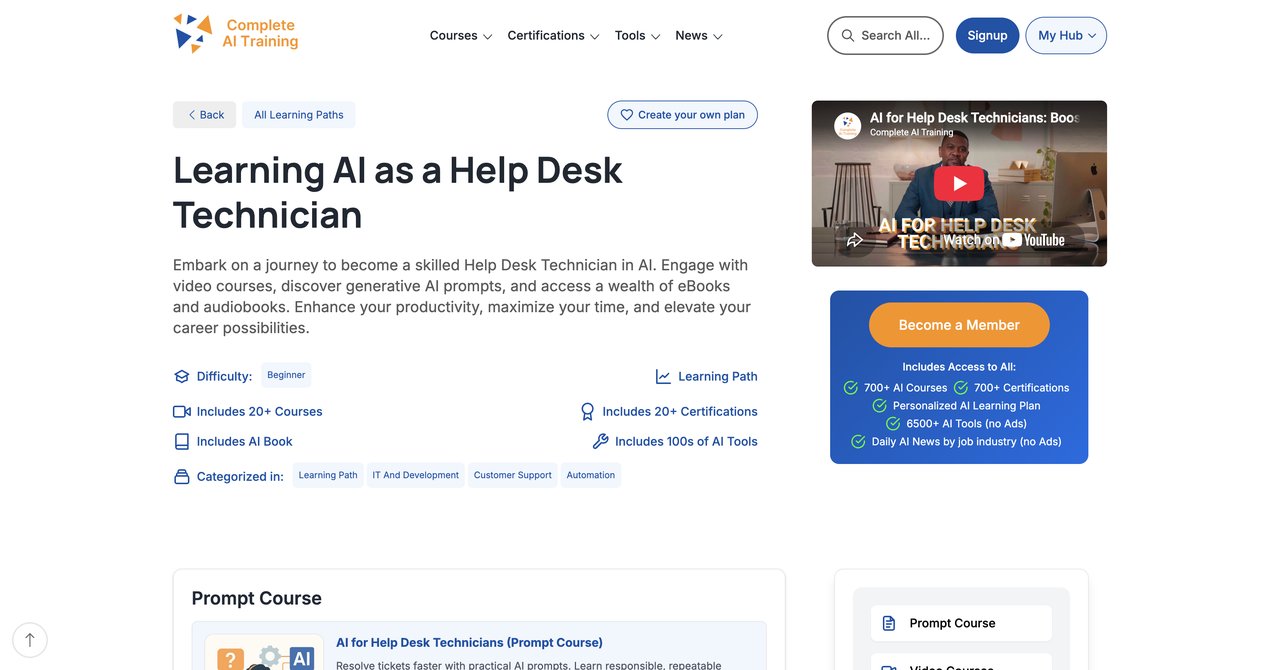
One subscription gets you everything. That's the central point about CompleteAI Training. You are not signing up for one course or a fixed bundle. Instead, your subscription unlocks the entire platform, which holds over 100 specialized video courses and certifications. For someone working in support, this is a different type of deal than what other single-course providers offer.
All certifications on the platform are included, and you don't pay extra for exam vouchers. New courses and certifications are added on an ongoing basis, and you get them automatically as part of your subscription. If you have responsibilities outside pure help desk work-say you also handle technical support for other teams or you plan to move into a broader IT role-you can access material for every other job role too. This isn't just a nice add-on, it's a practical difference for career growth.
The subscription price is flat. It's $29 per month or $8.25 per month with annual billing. Compare that to paying for single courses elsewhere, where each course may cost $50 to $500, and the value here holds up. The platform also sends daily updates on AI tools and news, which means your knowledge is current without extra research.
There's a lot of material here, so if you're worried about whether you'll use it all, you can just start with the help desk courses and branch out when you're ready. About learning pace, you go at your own schedule which works for shift workers and busy professionals.
The biggest trade-off is that it's a subscription, not a one-time purchase. But because AI is continually developing, this can actually be seen as necessary rather than an extra cost. If you prefer having everything available at all times, this may be your best value point.
- Pros:
- Full access to ALL video courses on the platform, not a single course or a fixed bundle
- Full access to ALL certifications on the platform, included at no extra cost
- New courses and certifications are added continuously and are included automatically
- Access to every other job role's material too, which matters for anyone whose work spans more than one function or who wants to move roles
- One flat subscription price covers all of the above, versus paying per course elsewhere
- Daily updates on relevant AI tools and news
- Very affordable pricing, especially with annual billing
- Cons:
- Subscription based, crucial for continuous learning as AI is developing continuously
Who would benefit most: Help desk techs who want a single, affordable training package that covers not just their current role but any adjacent skills, with certifications included from day one. Also good for people who want to experience different AI concepts without deciding on one tool in advance.
Visit CompleteAI Training for Help Desk Technicians
Course 2: AI Help Desk Essentials by CompTIA
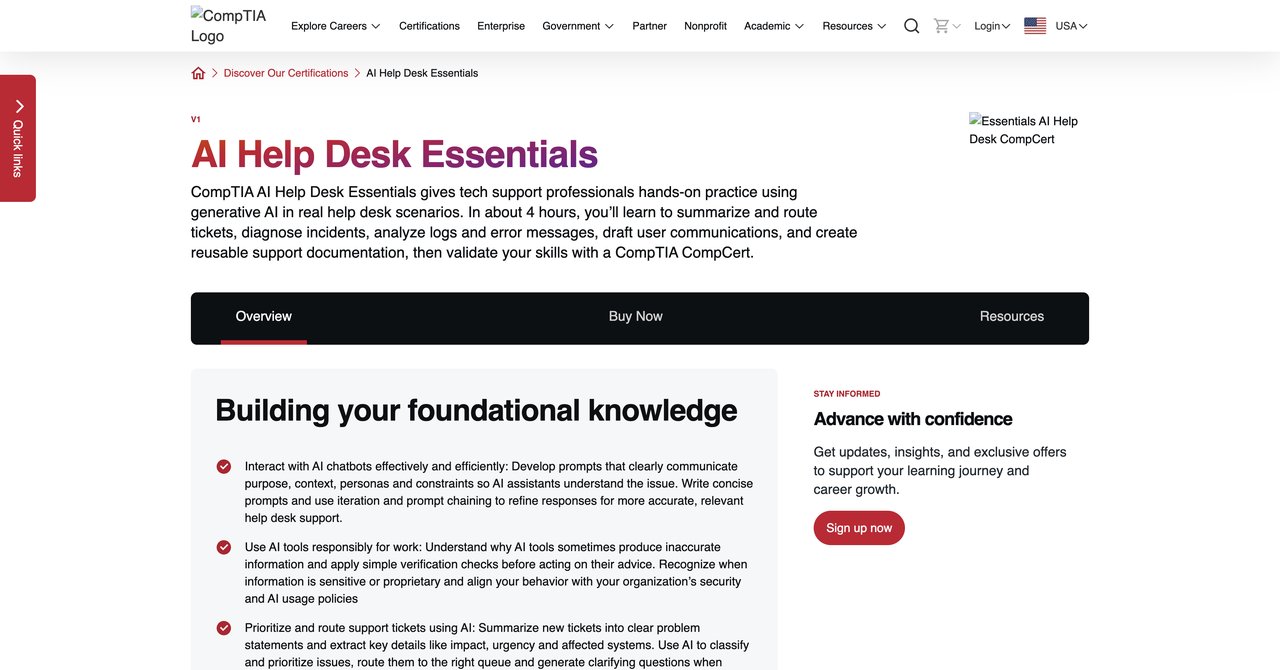
CompTIA has well-known credentials in the IT world, and this course is meant for help desk staff who want to use generative AI in everyday support tasks. The content is hands-on, so you're working with AI tools in scenarios like ticket triage, incident diagnosis, and analyzing logs. If you are already familiar with CompTIA-style learning, this will feel familiar.
The credential it offers, CompTIA CompCert, is a recognized addition to your resume, although not the same as the tech-grade A+ or Network+ exam. It's more about showing that you have operational experience with AI tools. The platform assumes you are already comfortable with help desk basics, so you won't spend time on the rest.
One notable limitation is that it doesn't give you formal credit for A+ or Network+, so don't go in expecting to skip other exams. Also, the exam voucher is a separate purchase. That adds to the true cost, making it harder to judge upfront what you'll spend total.
If you like the route, you'll get practice with AI in a way that mirrors actual ITSM tasks. For support professionals who want to demonstrate AI skills on their CompTIA profile specifically, this one fits.
- Pros:
- Hands-on practice with generative AI in real help desk scenarios
- Covers ticket triage, routing, incident diagnosis, and log analysis
- Includes a CompTIA CompCert credential
- Cons:
- No formal certification credit toward A+/Network+
- Requires separate exam voucher purchase
Who would benefit most: Those who already hold or using CompTIA platform and want to add a focused AI credential without using other general-purpose tools.
Visit AI Help Desk Essentials by CompTIA
Course 3: AI for IT & Help Desk Professionals Course by Workplace AI Institute
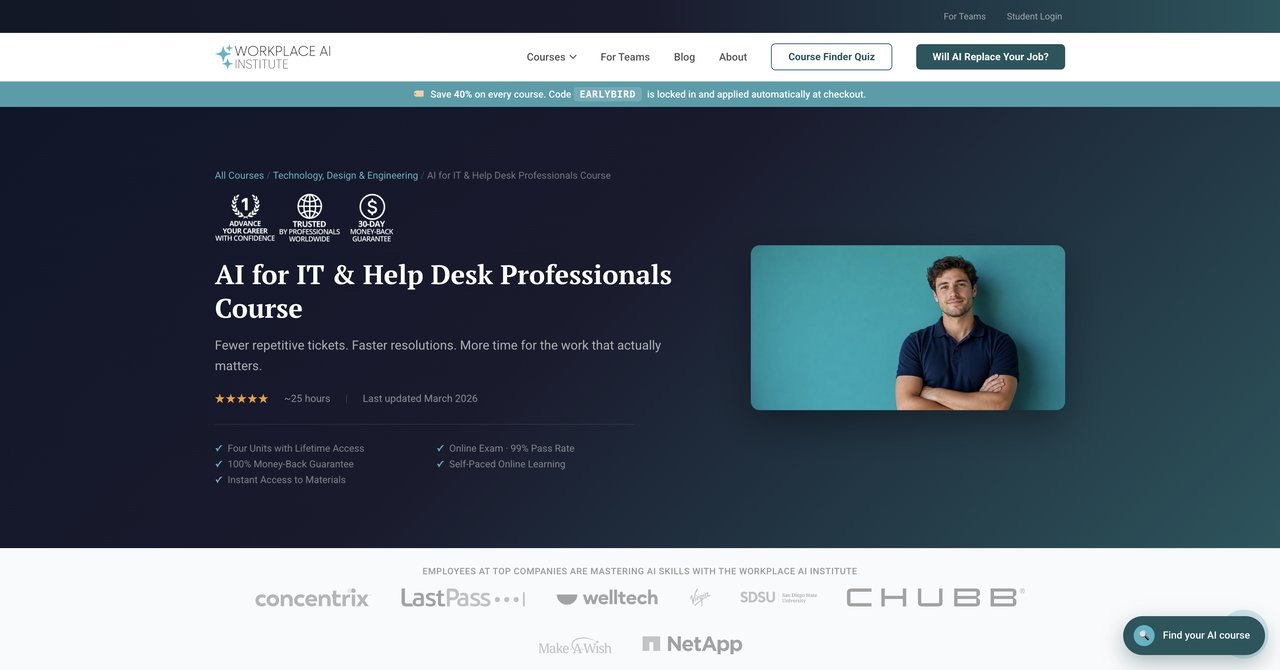
This one focuses on ChatGPT, Claude, and Gemini-three large language models-and uses them for support tasks that you likely recognize from daily work. You get report templates for SLAs and communication templates to use to use with vendors or customers, which helps send out consistent messages.
Cost is $498 as a one-time payment. For that, you receive lifetime access to the materials. There's also a certificate to complete. If you like a one-off fixed cost instead of a monthly subscription, this is something to weigh.
Still, the material is not interactive at the tool level. It's mostly reading and quizzes, which may not resonate for those who want to get into the actual interface and experiment with prompts. Also, the price is at the higher end, more than ten courses combined from cheaper providers.
It does cover some useful templates, like SLA report generation-a time-saver if you frequently write status updates. But for a technician who learns by doing, the lack of a lab environment is a drawback.
- Pros:
- Covers ChatGPT, Claude, and Gemini for real support tasks
- Includes SLA report generation and vendor communication templates
- Lifetime access with certificate
- Cons:
- Higher price point than competitors
- No interactive labs, only reading and quizzes
Who would benefit most: Managers or senior techs who want a structured overview of specific AI tools and work, but who don't mind if the course is more focused on use cases than on hands-on labs.
Visit AI for IT & Help Desk Professionals by Workplace AI Institute
Course 4: GenAI for Computer Support Specialists (IT Support) , Coursera
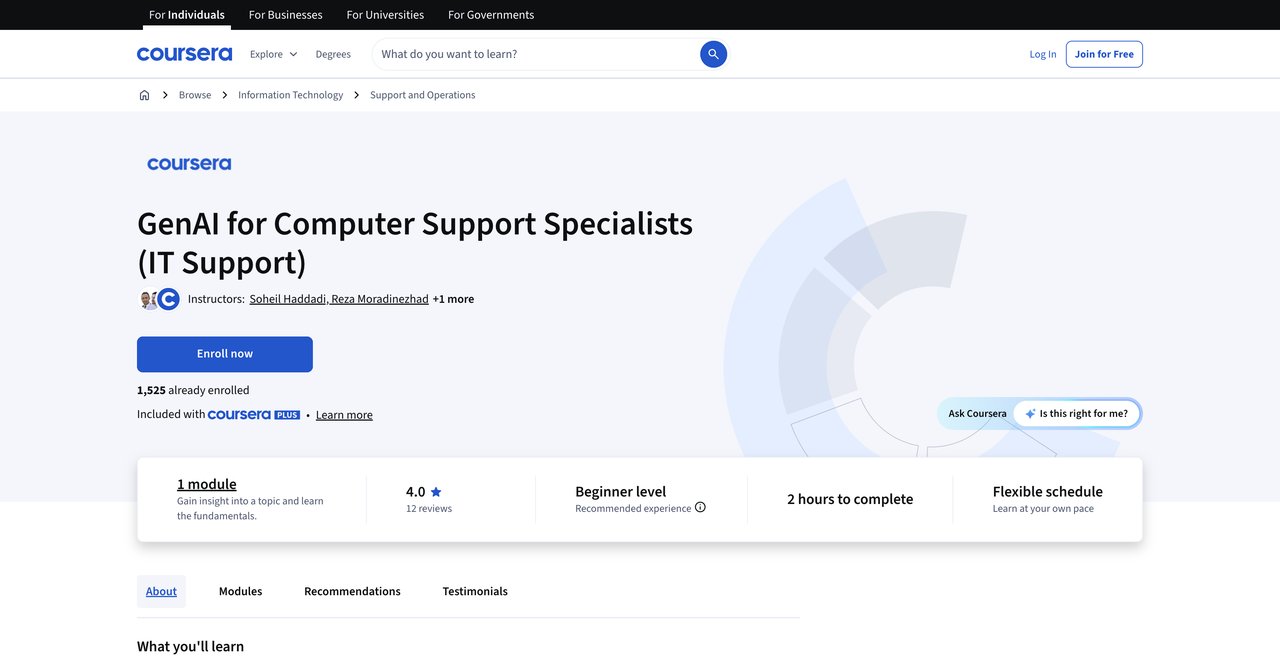
Get a quick start on GenAI to see what the fuss is about. The course is efficient for an introduction: it covers using AI to automate routine tasks in a support role and explains how to personalize customer service responses. Since it focuses on what you need in a computer support specialist role, you won't get into unnecessary concept materials.
You can audit the course for free, making this great if you want to test whether AI training is even the right path for you, without committing money. The paid route goes through Coursera Plus, which offers a host of other courses.
The downside is that it doesn't go very deep. It's short enough that advanced workflows and complex tool configurations are not covered. You'll know the basics, but you'd need another course to actually implement many AI tools. Given many topics cover no coding skills, you might expect a bit more detail, but it is a true beginner course.
If you want something to build your foundation and be aware of key concepts, this is a fine free option.
- Pros:
- Quick, focused introduction to GenAI for IT support
- Covers automation of routine tasks and personalized customer service
- Free to audit
- Cons:
- Very short-doesn't go deep into advanced workflows
- No hands-on tool configuration
Who would benefit most: Total beginners who want to learn about GenAI to their own pace without cost, to see them if it's worth pursuing more advanced training.
GenAI for Computer Support Specialists on Coursera
Course 5: Build with AI: Creating AI Agents for Helpdesk Professionals , LinkedIn Learning
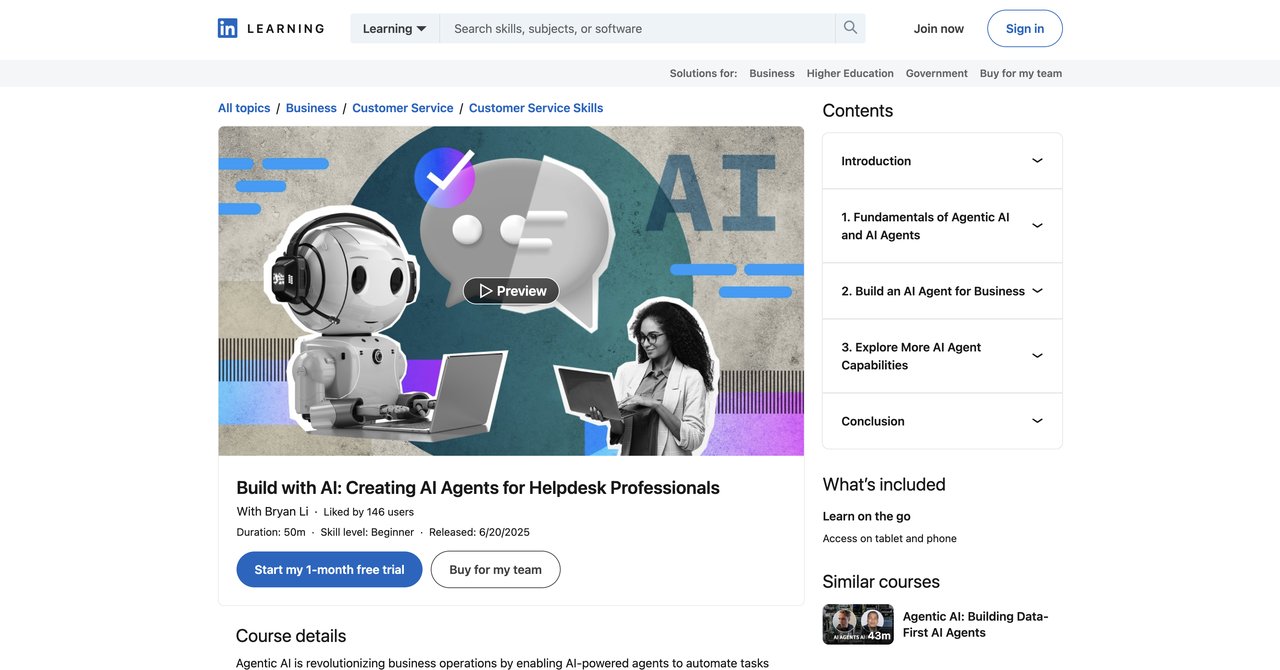
This LinkedIn Learning course is for help desk techs who use Microsoft Copilot Studio. It steps through building an AI agent for IT support. You'll work with things like adding custom knowledge bases, setting triggers and topics, and publishing the bot for users to interact with it. If your help desk runs via SharePoint, this course is likely to tie in directly with your environment.
The course is hands-on: you're practically building structures, not just listening. Once the agent is created, you know exactly how to deploy it in a help desk setup. That's clear, practical value for organizations that can use Microsoft's ecosystem.
But if your help desk doesn't use Microsoft Copilot Studio, you won't get much from the lessons, because the whole content depends on that specific platform. You also won't find a broad GenAI learning here. The training is not about ChatGPT or Gemini or other generic use cases.
Pricing follows the LinkedIn Learning subscription at about $39.99 per month. This might be heavy for a single course if you just subscribe.
- Pros:
- Hands-on building of an IT support AI agent in Microsoft Copilot Studio
- Covers custom knowledge, triggers, topics, and publishing
- Ideal for SharePoint-based help desks
- Cons:
- Requires access to Microsoft Copilot Studio
- Narrow focus on agentic AI only, not broader GenAI skills
Who would benefit most: Microsoft shops where help desk teams are using or planning to deploy Copilot Studio and need practical implementation steps.
Build with AI: Creating AI Agents for Helpdesk Professionals on LinkedIn Learning
Course 6: AI-Powered Support Ticket Handling Course , Catch Wisdom
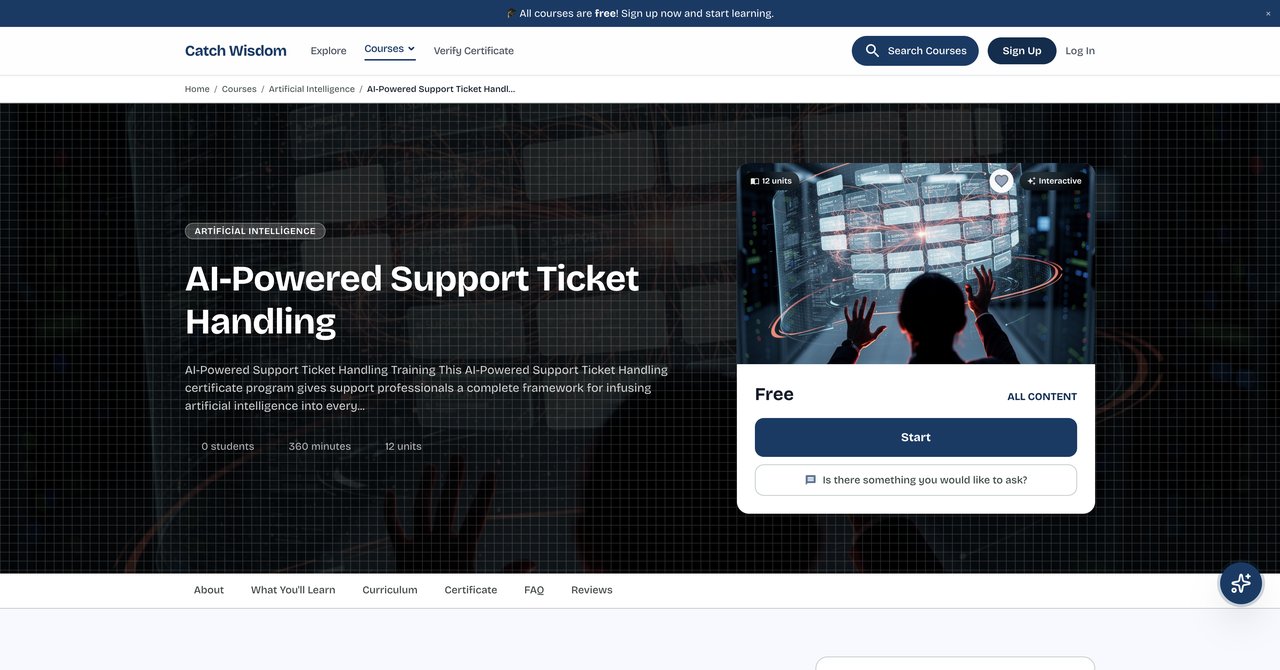
As free course by Catch Wisdom is great for budget-conscious learners. It's completely free with a certificate available in seven different languages. The content covers intelligent triage, helping you classify tickets early, does automated routing to get tickets to the right team, and teaches you how to make AI replies that don't seem robotic or naive.
The course is self-paced, with no deadlines, so you can work through it in your spare time. That's nice for shift workers and busy techs with non-regular hours. You can learn whenever your schedule allows.
Downsides are that you don't get live instructors support. If you have questions during the course, you won't have them answered by an expert in real-time. Also, although the course content is free, the official certificate costs $55 if you need the credential for your resume or LinkedIn profile.
For a complete intro to AI text-based ticket handling, it's decent. Just don't expect advanced technical depths in the course.
- Pros:
- Completely free with certificate in 7 languages
- Covers intelligent triage, automated routing, and empathetic AI replies
- Self-paced with no deadlines
- Cons:
- No live instructor support
- Certificate requires a fee if you want the official credential
Who would benefit most: On a budget and want a self-paced structure to learn about AI technology that improves ticket response, we have nothing to lose with the free version.
AI-Powered Support Ticket Handling Course by Catch Wisdom
Course 7: AI for IT Support: Tickets, Knowledge Base, and Endpoint Workflows , Qualora
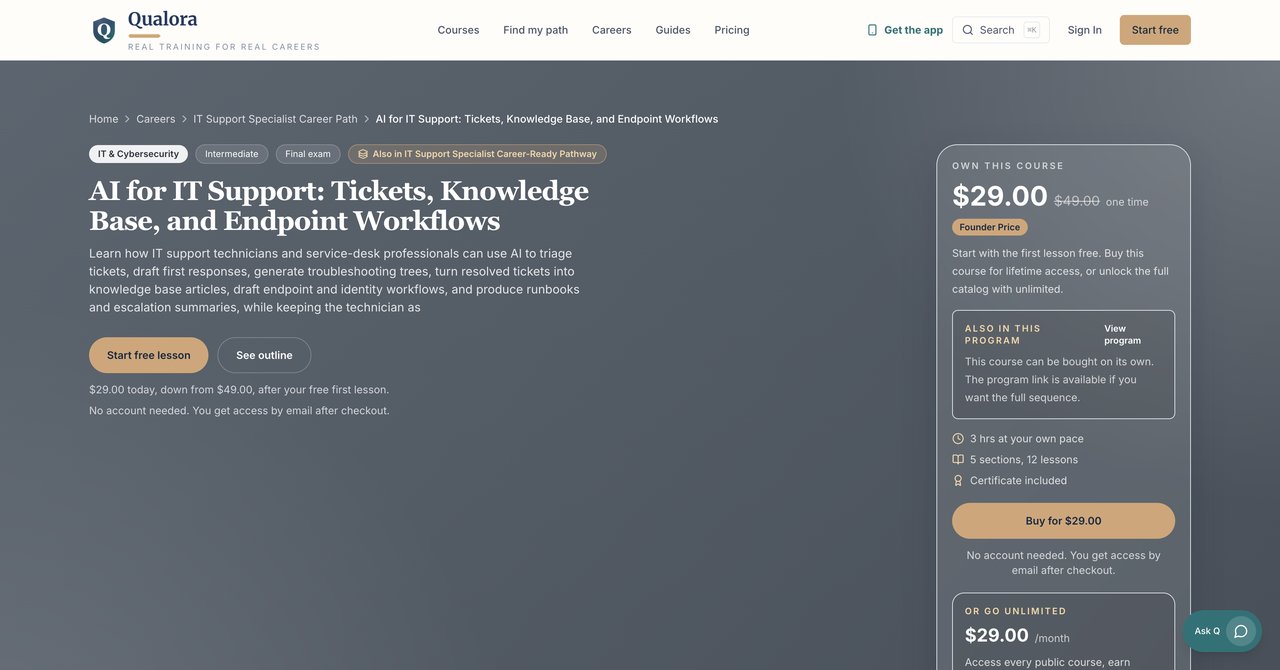
For a relatively low one-time payment of $29 (founder price), Qualora offers a practical set of lessons. The course covers drafting first responses to frequent issues, building troubleshooting trees that walk technicians through a step-by-step plan, and turning resolved tickets into articles for your knowledge base. This is designed for day-to-day support work.
There are also runbooks covered for endpoint and identity workflows-these are helpful for onboarding and troubleshooting patterns. It assumes you have some help desk knowledge and don't need an intro to what an ITSM tool is.
It doesn't offer any certification, which may not be a big issue if what you want is to get practical AI prompts and templates to apply immediately, not a badge. There's also the fact that when you pay with a one-time fee, you do not get ongoing updates, though for this price, it's a fine trade.
If you are already comfortable with the basics, this could be a worthwhile, time-effective course to go through.
- Pros:
- Covers drafting first responses, generating troubleshooting trees, and turning resolved tickets into KB articles
- Includes endpoint and identity workflow runbooks
- Very affordable one-time price
- Cons:
- Intermediate level assumes some help desk experience
- No certification or credential offered
Who would benefit most: Self-taught techs with some support experience who want immediate, cheap practical templates and runbooks without paying for a cert.
Visit AI for IT Support by Qualora
Course 8: AI Customer Support Essentials , CompTIA
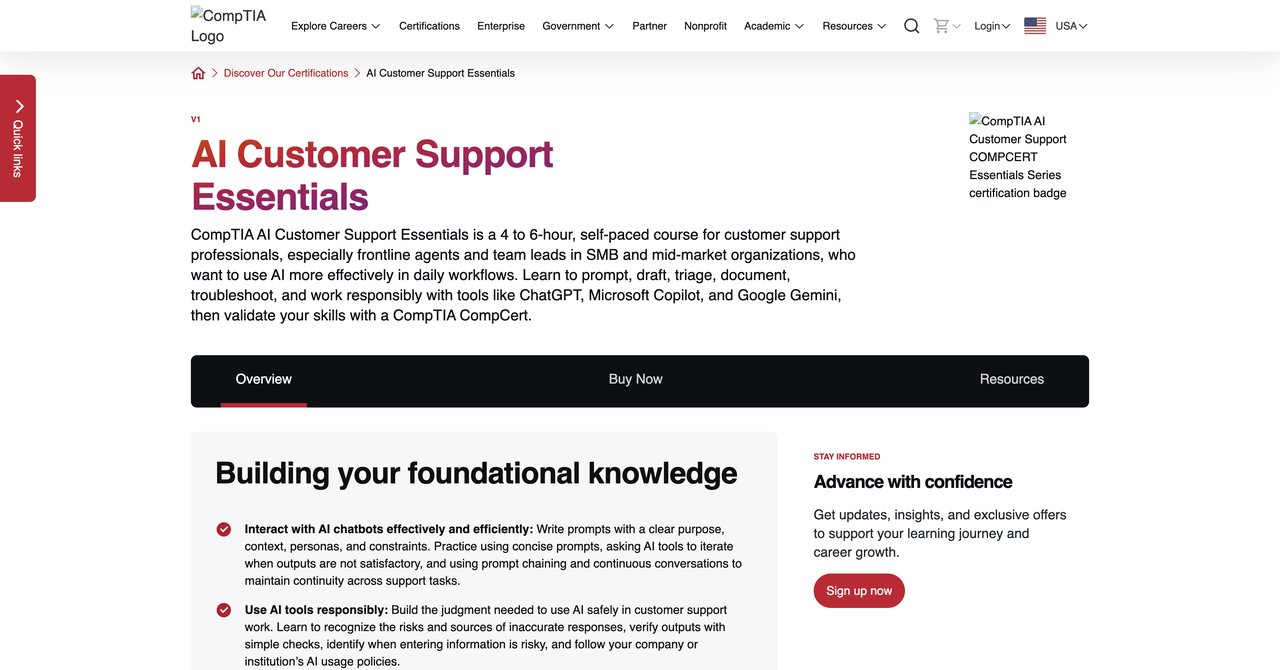
CompTIA's second offering is a self-paced course aimed at frontline agents. It teaches workers how to prompt AI to draft customer-facing emails and handles triage of issues, plus supports documentation details in ticketing systems. The approach is very similar to separate help desk course, but with a heavier focus on the customer front.
A key plus is the CompTIA CompCert credential included after completion, which may be of value to show you are familiar with AI in a customer support context. If you stay in the CompTIA orbit, this is a good add-on.
However, if you do more technical troubleshooting that goes beyond customer conversations, this might be less deep. There's also the lack of clarity around pricing on the page, which makes it harder to budget, especially if you add the exam voucher later.
All in all, its flow works well for support lines where the the customer-facing replacement is a priority.
- Pros:
- Self-paced course for frontline agents
- Covers prompting, drafting, triage, and documentation
- Includes CompTIA CompCert credential
- Cons:
- Focuses more on customer support than deep IT troubleshooting
- Pricing not transparent on the page
Who would benefit most: Tier 1 agents whose role focuses on first response, triage, and clear communication, and who value a well-regarded credential.
AI Customer Support Essentials by CompTIA
Course 9: AI Solutions and Techniques for Help Desk Operations , University of Denver
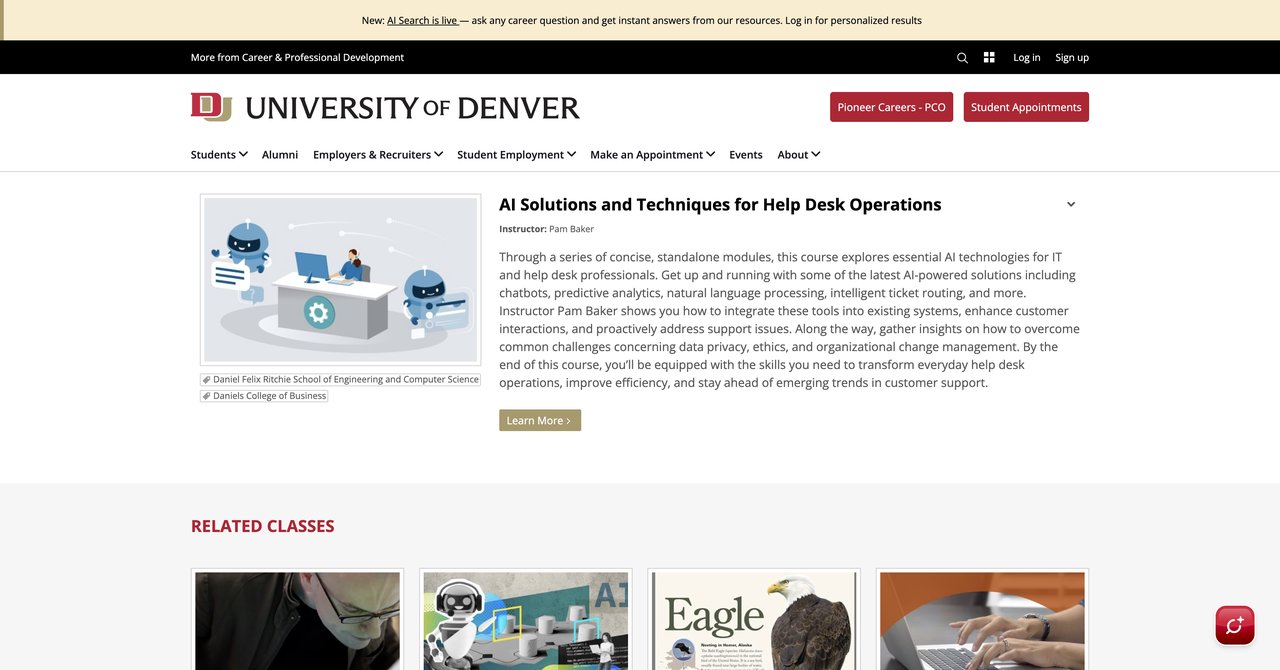
A university-backed course, this includes a broader education on AI concepts to apply to IT support. You'll learn how chatbots work, what predictive analytics can do for the help desk, how NLP is used to understand ticket text, and advanced intelligent routing systems. It also covers those ethical and fair issues about using data and what happens when AI changes processes at work.
The angle is more organizational than other courses. It covers aspects like data privacy, change management, and AI ethics, info that is valuable if you're looking at help desk operations from a management or process-level perspective. Priced so you need to contact the University directly, they are clearly not a budget-oriented, quick learning path.
A significant limitation is that there are no hands-on labs. If you want to work in an actual tools environment, this is not where you will get that. This is a traditional lecture format and the planners. If you are a fan of applied learning with actual system usage, the value decreases.
It might be useful for those who want to understand the bigger picture and talk about AI on a more conceptual level with stakeholders or managers.
- Pros:
- Covers chatbots, predictive analytics, NLP, and intelligent ticket routing
- Addresses data privacy, ethics, and change management
- University-backed curriculum
- Cons:
- No hands-on labs
- Pricing requires contacting the university
- Less practical than tool-specific courses
Who would benefit most: Those in team lead or supervisor roles who need a strategic, academic overview, or who want that name brand on their education/CV.
AI Solutions and Techniques for Help Desk Operations at the University of Denver
Course 10: Practical AI and prompting for customer care professionals , Coursera
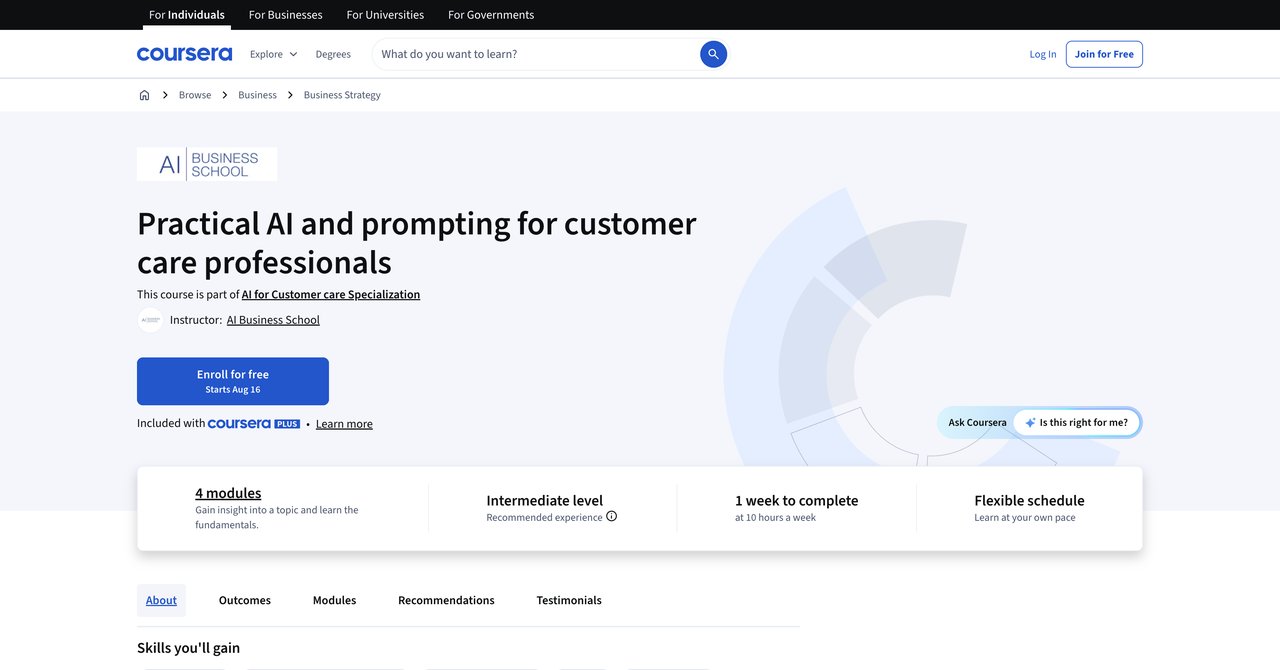
This Coursera offering gives you hands-on experience across AI modalities like text, voice, and video, using job-specific use cases relevant to customer care. It's interactive enough to get comfortable with using AI and how to craft good prompts.
The free audit makes it accessible for anyone; if you want the certificate and graded assignments, you'll need a Coursera subscription. That subscription model works well if you want other courses on other topics.
One thing that might stand out is the broad focus: it covers customer care in general, not specialized to IT-like troubleshooting. If you want curriculum that only talks about computer issues, other providers suit better. Also, the total duration is unclear-could be 5 hours or 50. Therefore, you expect to plan around scheduling without exact info.
It will help someone learn AI modalities and prompting for the level of general service, but if you need a dedicated help desk edge, you might want something more specific.
- Pros:
- Hands-on training across various AI modalities
- Focuses on job-specific use cases
- Free to audit
- Cons:
- Aimed at customer care broadly, not IT-specific troubleshooting
- Duration not clearly stated
Who would benefit most: Those who want a generalist grounding in AI prompting and hands-on AI modalities, and will work with customer-side problems, not exclusively deep technical tickets.
Practical AI and prompting for customer care professionals on Coursera
Final Recommendations over the Courses
Choosing the right course ultimately depends on your situation and what you want to achieve. For those who are serious about getting several skills in different areas and having options-including moving roles-of the CompleteAI Training subscription is the most favorable path. A flat rate gives you the full catalogue and all its certifications at no extra cost. There is no single course provider that equals that type of coverage. If you are in a company and need to train your team regardless of role rotation, this is also cost-effective.
If you don't want for a complete AI toolbox, CompTIA's AI Help Desk Essentials gives you a quick, practial base, though you need to worry about vouchers and the depth. For a zero-budget start, Coursera's GenAI for Computer Support Specialists and the Catch Wisdom free course are fine. Also, for Microsoft-centric help desk, it is worth checking out the LinkedIn Learning Copilot Studio course-it's extremely relevant if you're already using that stack.
If you value lifetime access and know templates, Workplace AI Institute might make sense despite the price, while Qualora is a real bargain for the cost. For a manager view, the University of Denver course adds academic value and ethics on your own pace.
Most technicians will want to find a learning package that lets them use AI immediately. The best in that regard are CompleteAI Training, Qualora, and LinkedIn Learning. To get published proof of skills, the CompTIA certifications or the CompleteAI Training certifications are more likely to be acknowledged by employers. Make sure to factor in not just the course fee, but any hidden costs for certificates or exams, and what access you get after the course ends.
Keep in mind that you should always check your own location's pricing or possible discounts. Also, all courses reflect in the same field but different instruction methods-Some progression, tutorials, others are self take. With some exploration, you can find a couple of them and try them out. If you're uncertain, the free spot offers low-risk passion, and after getting some experience then decide if you go to a full subscription and credential. By doing that, you choose confidently without overpaying for what you do not need to know yet.