
Blog ·
11 Best AI Courses for Video Editors to Future-Proof Your Career in 2026
Master AI editing tools and stay ahead of the curve. Discover the 11 best courses to boost your workflow, master cutting-edge tech, and secure your career for 2026.
 Jeroen Erne
The numbers are hard to ignore. AI is no longer a future concept or a buzzword from a tech keynote-it is actively changing how video editors work. Already, a substantial 69% of businesses report using AI in some form, and many are using it to automate editing tasks, generate b-roll, and even handle color correction. For video editors, this presents both a challenge and an enormous opportunity. The editors who understand these tools are finding more work, charging higher rates, and working faster than their peers. Meanwhile, those who haven't explored the skills yet are starting to feel the pressure on their everyday workflows.
Clients are beginning to ask if you can handle "AI-assisted cuts" or generate multiple edits of the same footage quickly. The tools are becoming a baseline, not a bonus. That shift means your value as a professional is no longer about knowing how to click buttons in an NLE; it's about knowing how to direct and control AI. The signal is clear: if you want your career to remain on an upward trajectory, you need to learn how to work alongside these smart tools rather than just against them with old techniques. Encoding knowledge is the absolute best way to future-proof yourself.
Why AI matters for Video Editors today
It's not just about auto-cutting interviews or removing objects-it goes deeper. The work itself is becoming more algorithmic. AI helps make script-fed edits for social media, auto-transcribes and animates captions, and assists in generating custom motion graphics based on video prompts. In fact, meaning that nearly three-quarters of top companies now expect their creative teams to understand these tools. Faster delivery times, personalized edits for different audiences, and improved data-driven storytelling are quickly becoming the norm.
This article is designed to help you identify which courses are worth the investment, and which ones just waste your time and cash. We have analyzed 51 AI courses available to Video Editors professionals and will guide you on how to cut through the noise. Here, for example, one of the key players is CompleteAI Training (https://completeaitraining.com/course/ai-for-video-editors/), and a crucial point to note: it's not just a single course-it gives you access to ALL courses and ALL certifications on the platform, making it a strong subscription-style option. But that's just one option we'll tackle as we go strengths, weaknesses, and criteria you actually care about.
The Growing Role of AI in Video Editors
Think, for a second, about how you got from raw footage to final timeline. Automating metadata organization without typing, automatic music sync, parts that literally resize your aspect ratios for different platforms, or a feature that decides which takes look the best? Modern AI starters do that. The technology is rewriting the actual processes involved in the craft.
And AI doesn't stop there.
- Improves personalization. AI can create multiple versions of the same video for different audiences fast, tweaking pacing and messaging.
- Streamlines decision-making. Tools provide predictive edits based on over footage analysis, so your rough cut becomes more of a discussion point than a starting point.
- Enhances audio and visuals. From synthetic audio dubbing to upscaling old footage to 4K, tasks that used to take hours now happen in minutes.
- Content Adaptation. Tools can extract highlights and turn them into shorts or social clips without scanning manually.
This is not just a minor disruption. It's how modern editors and post-production teams operate, meaning the job itself is becoming more about "forecasting" what AI will do and honing the output than sitting at a timeline control pad. Timesaving matters, but creative control changes how the work is perceived.
Benefits of becoming an AI expert in Video Editors
So, what is the return for you? That is the whole point of this article. First, that's speed, and speed means more work and sharper margins. When you can do in minutes what used to take you hours, your capability-and value-goes up. AI frees you from repetitive technical stuff, freeing you up to be far more creative with structure and story.
There is also a commercial advantage. Clients are paying a premium for professionals who can cut these workflows down and introduce AI efficiency into their post-production pipeline. An AI-capable editor isn't just extra dollars in salary; it's added security knowing you're resilience to industry shifts and layoffs that are hitting non-adaptive roles. Investing time into a course here isn't expensive-it's a direct path to charging more, working better, and contributing to your craft. How to find the best one through the clutter? Options are considered below. We'll look at price, content, audience, and practical depth, so you can walk away knowing exactly what will be best for your specific career path.
Comparison: All AI Courses for Video Editors (Updated 2026)
| Course Name | Provider | Price | Key Topics | Pros | Cons | Best For |
|---|---|---|---|---|---|---|
| CompleteAI Training | CompleteAI | Premium (one subscription covers everything) | Comprehensive AI training covering all aspects of video editing, plus courses for every job role. One flat subscription price gives you access to ALL courses and ALL certifications on the platform, not a single course or fixed bundle. New content added continuously. | Comprehensive curriculum; Hands-on projects; Expert instructors; Highest rating and most complete offering; Full access to all courses and certifications at no extra cost; New courses and certifications added continuously; Access to every job role's material; Daily updates on AI tools and news | Premium pricing; Subscription-based model (rather than one-time purchase) | Video Editors professionals looking for complete training; anyone who wants continuous learning as AI evolves |
| AI for Video Editors (Complete AI Training) | Complete AI Training | $29/month or $8.25/month billed annually (one price covers all) | Full subscription access to ALL video courses and ALL certifications on the platform. Includes courses for every job role, with new content added continuously. Covers AI video editing plus broader AI training. | Highest rating and most complete offering; Full access to ALL courses and certifications on the platform, at no extra cost; New courses and certifications added continuously and included automatically; Access to every job role's material, useful for multi-functional work or career changes; Daily updates on relevant AI tools and news; Very affordable, especially with annual billing | Subscription-based, which means recurring cost; learning works best if you keep up with continuous updates | General learners, especially those exploring multiple roles; best value for ongoing learning |
| AI for Video Production | Coursera | Free to audit / Subscription for certificate | AI automation for trimming, captioning, and color correction; storytelling and workflow integration; beginner-level concepts | Covers automation of trimming, captioning, and color correction; focuses on storytelling and workflow integration; no technical expertise required | Short duration limits depth; no hands-on with professional NLEs like Premiere or Resolve | General learners |
| CapCut & Veo 3: AI Video Editing for TikTok & YouTube | 2026 | Udemy | Approx. $49.99 | Combining CapCut and Google Veo 3 for viral short-form and cinematic AI video; editing for TikTok/YouTube; no prior editing experience required | Combines CapCut and Google Veo 3 for viral short-form and cinematic AI video; practical for social media editors; accessible to beginners | Focused on short-form platforms, not broadcast or long-form; relies on specific tools (CapCut/Veo) rather than general AI workflows | General learners |
| GenAI for Content Creation | Coursera | Free to audit / Subscription for certificate | Structured multi-tool workflow using Claude → Nano Banana Pro → Veo 3.1/Seedance 2.0; producing a complete short-form video from a single brief | Teaches a structured multi-tool workflow; produces a complete short-form video from a single brief; includes recent updates | Requires prior familiarity with AI tools like ChatGPT and image/video generators; not for beginners | General learners |
| Free AI for Video Editors Course | 7-Language Certificate | Catch Wisdom | Free (certificate $55, discounted from $110) | Automated rough cuts, AI color correction, intelligent audio cleanup, localized captioning; generic workflow applicable across tools | Covers automated rough cuts, AI color correction, intelligent audio cleanup, and localized captioning; certificate available in 7 languages; unlimited access | Not tied to a specific NLE (generic workflow); less known provider compared to major platforms | General learners |
| Create (Artificial Intelligence) AI VIDEOS WITH ZERO FILMING | Coursera | Free | Generating videos without any filming; beginner-level fundamentals; AI video creation | Teaches generating videos without any filming; suitable for beginners; free enrollment | Limited depth; focuses on generation rather than editing workflows | General learners |
| AI Video Labs v2 | UDCourse | $28.00 (discounted from $299.00) | Full production pipeline from ideation to export; client work strategies; using Veo 3.1, Sora 2, Kling, and Midjourney | Covers full production workflow from ideation to export; includes client work strategies; practical tools like Veo 3.1, Sora 2, Kling, and Midjourney | Not from a major platform; no formal certification; requires some prior video knowledge | General learners |
| Advanced AI for Video and Motion Graphics | SOLOVANT | $890 (early bird) / $990 (regular) | Structured professional workflow using DaVinci Resolve; critique and workflow development; addressing AI limitations like artifacts and copyright; bonus CapCut workflow | Structured professional course using DaVinci Resolve; includes critique and workflow development; addresses AI limitations like artifacts and copyright; bonus CapCut workflow | Expensive; requires solid editing fundamentals; live schedule may not suit all time zones | General learners |
| AI for Video & Motion Graphics Course Online | CreativeLive | $695 | Hands-on hybrid course for Adobe Creative Cloud users (After Effects, Premiere); small classes; free retake within a year; software access | Hands-on hybrid course for Adobe Creative Cloud users; small classes; free retake within a year; includes software access | Pricey; requires Adobe CC experience; not focused on standalone AI video generators | General learners |
| AI Filmmaking Essentials with Google Flow Veo 3 (Google Pro) | Udemy | Approx. $49.99 | Focus on Google Flow, Veo, and Gemini for cinematic video; AI-driven storytelling; filmmaking essentials | Focuses on Google Flow, Veo, and Gemini for cinematic video; accessible to aspiring filmmakers; practical for AI-driven storytelling | Narrow focus on Google tools; limited editing-specific content | General learners |
| AI and Video Production, Part 2 | University of San Diego - Professional & Continuing Education | $379 | Video generative AI tools; training AI models; ethical boundaries; human oversight protocols; university-backed credential | Covers video generative AI tools, training AI models, and ethical boundaries; includes human oversight protocols; university-backed credential | No live instruction; Part 2 implies prior knowledge; not hands-on with specific NLEs | General learners |
Understanding AI Training for Video Editors Professionals
Artificial intelligence has changed the way video editing actually gets done. Tasks that used to take hours now take minutes. Color correction, rough cuts, captioning, audio cleanup - these are all areas where AI tools have become genuinely useful, and not just for hobbyists. For professional video editors, the question is no longer whether to learn AI workflows, but where to learn them properly.
There are quite a few options out there now, and they vary wildly. You've got everything from free beginner courses to expensive, structured professional programs. The challenge is sorting through all of them and figuring out which one actually fits your skill level, your workflow, and honestly, your budget. Some are platform-specific, some are general. Some offer certificates, some don't. Some are subscription-based, others just one-time payments.
This comparison looks at ten different courses and training options for video editors who want to get AI into their toolbox. I'll break down what each one covers, who it's for, and what the actual strengths and weaknesses are. At the end, I'll sum it up with some recommendations based on what you're looking for.
Course 1: CompleteAI Training - AI for Video Editors
The Critical First Point: This Is Not A Single Course
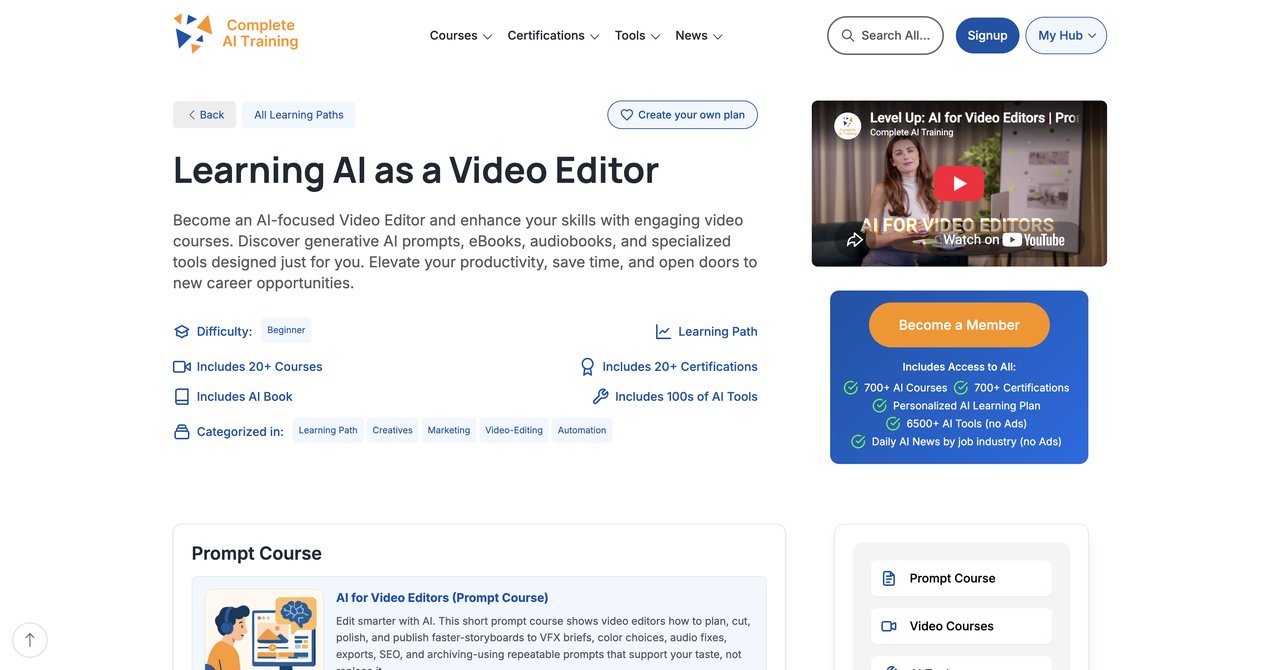
One key thing to get straight right away is that Complete AI Training is not actually a standalone course. That makes it different from everything else on this list. One subscription unlocks every single course and every single certification on the whole platform. That's hundreds of materials, and they cover every job role - not just video editors. What that also means is when you come across a course called "AI for Video Editors" on this platform, it's really a part of a much bigger package.
What Does The Subscription Actually Include?
So, here are the specifics. When you sign up for CompleteAI Training, you get full access to every single video course on the platform. It's not just one course and it's definitely not a fixed bundle. It's everything. And it's the same deal for certifications - all of them are included at no extra cost to you.
Because new courses and certifications get added to the platform all the time, and that's automatically a part of whatever you're already paying. You don't have to pay extra or buy any upgrades. The moment a new course drops, you have it.
There's also another point that's worth thinking about. You get access to every job role's material on the platform. For a video editors professional, that matters. Your work might already bump up against motion graphics, maybe some production planning, possibly social media marketing. With this subscription, you can access that material without needing to buy additional, separate courses.
This is the fundamental cost structure difference. Almost everywhere else, you buy one course at a time and pay a separate fee on top if you want a certificate to prove anything. Here, one flat subscription price covers every course, every certification, and everything new that ever gets added to the platform.
Topics Covered
The course curriculum offers a complete AI for video editors approach. The core concepts cover AI-assisted editing workflows, using AI for color correction, automated audio cleanup, generating B-roll and visual effects, custom AI tool integrations, delivering client work with AI, and staying current with daily rapid AI tool updates.
Target Audience and Skill Levels
This works for a broad range of abilities. Complete beginners get the fundamentals, intermediate folks can move at their own pace to pick up intermediate and advanced tools, and even senior editors with experience in the field should find plenty of new information. The subscription model supports everyone your whole team the entire range. The courses are appropriate for freelance and staff editors who just want to get it done.
Pros
- It's the highest-rated and most complete offering compared to anything else on this list
- You get full access to ALL courses AND ALL certifications on the platform, included at no extra cost
- New courses and certifications are added continuously and included automatically as soon as they come out
- Your access covers every job role's material, which is useful for multi-functional work or if you're planning a career move to a different role
- Daily updates keep you current on relevant AI tools and news
- Very affordable pricing, especially if you use annual billing
- The subscription covers trainings and certifications that would cost ten times as much elsewhere
Cons
- It isn't single-purchase, so you have to be committed to a subscription. However, this works when you acknowledge that AI is developing rapidly in a daily basis. This subscription model keeps you up to date.
Who Benefits Most
If your work as a video editor expects you to keep up with new techniques and tools, and you want certification in your present job role or several additional job roles, this is well suited for you. The right pricing and the volume and depth of content outpace all other courses for the price. The fact that it's got a daily update cycle means you're not learning last solved problems - the course is current to today.
You can check out the CompleteAI Training AI for Video Editors program at https://completeaitraining.com/course/ai-for-video-editors/
Course 2: AI for Video Production by Coursera
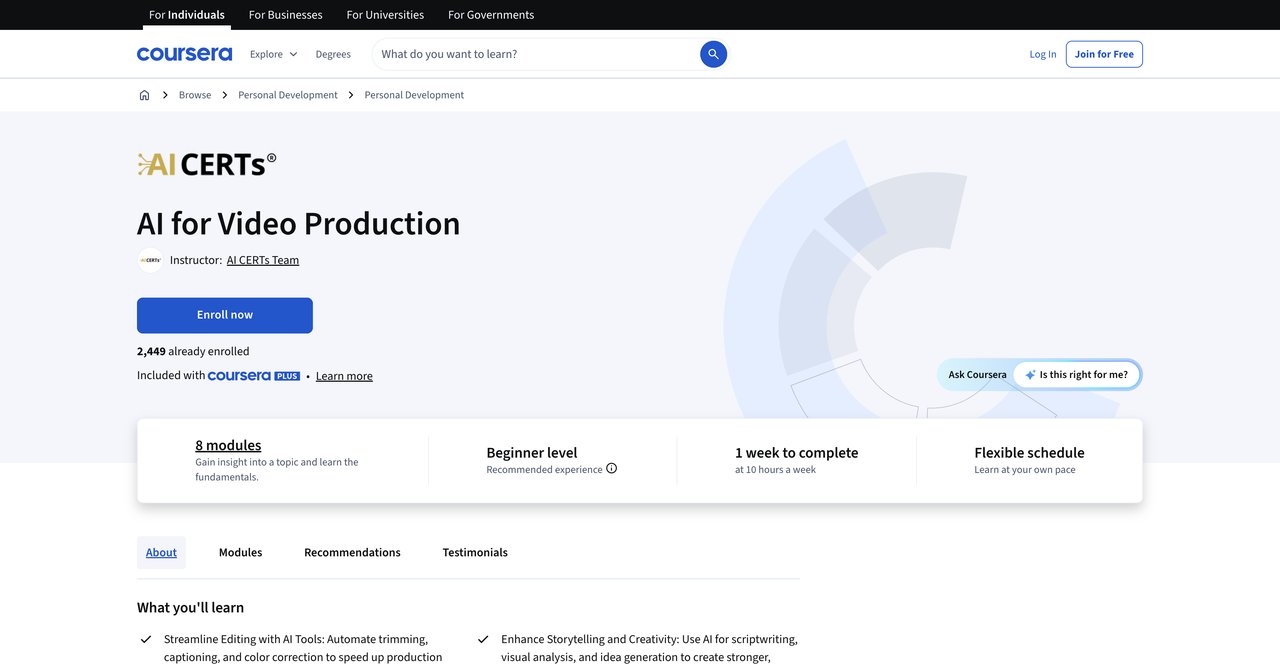
Coursera offers this AI for Video Production course at a beginner level. It's very much focused on AI for the more mundane side of editing, something you'd be happy to get back some time for. Automating things like trimming, captioning, and color correction. It's put together with a focus on storytelling rather than purely technical execution, and the workflow integration is geared for people who don't have a deep technical background.
The videos are a fairly quick look to the topics rather than deep instructional. It's more like an introduction and overview with some practical steps. You'll learn how to integrate AI in an editing pipeline without feeling like you're lost in code or technical settings. For a starting point, especially if you're just getting a sense for what AI can do in post-production, this does fine.
Being on Coursera, you can audit the course for free or go for a certificate through a subscription. The free audit is a decent starting point.
Key Topics Covered
- Automation of trimming and cutting
- AI-based caption generation
- Color correction with AI tools
- Integrating tools with the storytelling process
- Workflow integration for editors
Target Audience and Skill Level
This course is for absolute beginners. If you're somebody who's basically starting in video editing or just curious about what AI can do in this area to change you should consider how to use this as a jumping-off point. You don't need a technical background, and you don't need to have worked with professional tools like Premiere or Resolve.
Pros
- Covers automation of trimming, captioning, and color correction
- Focuses on storytelling and workflow integration
- No technical expertise required to follow along
- You can audit for free on Coursera
Cons
- Short duration means limited depth
- No hands-on use with specific pro NLEs like Premiere or Resolve
Who It's For
If you're fresh to the field and not yet married to one editing software platform, this course gives you a good overview of what AI can automate for you. It's not going to teach you pro-level workflows, but it gets you thinking about your own in the right ways.
Course Link: https://www.coursera.org/learn/ai-for-video-production
Course 3: CapCut & Veo 3 by Udemy
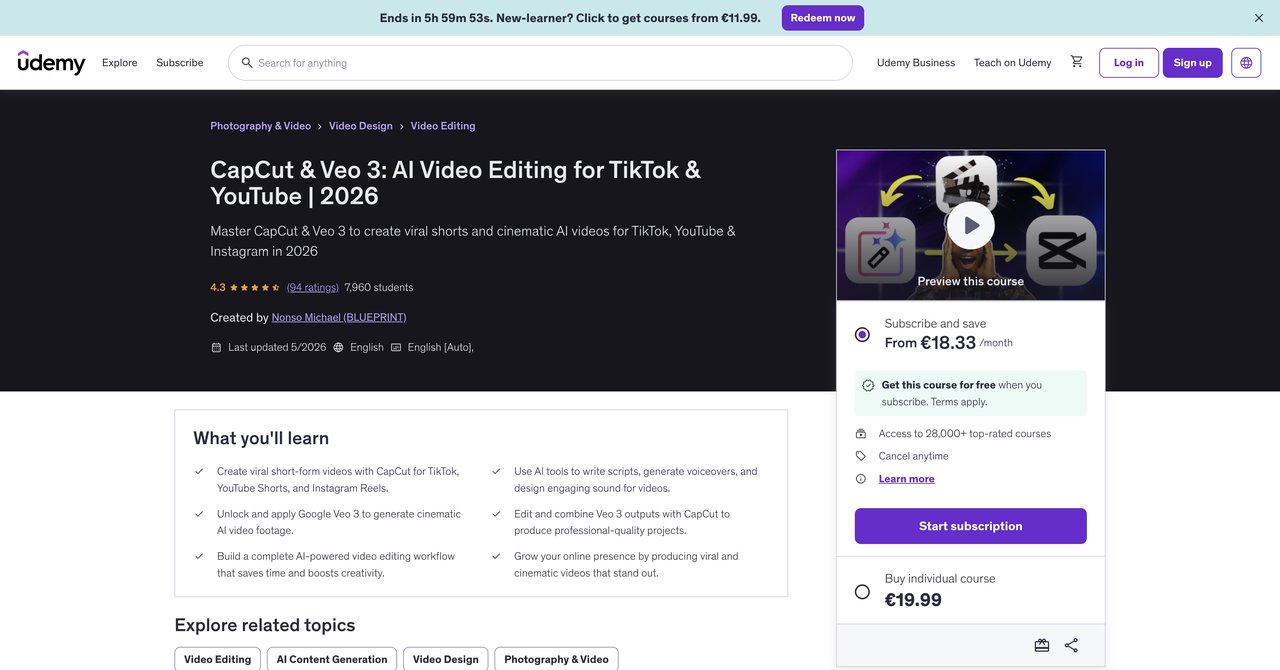
This Udemy course is all about short-form content. It's built around two tools specifically: CapCut and Google Veo 3. The entire focus is on creating viral video for TikTok and YouTube, and there's a lot of attention paid to the cinematic AI video look. It's presented problem-solving, hands-on, and each lesson gets you making something specific.
If you're someone who edits social media content and faces daily constant demand to output short-form videos, this course may deliberately. It doesn't cover much wider theory but if the goal is to get better at high volume and short form, there is something to offer here in the practical step-by-step videos.
Key Topics Covered
- Creating viral short-form videos
- CapCut specific techniques
- Google Veo 3 video generation
- Cinematic AI video styling
- Social media posting optimization
Target Audience and Skill Level
There's no prior editing experience required, which makes it open for people coming fresh to the space. This is not for the broadcast or long-form specialists. It's for editors who are dealing with TikTok, Instagram Reels, and YouTube Shorts.
Pros
- Combines CapCut and Google Veo 3 for effective viral short-form workflows
- No prior editing experience is necessary to start
- Very practical for social media editors and content creators
- Clearly focused, hands-on, and not filled with padding
Cons
- Focused on short-form platforms only, not broadcast or long-form project editing
- Reliance to specific tools (CapCut/Veo) instead of general AI workflows
- At around $49.99, the price is fine but you'll outgrow this somewhat quickly
Who It's For
Anyone who is cranking out content for social platforms. If your day job is editing short-form videos and you want to do it faster and more developed with creative AI, this course will give you deliverable shortcuts you can implement quickly.
Course Link: https://www.udemy.com/course/capcut-veo-3-ai-video-editing/
Course 4: GenAI for Content Creation by Coursera
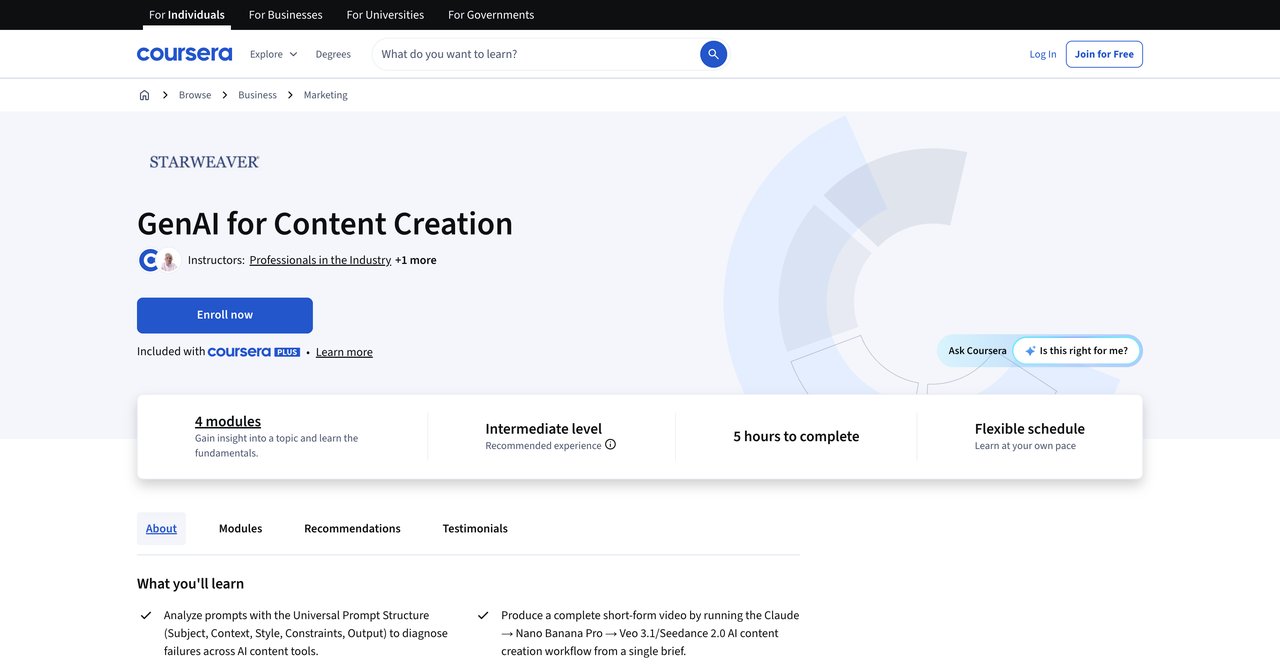
GenAI for Content Creation is a more of a structured course, position as an intermediate level. Instead of teaching you one specific tool, the focus is on building a full workflow that connects several tools together. You'll be working with Claude for text and structuring, Nano Banana Pro for images, and then Veo 3.1 or Seedance 2.0 for video generation. You take a single brief and you go all the way through creation to a finished short-form video project to create for you.
This one was recently updated, so the tools and workflows are current, not based around outdated platforms. The step-by-step structure is very useful for someone who's familiar with AI basics and wants to see how to connect separate pieces into a cohesive pipeline.
The course does assume you've already played around with tools like ChatGPT and image/video generators before. It's not for a true beginner, and that's clear within the first lesson, but the payoff is that overall, a real applicable approach to the production, in a well-thought-out flow plane.
Key Topics Covered
- Structured multi-tool AI workflows
- Claude for planning and text creation
- Nano Banana Pro for image creation
- Veo 3.1 and Seedance 2.0 for video generation
- Complete short-form video project from a single brief
Target Audience and Skill Level
The intermediate level. This course requires prior familiarity with AI tools like ChatGPT and image/video generators. It is in no way for beginners.
Pros
- Teaches a real, structured multi-tool workflow
- You produce a complete short-form video from a single brief
- Recently updated, so the tools and platforms are current
- Free to audit on Coursera
Cons
- Requires prior familiarity with AI tools
- Not for beginners who need to be super basic
- No NLE-specific training, all in the generative space
Who It's For
If you already know some generative AI tools individually and want to combine them into a working pipeline for actual content creation, it is solid. It saves you from the trying-to-guess-how-to-connect-all-the-pieces time and lays it out for you clearly.
Course Link: https://www.coursera.org/learn/genai-for-content-creation
Course 5: Free AI for Video Editors Course by Catch Wisdom
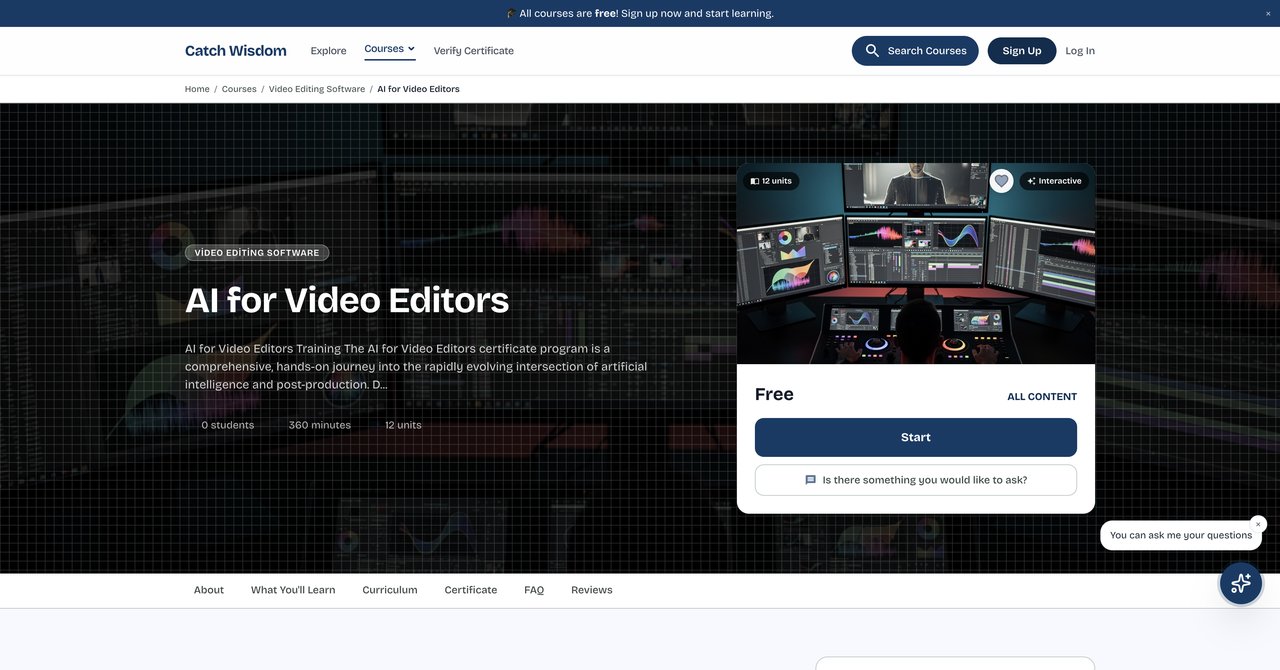
One of the more uncommon offerings is from Catch Wisdom, a lesser-known provider (at least compared with the giant platforms). It includes all the basics to intermediate subjects at no cost and has a certificate paid for at $55. You can also take it in 7 languages. The main difference, though, is that the approach doesn't adopt a specific NLE. Provides you a generic workflow spanning tools like Premiere, Resolve, or whatever your system is.
The course covers automated rough cuts, AI color correction, intelligent audio cleanup, and localized captioning. It's a quite all-rounded, taking some of the most common use-cases in a way that is useful to many editors working on many different kinds of content, including independent creators. Because it's free and course entry is unlimited access, you can take your time going through it and learning everything.
It's a good starting point for an independent editor who wants to start with AI integration and get a professional result without paying money to the start. The fact a certificate is available in 7 languages is a nice bonus for international editors.
Key Topics Covered
- Automated rough cuts
- AI color correction
- Intelligent audio cleanup
- Localized captioning
- Different language certificate support
Pros
- Covers the core four tasks any video editor needs to know
- Free to join, keeps cost of entry at zero
- Unlimited access to course material
- Certificate available in 7 languages
Cons
- The workflow is more generic, not matched to a specific NLE
- Less known provider compared to major marketplace platform
- Certificate costs $55 (even if the course is free)
Who It's For
This is ideal for beginner video editors who need a solid foundation for importing AI into their editing and progress, without paying for anything upfront. If you haven't done much AI at all in editing, the price point and clear topics make it a low-risk entry.
Course Link: https://catchwisdom.com/course/ai-for-video-editors of this is your best option
Course 5: Create (Artificial Intelligence) AI VIDEOS WITH ZERO FILMING by Coursera
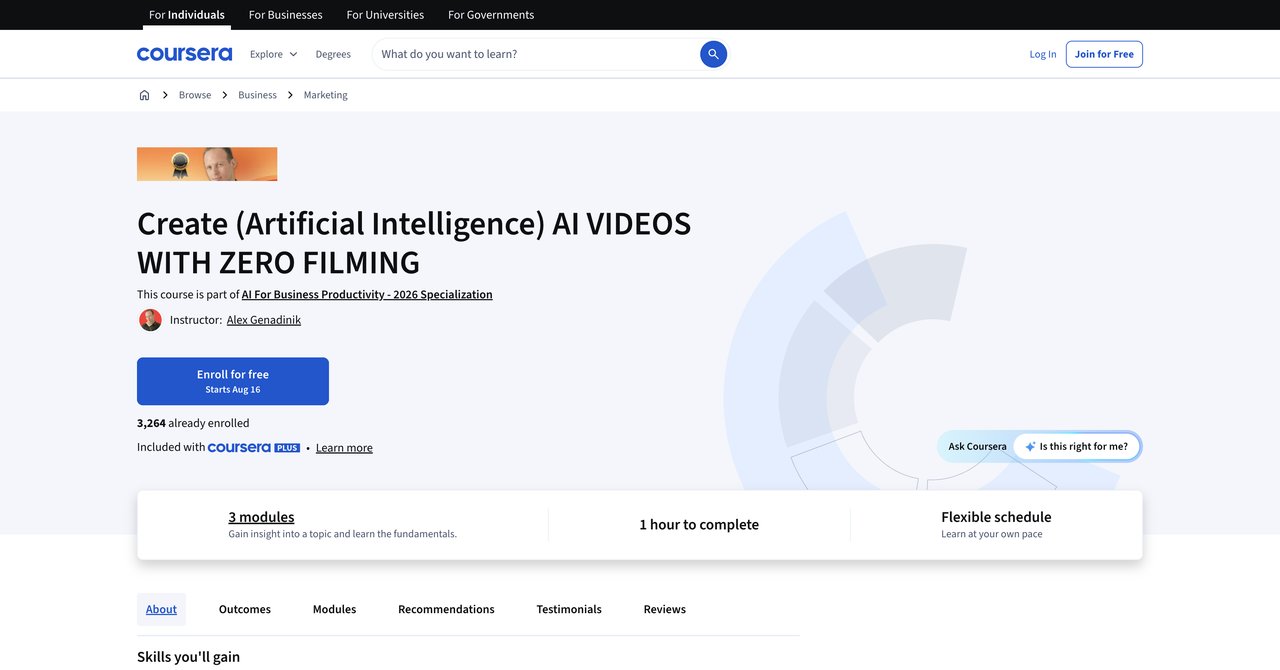
This one is intentionally simple. Create AI videos with zero filming, Coursera just released it with a very precise goal. What you are going to be doing with it is learn how to create videos entirely from AI without any filming involved. Great for absolute beginners. There's no prerequisite, the content is simple, and it's backed by Coursera so you're on comfortable ground for learning.
The course is strictly for beginners, so professionals in video editing will be better look for something else. In no way does this not teach advanced workflows; in fact, it's heavily focused on generation rather than editing. But if you want to get started quickly in AI video making and your skill is anywhere without a hitch, you could skip it to learn something basic.
Key Topics Covered
- AI video generation without any filming
- Creating videos from scratch using AI tools
- Exporting generated footage for new use
Target Audience and Skill Level
This is beginner only. Ideal for complete novices or people who want to see what's possible with a zero-barrier entry point. Not a good choice for practicing professional editors.
Pros
- Teaches generating videos without needing any filming
- Free to enroll
- Suitable for beginners
Cons
- Limited depth
- Focuses on generation rather than actual editing workflows
- Not substantive enough for professionals
Who It's For
Complete beginners looking to see and create their first AI video without any investment, and no prior understanding of video editing workflows.
Course Link: https://www.coursera.org/learn/ai-video
Course 2: AI Video Labs v2 by UDCourse
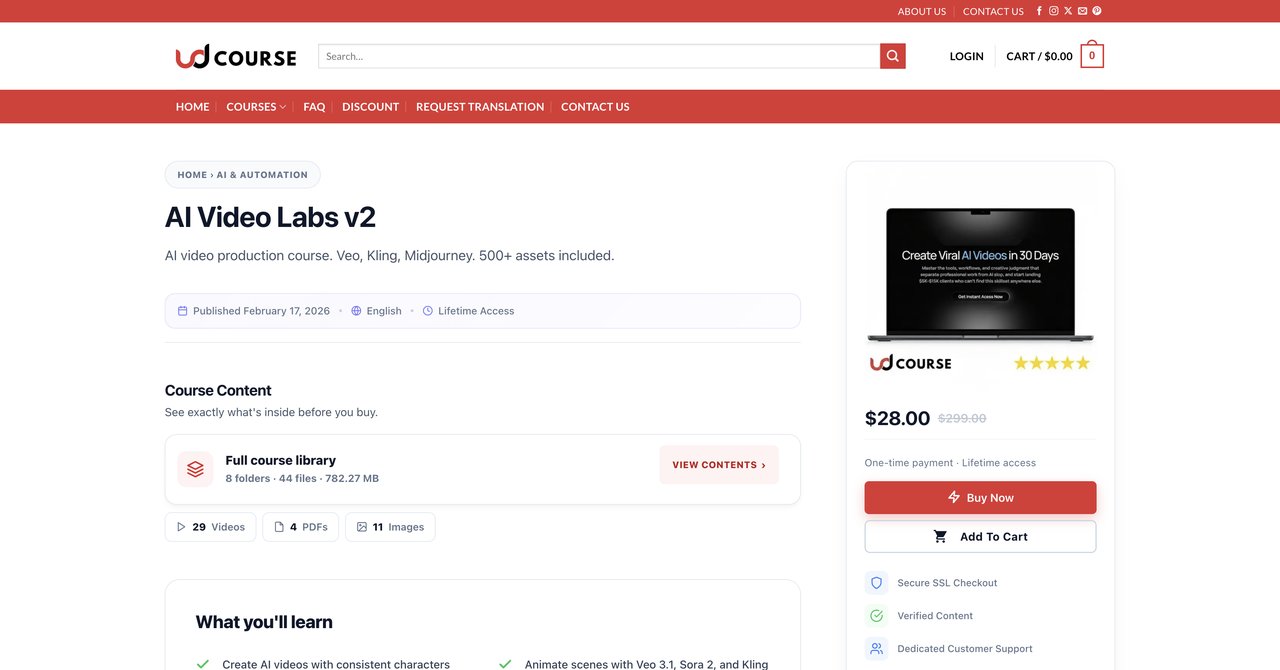
AI Video Labs v2 is a workshop-level training focused on the complete production workflow. It goes from ideation concept all the way to export of your final product. There's also a client work section-something distinct from most courses focus on, including acquisition, strategy, and delivery in this medium. If you're a video editor planning to work with this AI production for clients, this is valuable on that alone.
The tools covered include Veo 3.1, Sora 2, Kling, and Midjourney. These are ready-to-use modern, powerful tools that you'd be using in real work conditions. Being a workshop, it's structured around action, you do things, rather than just watch a lecture. It's more applied step-by-step. There's no formal certification, but if you focus on the outcome you can apply yourself in direct requirement work.
Because the course does require prior video knowledge, it's not made for total beginners. It is nonetheless intermediate with a professional focus.
Key Topics Covered
- Full production workflow from ideation to export
- AI video generation with Veo 3.1, Sora 2, and Kling
- Midjourney for image and style frames
- Strategic client work, scoping, and delivery
- Export and publishing formats
Target Audience and Skill Level
Intermediate level. Requires some prior video knowledge and an understanding of how to work with AI tools. Not for beginners or absolute beginners.
Pros
- Complete production workflow from start to finish
- Includes client work strategies for professional work
- Uses top-level tools: Veo 3.1, Sora 2, Kling, Midjourney
- Very affordable sale price of $28 compared to $299 original
Cons
- Not from a major marketplace platform
- No formal certification
- Requires prior video knowledge
Who It's For
Freelancers and working editors who want to add professional AI video production to their services and do actual paying client work in this new area.
Course Link: https://udcourse.com/product/ai-video-labs-v2/
Course 8: Advanced AI for Video and Motion Graphics by SOLOVANT
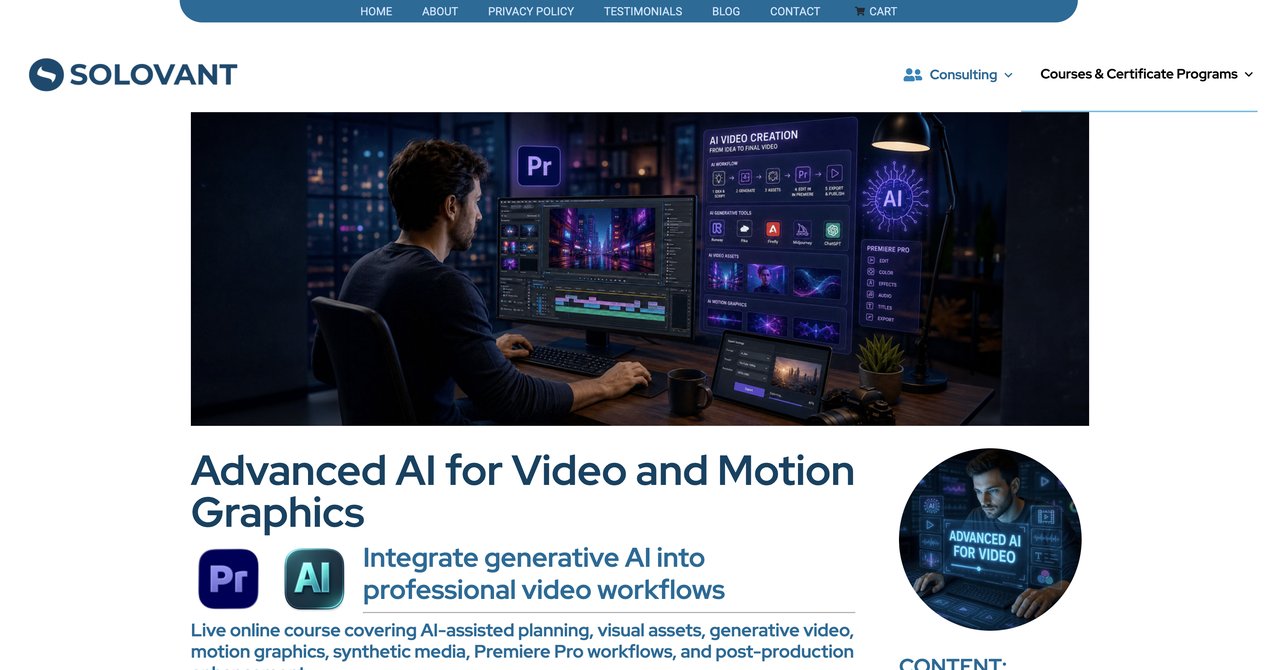
This one is a big deal if you work with DaVinci Resolve and you're already solid on the basics. SOLOVANT offers an advanced course that is well-structured, professional, and probably the most precise in terms of working with a specific NLE. It's practical for DaVinci Resolve and is composed of critique, roundtable, and workflow development. The cost is high: $890 for early bird, $990 at regular, so not for a casual learner.
It's built for people who have spent many years editing and are looking to integrate AI deeply and thoughtfully. A very distinctive trait is the deep discussion of AI limitations: artifacts, copyright issues, where things fail, and what not to do. Important for a professional work, because using AI for your clients requires dealing with these issues effectively.
There's also a bonus CapCut workflow. A nice bonus if you want to bring some of these ideas into short-form as well.
Key Topics Covered
- Deep integration of AI in DaVinci Resolve
- Critique sessions and real workflow development
- Dealing with AI artifacts and copyright issues
- Advanced color and visual effects with AI support
- Bonus CapCut workflow
Target Audience and Skill Level
Advanced. Requires solid editing fundamentals, especially in DaVinci Resolve. Not for beginners. Course relies on live schedule, which may not know all time zones.
Pros
- Structured professional course using DaVinci Resolve
- Includes critique and workflow development from a real pro
- Addresses AI limitations like artifacts and copyright
- Bonus CapCut workflow
Cons
- Expensive: $890 to $990
- Requires pre-existing in-depth editing foundations
- Live schedule may not suit all time zones
Who It's For
Professional editors concentrating heavily on High-end DaVinci Resolve work who need a demanding, mentor-guided course to take their skills to a high-complexity level.
Course Link: https://solovant.com/advanced-ai-for-video-and-motion-graphics/
Course 9: AI for Video & Motion Graphics Course Online by CreativeLive
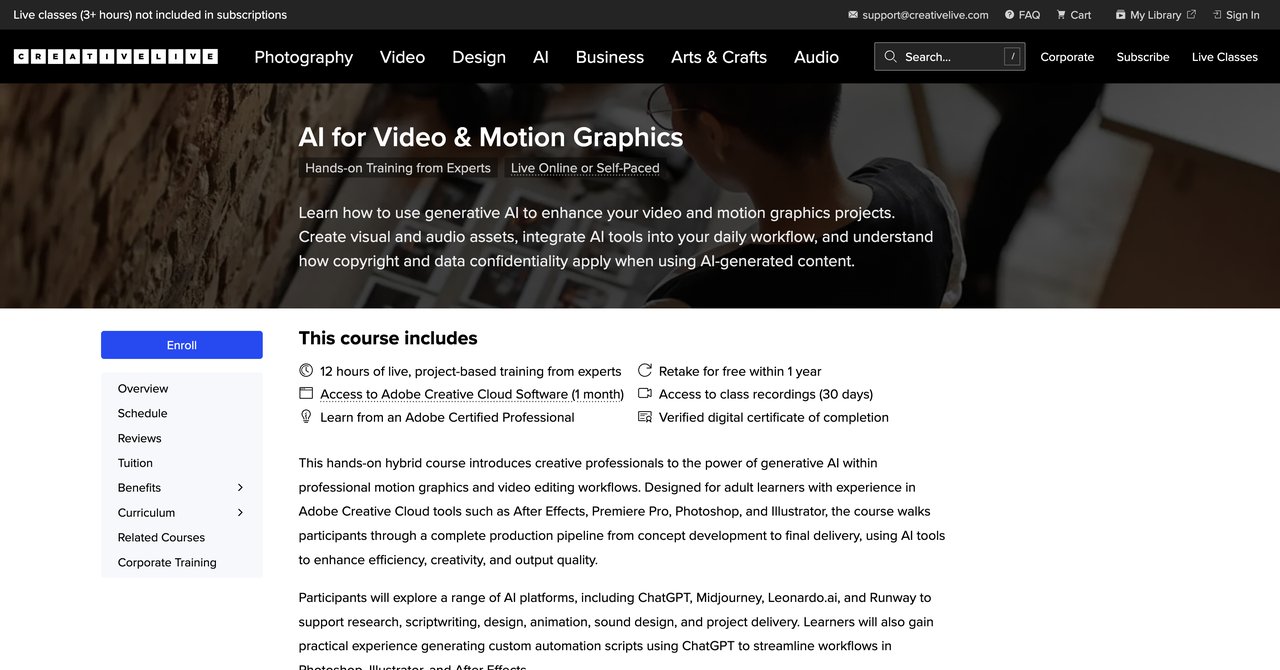
CreativeLive offers this course as a training in a small group environment. It works absolutely for Adobe Creative Cloud users who are already comfortable within After Effects and Premiere. You get to work hands-on, you take part in small classes, you get to retake the class for free within a year which is a nice feature for dealing with workflow complexity.
When they adjust it, you'll have prepared machine learning workflows directly crafted for Adobe's suite. It's not about the standalone AI video generators. It works focused on using AI features and plugins in and across After Effects and Premiere, and tailored to the actual desktop workflows of editors. The price tag is $695, which is a bit of a premium, but includes software access, small class sizes, and expert instructors.
Key Topics Covered
- Adobe Creative Cloud AI integration
- After Effects AI processes
- Premiere Pro AI workflows
- Hands-on hybrid course structure
- Studio and motion graphics considerations
Target Audience and Skill Level
Intermediate to advanced. Required Adobe CC experience is definitely recommended, and this course requires you to be comfortable with that environment. Not focused on standalone AI video generators.
Pros
- Hands-on hybrid course for Adobe Creative Cloud users
- Small classes ensure you get direct feedback
- Free retake within a year
- Includes software access and expert instructors
Cons
- Pricey: $695 for the course
- Requires a certain Adobe CC experience
- Not for learning standalone AI video generators
Who It's For
Editors and motion graphics artists who are already comfortable in a timeline and composition room and want to add AI skills to a pro Adobe workflow. An upscale upgrade for professionals.
Course Link: https://www.creativelive.com/tech/classes/ai-video-motion
Course 10: AI Filmmaking Essentials with Google Flow Veo 3 by Udemy (Google Pro)
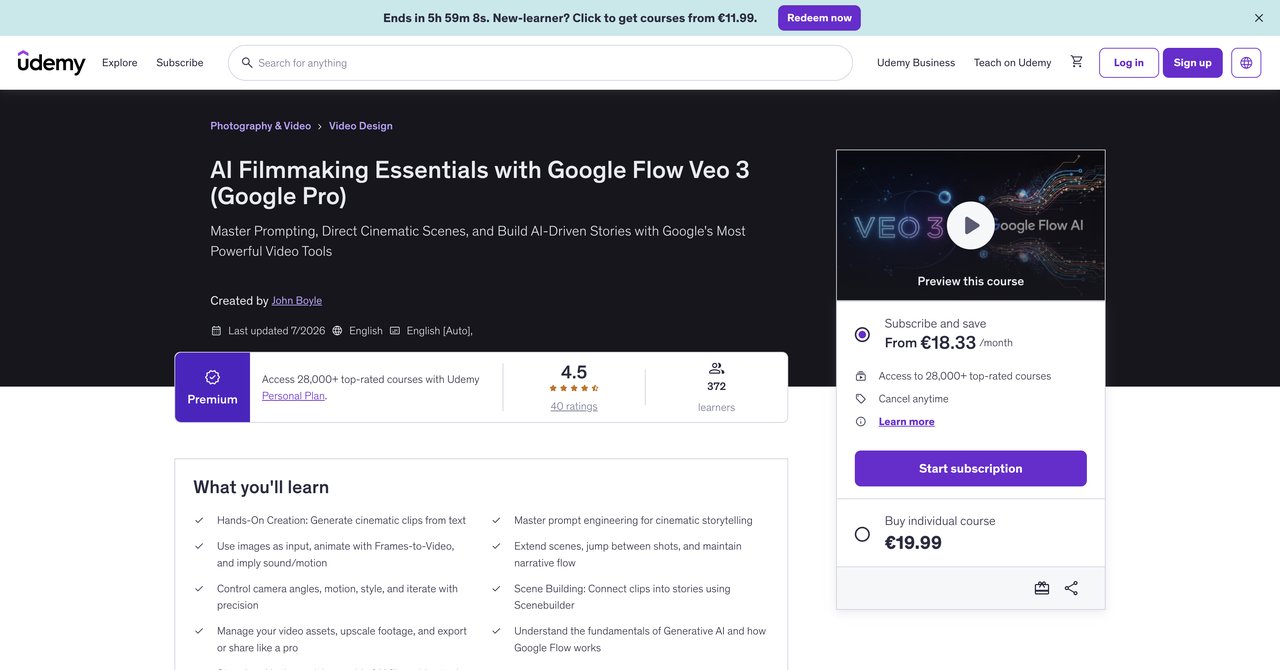
This Udemy course is focused specifically on Google's AI ecosystem: Flow, Veo, and Gemini. It takes a cinematic approach and presents them for aspiring filmmakers. This is not a deep video editing tool course. It's about creating video with AI tools insight you can then apply to projects, editorial work, or story concepts.
It's an entry-level course, $49.99, and it's perfect for people who just started with content and AI. You'll learn what these specific Google tools can do and how to build a small film production. This strong focus on Google is also its biggest limitation, and if you're a pro editor looking for a general workflow, this won't be what you should buy.
Key Topics Covered
- Google Flow, Veo, and Gemini
- Cinematic AI video techniques
- AI-driven storytelling
- Accessible approach to filmmaking
Target Audience and Skill Level
Beginner with a bottom floor. Aspiring filmmakers or video editors interested in making cinematic and location with Google tools. Don't expect deep editing technique.
Pros
- Focuses on Google tools specifically, which are very capable
- Easy and accessible for new media editors
- Practical for creating quick cinematic AI video pieces
Cons
- Narrow focus on Google tools only
- Limited editing-specific content
- Not a general AI workflow courses
Who It's For
New editors, YouTubers, and indie filmmakers who want to make AI video stories with fast and accessible Google tool without a high learning curve.
Course Link: https://www.udemy.com/course/google-flow/
Course 11: AI and Video Production, Part 2 by University of San Diego - P&E
This final course comes from the University of San Diego, specifically their professional and continuing education department. It's an intermediate-level, self-paced offering and it's part of a course series, so Part 2 implies you have already taken Part 1 or have similar base skills.
The content starts with training AI models, understanding ethical boundaries, and maintaining human oversight. Some of this is more thoughtful than practical. University-backed credential from a reputable institution gives it a benefit not all subjects have. No live instruction, kind of outdated because it lacks a guided environment. It is a self-paced course that works with normal AI tools, but you won't get hands-on with specific editing tools.
Key Topics Covered
- Video generative AI tools
- Training AI models correctly
- Ethical boundaries and compliance
- Human oversight protocols
- University-backed professional credential
Target Audience and Skill Level
Intermediate level with prior video knowledge. Good for professionals looking for formal university credentials to add to their profile, for those and staying away from a huge number of AI responsibilities, especially in cases where ethics and client boundaries are important. Not beginner-level and not self-paced without live interaction.
Pros
- Covers video generative AI tools
- Training AI models and ethical boundaries
- Includes human oversight protocols
- University-backed credential
Cons
- No live instruction
- Part 2 of a course implies prior knowledge
- Not hands-on with specific NLEs
- $379 price maybe high for some
Who It's For
Editors needing educational credibility or the ethical side of AI in their role, especially corporate, in production, and certification-based work environments.
Course Link: https://pce.sandiego.edu/courses/ai-and-video-production-part-2/
Final Recommendations: Which One Should You Pick?
That's a lot to process, so here's a quick summary and a suggestion for each kind of learner.
If your job involves multiple editing tasks and you want the best cost-to-value and to stay current on AI daily changes, pick CompleteAI Training. The subscription gives all courses and all certifications, which is something I'd say is hard to beat for the price. Any video editor professional who wants to be able to adapt their skills broader, possibly into motion graphics or different roles, should look at that solution first. New content and monthly subscriptions align correctly with the way AI tools change. The AI for Video Editors course on CompleteAI Training is the central hub, but you're effectively getting so much more than just one course.
If you're working with a specific professional NLE and you want very niche workflow, SOLOVANT takes it for DaVinci Resolve, and CreativeLive for Adobe After Effects/Premiere. They are more expensive and focused, but if advanced software is the main tool for your income, these may be worth it for professional.
For short-form editors creating on TikTok, Instagram, or YouTube, CapCut &Course & Veo & 3 on Udemy definitely hits the mark. It's limited but extremely practical for that work that is specific and does probably movement.
If you're working on everything and high quality without needing certification, UDCourse's AI Video Labs v2 is a underrated steal, especially at its sale price and with its client work strategies.
If you're in need of the certificate for maintaining academic or employee recognition, then University of San Diego presents a professional credential you will see. And if you're just getting started without any investment, catch Wisdom or Coursera free audits are enough for the starting. You'll update your views on the potential impact.
At the end you have open, do not forget that skills and results matter. Choose the one that matches your current expertise and budget, and start implementing what you learn. The tool you choose must be the one you use. and that you use changes results, either to improve yourself productivity, or potentially or to be a special expert.