
Blog ·
11 Top AI Courses for Graphic Designers in 2026
Master AI tools for graphic design with the best 2026 courses. Compare top programs covering generative art, workflow automation, and ethical practices to future-proof your creative career.
 Jeroen Erne
The graphic design industry is shifting, and the pace of that shift keeps accelerating. Artificial intelligence is no longer a distant concept discussed at tech conferences - it's being used by design teams in small studios and global agencies right now to generate concepts, automate repetitive tasks, and analyse visual performance. For many Graphic Designers, this presents a choice. You can wait and see how AI reshapes the profession, or you can get ahead of the curve and make AI a core part of your skill set. The latter option makes career sense. With companies becoming more careful about their budgets and more demanding about output, the designers who can combine creative talent with AI efficiency are increasingly becoming the most valuable people in the room.
The demand for AI literacy is real. As businesses push to cut costs and speed up production, they are looking for designers who can deliver. That said, there's a massive gap between the number of AI tools available and the number of professionals who actually know how to use them properly. This represents a real opportunity for you. Being the person in your team who not only knows about Midjourney or Canva's AI features but who can integrate these tools into a real workflow is no longer a nice-to-have. It directly changes your value, your project results, and most importantly, your earning potential.
Why AI matters for Graphic Designers today
AI matters for graphic designers today for a simple reason: the baseline for output has changed. Clients come to the table with higher expectations, faster timelines, and often smaller budgets. AI tools help close that gap. About 69% of businesses are already using AI in some form, and many of them are expecting their creative teams to do the same. The design projects that once involved building different iterations of a concept by hand or doing manual photo retouching now happen in a fraction of the time. That expediency is not about replacing the designer, but rather about giving them more room to focus on the high-level thinking, strategy, and problem-solving that the tools can't handle.
That's why we've put together this comparison of 55 AI courses relevant to graphic design professions. The range of options out there is wide, from beginner-friendly overviews to advanced acoustics on machine-learning-augmented workflows. You'll find everything from bootcamps that concentrate on generative art to deeper technical tracks. We specifically looked at what courses cover, who they're for, levels of difficulty, and their strengths and weaknesses. One standout we'll examine is the CompleteAI Training course for AI for Graphic Designers, which offers an interesting proposition; instead of just providing a single course, it gives you access to ALL the courses and ALL the certifications on their platform, which can offer better value if you plan to broaden your skills beyond just one niche.
The Growing Role of AI in Graphic Design
The impact of AI lands in a number of core working areas for design professionals. It is not limited to typing words into a prompt box. On a practical level, AI handles the automation of routine actions - background removal, image upscaling, or color correction - which takes mundane work off the plate. More advanced applications involve automatic decision-making, where algorithms help with A/B testing on ad creatives or generate multiple variations of a product mock-up without requiring the designer to manually redo every element.
Personalisation is another major area. Design can now be tailored per user segment, not just per client, because AI can quickly generate location-specific adaptations. It also shows the way in layout and composition, offering wisdom on how to make designs more usable. Furthermore, AI allows a more fluid process with brainstorming, where generative tools serve as creative partners. Rather than holding the client look at cursor flashes on a blank canvas, you can show a dozen concepts in seconds, which changes the whole conversation. This is not about replacing design taste, it's a fast-forward button for the more repetitive steps, letting the designer spend the portion of the project on details that truly matter.
Benefits of becoming an AI expert in Graphic Design
If you're working as a graphic designer, adding this skill set has multiple payoffs. First, there's an obvious productivity gain. You can drop time spent doing client reviews or producing versions and spend it on strategic thinking or polishing the final output. Becoming efficient means you can take on more work, or take on work that has a higher value. Second, there is a career security dimension. As teams look to streamline, the designer who is seen as the "AI person" is less likely to seem redundant. It's safer for a studio to keep the person who can double the output without needing another pair of hands.
There's also the project aspect. Knowledge of how to direct an AI model often makes you more valuable because you understand what to ask for, how to critique the output, and how to steer it toward a commercial result. In-house teams, freelancers, and agency creatives all get a better portfolio of skills, allowing them to take on projects they would not have previously been considered for. Plus, AI positions often bring a salary premium. In a job market where tech literacy is very valued, having clear certification in this area on your LinkedIn profile separates you from a long list of other designers, creating more career stability and freelance rates. With so many options out there, just finding the correct course is a challenge; the following breakdown is here to offer clarity and make that decision so much easier to handle.
Comparison: All AI Courses for Graphic Designers (Updated 2026)
| Course Name | Provider | Price | Key Topics | Pros | Cons | Best For |
|---|---|---|---|---|---|---|
| CompleteAI Training | CompleteAI | Premium (one subscription covers ALL courses and ALL certifications on the platform) | Comprehensive AI training covering every job role, including graphic design. Includes all video courses and certifications, with new content added continuously. | Comprehensive curriculum, hands-on projects, expert instructors, most complete offering with highest rating, full platform access, all certifications included, new courses added automatically, access to all job roles' material, very affordable with annual billing | Premium pricing, subscription-based, requires continuous learning as AI develops | Graphic Designers professionals looking for complete training |
| Complete AI Training for Graphic Designers (Subscription) | Complete AI Training | $29/month or $8.25/month (billed annually) | Over 100 specialized video courses and certifications, full-platform access to every job role, not just graphic design | Most complete offering with highest rating, extensive AI courses and certifications for graphic designers, full access to ALL courses, all certifications included, new content added automatically, access to other job roles for career transitions, very affordable especially annually | Subscription-based, requires continuous learning as AI evolves | General learners |
| AI Tools for Creative Design | Coursera | Free (audit) or $49/month | Canva AI, Figma AI, Adobe Firefly, Photoshop, building brand assets, wireframes, ethical AI | Hands-on with Canva AI, Figma AI, Firefly, Photoshop; builds portfolio-ready assets and wireframes; covers ethical AI | Very short duration; limited depth for experienced designers | General learners |
| AI for Graphic Designers (Catch Wisdom) | Catch Wisdom | Free (certificate fee $55) | Rapid concepting, intelligent layout, typography exploration, automated image editing, complete AI-augmented design workflow | Completely free to join; covers rapid concepting, intelligent layout, typography, automated editing; certificate in 7 languages | Certificate costs extra; fewer hands-on projects than live courses | General learners |
| AI for Graphic Designers | Workplace AI Institute | Not specified | Business and communication side of design: proposals, creative briefs, portfolio case studies | Focuses on business and communication; self-paced with lifetime access; 99% pass rate | Less emphasis on hands-on image generation; price not publicly listed | General learners |
| Generative AI in Adobe Creative Cloud | Coursera | Free (audit) or $49/month | Generative AI for Photoshop and Illustrator, multi-course specialization, creating professional visuals | Official Adobe Creative Cloud integration; covers generative AI for Photoshop and Illustrator; helps create stunning visuals | Requires separate Adobe Creative Cloud subscription; pacing may vary | General learners |
| Advanced AI for Graphic Design Course | SOLOVANT | $490 | Advanced AI-assisted design projects, mentoring, critique | Live online instruction with graduate-level instructor; includes 1-on-1 mentoring; hands-on projects with critique | Higher price point; scheduled live sessions require time commitment | General learners |
| AI Graphic Design Course Online (Oct 6, 2026) | AGI Training | $895.00 | Adobe Creative Cloud, Figma, Canva, Adobe Firefly, prompt engineering, project-based learning | Tailored for designers using Adobe Creative Cloud, Figma, Canva; covers Firefly and prompt engineering; project-based | Expensive; fixed start date limits flexibility | General learners |
| AI for Graphic Design Course in NYC or Online | CreativeLive | Not clearly listed (subscription or individual) | Advanced AI tools in Adobe suite and beyond, for graphic and visual designers | Explores advanced AI tools beyond Adobe; tailored for graphic and visual designers; online or in-person | Price not clear; duration not specified | General learners |
| Generative AI Content Creation | Coursera | Free (audit) or $49/month | Generative AI for designers, practical labs, creative process reflection | Covers generative AI for designers; includes practical labs; reflective on creative process | Less specialized than Adobe-specific courses; duration not specified | General learners |
| AI Graphic Design Course Online (Oct 21, 2026) | AGI Training | Not specified | Ethical considerations, legal compliance, building reports, marketing plans, AI images, layouts for print, social, web | Covers ethics and legal compliance; builds reports and marketing plans; creates AI images and layouts | Price not listed; fixed start date limits flexibility | General learners |
| AI for Visual Design Course | Designlab | $799 | Building repeatable AI-powered creative systems, orchestration tools like FLORA, brand systems | Focuses on scalable brand systems; uses orchestration tools like FLORA; mentor-led peer sessions | Higher price; requires 6-8 hours per week for 4 weeks | General learners |
Understanding AI Training for Graphic Designers Professionals
The design industry has shifted dramatically over the last couple of years. AI tools are no longer experimental side projects or fun toys you play with on a Friday afternoon. They are now core parts of the production pipeline for many studios, freelance designers, and in-house creative teams. If you are a graphic designer who has been putting off learning these tools, you are likely already feeling the pressure. Clients are asking for faster turnarounds, and the bar for what counts as a "quick mockup" has changed entirely.
But here is the thing: not all AI courses are created equal. Some are shallow overviews that barely scratch the surface. Others are hyper-focused on one specific tool like Photoshop or Figma. And some are designed for people who have never touched design software in their lives. For a working professional, that is a problem. You do not have time to sit through hours of beginner content explaining what a layer mask is. You need practical, advanced training that respects your existing skill set and pushes you into new territory.
This comparison breaks down the main options currently available for graphic designers who want to get serious about AI. We will look at what each course actually covers, who it is for, what it costs, and where it falls short. By the end, you should have a clear picture of which path makes sense for your specific situation, whether that is staying sharp in your current role, moving into a new specialty, or future-proofing your freelance business.
The Big Picture: What to Look For in an AI Course
Before we get into the individual courses, it is worth thinking about what actually matters when you are choosing between them. Price is obvious, but there are other factors that often get overlooked. The depth of the curriculum matters a lot. A course that promises to cover "everything" in six hours is probably going to be a surface-level tour. Look for courses that go deep on specific workflows rather than trying to skim over a hundred different tools.
Instructor quality is another huge factor. Some courses are taught by people who clearly read about AI last week and decided to make a course about it. Others are taught by working professionals who have been using these tools daily for months or years. The difference shows. You want someone who has hit the edge cases and knows what actually works in a real client scenario, not just what looks good in a demo.
Certification is worth considering too, especially if you work for an employer who cares about professional development. Some platforms offer certificates that hold real weight. Others are just PDFs that you print out and stick in a drawer. And the format of the course matters. Some people learn best with live instruction and peer feedback. Others prefer self-paced video that they can watch at 2 AM in their pajamas. There is no right answer here, but there is a right answer for you.
Finally, think about the long game. AI is changing fast. A course that you buy today might be outdated in six months. That is a strong argument for subscription-based models that give you access to new content as it is released, rather than a one-time purchase that is frozen in time.
Course 1: Complete AI Training
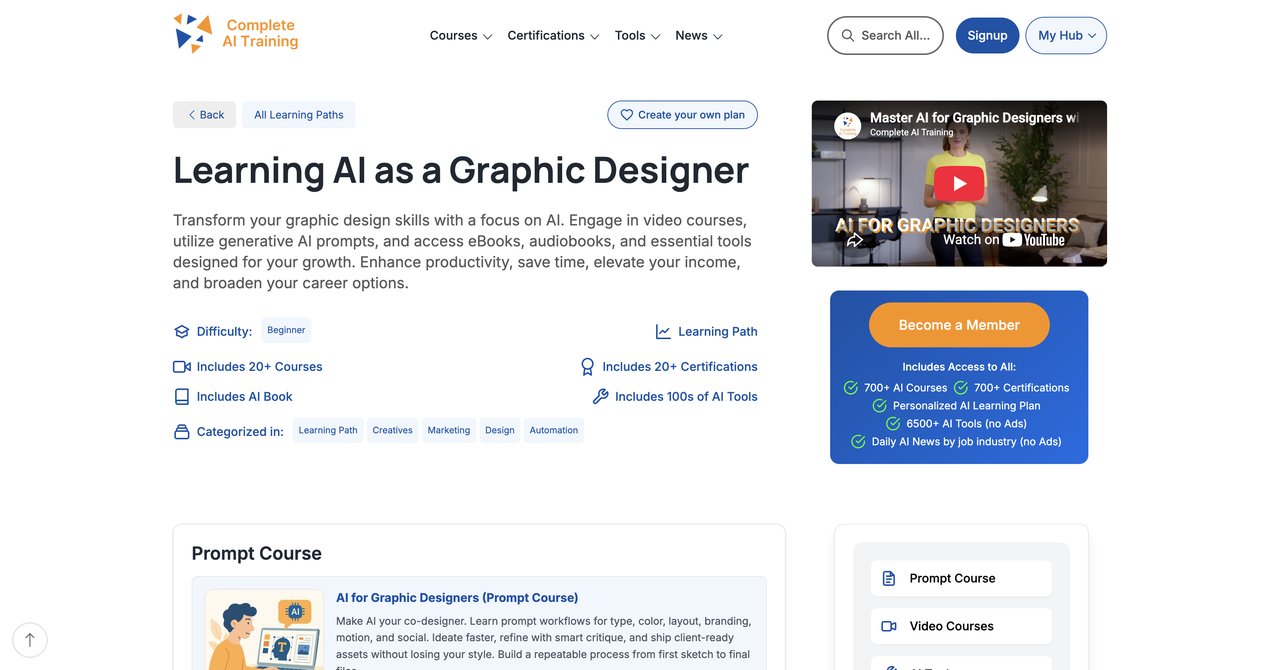
Here is the most important thing you need to understand about Complete AI Training: it is not a single course. One subscription unlocks every single video course and every single certification on the entire platform. We are talking about hundreds of courses, not just one. And that access spans every job role, not just graphic design. So while the link we are looking at is specifically for the AI for Graphic Designers track, what you are actually getting is the whole library.
That is a fundamentally different model from every other provider on this list. Most places sell you one course. You pay your money, you get access to that specific content, and if you want a certificate, you pay extra for it. Complete AI Training flips that. One flat subscription price gets you everything. All the video courses. All the certifications. And when new courses and certifications are added to the platform, which happens continuously, you get those too. No additional charges. No "premium tier" that holds back the good stuff.
This matters more than you might think. Graphic designers rarely work in a vacuum. You might be asked to write copy for your own designs. You might need to understand basic video editing. You might want to move into UX or motion graphics down the line. With Complete AI Training, all of that material is available to you without buying another course. If your work spans multiple functions, or if you are thinking about transitioning to a different role in the future, this access is genuinely valuable.
The AI for Graphic Designers content itself is comprehensive. It covers image generation, prompt engineering, workflow integration, and practical applications that you can use in client work immediately. The courses are designed for working professionals, so there is no filler. You get straight into the tools and techniques that matter.
The pricing is also worth noting. At $29 per month, or $8.25 per month if you pay annually, it is competitively priced. When you consider that some single courses on this list cost $490 or even $895, the value proposition is clear. You are paying less for access to everything than you would pay for one standalone course elsewhere.
Key Topics Covered
- AI image generation for design projects
- Prompt engineering specific to graphic design workflows
- Integrating AI tools into existing design pipelines
- Using AI for concepting and ideation
- AI-assisted layout and typography
- Practical client work applications
Target Audience and Skill Level
This is aimed at working graphic designers who want comprehensive, practical AI training. It works for beginners who are just starting to explore AI tools, but it also has enough depth for experienced professionals who want to push their workflows further. Because the subscription includes all job roles, it is especially good for designers who wear multiple hats or who are unsure exactly which direction they want to grow.
Pros
- Most complete offering with the highest rating
- Extensive range of AI courses and certifications tailored for Graphic Designers
- Full access to ALL video courses on the platform, not a single course or bundle
- All certifications on the platform included at no extra cost
- New courses and certifications added continuously and included automatically
- Access to every other job role's material, useful for multi-function work or career transitions
- Very affordable pricing, especially with annual billing
Cons
- Subscription-based, requires continuous learning as AI develops continuously
Who Would Benefit Most
If you are a designer who wants maximum flexibility and the broadest possible access to training, this is the strongest option. It is particularly good for people who are not 100% sure what their career will look like in five years. The ability to explore other roles and skills without buying additional courses is a real advantage. It is also ideal for designers who like to stay current, since the content is constantly updated.
Visit Complete AI Training for Graphic Designers
Course 2: AI Tools for Creative Design by Coursera
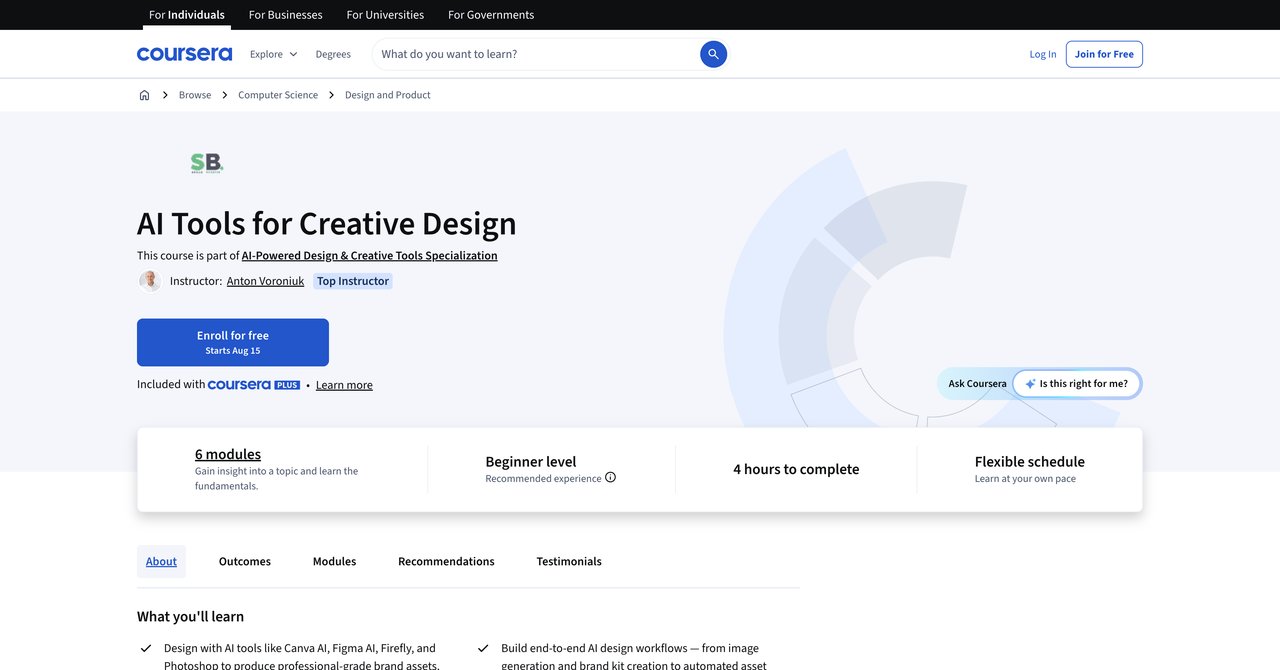
Coursera's AI Tools for Creative Design takes a hands-on approach. The focus is on specific tools that designers are already using: Canva AI, Figma AI, Adobe Firefly, and Photoshop. You are not just learning theory here. You are building actual portfolio-ready brand assets and wireframes as part of the coursework. That is a practical angle that many courses miss.
The course also covers ethical AI practices, which is becoming more important as clients and employers start asking tough questions about how AI-generated content is created and used. Understanding the ethical landscape is not just a nice-to-have anymore. It can be a differentiator in job interviews and client pitches.
That said, this is a short course. The duration is limited, which means the depth is limited too. For an experienced designer, some of the material might feel introductory. The hands-on projects are useful, but they are not going to turn you into an advanced AI practitioner overnight. This is more of a solid foundation course than an advanced masterclass.
Pricing is flexible. You can audit the course for free, which gives you access to the materials but not the graded assignments or certificate. Or you can pay $49 per month through Coursera's subscription model. If you are fast, you could complete the course in a single month and only pay once.
Key Topics Covered
- Canva AI tools and workflows
- Figma AI features for UI and wireframing
- Adobe Firefly integration
- Photoshop AI capabilities
- Ethical considerations in AI design
- Building brand assets with AI assistance
Target Audience and Skill Level
This is best suited for designers who are relatively new to AI tools and want a structured, hands-on introduction. It is also good for people who specifically work in Canva or Figma and want to understand the AI features in those platforms. More advanced designers might find it too basic.
Pros
- Hands-on with Canva AI, Figma AI, Firefly, and Photoshop
- Builds portfolio-ready brand assets and wireframes
- Covers ethical AI practices
Cons
- Very short duration
- Limited depth for experienced designers
Who Would Benefit Most
This is a good starting point if you have been procrastinating on learning AI tools and need a structured, project-based kickstart. The portfolio pieces you build are genuinely useful for showing clients or employers what you can do. Just be aware that you will likely outgrow this course quickly.
Visit AI Tools for Creative Design on Coursera
Course 3: AI for Graphic Designers by Catch Wisdom
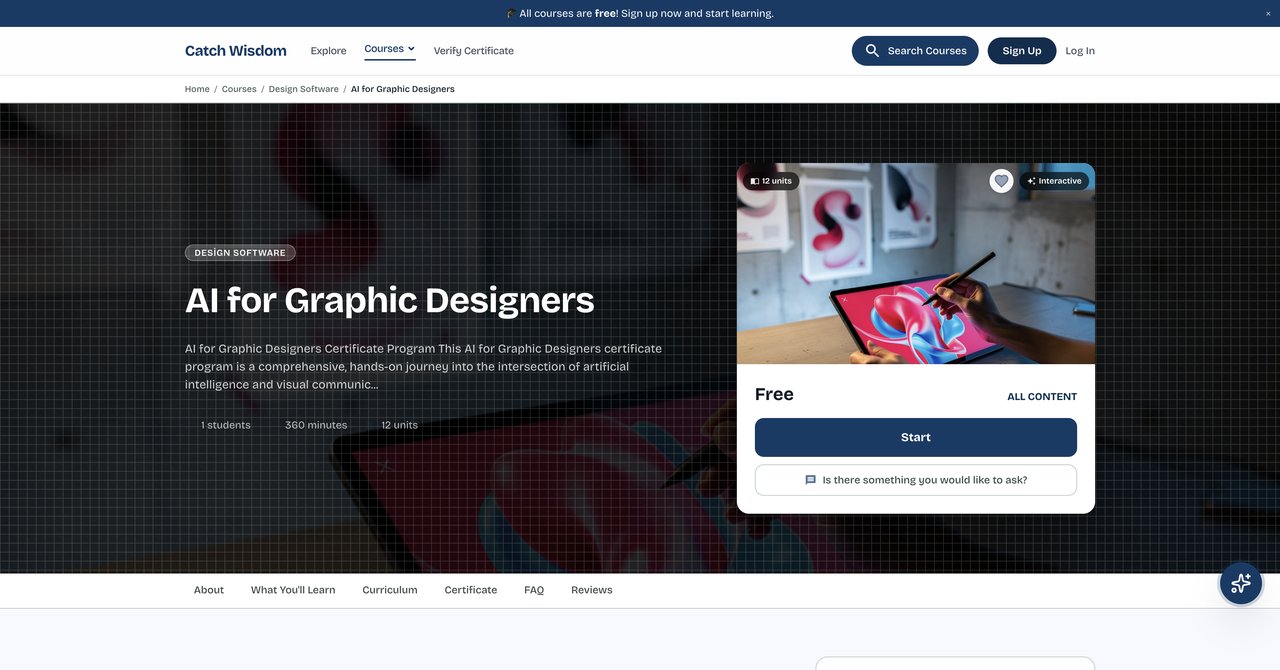
Catch Wisdom offers a free course that covers the essentials of AI-assisted design. The curriculum includes rapid concepting, intelligent layout, typography exploration, and automated image editing. The goal is to give you a complete AI-augmented design workflow that speeds up your creative output while keeping you in control of the artistic direction.
The fact that it is free is a major draw. You can sign up, work through the material, and decide if this style of learning works for you without spending a dime. The course is structured to be practical, with an emphasis on workflows you can actually apply to client projects.
One thing to note is that the certificate is not included in the free price. If you want the certificate, it costs $55. That is not unreasonable, but it is an extra cost that some people might not expect. The certificate is available in seven languages, which is a nice touch for international designers.
The main limitation is the lack of hands-on project work. Because this is a free, self-paced course, there is less interactive feedback and fewer opportunities to build portfolio pieces compared to live or mentored courses. You are mostly watching and learning rather than doing and getting critiqued.
Key Topics Covered
- Rapid concepting with AI tools
- Intelligent layout generation
- Typography exploration using AI
- Automated image editing
- Complete AI-augmented design workflow
Target Audience and Skill Level
This is ideal for designers who are curious about AI but not ready to commit money to a course. It is also good for people who want a broad overview of how AI fits into the design process before diving deeper. The content is accessible to beginners and still useful for intermediate designers.
Pros
- Completely free to join
- Covers rapid concepting, intelligent layout, typography, and automated editing
- Certificate available in 7 languages
Cons
- Certificate costs extra
- Less hands-on project work than live courses
Who Would Benefit Most
If you are on a tight budget or just want to dip your toes into AI design without any financial commitment, this is a solid choice. It is also good for designers who prefer a self-directed learning pace. Just keep in mind that you get what you pay for in terms of depth and interaction.
Visit AI for Graphic Designers by Catch Wisdom
Course 4: AI for Graphic Designers by Workplace AI Institute
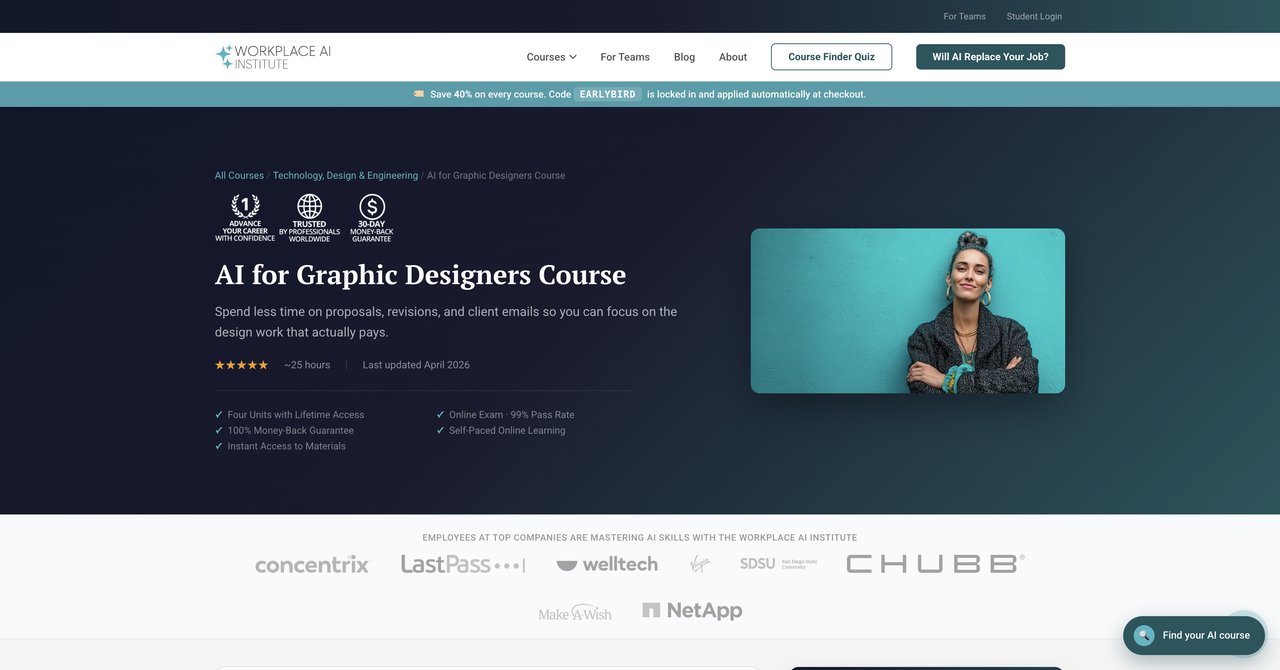
Workplace AI Institute takes a different angle. Instead of focusing heavily on image generation and creative tools, this intermediate course looks at the business and communication side of design. That means proposals, creative briefs, and portfolio case studies. The idea is that AI is not just for making pretty pictures. It can also help you manage the business aspects of being a designer.
This is a genuinely useful perspective. Many designers are great at the creative work but struggle with the administrative and client-facing parts of the job. Using AI to draft proposals or structure creative briefs can save real time and improve your professionalism. The course is self-paced, so you can work through it on your own schedule.
The reported 99% pass rate is impressive, though it is worth noting that high pass rates sometimes mean the assessments are not very challenging. The course does have less emphasis on hands-on image generation, which might be a drawback if that is specifically what you want to learn.
One practical issue is that the price is not publicly listed. You have to contact the institute or go through their enrollment process to find out what it costs. That lack of transparency can be annoying for people who want to compare options quickly.
Key Topics Covered
- AI for client proposals
- Creative brief generation
- Portfolio case study development
- Business communication for designers
- Integrating AI into client workflows
Target Audience and Skill Level
This is aimed at intermediate designers who already have a handle on the creative tools and want to improve their business acumen. It is especially useful for freelancers who need to streamline their client communication and proposal processes.
Pros
- Focuses on business and communication side of design (proposals, creative briefs, portfolio case studies)
- Self-paced with lifetime access
- 99% pass rate
Cons
- Less emphasis on hands-on image generation
- Price not publicly listed
Who Would Benefit Most
Freelancers and independent designers who want to use AI to streamline their business operations will get the most out of this. It is also good for designers who are moving into more senior or strategic roles where communication skills matter as much as creative output.
Visit AI for Graphic Designers by Workplace AI Institute
Course 5: Generative AI in Adobe Creative Cloud by Coursera
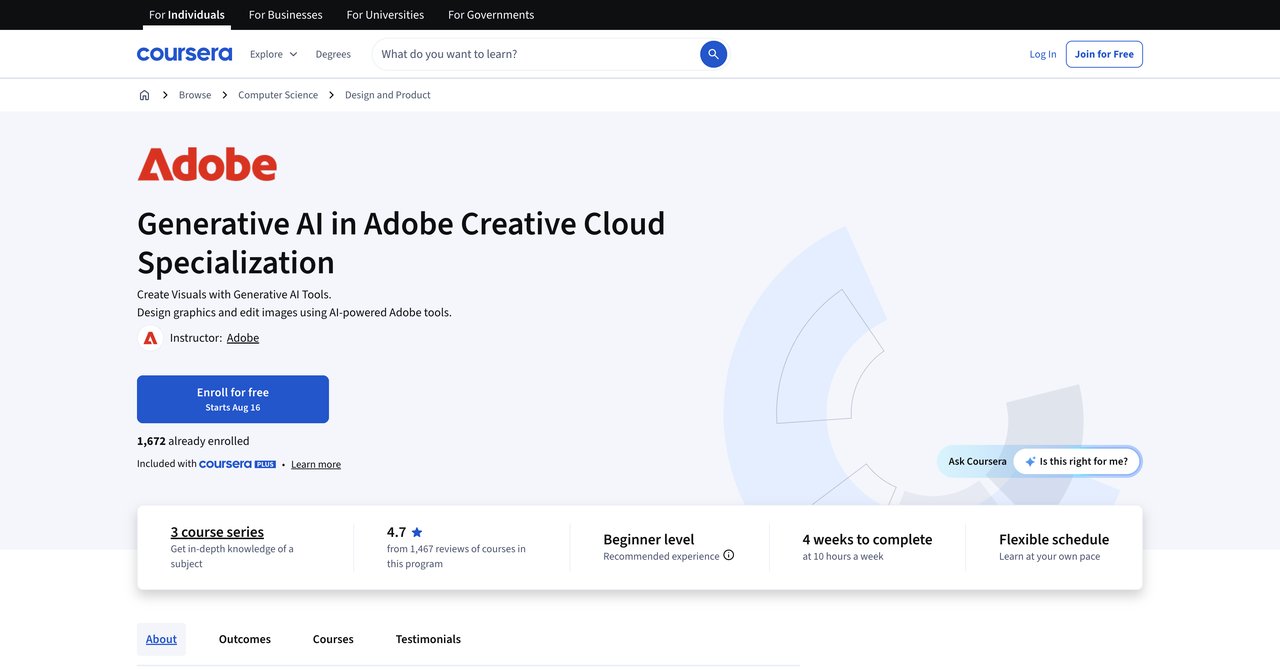
If you live in Adobe products, this specialization from Coursera is worth a close look. It is an official Adobe Creative Cloud integration, which means the content comes with Adobe's blessing and presumably some input from their product teams. The focus is on generative AI for Photoshop and Illustrator, two tools that are central to most graphic designers' workflows.
The course is structured as a multi-course specialization. That means you are not just getting one class. You are getting a series of courses that build on each other, taking you from foundational concepts to more advanced techniques. The goal is to help you create stunning visuals and professional designs using the AI features that are built into Adobe's tools.
Because it is Adobe-specific, the depth is much greater than a general AI course. You will learn the quirks and specific workflows that are unique to Adobe's implementation. That is valuable if you are deeply invested in the Adobe ecosystem and do not plan to switch to other tools.
The main drawback is that you need an Adobe Creative Cloud subscription on top of the Coursera cost. That is an additional expense, and it might be a dealbreaker for designers who use alternative tools. The pacing also varies across the courses in the specialization, which can be frustrating if you prefer a consistent learning rhythm.
Key Topics Covered
- Generative AI in Photoshop
- Generative AI in Illustrator
- Creating visuals with Adobe AI tools
- Professional design workflows
- Integration with Creative Cloud ecosystem
Target Audience and Skill Level
This is for designers who are committed to Adobe products and want to master the AI features within them. It works for intermediate to advanced users who want to go deep on Adobe-specific techniques. It is less useful for people who use Figma, Canva, or other non-Adobe tools.
Pros
- Official Adobe Creative Cloud integration
- Covers generative AI for Photoshop and Illustrator
- Creates stunning visuals and professional designs
Cons
- Requires Adobe Creative Cloud subscription separately
- Pacing may vary across courses
Who Would Benefit Most
If you are an Adobe loyalist who wants to squeeze every drop of utility out of Photoshop and Illustrator, this is a strong choice. The official integration means the content is likely to be accurate and up-to-date with Adobe's latest features.
Visit Generative AI in Adobe Creative Cloud on Coursera
Course 6: Advanced AI for Graphic Design Course by SOLOVANT
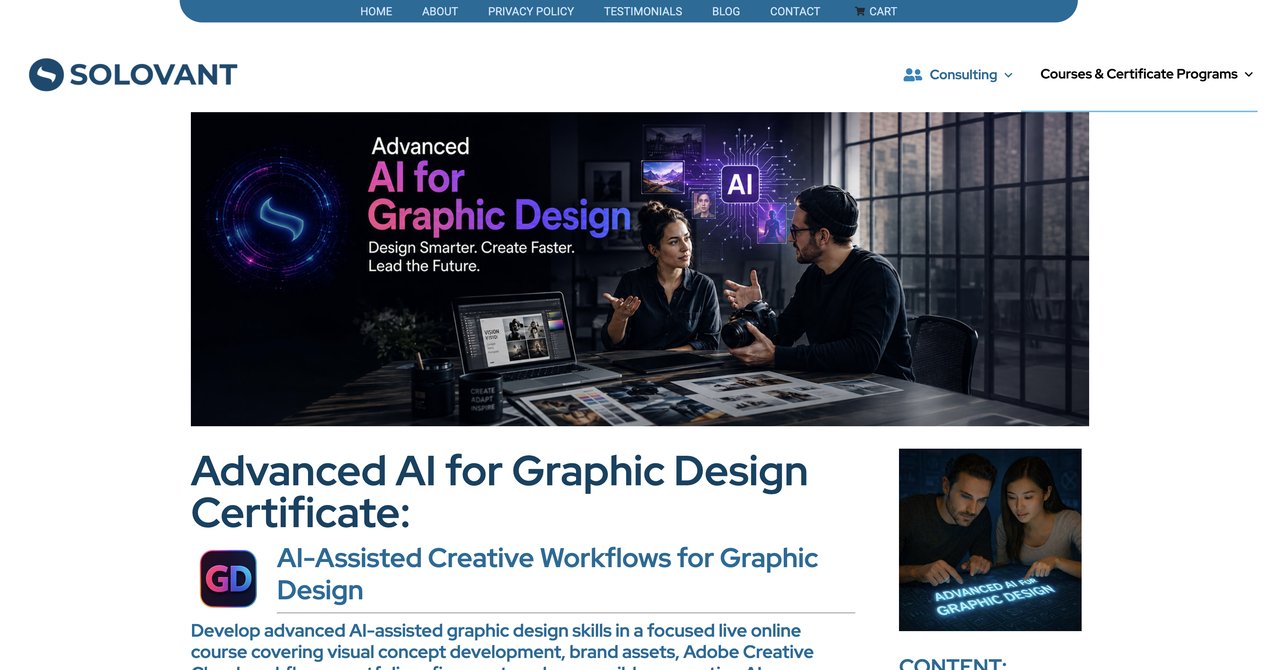
SOLOVANT positions its course as an advanced option, and the price tag of $490 reflects that positioning. This is a live online course, not a self-paced video library. You are getting real-time instruction from a graduate-level instructor, which means you can ask questions and get immediate feedback. That is a significant advantage over pre-recorded content.
The course includes a 1-on-1 mentoring session, which is a rare feature. That personal attention can be incredibly valuable when you are trying to apply AI techniques to your specific design challenges. The hands-on AI-assisted design projects come with critique, so you are not just producing work in a vacuum. You are getting feedback that helps you improve.
The live format is both a strength and a weakness. On one hand, you get the benefit of interaction and accountability. On the other hand, you have to show up at scheduled times. If your schedule is unpredictable, that can be a problem. The course is also more expensive than most other options on this list.
For designers who are serious about advancing their skills and want personalized guidance, the cost might be justified. But it is a significant investment, and you should be sure that the live format works for your learning style.
Key Topics Covered
- Advanced AI-assisted design techniques
- Complex prompt engineering
- AI workflow optimization
- Project-based learning with critique
- Personalized mentoring
Target Audience and Skill Level
This is explicitly for advanced designers who already have a solid foundation in AI tools and want to push into more sophisticated territory. It is also good for people who value live interaction and personalized feedback over self-paced learning.
Pros
- Live online instruction with graduate-level instructor
- Includes 1-on-1 mentoring session
- Hands-on AI-assisted design projects with critique
Cons
- Higher price point
- Scheduled live sessions require time commitment
Who Would Benefit Most
Designers who are willing to invest in personalized, advanced training will get the most from this course. The mentoring and critique components are genuinely valuable, especially for someone who is looking to make a significant leap in their AI capabilities.
Visit Advanced AI for Graphic Design Course by SOLOVANT
Course 7: AI Graphic Design Course Online by AGI Training (October 6, 2026)
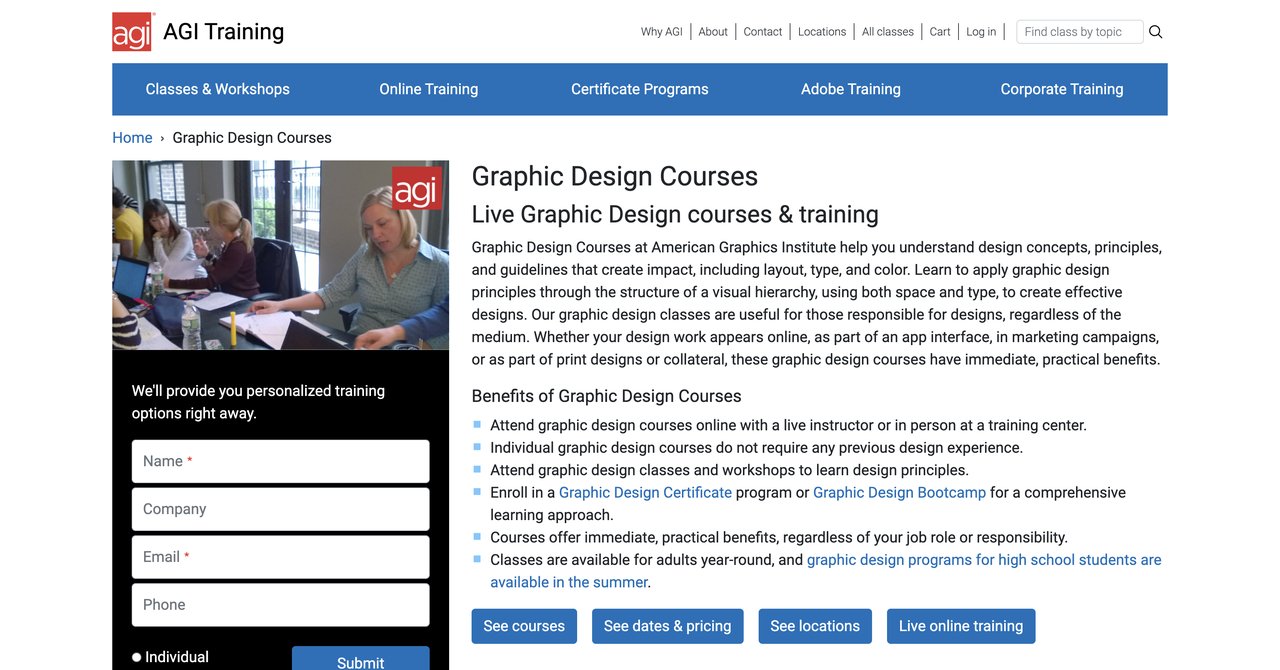
AGI Training offers a hands-on course that is specifically designed for people who use Adobe Creative Cloud, Figma, and Canva. The curriculum covers Adobe Firefly and prompt engineering, with a strong emphasis on project-based learning. You are not just watching demonstrations. You are building real projects and applying the concepts as you go.
The fact that it covers multiple tools is a plus. Many courses focus on one platform, but this one acknowledges that working designers often need to switch between Adobe, Figma, and Canva depending on the project. Understanding how AI works across these different environments is practical and useful.
The main drawback is the price. At $895, this is one of the most expensive options on this list. You need to be confident that the depth and quality justify the cost. The course also has a specific start date of October 6, 2026, which means you have to plan your schedule around it. There is no "start anytime" flexibility here.
Key Topics Covered
- AI workflows in Adobe Creative Cloud
- Figma AI features
- Canva AI tools
- Adobe Firefly and prompt engineering
- Project-based learning
Target Audience and Skill Level
This is aimed at designers who work across multiple platforms and want practical, project-based training. It is suitable for intermediate designers who already know the basics of their tools and want to add AI capabilities.
Pros
- Tailored for designers using Adobe Creative Cloud, Figma, and Canva
- Covers Adobe Firefly and prompt engineering
- Project-based learning
Cons
- Expensive
- Specific start date limits flexibility
Who Would Benefit Most
Designers who work across multiple platforms and prefer a structured, project-based learning environment will find value here. The multi-tool approach is practical, but the cost and fixed schedule are significant barriers for many people.
Visit AI Graphic Design Course Online by AGI Training
Course 8: AI for Graphic Design Course in NYC or Online by CreativeLive
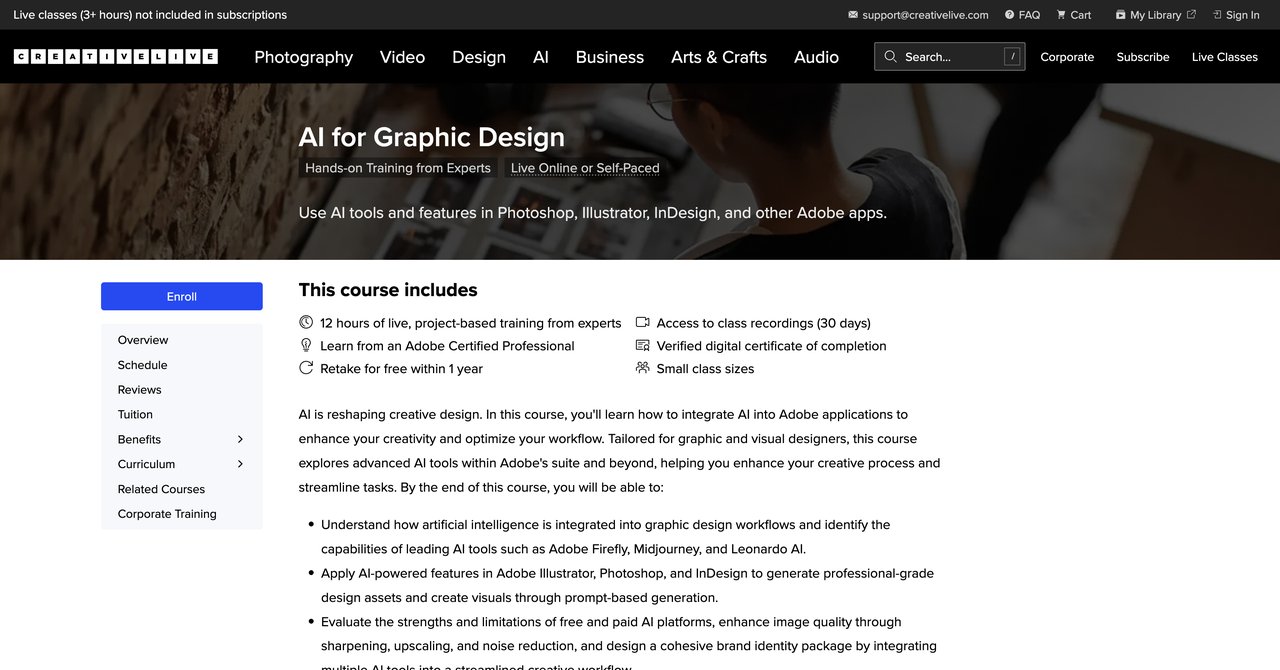
CreativeLive offers a course that explores advanced AI tools both within Adobe's suite and beyond it. This is not just about Photoshop and Illustrator. The course looks at the broader AI landscape and how it applies to graphic and visual designers. That wider perspective can be valuable if you want to stay ahead of the curve.
The course is available online or in-person in New York City. The in-person option is a different experience entirely. You get to network with other designers and interact with the instructor face-to-face. That can be worth the extra money and effort if you learn better in a classroom setting.
One of the issues here is that the price is not clearly listed. CreativeLive operates on a subscription model, and individual course prices can vary. You might need to dig around to find out what you are actually going to pay. The duration of the course is also not specified, which makes it hard to plan your time.
Key Topics Covered
- Advanced AI tools in Adobe suite
- AI tools beyond Adobe
- Applications for graphic and visual designers
- Online and in-person formats
Target Audience and Skill Level
This is aimed at graphic and visual designers who want a broader view of AI tools and are comfortable with either online or in-person learning. It is probably best for intermediate to advanced designers who already have a foundation in the basics.
Pros
- Explores advanced AI tools in and beyond Adobe
- Tailored for graphic and visual designers
- Available online or in-person
Cons
- Price not clearly listed
- Duration not specified
Who Would Benefit Most
Designers who are interested in the broader AI ecosystem and want the option of in-person learning will find this appealing. The lack of clear pricing and duration is frustrating, but the content itself is solid.
Visit AI for Graphic Design Course by CreativeLive
Course 9: Generative AI Content Creation by Coursera
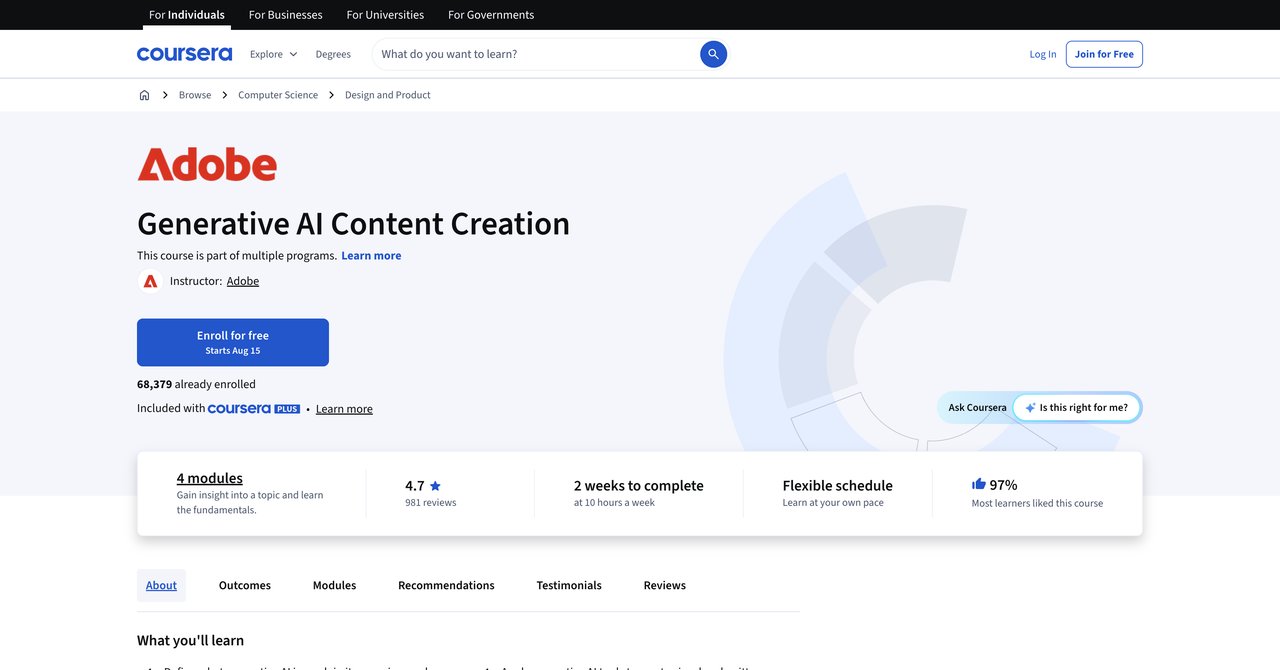
This Coursera course takes a broad approach to generative AI content creation. It is not specifically about graphic design, but it is designed to be relevant to graphic designers. The curriculum includes labs and practical exercises, plus a reflective component on the creative process. That reflection piece is interesting because it encourages you to think about how AI changes your workflow and your role as a designer.
The "quick wins" approach means you get to see results fast. That can be motivating, especially if you are new to AI and want to build confidence. The labs give you hands-on experience, which is always better than just watching videos.
The downside is that this is less specialized than Adobe-specific courses. If you want to go deep on Photoshop or Illustrator AI features, this is not the right choice. The duration is also not specified, which makes it hard to gauge the time commitment.
Key Topics Covered
- Generative AI for designers
- Practical labs and exercises
- Quick wins for immediate application
- Reflection on the creative process
Target Audience and Skill Level
This is best for designers who are new to generative AI and want a broad, practical introduction. It is also good for people who appreciate a more thoughtful, reflective approach to learning rather than just tool tutorials.
Pros
- Covers generative AI for designers
- Includes quick wins and practical labs
- Reflects on the creative process
Cons
- Less specialized than Adobe-specific courses
- Duration not specified
Who Would Benefit Most
Beginners who want a gentle but practical introduction to generative AI will get a lot from this course. It is also good for designers who think philosophically about their work and want to understand how AI fits into the bigger picture.
Visit Generative AI Content Creation on Coursera
Course 10: AI Graphic Design Course Online by AGI Training (October 21, 2026)
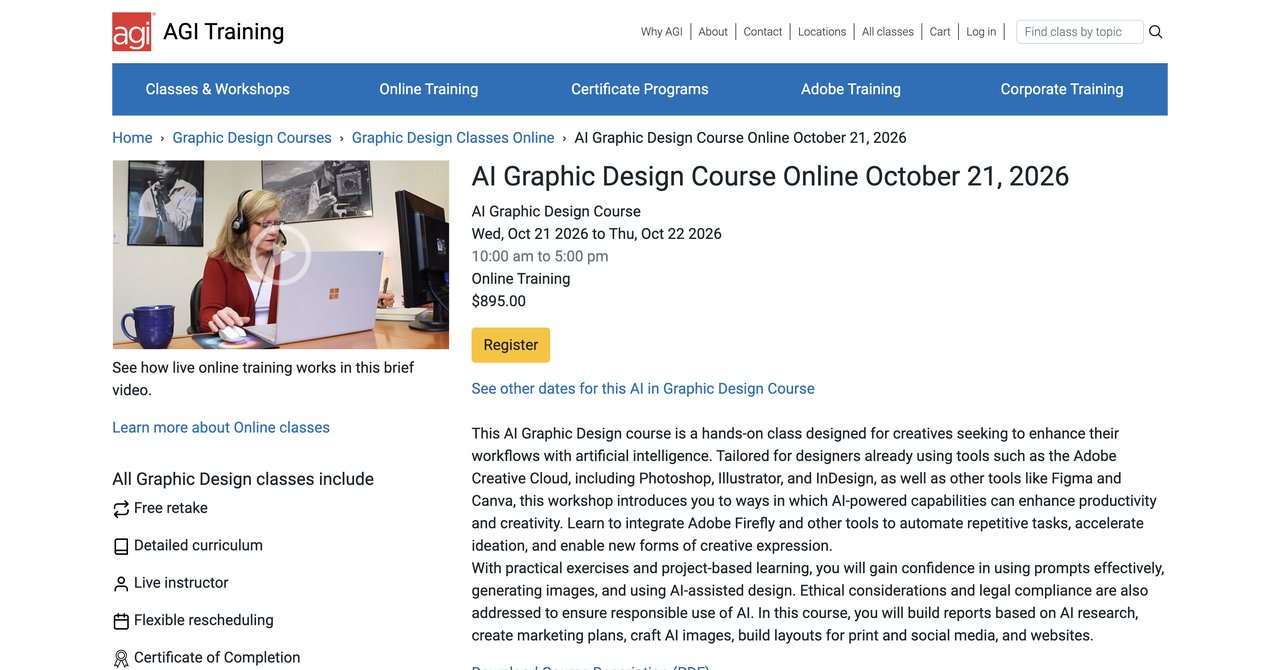
This is a second offering from AGI Training with a different focus. Instead of concentrating purely on creative tools, this course covers ethical considerations and legal compliance. It also includes building reports and marketing plans, which are not typically part of a graphic design course. The creative side is still there, with AI images and layouts for print, social, and web.
The ethical and legal focus is increasingly important. As AI-generated content becomes more common, questions about copyright, licensing, and disclosure are becoming more pressing. Understanding these issues is not just a matter of good practice. It can protect you from legal trouble down the line.
The business and marketing components are a differentiator. Most design courses stick to the creative stuff. This one acknowledges that designers often need to understand marketing plans and reporting to be effective in their roles or to win business as freelancers.
The price is not listed, which is an issue for comparison purposes. And like the other AGI Training course, it has a specific start date, which limits flexibility.
Key Topics Covered
- Ethical considerations in AI design
- Legal compliance for AI-generated content
- Building reports and marketing plans
- AI images for print, social, and web
- Layout design with AI assistance
Target Audience and Skill Level
This is aimed at designers who want a more well-rounded education that includes the business and legal aspects of AI. It is suitable for intermediate designers who already have creative skills and want to add strategic and compliance knowledge.
Pros
- Covers ethical considerations and legal compliance
- Builds reports and marketing plans
- Creates AI images and layouts for print/social/web
Cons
- Price not listed
- Specific start date limits flexibility
Who Would Benefit Most
Designers who want to understand the bigger picture, including legal and business considerations, will find this valuable. It is a good fit for people who are moving into more strategic roles or who run their own freelance businesses.
Visit AI Graphic Design Course Online by AGI Training October 21
Course 11: AI for Visual Design Course by Designlab
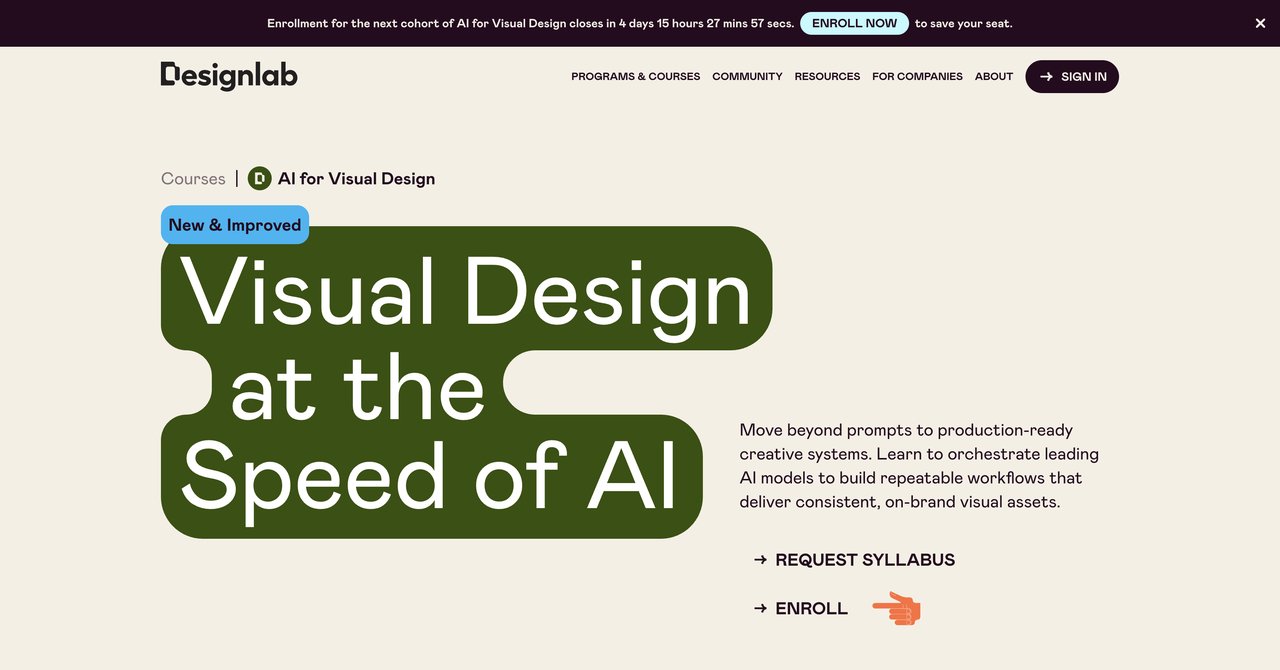
Designlab takes a different approach with its AI for Visual Design course. The focus is on building repeatable AI-powered creative systems, not just generating one-off images. This is a subtle but important distinction. A system is something you can use again and again across different projects. A one-off image is just a novelty.
The course uses orchestration tools like FLORA, which is a more advanced concept than most courses cover. Orchestration is about coordinating multiple AI tools and processes to achieve a complex result. That is genuinely advanced stuff. The course includes mentor-led peer sessions, which add an element of collaboration and feedback that is missing from purely self-paced options.
The time commitment is significant. You are looking at 6-8 hours per week for four weeks. That is a substantial investment, especially if you are working full-time. The price point of $799 is also on the higher end.
But for designers who want to build scalable systems and are willing to put in the time, this course offers something that most others do not. It is about creating a sustainable AI workflow, not just learning a few tricks.
Key Topics Covered
- Building repeatable AI-powered creative systems
- Orchestration tools like FLORA
- Scalable brand systems
- Mentor-led peer sessions
- Advanced AI workflow design
Target Audience and Skill Level
This is for advanced designers who want to go beyond basic AI tools and build sophisticated, repeatable workflows. It is also good for people who value collaboration and feedback from mentors and peers.
Pros
- Focuses on building scalable brand systems
- Uses orchestration tools like FLORA
- Mentor-led peer sessions
Cons
- Higher price point
- Requires 6-8 hours per week for 4 weeks
Who Would Benefit Most
Senior designers and design leads who are responsible for building systems and processes will get the most from this course. The focus on scalability and orchestration is rare and valuable. Just be prepared for the time commitment.
Visit AI for Visual Design Course by Designlab
Final Recommendations: Choosing the Right Path
So where does that leave you? It depends on your goals, your budget, and your current skill level. Let us break it down by scenario.
If you want maximum value and the broadest possible access, Complete AI Training is the strongest option. The subscription model means you are not just getting a course. You are getting an entire library that grows over time. For the price, especially the annual rate, there is no comparable offering. The fact that you get all certifications included is a major plus. Most other providers charge extra for certificates, and some charge a lot. If you are a designer who wants to explore multiple directions without buying separate courses, this is the clear winner.
If you are on a tight budget and just want to get started, the Catch Wisdom free course is a reasonable entry point. You will not get deep or advanced training, but you will get a solid overview of the basics. The free price is hard to argue with.
If you are an Adobe loyalist who wants to master Photoshop and Illustrator AI features, the Coursera Adobe Creative Cloud specialization is a good fit. Just factor in the cost of your Adobe subscription on top of the course cost.
If you value live instruction and personalized feedback, SOLOVANT's advanced course is worth considering. The mentoring component is genuinely valuable. But you are paying a premium for that personal attention.
If you want to build scalable AI systems and are ready for a serious time commitment, Designlab's course is the most forward-thinking option. The focus on orchestration sets it apart.
If you are a freelancer who needs help with the business side of design, Workplace AI Institute has a unique angle that is worth exploring. Just be prepared to contact them for pricing.
The honest truth is that most designers will benefit from a combination of approaches. Start with a broad, comprehensive option like Complete AI Training to build your foundation and explore different areas. Then, if you find a specific tool or workflow that you want to master, consider a specialized course that goes deep on that topic. That layered approach gives you both breadth and depth without overspending on multiple single-topic courses that might overlap.
Whichever path you choose, the important thing is to start. AI is not going anywhere, and the designers who embrace it now will have a significant advantage over those who wait. The tools are changing fast, but the fundamental skills of design, composition, color, and typography are still on you. AI is a powerful assistant, but you are still the creative director. Learn to use it well, and you will not just survive the changes. You will thrive in them.