
Blog ·
11 Top AI Courses for IT Support Specialists in 2026
Future-proof your IT career with the best AI courses for 2026. Master automation, troubleshooting, and support tools to boost efficiency and stay ahead.
 Jeroen Erne
The AI conversation has moved beyond the theoretical. For IT Support Specialists, the daily reality of the job is changing faster than most standard training programs can keep up with. You are no longer just fixing hardware or resetting passwords. The systems you manage are becoming smarter, more automated, and increasingly dependent on machine learning models to function. If you are not actively learning how to work with these new tools, you risk being left behind as the support role itself transforms. Studies consistently show that a large percentage of businesses-some reports suggest 69% or more-are integrating AI into their daily operations. This means your workplace is likely already using these tools, whether you realize it or not. The urgency is not about some distant future; it is about the ticket you will solve tomorrow, the script you will write next week, or the automation you will need to troubleshoot by the end of the quarter.
These are not optional skills anymore. For the IT professional, the need to adapt is immediate. The purpose of this article is simple: to cut through the noise and help you identify the best AI courses that are specifically relevant to your career path. We are not talking about academic theory or advanced data science math. We are talking about practical, usable knowledge that you can apply to your daily work as an IT Support Specialist. This guide will take a close look at five specific training options, comparing their content, practicality, and cost to ensure you make a wise investment in your professional development.
Why AI matters for IT Support Specialists today
Most people do not sign up for a course just to get a shiny piece of paper. You sign up because you see the pain coming, and you want to fix it before it breaks you. The type of work you do is critical to business operations, but the workflow itself is ripe for AI interference. Delivering patches, managing security alerts, and handling repetitive user queries all take time away from deeper technical problem-solving. AI offers a real, current solution for these concerns. It speeds up diagnostics and reduces the amount of time you spend chasing your tail.
On a larger scale, the adoption of AI within IT departments is the driving force behind this change. A significant share of IT leaders and business professionals report that investing in AI has become a core part of the operational roadmap. If you can lean in and learn these systems, you become an invaluable asset to your team. It is not going to take your job, but a person who understands how to leverage AI most likely will. Studying a course in this field is no longer a "nice-to-have"; it is a professional survival tactic. That's why this guide looks at the top five courses available today and breaks them down so you can pick the right path to keep your career moving forward.
The Growing Role of AI in IT Support Specialists
So, what does AI actually do in a practical support environment? It is not about robots walking around the office. The key application lies in the automation parts. Machine learning algorithms can look at a history of tickets and suggest the blunt answer to a user before you even look at the screen. This offloads the repetitive work, allowing you to focus on the issues that need a deeper, human understanding of the system. AI also plays a big part in proactive monitoring, catching hardware failures before they turn into a critical outage or patching vulnerabilities automatically.
The decision-making aspect is shifting as well. AI tools can now crunch thousands of data events per second to help you determine the best way to build a network or deploy a software update without slowing down critical operations. The workflows you follow are being redesigned around these predictive models-this is not strictly a future trend. The actual software that you are already using to manage desktops or cloud systems is pushing these features up front. Learning how to configure that is a decisive update for you as a professional. The IT Support Specialist who understands machine learning's role in the tech stack will soon be the one who is consulted for higher-level decisions, moving beyond the break/fix trap.
Benefits of becoming an AI expert in IT Support Specialists
The salary bump is probably on your mind, and that is a huge part of it. AI has a high market value, and there is a strong shortage of professionals who understand the operational side of implementation. By positioning yourself as the person who knows how to interact with the AI layer, you instantly transform into a high-value asset for the business. You are not just the person who hangs the monitor. You are the person who improves the operational system.
Beyond the financial rewтор, there is the personal benefit of being effective. Let's say that you control the right AI tools. You can cut down on the number of tickets you get, resolve most of the issues automatically, and get time back into your day. That builds a reputation for reliability and smarts, and it honestly takes a load off of your shoulders. You are no longer constantly putting out firework. There are very specific courses that can get you to that point-the process of learning additional AI skills is a proven way to move ahead. In this article, we will compare 5 platforms that provide this training. This includes courses like those found on CompleteAI Training, which gives you access to ALL courses and ALL certifications on the platform rather than just a single course, making it a massive advantage. So, once you are ready to get started, check them all against the sources and commit to one that gives you the most relevant skill.
Comparison: All AI Courses for IT Support Specialists (Updated 2026)
| Course Name | Provider | Price | Key Topics | Pros | Cons | Best For |
|---|---|---|---|---|---|---|
| CompleteAI Training | CompleteAI | Premium subscription | Comprehensive AI training for IT Support Specialists. One subscription covers ALL courses and ALL certifications on the platform - not just this single course. Includes every job role's material, which matters for anyone whose work spans more than one function or who wants to move roles. New courses and certifications are added continuously and included automatically. | Comprehensive curriculum; Hands-on projects; Expert instructors; Full access to all courses and all certifications; New content added continuously; Covers all job roles, not just IT support | Premium pricing; Subscription-based, which is crucial for continuous learning as AI is developing rapidly | IT Support Specialists professionals looking for complete, ongoing training |
| AI for IT Support Specialists (Video Courses + Certifications) | Complete AI Training | $8.25/month (billed annually) or $29/month | One subscription unlocks EVERY course and EVERY certification on the entire platform. Full access to all video courses, all certifications at no extra cost, plus every other job role's material. New courses and certifications are added continuously and included automatically. | Highest rating and most complete offering; Full access to all video courses and certifications; New content added automatically; Access to all job role materials; One flat subscription price versus paying per course; Daily updates on relevant AI tools and news | Subscription-based, essential as AI is developing continuously | General learners |
| AI Help Desk Essentials | CompTIA | Not specified (exam voucher pricing on provider site) | Hands-on practice with generative AI in real help desk scenarios; ticket triage; routing; incident diagnosis; log analysis | Hands-on practice with generative AI in real scenarios; Covers ticket triage, routing, incident diagnosis, log analysis; Includes CompTIA CompCert validation | No public rating data; requires separate exam voucher purchase | General learners |
| GenAI for Computer Support Specialists (IT Support) | Coursera | Free (audit) or Coursera subscription | Short, focused introduction to GenAI for IT support tasks; responsible AI integration; real-world support scenarios | Short and focused; Covers responsible AI integration; Includes real-world support scenarios | Very brief; No hands-on labs or certification | General learners |
| AI for IT & Help Desk Professionals | Workplace AI Institute | $498 one-time | Covers ChatGPT, Claude, and Gemini for real IT tasks; drafting troubleshooting guides; knowledge base articles; SLA reports | Practical tool comparison; Includes drafting guides, knowledge base articles, and SLA reports; Self-paced with lifetime access | Expensive; No third-party rating verification | General learners |
| IT Support with AI: Practical Strategies for IT Support Specialists | ITU Online IT Training | Subscription (view plans on site) | Practical AI strategies for troubleshooting; designed for the evolving IT support industry | Practical troubleshooting strategies; Subscription includes broader IT training library | Duration not specified; Pricing requires plan selection | General learners |
| AI for IT Support: Tickets, Knowledge Base, and Endpoint Workflows | Qualora | $49 (founder price $29 one-time) | AI-assisted ticket triage; first-response drafting; troubleshooting trees; endpoint and identity workflow automation; turning resolved tickets into knowledge base articles | Covers triage, first-response drafting, and troubleshooting trees; Includes endpoint and identity automation; Converts resolved tickets into knowledge base articles | Intermediate level may be too advanced for complete beginners; No public ratings | General learners |
| Google IT Support Certificate | Google (via Grow with Google) | $49/month subscription (after 7-day free trial) | Dedicated AI-in-IT-support training from Google experts; troubleshooting; customer care; system administration; 3 months of Google AI Pro included | Includes dedicated AI training from Google experts; Covers troubleshooting, customer care, and system administration; Includes 3 months of Google AI Pro | Subscription cost adds up over months; Broader scope means less AI depth | General learners |
| Microsoft IT Support Specialist Professional Certificate | Microsoft (via Coursera) | Free to audit; certificate requires Coursera subscription | IT support fundamentals plus optional generative AI tools; Microsoft 365 ecosystem; troubleshooting diagnostics | Covers fundamentals plus optional AI tools; Includes Microsoft 365 ecosystem and diagnostics; No prior experience required | AI content is optional, not core; Longer time commitment | General learners |
| AI Customer Support Essentials | CompTIA | Not specified (exam voucher pricing on provider site) | Self-paced course for frontline support agents; prompting, drafting, triage, and documentation | Self-paced; Covers prompting, drafting, triage, and documentation; Includes CompTIA certification validation | Focuses on customer support broadly, not IT-specific troubleshooting; No public ratings | General learners |
| AI for System Administrators | Udemy | Varies (typically $20,$50, often on sale) | Hands-on setup of ChatGPT, Claude, and Microsoft Copilot; drafting IT support communications, ticket responses, and user-facing guides | Practical tool comparison; Covers drafting IT support communications and ticket responses; Practical setup of AI tools | Focuses on system administration rather than frontline support; No certification | General learners |
| IT Support with AI: Practical Strategies for IT Support Specialists | Cornerstone College of Alberta | Not specified (contact provider) | AI-powered tools to improve efficiency; automating routine tasks; practical applications for IT support roles | Covers AI-powered tools for routine tasks; Practical applications for IT support; Professional development focus | Pricing and duration not published; No public ratings | General learners |
Understanding AI Training for IT Support Specialists Professionals
IT support roles are shifting. It's not just about resetting passwords and swapping out hardware anymore. A growing part of the job now involves working alongside AI tools that help with ticket triage, automated response generation, and even endpoint management. As budgets tighten and ticket volumes keep climbing, the specialists who know how to use these tools effectively are the ones who stand out.
That's why so many training providers have jumped in with courses specifically aimed at IT support professionals. But here's the thing: the options are wildly different. Some are short, cheap introductions. Others are deep, multi-level training libraries that cover far more ground. Some give you a certificate at the end, others just give you the knowledge, which is fine depending on your career goal.
Your best choice depends on a few things: how much you already know, what you're trying to do with your career, and the way you prefer to learn. Do you want a hands-on, practical course right now? Or are you more interested in a long-term subscription that keeps updating as AI changes? This is exactly where that decision gets interesting.
Below, I've broken down the top options for IT support people in detail. I'll be upfront about pricing, how much you get for the money, and who will benefit most from each. And just to set expectations-this will be thorough, because choosing the wrong course is essentially flushing money and time down the drain.
Course 1: CompleteAI Training
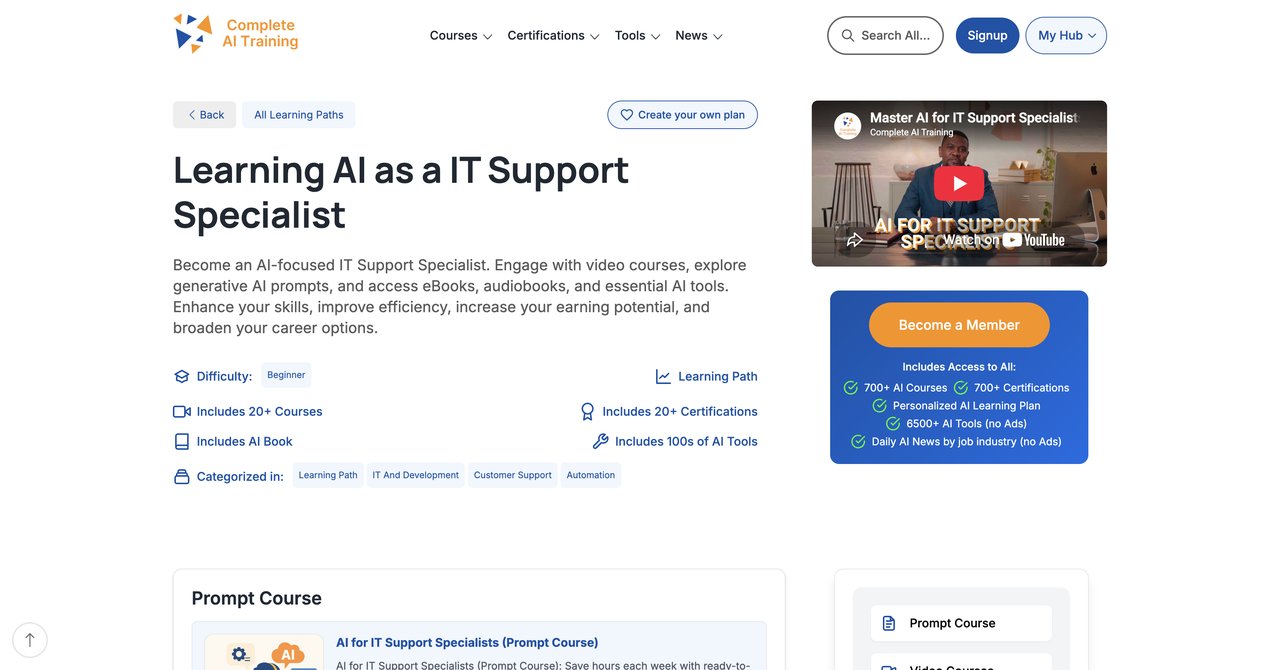
Link: CompleteAI Training - AI for IT Support Specialists
What needs to be stated upfront is that this is not a single course. CompleteAI Training works on a subscription model that opens up absolutely everything on their platform. We're talking hundreds of video courses, not one. If your job title says "IT Support Specialist" but your actual day has you chasing issues in networking, security questions, or even training on how to use Microsoft Copilot, you'd be covered here. And all certifications on the platform are included at no extra cost, which I don't see anywhere else in this lineup.
Their strongest selling point is the ongoing value. With these AI tools shifting their features monthly, a course you buy once can quickly become stale. CompleteAI Training adds new courses and certifications continuously, and existing subscribers get them automatically. That also means you gain access to material for other job roles across the whole platform-not just IT Support. This really matters if your work crosses into project management or some people management duties, or if you plan to move up later.
This isn't a one-and-done purchase. It's a membership, so it requires basic ongoing commitment. If you're someone who pays money for a course but never opens it, a subscription is wasted on you. But if you're serious about staying current on AI tools as they change, this actually makes more sense.
They also cover the practical stuff: using AI for real IT tasks, ticket writing, automations, and integrations. And the price-around $8.25 per month with annual billing or $29 for month-to-month-makes it justifiable even if you don't take a course every week.
Key Topics Covered: AI fundamentals for IT professionals, practical implementation for helpdesk support, automation of routine requests, prompt patterns for troubleshooting, and building workflow integrations. Because you also get access to other roles, you can study bits of cybersecurity and cloud AI too, which is useful for specialists.
Target Audience & Skill Level: Beginners and mid-career IT folks. The beginner videos respect that you may know IT support but not be an AI scientist, so it's self-contained. It gets advanced later if you want to explore more depth.
Pros:
- Full access to ALL video courses on the platform, not a single course or a fixed bundle
- Full access to ALL certifications on the platform, included at no extra cost
- New courses and certifications are added continuously and are included automatically
- Access to every other job role's material too, good for mixed duties or career movers
- One flat subscription price covers everything versus paying per course elsewhere
- Very affordable, especially with the annual billing option
- Daily updates on relevant AI tools and news to keep you in the loop
Cons:
- Subscription based-you'll pay indefinitely if you want to keep access
- Not ideal for someone just wanting a one-and-done certificate
Who Benefits Most: IT support professionals who want the most comprehensive ongoing access to all current AI training and certifications without opening their wallet for every add-on. Also if you like to learn across roles, this is the best deal.
Course 2: AI Help Desk Essentials by CompTIA
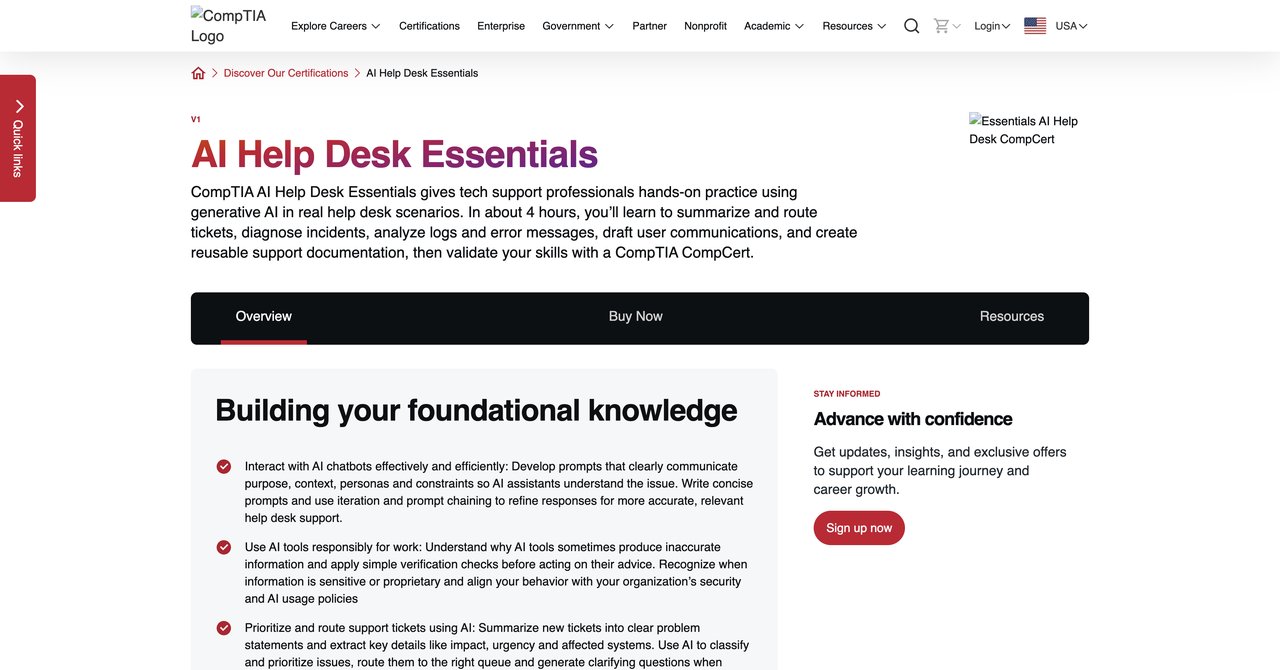
Link: CompTIA AI Help Desk Essentials
CompTIA is a name people have known out there for IT credentials, so it's they're paying attention to AI matter means something. This isn't just theory. They put you in real help desk scenarios where you have to use generative AI to triage tickets, route them, and do some incident diagnosis. They take you through log analysis as well, which many other courses skip over.
The course ends with a CompTIA CompCert validation. So an HR department is going to recognize that immediately. But the cost isn't clear on the page. They always push you to visit the exam voucher purchase, and that can make it a bit more unknown and hard to budget for.
The hands-on approach here works extremely well for someone who wants to practice, not just watch. Helpdesk is about doing, so you can get your fingers on a GenAI before taking the test.
Key Topics Covered: Ticket triage with AI, routing strategies, incident diagnosis help, log analysis.
Target Audience and Skill Level: Anyone from beginners with basic IT or helpdesk knowledge. It doesn't require AI into extra content, but a bit of support familiarity helps.
Pros:
- Hands-on practice using GenAI for important helpdesk scenarios
- Covers beyond the basics, like incident diagnosis and log analysis
- Includes CompTIA CompCert validation-a recognized name
Cons:
- No public rating data out for quality
- Price only known when you go further into the voucher purchase
Who Benefits Most: Those trying to score a certified side to their AI skills and who like working with realistic scenarios. If you like hands-on and to do, this is a solid choice.
Course 3: GenAI for Computer Support Specialists (IT Support) by Coursera
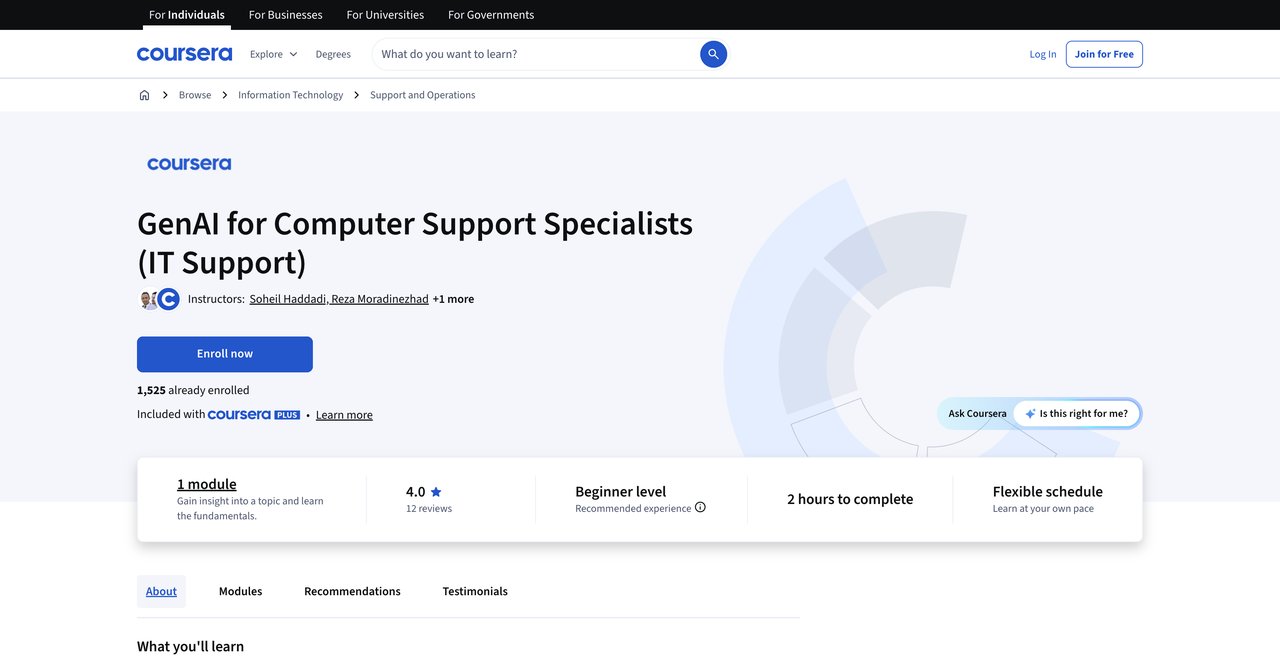
Link: Coursera - GenAI for Computer Support Specialists
Coursera keeps it simple with this one. It's a short, focused introduction to Generative AI for IT support tasks, and it's free to audit. You'll get a basic explanation of what GenAI can do for responsible AI integration, and they'll go over real-world support examples. This is the sort of thing you can finish in an afternoon.
There's no certification that comes with it unless you go down the longer subscription route. And no hands-on component means it's more theory than practice. This feels like a taster lesson then actually improving your skillset.
For total beginners, this can be refreshing because you aren't thrown into the deep end. You don't need to know anything about AI; you just need to work in support.
Key Topics Covered: The basics of responsible GenAI integration plus IT support scenario walkthroughs.
Target Audience and Skill Level: Absolute beginners or casual learners who want to see what this is about.
Pros:
- Short and focused start, won't take much time
- Covers responsible GenAI integration, which is important but often ignored
- Real-world support scenarios show you how it works
Cons:
- Very brief content overview
- No hands-on labs or cool certification
Who Benefits Most: Complete beginners who want a low-commitment overview and don't need a paper proof. Recommendations.
Course 4: AI for IT & Help Desk Professionals Course by Workplace AI Institute
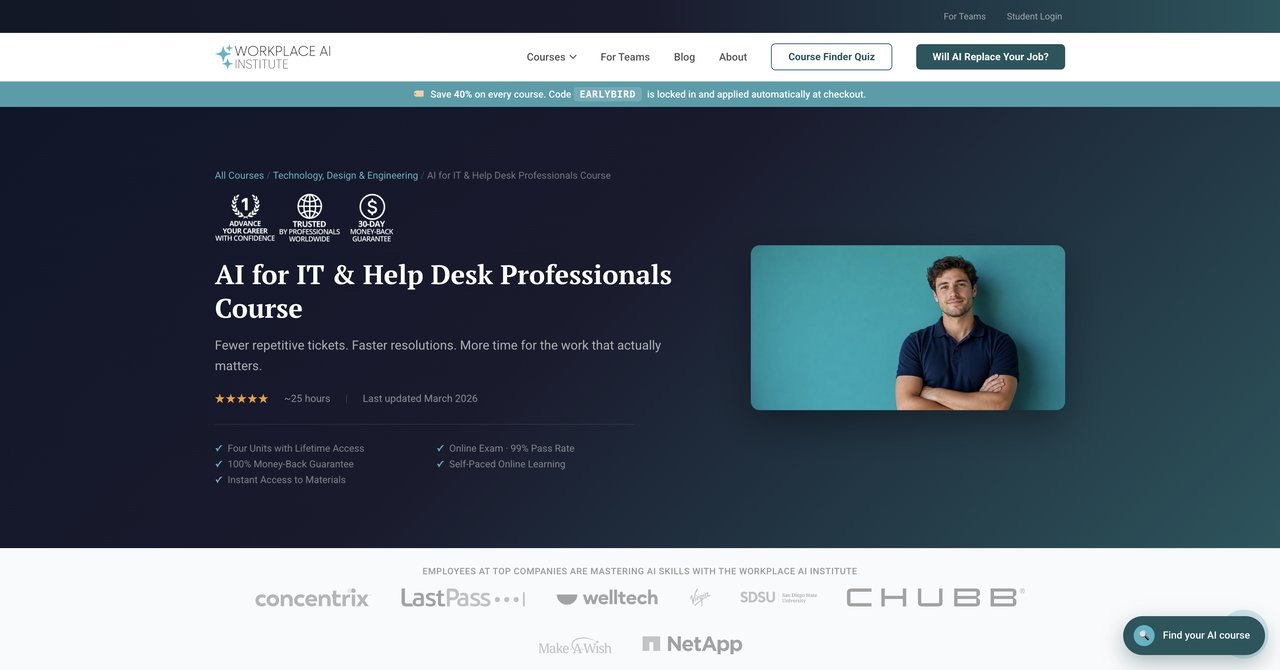
Link: Workplace AI Institute - AI for IT & Help Desk
The Workplace AI Institute takes a look down the major AI models, which is good because with these high, they aren't all the same to work with. It covers ChatGPT plus Claude and Gemini with real-world tasks like creating guides for troubleshooting, knowledge base write-ups, or even SLA reports.
The cost is $498. That's a big ticket up-front cost if you are funding it yourself, but you get lifetime access, so you don't have to keep paying. On the downside, there's no third-party rating verification, so you don't know if former students were satisfied.
Since this is provider-heavy on three main tools, it's a universally important skill. They speak by example of the actual skill to get the same answer from different tools.
Key Topics Covered: Tool specifics with ChatGPT, Claude, and Gemini for drafting documentation, ticket cars, and metrics.
Target Audience and Skill Level: IT support staff with some AI basics. Intermediate level is probably best.
Pros:
- Covers ChatGPT, Claude, and Gemini rather than one tool
- Real tasks like troubleshooting guides, knowledge base upgrades, and SLA reporting
- Self-paced selection means no time pressure stress
- Gives lifetime access after one-time payment
Cons:
- High upfront cost
- No verified user ratings
Who Benefits: Those who want to work across multiple AI tools, need lifetime access, and can afford a single upfront expense.
Course 5: IT Support with AI: Practical Strategies for IT Support Specialists by ITU Online IT Training
Link: ITU Online - IT Support with AI
ITU Online IT Training delivers practical AI strategies for the those IT support team. Instead of lots of theory, they focus on real troubleshooting methods you can use to that an job. It's made for people who're already in the industry and want a better understanding while the work.
They work on a subscription plan, which includes access to their broader IT library. This is handy if you would like extra IT training and need to go beyond AI itself. The exact length of this specific course isn't stated, and you have to check on a site how much a plan costs.
I'd say this is a good direction if you want in on multiple areas of IT over time, not just AI. Because you get the full library, it's like borrowing a bookstore instead of buying one book.
Key Topics Covered: AI strategies for troubleshooting common ticket types, incorporating AI into support activities.
Target Audience and Skill Level: Existing IT support specialists who want issue resolution and a subscription model for more training.
Pros:
- Practical AI strategies for identifying issues
- Designed for real change, not theory
- Subscription includes bigger IT training library
Cons:
- Time commitment not clearly stated
- Pricing information isn't immediate-you have to choose a plan
Who Benefits Most: Those already working in the support realm and looking to integrate AI practically, especially if they want variety in training.
Course 6: AI for IT Support: Tickets, Knowledge Base, and Endpoint Workflows by Qualora
Link: Qualora - AI for IT Support Tickets, Knowledge Base, Endpoint Workflows
Qualora's course specifically guides you through AI-assisted ticket triage and helping write first-response drafts. It then goes up to creating troubleshooting trees. That's for when a problem has multiple branches. It also mentions endpoint and identity workflow automation, which is more advanced. This helps you define a workflow that respects accesses rather than fully trusting.
After you solve tickets, they teach you how to turn them into knowledge base articles, which can prevent repetitive questions. The price is marked as an introductory founder price at $29 one-time, but it may go up to $49. This is still pretty cheap.
It's maybe for an intermediate level, not for a total beginner. There aren't public ratings that you can use as proof, but the content for the price could be a good deal.
Key Topics Covered: Triage, troubleshooting trees, endpoint and identity workflows, turning solved tickets into KBAs.
Target Audience: IT support specialists with some experience in IT and looking to automate beyond basic help.
Pros:
- Covers AI-assisted ticket triage and drafting responses
- Looks at endpoint and identity automation
- Teaches how to generate knowledge base stuff from solved tickets
- Affordable as an Intro
Cons:
- Intermediate-might be advanced for a beginner
- No public ratings
Who Benefits: People who have helpdesk experience and want to automate more of their own workload and document human-style knowledge.
Course 7: Google IT Support Certificate by Google (via Grow with Google)
Link: Google IT Support Certificate
This certificate covers more than just AI. That means the IT support fundamentals are in here: troubleshooting, customer care, and system administration. But it also has a dedicated section from Google experts solely on AI in IT support, which is why we're mentioning it. Google also gives you 3 months of Google AI Pro with the course, so you can try out their AI tooling in real time.
The cost of $49/month is then a subscription, and the subscription adds up if you take your time. The AI content is decent but mixed into the broader IT course, so if you want strictly AI skill then you might get more filler than what you wanted.
If you're a total beginner looking to enter the IT field, the Google name helps on any resume,it's not a small deal.
Key Topics Covered: IT support fundamentals, troubleshooting, customer care, Google's AI Pro tools.
Target Audience and Skill Level: Beginners to support careers with little or no experience.
Pros:
- Strong brand recognition from Google
- Includes dedicated AI-in-IT-support training from Google's own teams
- Covers all the fundamentals if you're new to the area
- Comes with 3 months of Google's AI Pro
Cons:
- Subscription can be heavy price if you take several months
- Broader scope means less focus on AI to cut through
Who Benefits: A Newcomer looking to get a certificate and collect some basics with a recognized vendor.
Course 8: Microsoft IT Support Specialist Professional Certificate by Microsoft (via Coursera)
Link: Microsoft IT Support Specialist Professional Certificate
Microsoft offers this one through Coursera so you can audit it for free. If you want the credential, you need to pay for the subscription. The main focus is on IT support fundamentals, but there are optional parts for generative AI tools and techniques. Their ecosystem for Microsoft 365 is deep, and they have some good troubleshooting diagnostic guides.
The optional placement of the AI content suggests the module isn't central to their learning path. It's a danger if you were looking for pure AI effectiveness-you'd have to filter out the rest. It also has a longer time commitment as a result of site thoroughness.
In exchange for all this, you get official Microsoft training, and if you're looking to work inside Microsoft shops, this has resonance.
Key Topics Covered: IT support foundation, Microsoft 365 ecosystem, AI theory and tools as optional learning.
Target Audience: People looking for a structured path with a very strong vendor brand, plus those who support Microsoft environment.
Pros:
- Strong Microsoft branding for those targeted environments
- Good beginner fundamentals
- Includes optional AI content on generative AI
- Can attend for free
Cons:
- AI content is freshmen's leading, not required
- Long path and may take months of your commitment
Who Benefits: IT pros who work often in Microsoft environments and want extra AI knowledge as a secondary bonus despite.
Course 9: AI Customer Support Essentials by CompTIA
Link: CompTIA - AI Customer Support Essentials
CompTIA also offers a dedicated course for frontline support agents. This one helps you with prompting, drafting, triangulating calls, and creating documentation. It comes with CompTIA CompCert validation again.
It's important to note that this course is focused on customer support, not proper IT trouble. So if your job is less "helpdesk" and more like being a support agent, this aligns. But for anyone handling technical tickets expecting in-depth troubleshooting, that content is mostly in other places.
Since it's self-paced, you can ease into it. The doubt remains around pricing, because they ask you to look at vouchers, and also public reviews are not available, so it's a bit of a leap.
Key Topics Covered: AI prompting, basic drafting, triage for tickets, support documentation.
Target Audience Frontline customer service/support roles with little to no technical AI experience.
Pros:
- Good for support agents, no installation base
- Includes necessary skill for ticket drafting and assessment
- Adds CompTIA certification to your profile
Cons:
- Focuses customer support in general, not tech-heavy
- No public ratings
Who Benefits: Helpdesk agents looking for a quick, CompTIA-supported course with basic AI skills.
Course 10: AI for System Administrators by Udemy
Link: Udemy - AI for System Administrators
This Udemy crash course gives you a setup view on ChatGPT, Claude, and Microsoft Copilot. You'll handle real-time tasks like drafting IT support communications, ticket responses, and user-friendly facing guides. It's short and efficient.
They expect some quick, practical setup steps. The cost varies a lot because Udemy is always adjusting prices, but does commonly go on sale for $20,$50, so it can be much more affordable if you time the purchase right.
From a system-focused viewpoint, it's practical, but there's no certification coming from this course. It's just pure skills.
Key Topics Covered: Tool setup (ChatGPT, Claude, Copilot), ticket drafting, user-ready documentation.
Target Audience: Systems admins whose day-to-day is managing machines, not just helpdesk tickets.
Pros:
- Practical setup and comparison for the big three main tools
- Good for sysadmin-specific workflows
- Occasionally affordable
Cons:
- Drifts from IT Frontline
- No certification
Who Benefits: SysAdmins who actually manage servers/infrastructure rather than user calls and need to apply AI for daily tasks.
Course 11: IT Support with AI: Practical Strategies for IT Support Specialists by Cornerstone College of Alberta
Link: Cornerstone College - IT Support with AI
This one is a professional development course for current staff from Cornerstone College of Alberta. They focus on AI powered tools that increase efficiency, and on automating routine tasks that usually take up your day.
But their pricing and course time commitments aren't published. You have to contact them to ask, which can be a barrier. There aren't any public ratings either, so you're navigating an unknown quality.
It's ideal for people in Canadian territory or those who want a provider they can call for details. Otherwise, it's quite a bit opaque relative to online courses.
Key Topics Covered: AI tools for efficiency, workflow automation for support professionals.
Target Audience: People looking for professional development hours and a local provider you can contact.
Pros:
- Covers efficiency and automating routine tasks
- Provides professional development focus
Cons:
- Pricing and duration are not published
- No public ratings
Who Benefits: Local people in Canada who prefer a more formal professional development setting.
Final Thoughts: Which AI Course Should You Choose?
OK so here's the honest overview. If your budget is basically zero and just want to get your feet wet, the Coursera GenAI course will help but it's very brief. Both CompTIA options (AI Help Desk Essentials and AI Customer Support Essentials) carry a familiar brand, but their hands-on value depends on what ticket scenario you want. They're strong if the name means a lot to you, though the price is a bit of a pot luck.
For mid-level professionals who handle help desk tickets and want a predictable one-time payment, Qualora's have a really interesting niche-it's practical and targeted specifically on streamlining tickets and KBAs. That's behind and has real value into your workflow.
When it comes to spending $498 at the Workplace AI Institute, that's an investment that makes more sense only if it gives you exactly what you wanted for your specific tool set and you want lifetime ownership. But it's a lot to pay before knowing exactly what you receive from it.
For someone who is in a Microsoft or Google environment and wants fundamentals plus some AI on the side, the offerings from Google and Microsoft are best, but the AI-dedicated part are fairly small when you look at the whole course. They are more about a whole career skill than a specific AI support.
Now, if the goal is to get the full experience of AI tools for IT and have a lot of options, CompleteAI Training gives you the most important difference. Because it's not a single course, you're getting all access. That will keep you up to date with new certifications and fresh courses without paying an extra cost per offer. The subscription format is what everyone does now, and it's honestly the only realistic way to keep up with how fast AI is changing.
But it only works if you use it. If you're a "do a course and done" person, go with something like Qualora or Workplace AI-say the subject, do the work, finish. But if you want to because you are part of the changing IT industry, keeping current is the goal, never those one-time classes that will be old in a year.
My recommendation really comes down to your career path.
- For the complete career outlook and constant updates: go with CompleteAI Training
- For solid brands with minor AI: pick Google or Microsoft
- For tickets and helpdesk: Qualora is worth every dollar
- For those most hands on and practical with comparisons on many AI models: Workplace or Udemy sysadmin
- For a recognized CompTIA name: Start with AI Help Desk Essentials
There is no wrong absolute answer; there are only the right choices for your goals. Take a good look at what you're trying to do, and buy accordingly.