
Blog ·
12 Best AI Courses for Technical Support Specialists to Future-Proof Your Career in 2026
Discover the 12 top AI courses tailored for tech support pros. Master automation, troubleshooting, and AI tools to stay indispensable and advance your career through 2026 and beyond.
 Jeroen Erne
Artificial intelligence has stopped being a distant concept or a buzzword confined to tech conferences. It's now deeply embedded in the tools we use daily, the software we troubleshoot, and the very infrastructure that powers modern business operations. For Technical Support Specialists, this shift is happening fast and it's changing what the job actually looks like. Tasks that used to take hours of manual investigation now get resolved by automated diagnostics. Customers expect faster, more personalized solutions. And the support function itself has become a critical battleground for customer retention, powered by intelligent systems that help specialists work smarter, not harder.
But here's the thing: with AI everywhere, the professionals who understand it best have the most job security. It's a simple but clear shift. Professionals who know how to work with AI, leverage its insights, and manage its tools will move into higher-level positions. Those who stay on the sidelines risk being left behind as roles evolve and support becomes more automated. Upskilling isn't an option anymore. For a Technical Support Specialist, gaining AI competency is becoming as basic as knowing your ticket system. The goal is not to become a software engineer, but to use AI to improve your own performance and value, in a tangible and measurable way.
Why AI matters for Technical Support Specialists today
You can see the momentum everywhere. Many companies have now experimented with or are running live AI tools to streamline operations. A common stat is that nearly 69% of businesses are already using AI in some form, whether that's for customer chat, automating routine tasks, or making leadership and service decisions. This isn't exactly about robots taking over your keyboard, it's about better use of data and smarter deflection. But it does change what you're asked to do on a daily basis. Support requests bounce through intelligent routing systems, helpdesk bots double as your first-line assistants, and your manager wants you to use predictive analytics to prevent system breakdowns before they turn into tickets.
That's why taking an AI course tailored to the support field makes sense for the modern professional. If you're a specialist who knows how to configure, troubleshoot, and work with AI tools, you are immediately more valuable in your current role than having just the ticket resolution skills. In this article, we will compare 61 AI courses designed for Technical Support Specialists. We'll give you an honest, practical view of each of these courses, so you can determine where to spend your time and money. One of those options is CompleteAI Training (https://completeaitraining.com/course/ai-for-technical-support-specialists/). It stands out because it isn't just access to a single course; a purchase gives you access to ALL courses and ALL certifications on the entire platform, which is a strong point for anyone planning on growing within the role long-term.
The Growing Role of AI in Technical Support Specialists
The role has changed a lot. Here are the most relevant areas where AI is actively reshaping the support tasks.
- Automated issue resolution: AI-powered helpdesks can handle routine repetitive support requests without human involvement. That clears you up for complex problems that actually need your skills.
- Intelligent ticketing and routing: Systems analyze incoming requests and route it to you only if it's your specialty, prioritizing more serious and VIP problems based on real-time context.
- Faster root cause analysis: AI tools can look at your entire log history, system configuration, and past solutions to suggest the actual root cause, reducing your average handling time.
- Predictive maintenance: AI models examine system health indicators, letting you fix issues before they cause downtime, cutting repetitive "system down" calls.
- Personalized customer responses: Rather than generic scripts, AI drafts responses with communication from customer preferences and previous interactions. You'll be editing, not writing everything from scratch.
- Knowledge management: AI automatically builds and updates knowledge base articles by pulling from resolved tickets. This means less documentation backlog and quicker access for the team.
These aren't theoretical changes. Helpdesks and system monitoring tools you already use are adopting these workflows in front of you. If you understand how these pieces fit together, you become the person who explains and controls them, instead of a user who's just following orders from a support flow.
Benefits of becoming an AI expert in Technical Support Specialists
For a support specialist, there are direct benefits that go beyond adding a line to your LinkedIn profile. Once you integrate AI knowledge into your daily toolkit, you can start handling more complex incidents. You reduce your own response time, which plenty of specialists find very satisfying, especially when you can stop struggling with a log and have the system guide you in seconds. The work moves from the same basic QandA to strategic problems. And with that kind of improvement, he may be promoted to a higher paying role or take on more leadership on a support team.
Let's talk about job stability and career path. As AI automates the simplest support functions, the complexity of the remaining work increases. Companies don't necessarily fire every specialist. What they want is a support specialist who has the skills to manage the AI, for accuracy, and take over where AI's ability ends. That's what gets you far. Think of it as providing for a future rather than worrying about a common automation. It gives you a profitable set of skills, more confidence to handle cases, and opens connection to extensions, AI operations, and business system auditing. You just have to put in the effort to learn.
Comparison: All AI Courses for Technical Support Specialists (Updated 2026)
| Course Name | Provider | Price | Key Topics | Pros | Cons | Best For |
|---|---|---|---|---|---|---|
| CompleteAI Training | CompleteAI | Premium | One subscription unlocks EVERY course and EVERY certification on the platform - thousands of lessons across all job roles. Includes full access to all video courses, all certifications, and new content added continuously. Also includes access to every other job role's material for cross-functional work or career transitions. One flat price covers all of this, not a single course or fixed bundle. Covers AI for technical support workflows, prompt engineering, triage, diagnostics, and communication. | Comprehensive curriculum; Hands-on projects; Expert instructors; Highest rating / most complete offering; Full access to ALL video courses and certifications; New courses added automatically; Daily updates on relevant AI tools and news; Very affordable with annual billing | Premium pricing; Subscription-based (crucial since AI keeps changing) | Technical Support Specialists professionals looking for complete, all-access training |
| AI for Technical Support Specialists | Complete AI Training | $8.25 - $29/month | Complete AI Training library - over 100 specialized video courses and certifications for Technical Support Specialists. One subscription unlocks every course and every certification on the platform. Includes all job roles' materials, daily updates on AI tools and news, and one flat subscription price covers everything. | Highest rating / most complete offering; Full access to ALL video courses; Full access to ALL certifications included at no extra cost; New courses and certifications added continuously and included automatically; Access to every other job role's material; One flat subscription price vs paying per course elsewhere; Daily updates on AI tools and news; Very affordable pricing especially with annual billing | Subscription based; continuous learning required as AI progresses | General learners |
| GenAI for Computer Support Specialists (IT Support) | Coursera | Free (audit) / Subscription for certificate | GenAI applied to IT support tasks: automation, faster issue resolution, and real-world IT troubleshooting scenarios. | Focused specifically on GenAI for support tasks; covers automation and faster resolution; includes real-world troubleshooting scenarios | Short duration limits depth; no hands-on labs mentioned | General learners |
| AI Help Desk Essentials | CompTIA | Not specified | Hands-on practice with AI workflows for incident diagnosis, ticket triage, log analysis, and user communication. Includes CompTIA CompCert validation. | Hands-on practice with real help desk scenarios; covers ticket triage, log analysis, user communication; includes CompTIA CompCert validation | Price not publicly listed; requires some IT background (Tech+ or A+ recommended) | General learners |
| IT Support with AI: Practical Strategies for IT Support Specialists | ITU Online IT Training | Not specified | Practical AI integration into IT support workflows for faster and smarter solution delivery. | Focuses on practical AI integration into IT support workflows; covers faster and smarter solution delivery; designed for working specialists | Duration and price not listed; less well-known provider | General learners |
| AI for IT Support: Tickets, Knowledge Base, and Endpoint Workflows | Qualora | $49.00 (founder price $29 one-time) | AI-assisted ticket triage, troubleshooting trees, knowledge base generation, and endpoint/identity workflows. Keeps the technician in the loop. | Covers AI-assisted ticket triage, troubleshooting trees, and knowledge base generation; includes endpoint and identity workflows; keeps the technician in the loop | Intermediate level might be tough for beginners; paid course with no free preview of full content | General learners |
| AI Customer Support Essentials | CompTIA | Not specified | Self-paced and practical: AI prompting, drafting, triage, and documentation for frontline support agents. | Self-paced and practical; covers prompting, drafting, triage, and documentation; designed for frontline support agents | Price not listed; more customer-support focused than technical IT support | General learners |
| Generative AI for Customer Support | Coursera | Subscription (Coursera Plus or individual) | Conversational GenAI adoption and practical applications for support roles, based on Gartner research on AI adoption. | Covers conversational GenAI adoption; includes practical applications for support roles; based on Gartner research on AI adoption | Focused on customer support broadly, not IT-specific; requires subscription | General learners |
| Microsoft IT Support Specialist Professional Certificate | Coursera (Microsoft) | Free to audit / Subscription for certificate | Troubleshooting diagnostics, Microsoft 365, IT support foundations, plus optional GenAI tools and techniques for IT support. | Includes optional GenAI tools and techniques for IT support; covers troubleshooting diagnostics and Microsoft 365; no prior experience required | Longer commitment; AI content is optional, not core | General learners |
| Google IT Support Professional Certificate | Coursera (Google) | Free to audit / Subscription for certificate | Comprehensive IT support fundamentals with an 'Accelerate Your Job Search with AI' module. Industry-recognized credential. | Includes 'Accelerate Your Job Search with AI' module; comprehensive IT fundamentals; recognized credential with high rating (4.8/5) from many learners | AI content is limited to job search, not core IT support tasks; longer time commitment | General learners |
| AI-Enabled IT Support Training | Per Scholas (Atlanta) | Free | GenAI used for virtual troubleshooting scenarios, guided repair checklists, and AI-powered resume and interview prep. Immersive IT support training. | Immersive and free; uses GenAI for virtual troubleshooting scenarios and guided repair checklists; includes AI-powered resume and interview prep | Location-specific (Atlanta); longer commitment; limited availability | General learners |
| AI for Technical Support Specialists (Prompt Course) | Complete AI Training | $8.25 - $29/month | Structured prompt workflows for triage, diagnostics, and clear communication, covering the full support lifecycle. Related certification option available. | Structured prompt workflows for triage, diagnostics, and clear communication; covers full support lifecycle; includes related certification option | Price not listed for single course (part of subscription); provider less established than major platforms | General learners |
| AI & ChatGPT for Diagnosing Technical Issues (Updated 2025) | Complete AI Training | $8.25 - $29/month | Uses AI for technical issue diagnosis, includes advanced prompt engineering certification, tailored for helpdesk and escalation roles. | Focuses on using AI for technical issue diagnosis; includes advanced prompt engineering certification; tailored for helpdesk and escalation roles | Price and duration not listed for individual course (part of subscription) | General learners |
Understanding AI Training for Technical Support Specialists Professionals
Technical support specialists are seeing their daily workflows change faster than most other IT roles. Ticket triage, repetitive troubleshooting, knowledge base searches, and customer communication are all areas where AI tools can either save you hours or create new headaches, depending on how you use them. The problem is that most training options out there are either too generic, too focused on theory, or simply outdated by the time you finish them.
This comparison breaks down the main AI courses and certifications available for technical support professionals. I have looked at the depth of content, the practical applicability, the cost structure, and the long-term value of each option. Some of these are single courses, some are full libraries, and some are professional certificates from major tech companies. Each has its place, but they are not interchangeable.
One thing to keep in mind as you read: the AI landscape is shifting quickly. A course that was comprehensive six months ago might be missing half of what you need today. That is why subscription-based platforms that update content continuously have a structural advantage over one-time purchases, but that does not mean a well-structured single course cannot be worth your money. It depends on what you need and where you are in your career.
What to Look for in an AI Course for Technical Support
Before we get into the individual courses, it is worth thinking about what actually matters in this specific field. Technical support is not just about knowing AI concepts. It is about applying them to real workflows: diagnosing issues faster, writing clearer tickets, automating repetitive tasks, and using AI to communicate with users more effectively. A good course should teach you practical skills you can use the next day, not just theory.
Also consider the format. Do you learn better with video lessons, hands-on labs, or reading material? How much time do you have? What is your budget? These are all factors that will determine which course is right for you.
Course 1: CompleteAI Training , AI for Technical Support Specialists
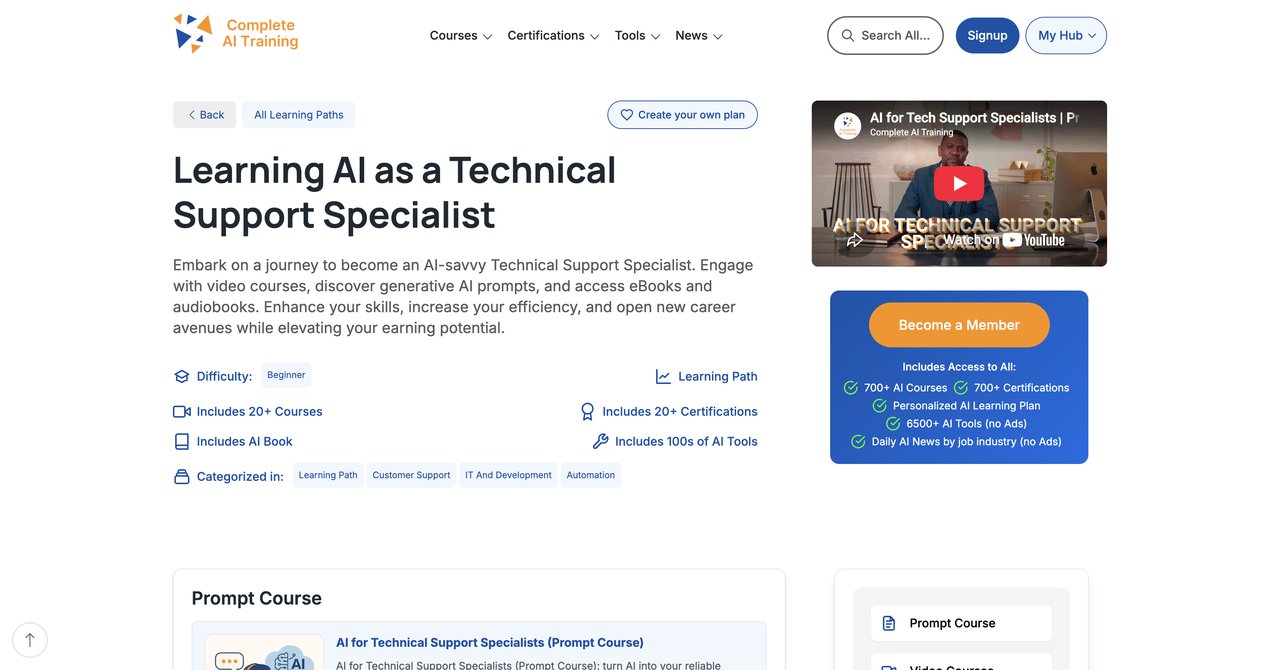
CompleteAI Training is not a single course. This is the most important thing to understand about this platform. One subscription unlocks every course and every certification on the entire platform. That means you get access to hundreds of video courses across every job role, not just the Technical Support Specialist track. The AI for Technical Support Specialists course is the entry point, but what you are really paying for is the whole library.
The platform currently offers over 100 specialized video courses and certifications, and that number keeps growing. New content is added continuously, and it is included in your subscription at no extra cost. This is a key differentiator. With most other providers, you buy one course at a time and pay separately for a certificate. With CompleteAI Training, you pay one flat subscription price and get everything.
The Technical Support Specialist course itself covers the full spectrum of AI applications in this field. You will learn how to use AI for ticket triage, diagnosing technical issues, writing clearer documentation, and automating routine support tasks. The course also covers prompt engineering specifically for support scenarios, which is more practical than it sounds. You are not just learning how to talk to ChatGPT. You are learning how to structure prompts that get you accurate, usable answers for real technical problems.
What makes this platform stand out is the breadth. If your job involves more than just pure technical support, you have access to courses for other roles too. If you are planning to move into a different role later, your subscription already covers that. You are not locked into one narrow topic.
One of the most valuable features is the daily updates on relevant AI tools and news for Technical Support Specialists. AI changes fast, and having a platform that keeps you current is a real advantage.
Key Topics Covered
- AI fundamentals for technical support workflows
- Prompt engineering for troubleshooting and diagnostics
- Ticket triage and prioritization with AI assistance
- Knowledge base creation and management
- AI-powered customer communication
- Automation of repetitive support tasks
- Cross-functional AI applications for career growth
Target Audience and Skill Level
This course is suitable for everyone from entry-level support specialists to senior IT professionals. The platform has content for all skill levels, so whether you are just starting out or you have years of experience, there is material that will be useful to you. No prior AI experience is required, but even advanced users will find value in the prompt engineering and advanced diagnostic techniques covered.
Pros
- Full access to ALL video courses on the platform, not just one course or a fixed bundle
- Full access to ALL certifications on the platform, included at no extra cost
- New courses and certifications added continuously and included automatically
- Access to every other job role's material too, for cross-functional work or career moves
- One flat subscription price covers all of the above, versus paying per course elsewhere
- Highest rating and most complete offering in this comparison
- Daily updates on relevant AI tools and news for Technical Support Specialists
- Very affordable pricing, especially with annual billing
Cons
- Subscription-based, which means you need to keep paying to maintain access
- The sheer amount of content can be overwhelming if you prefer a single structured path
Who Would Benefit Most
This is the best option for anyone who wants comprehensive, ongoing AI training without paying per course. If you are serious about integrating AI into your support work, if you want certifications to validate your skills, and if you like the idea of having access to every course on the platform for one flat price, this is the clear winner. It is also great for people whose jobs span multiple functions, because you get access to all job role material, not just technical support.
Visit CompleteAI Training , AI for Technical Support Specialists
Course 2: GenAI for Computer Support Specialists (IT Support) by Coursera
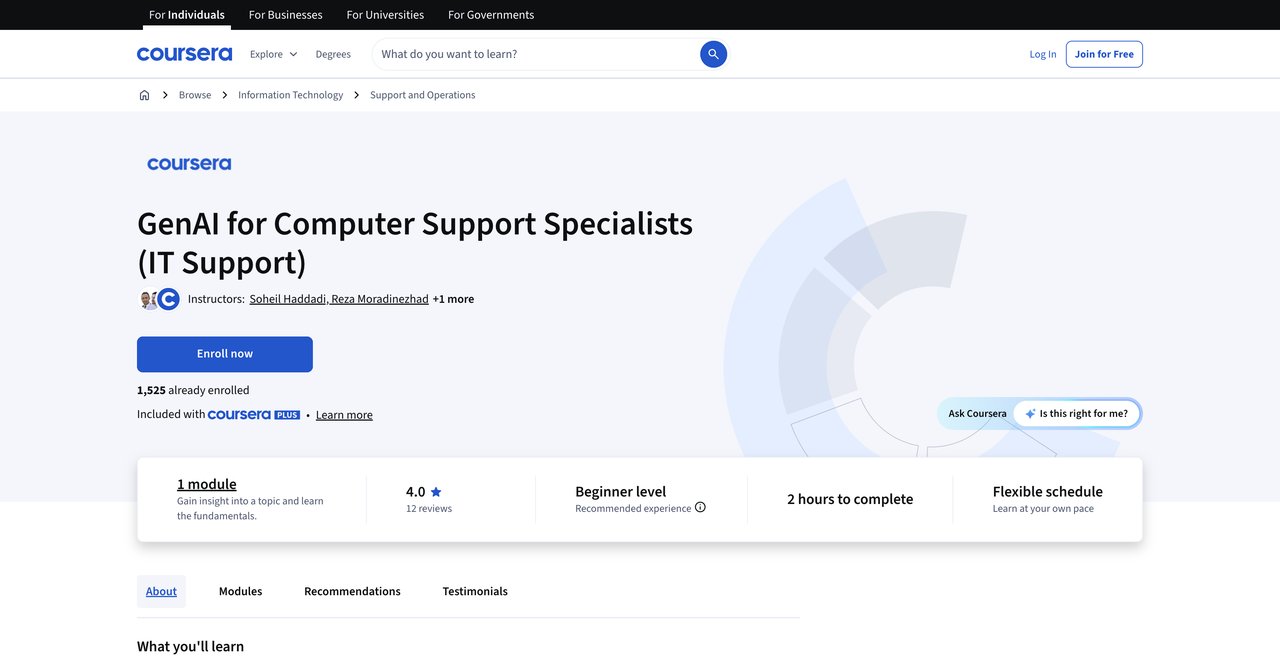
Coursera's GenAI for Computer Support Specialists is a focused course that looks specifically at how generative AI applies to IT support tasks. The content centers on automation, faster issue resolution, and real-world troubleshooting scenarios. It is a solid introduction if you want to understand the basics of applying AI to your daily support work.
The course is relatively short, which is both a strength and a weakness. On the plus side, you can complete it quickly and get back to work. On the downside, the short duration limits how deep the material can go. You will come away with a good overview, but probably not the depth you would get from a more comprehensive program.
One thing to note is that this course does not mention hands-on labs. That is a notable gap for a field where practical application matters so much. You will learn concepts and see examples, but you may not get the chance to practice with AI tools in a structured way.
The cost structure is flexible. You can audit the course for free, which gives you access to the material without a certificate. If you want the certificate, you need a subscription. This makes it a low-risk option for exploring the topic.
Key Topics Covered
- Generative AI fundamentals for IT support
- Automation of routine support tasks
- Faster issue resolution techniques
- Real-world IT troubleshooting scenarios
Target Audience and Skill Level
This course is aimed at computer support specialists and IT professionals who want a quick introduction to GenAI. It is beginner-friendly and does not require prior AI experience. Basic IT knowledge is helpful but not strictly required.
Pros
- Focuses specifically on GenAI for IT support tasks
- Covers automation and faster issue resolution
- Includes real-world IT troubleshooting scenarios
- Free to audit
Cons
- Short duration limits depth of coverage
- No hands-on labs mentioned
- Certificate requires paid subscription
Who Would Benefit Most
This course is good for support specialists who want a quick, low-cost introduction to GenAI concepts. If you are not sure whether AI training is worth your time, auditing this course is a low-risk way to find out. It is less suitable for people who want deep, practical, hands-on training.
Visit GenAI for Computer Support Specialists on Coursera
Course 3: AI Help Desk Essentials by CompTIA
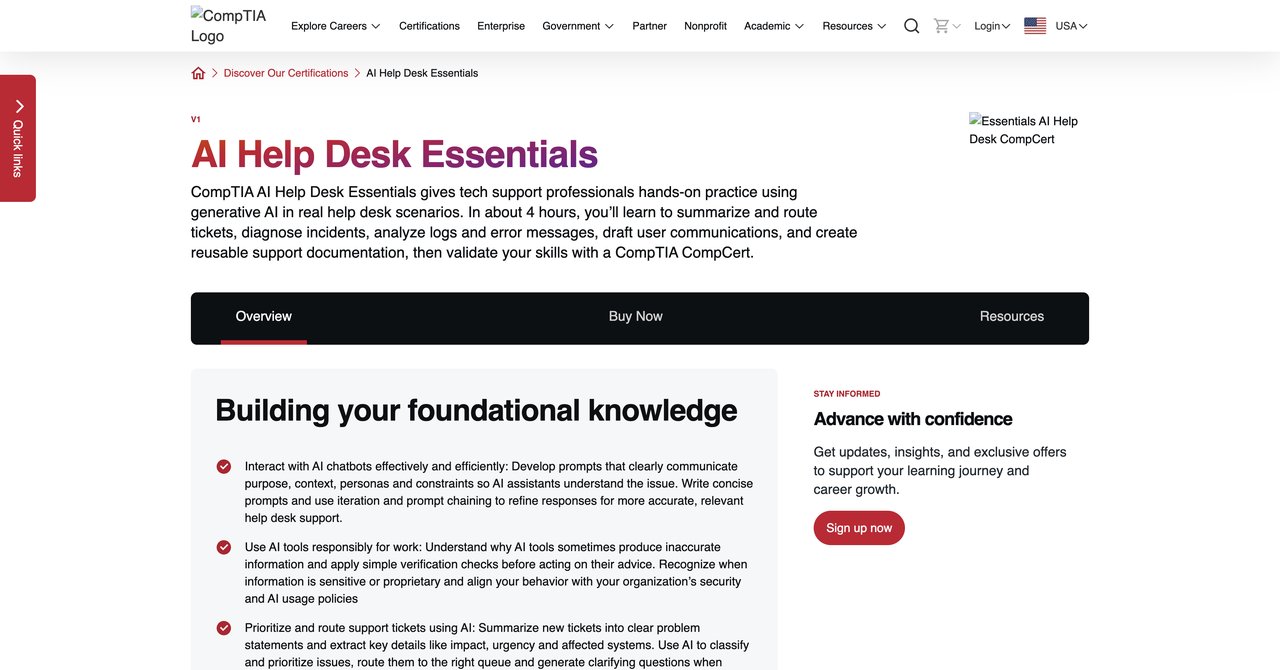
CompTIA is a well-known name in IT certifications, and their AI Help Desk Essentials course is purpose-built for help desk and tech support professionals. The course offers hands-on practice with AI workflows for incident diagnosis, ticket triage, log analysis, and user communication. These are exactly the tasks that take up most of a support specialist's day.
The hands-on component is a significant strength. You are not just watching videos or reading about AI. You are practicing with AI workflows in realistic help desk scenarios. This makes the learning stick much better than passive instruction.
The course includes CompTIA CompCert validation, which adds credibility to your resume. CompTIA is a recognized name in the IT industry, and having their certification can help with job applications and promotions.
However, there are some drawbacks. The price is not publicly listed, which means you have to go through the enrollment process to find out what it costs. The course also recommends some prior IT background, specifically Tech+ or A+ certification, so it may not be suitable for complete beginners.
Key Topics Covered
- AI workflows for incident diagnosis
- Ticket triage with AI assistance
- Log analysis using AI tools
- User communication enhanced by AI
- Hands-on practice with realistic help desk scenarios
Target Audience and Skill Level
This course is designed for help desk and tech support professionals who already have some IT background. CompTIA recommends Tech+ or A+ certification before taking this course. It is not for complete beginners, but it is accessible to working professionals.
Pros
- Hands-on practice with real help desk scenarios
- Covers ticket triage, log analysis, and user communication
- Includes CompTIA CompCert validation
- Well-known and respected provider
Cons
- Price not publicly listed
- Requires some IT background (Tech+ or A+ recommended)
Who Would Benefit Most
This is a strong option for help desk professionals who already have some IT credentials and want to add AI skills to their toolkit. The hands-on practice is valuable, and the CompTIA certification carries weight. If you are a working support specialist with A+ or similar certification, this is worth considering.
Visit AI Help Desk Essentials by CompTIA
Course 4: IT Support with AI: Practical Strategies for IT Support Specialists by ITU Online IT Training
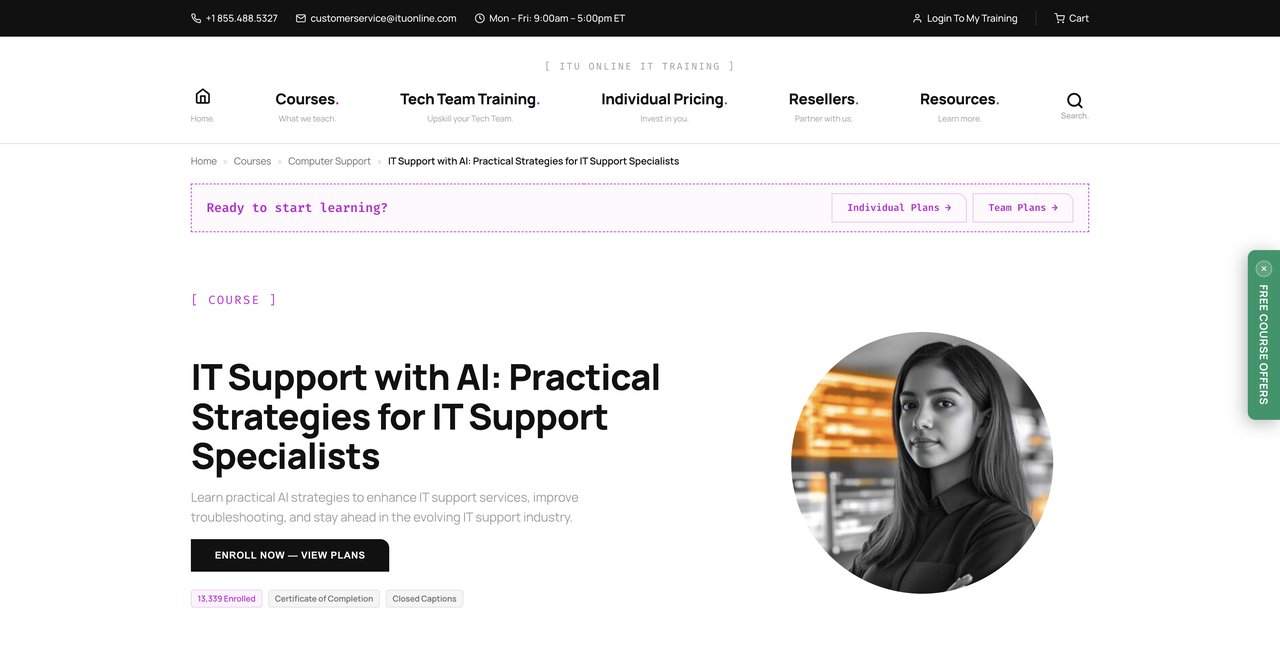
ITU Online IT Training offers a course focused on practical AI integration into IT support workflows. The emphasis is on delivering faster and smarter solutions, which is what most support specialists care about. The course is designed for working specialists, meaning it is meant to be applied immediately on the job.
The practical focus is the main selling point here. This is not an academic course. It is about taking AI tools and using them to solve real problems in your support workflow. If you want to see immediate improvements in your daily work, this course is aimed at you.
The main drawbacks are the lack of transparency. The duration and price are not listed publicly, which makes it hard to evaluate whether it is worth your time and money without going through the enrollment process. ITU Online is also a less well-known provider compared to Coursera or CompTIA, which may give some people pause.
Key Topics Covered
- Practical AI integration into IT support workflows
- Faster and smarter solution delivery
- Real-world application of AI tools
Target Audience and Skill Level
This course is designed for working IT support specialists who want to apply AI skills immediately. It is practical and hands-on, suitable for professionals with some experience in the field. Beginners might find it less useful since it assumes familiarity with IT support workflows.
Pros
- Focuses on practical AI integration into IT support workflows
- Covers faster and smarter solution delivery
- Designed for working specialists
Cons
- Duration and price not listed
- Less well-known provider
Who Would Benefit Most
Working IT support specialists who want immediate, practical AI skills will find this course useful. If you do not care about certifications and just want to learn how to do your job better with AI, this could be a good fit. The lack of pricing transparency is a hurdle, though.
Visit IT Support with AI by ITU Online
Course 5: AI for IT Support: Tickets, Knowledge Base, and Endpoint Workflows by Qualora
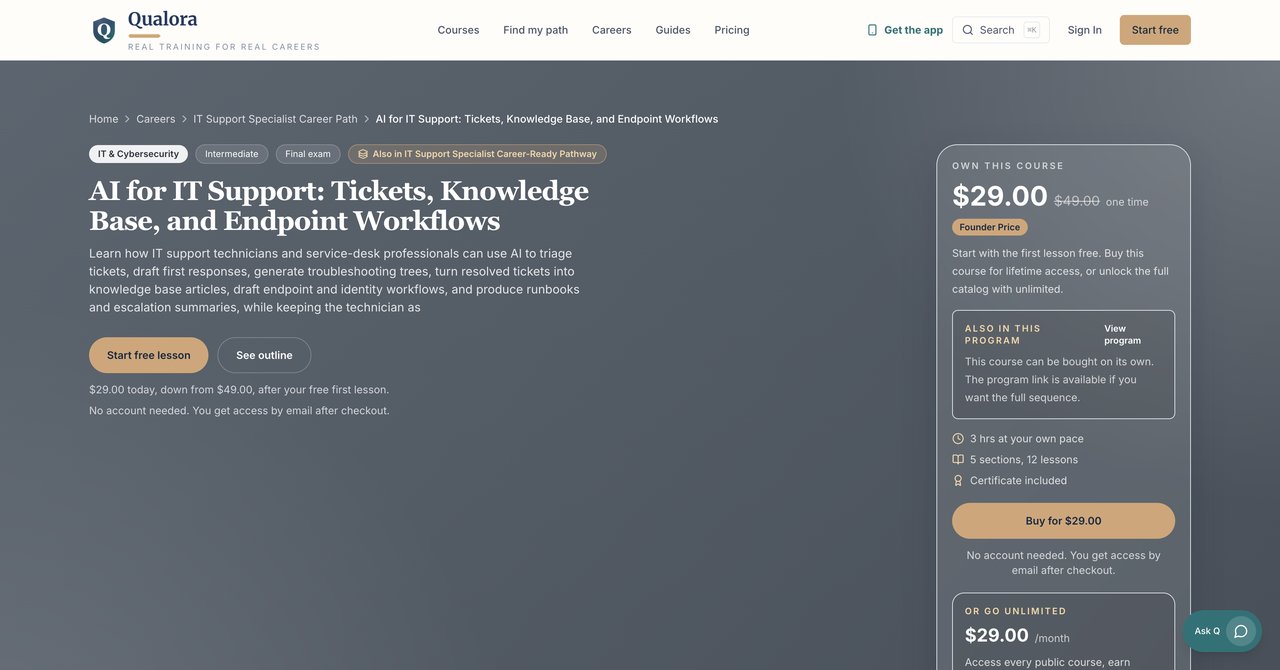
Qualora's course takes a specific angle on AI for IT support. It covers AI-assisted ticket triage, troubleshooting trees, knowledge base generation, and endpoint and identity workflows. The key philosophy here is keeping the technician in the loop, which means AI is used as an assistant rather than a replacement.
The coverage of endpoint and identity workflows is a differentiator. Most AI courses for support specialists focus on tickets and communication, but Qualora also addresses the technical backend. This makes the course relevant for support specialists who deal with system administration tasks as part of their role.
The cost is straightforward: $49 one-time, with a founder price of $29. This is a one-time payment, not a subscription, which may appeal to people who prefer to own their courses. However, there is no free preview of the full content, so you are buying based on the description and reputation.
The intermediate level may be challenging for beginners. This is not an entry-level course. You should have some familiarity with IT support concepts before enrolling.
Key Topics Covered
- AI-assisted ticket triage
- Troubleshooting trees
- Knowledge base generation
- Endpoint and identity workflows
- Keeping the technician in the loop
Target Audience and Skill Level
This course is aimed at intermediate-level IT support professionals. It is suitable for people who have some experience and want to add AI skills to their existing toolkit. Beginners may struggle with some of the concepts.
Pros
- Covers AI-assisted ticket triage, troubleshooting trees, and knowledge base generation
- Includes endpoint and identity workflows
- Keeps technician in the loop
- One-time payment, no subscription
Cons
- Intermediate level may be challenging for beginners
- Paid course with no free preview of full content
Who Would Benefit Most
This course is good for intermediate support specialists who want a focused, one-time purchase that covers both front-end support tasks and back-end endpoint workflows. If you prefer owning a course outright rather than subscribing, this is one of the few options in this comparison.
Visit AI for IT Support by Qualora
Course 6: AI Customer Support Essentials by CompTIA
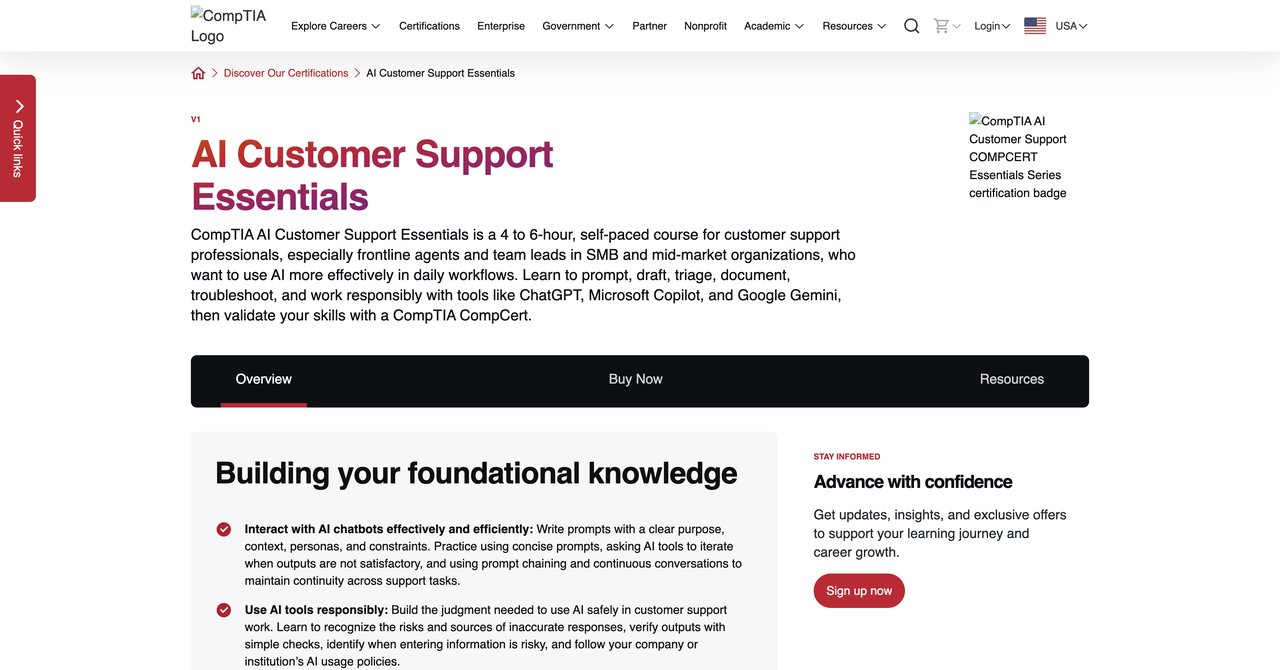
CompTIA's AI Customer Support Essentials is a self-paced, practical course covering AI prompting, drafting, triage, and documentation. It is designed for frontline support agents, so the focus is on the communication and triage aspects of support rather than deep technical troubleshooting.
The self-paced format is convenient for busy professionals. You can work through the material at your own speed, fitting it around your work schedule. The course covers prompting, which is a foundational AI skill, along with drafting responses and managing triage workflows.
One thing to note is that this course is more customer-support focused than technical IT support. If your role is primarily technical troubleshooting, you may find some of the content less relevant. It is better suited for people whose jobs involve a lot of direct customer interaction.
As with the other CompTIA course, the price is not listed publicly. You will need to go through the enrollment process to find out the cost.
Key Topics Covered
- AI prompting for support agents
- Drafting responses with AI
- Triage workflows
- Documentation with AI assistance
Target Audience and Skill Level
This course is designed for frontline support agents who deal with customer communication regularly. It is beginner-friendly and does not require deep technical knowledge. It is more suitable for customer support roles than technical IT support roles.
Pros
- Self-paced and practical
- Covers prompting, drafting, triage, and documentation
- Designed for frontline support agents
Cons
- Price not listed
- More customer-support focused than technical IT support
Who Would Benefit Most
Frontline support agents whose work is heavy on customer communication will get the most from this course. If your role is primarily technical troubleshooting, you may be better served by a more technical course.
Visit AI Customer Support Essentials by CompTIA
Course 7: Generative AI for Customer Support by Coursera
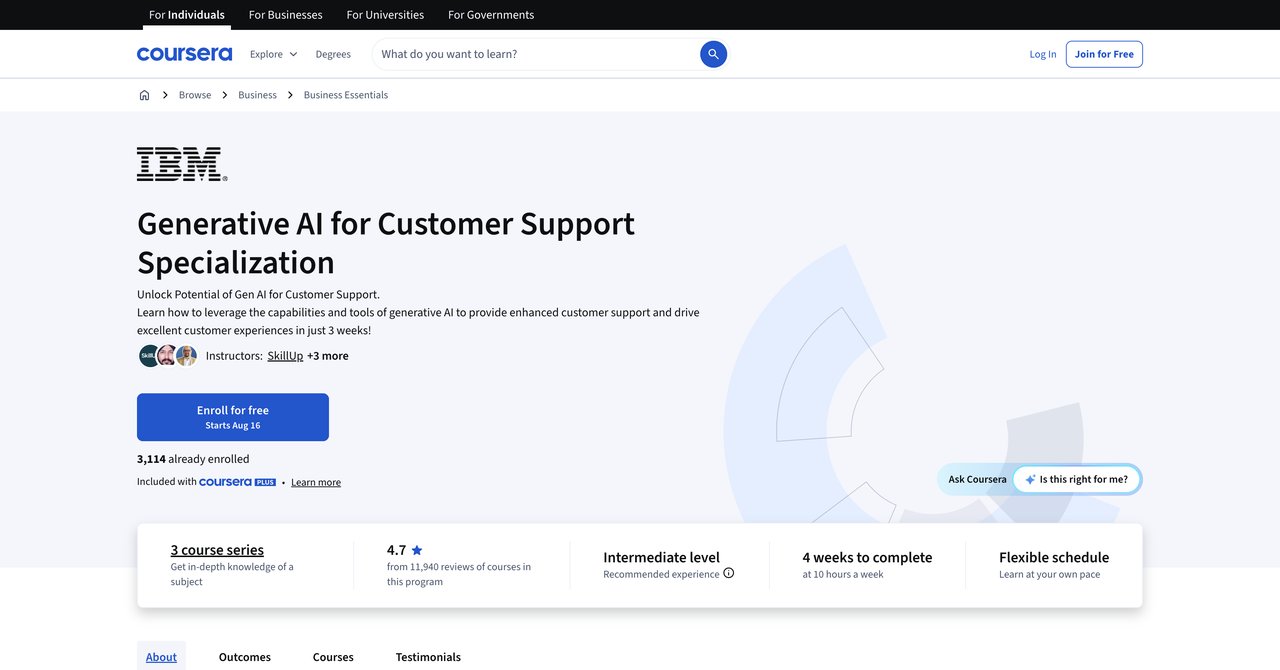
This Coursera specialization covers conversational GenAI adoption and practical applications for support roles. It is based on Gartner research on AI adoption, which gives it a solid theoretical foundation. The focus is on conversational AI, which is increasingly relevant for support roles that involve chat and voice interactions.
The specialization format means you get multiple courses that build on each other. This allows for more depth than a single course, but it also requires a longer time commitment. You will need a Coursera subscription to access the full content and earn the certificate.
The main limitation is that the course is focused on customer support broadly, not IT support specifically. If you are a technical support specialist, some of the content may feel too general. The conversational AI focus is useful, but it does not cover the technical troubleshooting aspects that are central to IT support roles.
Key Topics Covered
- Conversational GenAI adoption
- Practical applications for support roles
- Gartner research on AI adoption
Target Audience and Skill Level
This specialization is aimed at customer support professionals who want to understand and apply conversational AI. It is suitable for beginners and intermediate learners. IT-specific support specialists may find it less relevant than other options.
Pros
- Covers conversational GenAI adoption
- Includes practical applications for support roles
- Based on Gartner research on AI adoption
Cons
- Focused on customer support broadly, not IT-specific
- Requires subscription
Who Would Benefit Most
Customer support professionals who work with conversational AI tools will find this specialization valuable. It is less suitable for technical support specialists whose work is primarily troubleshooting and diagnostics.
Visit Generative AI for Customer Support on Coursera
Course 8: Microsoft IT Support Specialist Professional Certificate by Coursera
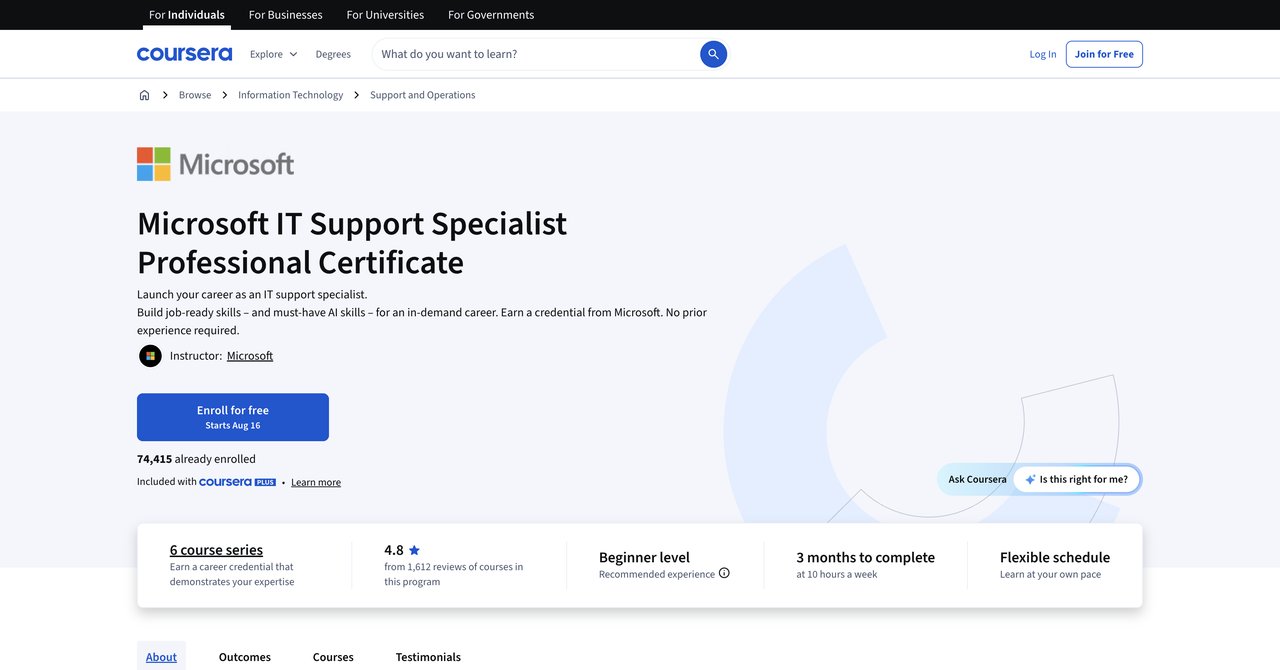
Microsoft's IT Support Specialist Professional Certificate on Coursera is a comprehensive program covering troubleshooting diagnostics, Microsoft 365, and IT support foundations. The course includes optional GenAI tools and techniques for IT support, but AI is not the core focus.
This is a broad IT support certificate with AI content added as a supplement. If you are looking for a well-rounded IT support credential that includes some AI training, this is a solid choice. Microsoft's name carries weight, and the certificate is recognized by many employers.
The course requires no prior experience, making it accessible to complete beginners. However, the longer commitment means you will need to invest significant time to complete it. The AI content is optional, so you could complete the entire certificate without focusing much on AI if you choose.
The cost structure is flexible. You can audit the course for free, but you need a subscription for the certificate. This makes it a low-risk option for exploring the material.
Key Topics Covered
- Troubleshooting diagnostics
- Microsoft 365 administration
- IT support foundations
- Optional GenAI tools and techniques for IT support
Target Audience and Skill Level
This certificate is designed for beginners with no prior experience. It is suitable for people looking to enter the IT support field or those who want a formal credential to advance their career. The AI content is optional and supplementary.
Pros
- Includes optional GenAI tools and techniques for IT support
- Covers troubleshooting diagnostics and Microsoft 365
- No prior experience required
- Microsoft name recognition
Cons
- Longer commitment
- AI content is optional, not core
Who Would Benefit Most
People who are new to IT support or who want a formal Microsoft credential will benefit most from this certificate. If your primary goal is AI training specifically, this may not be the best fit since AI is only a small part of the curriculum.
Visit Microsoft IT Support Specialist Professional Certificate on Coursera
Course 9: Google IT Support Professional Certificate by Coursera
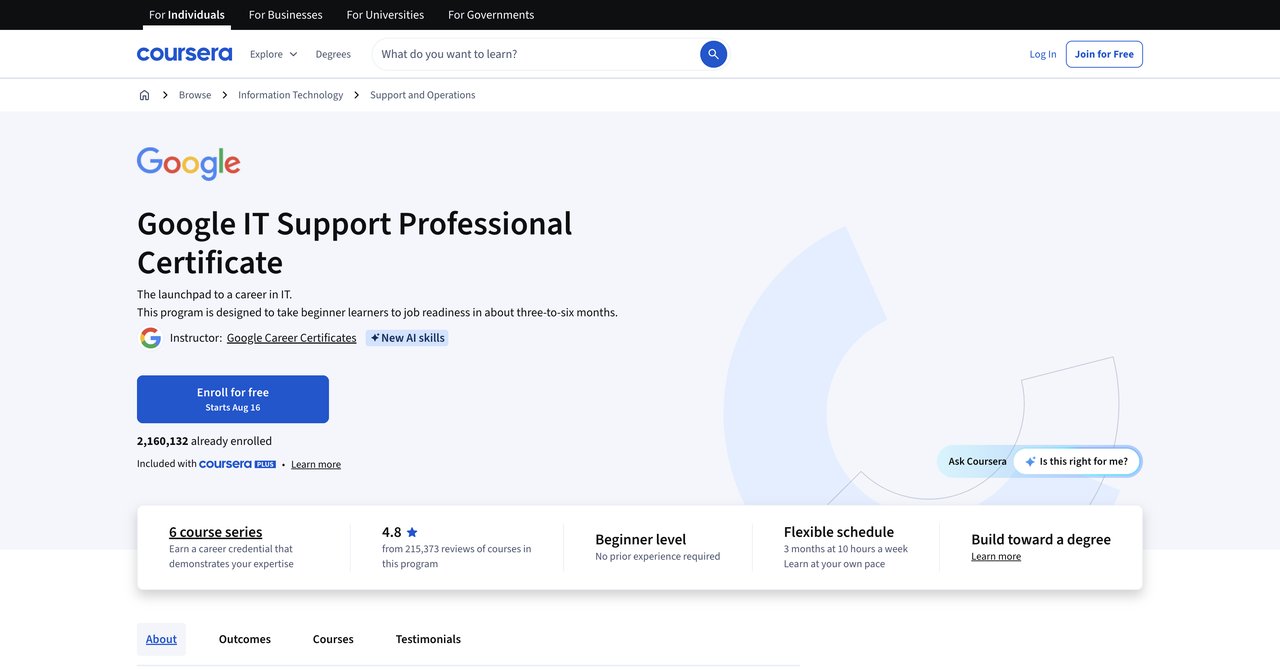
Google's IT Support Professional Certificate is one of the most popular IT support credentials available. It covers comprehensive IT support fundamentals and includes an "Accelerate Your Job Search with AI" module. The certificate has a high rating of 4.8 out of 5 from many learners.
The strength of this certificate is its comprehensive coverage of IT support fundamentals. You will learn the core skills needed for IT support roles, and the Google name carries significant weight with employers. The AI module is useful for job searching but is not focused on using AI in your daily support work.
The main limitation is that the AI content is limited to job search assistance, not core IT support tasks. If you want to learn how to use AI for troubleshooting, ticket triage, or documentation, this certificate will not give you that. It is more about getting hired than about using AI in your work.
The cost structure is the same as other Coursera options: free to audit, subscription for certificate. The longer time commitment is worth considering, especially if you are looking for AI-specific training.
Key Topics Covered
- IT support fundamentals
- Accelerate Your Job Search with AI module
- Troubleshooting and customer support
- Networking and operating systems basics
Target Audience and Skill Level
This certificate is designed for beginners with no prior IT experience. It is suitable for people looking to enter the IT support field. The AI content is minimal and focused on job searching rather than daily work tasks.
Pros
- Includes "Accelerate Your Job Search with AI" module
- Comprehensive IT support fundamentals
- Industry-recognized credential
- High rating (4.8/5) from many learners
Cons
- AI content is limited to job search, not core IT support tasks
- Longer time commitment
Who Would Benefit Most
People who are new to IT support and want a recognized credential will benefit most from this certificate. If you are specifically looking for AI training for your daily support work, this is not the right choice.
Visit Google IT Support Professional Certificate on Coursera
Course 10: AI-Enabled IT Support Training by Per Scholas (Atlanta)
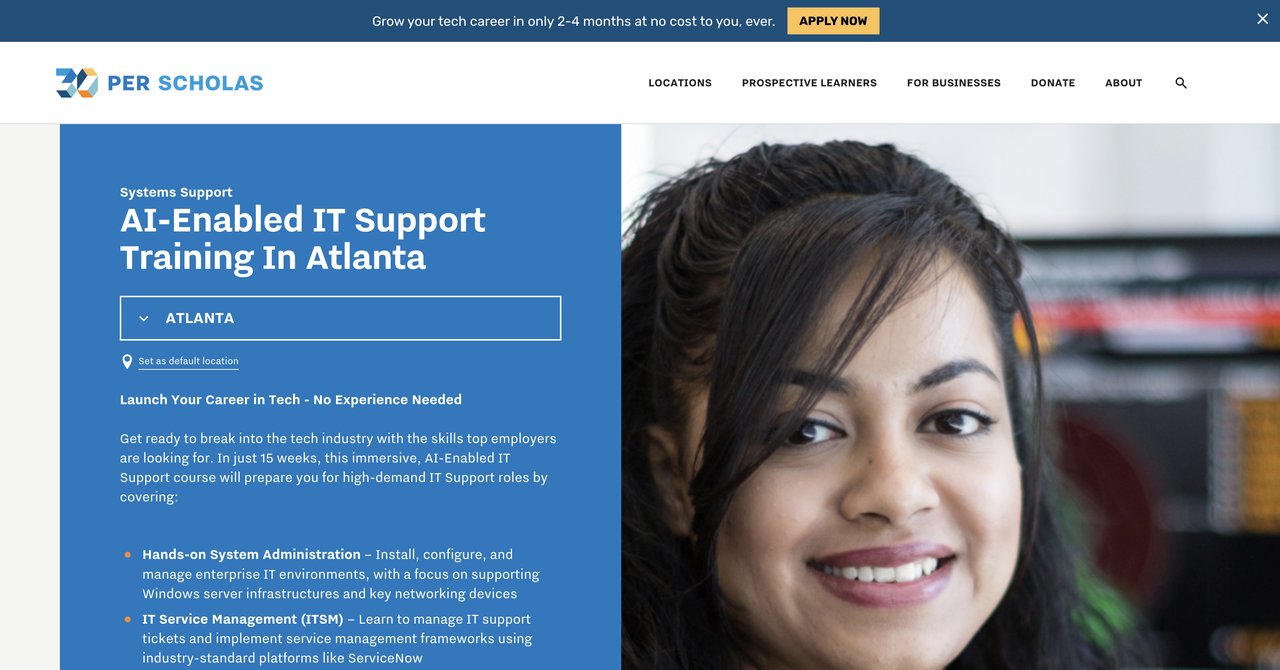
Per Scholas offers a free, immersive IT support training program in Atlanta that uses GenAI for virtual troubleshooting scenarios, guided repair checklists, and AI-powered resume and interview prep. The program is free, which makes it accessible to anyone who qualifies.
The use of GenAI for virtual troubleshooting scenarios is innovative. You get to practice troubleshooting in a simulated environment, which is valuable for building confidence and skills. The guided repair checklists help you learn structured approaches to common issues.
The AI-powered resume and interview prep is a nice addition. It helps you not only learn the skills but also market them effectively to employers. This is something most other courses do not offer.
The main limitations are the location and availability. This program is specific to Atlanta, so it is not accessible to people outside that area. The longer commitment may also be a barrier for working professionals who cannot take time off for immersive training.
Key Topics Covered
- GenAI for virtual troubleshooting scenarios
- Guided repair checklists
- AI-powered resume and interview prep
- IT support fundamentals
Target Audience and Skill Level
This program is designed for people in Atlanta who want to enter the IT support field. It is beginner-friendly and free, making it accessible to those with limited resources. The immersive format requires a significant time commitment.
Pros
- Immersive and free
- Uses GenAI for virtual troubleshooting scenarios and guided repair checklists
- Includes AI-powered resume and interview prep
Cons
- Location-specific (Atlanta)
- Longer commitment
- Limited availability
Who Would Benefit Most
People in the Atlanta area who are looking to start a career in IT support and need free training will benefit most from this program. If you are outside Atlanta or already working in IT, this is not a practical option.
Visit AI-Enabled IT Support Training by Per Scholas
Course 11: AI for Technical Support Specialists (Prompt Course) by Complete AI Training
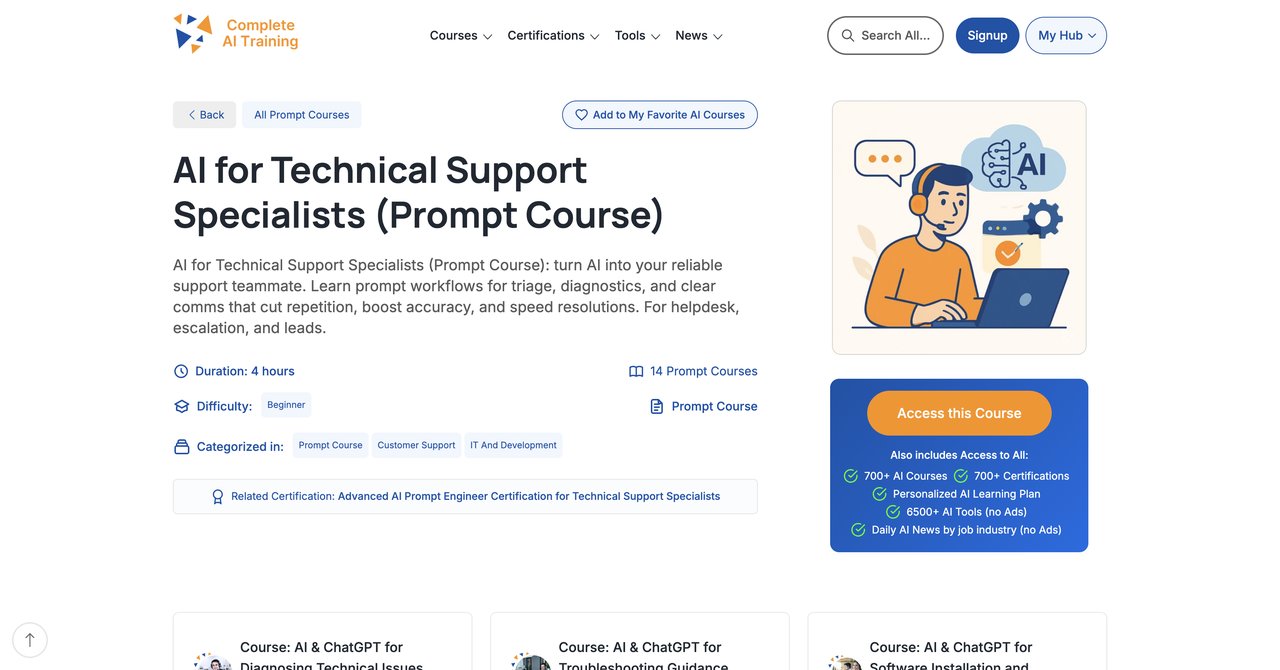
This prompt-focused course from Complete AI Training is specifically about structured prompt workflows for triage, diagnostics, and clear communication. It covers the full support lifecycle, from initial ticket to resolution, and includes a related certification option.
The focus on prompt engineering is practical and immediately applicable. You learn how to structure prompts that get accurate, useful responses from AI tools, which is a core skill for any support specialist using AI. The course covers the full support lifecycle, so you see how AI applies at each stage of the process.
This course is part of the Complete AI Training subscription, which means it is included in the flat monthly or annual price. You are not paying extra for this course. The certification option is also included, which adds value.
One consideration is that this is a focused prompt course, not a comprehensive AI training. If you want broader coverage of AI topics, you might prefer the main Complete AI Training course for Technical Support Specialists, which covers more ground.
Key Topics Covered
- Structured prompt workflows for triage
- Diagnostics with AI prompts
- Clear communication using AI
- Full support lifecycle coverage
- Related certification option
Target Audience and Skill Level
This course is suitable for technical support specialists who want to improve their prompt engineering skills specifically. It is accessible to beginners and useful for advanced users. No prior AI experience is required.
Pros
- Structured prompt workflows for triage, diagnostics, and clear communication
- Covers full support lifecycle
- Includes related certification option
- Part of Complete AI Training subscription
Cons
- Price not listed for single course (part of subscription)
- Provider less established than major platforms
Who Would Benefit Most
Technical support specialists who want to master prompt engineering for their daily work will benefit most from this course. It is particularly useful for people who are already using AI tools but want to get better results from them.
Visit AI for Technical Support Specialists Prompt Course
Course 12: AI & ChatGPT for Diagnosing Technical Issues (Updated 2025) by Complete AI Training
This course from Complete AI Training focuses specifically on using AI for technical issue diagnosis. It includes advanced prompt engineering certification and is tailored for helpdesk and escalation roles. The 2025 update means the content is current with the latest AI developments.
The focus on diagnosis is valuable because that is often the most time-consuming part of a support specialist's job. Learning to use AI to diagnose technical issues faster and more accurately can have a direct impact on your productivity. The advanced prompt engineering certification adds credibility to your skills.
This course is tailored for helpdesk and escalation roles, which means the scenarios and examples are relevant to people who handle complex technical issues. The content is practical and immediately applicable.
Like other Complete AI Training courses, this is part of the subscription. You get access to it along with all the other courses on the platform. The price and duration are not listed for the individual course because it is not sold separately.
Key Topics Covered
- Using AI for technical issue diagnosis
- Advanced prompt engineering for diagnostics
- Helpdesk and escalation scenarios
- Current AI tools and techniques (2025 update)
Target Audience and Skill Level
This course is designed for helpdesk and escalation support specialists who handle complex technical issues. It is suitable for intermediate and advanced users. Some familiarity with AI tools is helpful but not required.
Pros
- Focuses on using AI for technical issue diagnosis
- Includes advanced prompt engineering certification
- Tailored for helpdesk and escalation roles
- Updated for 2025
Cons
- Price and duration not listed for individual course (part of subscription)
Who Would Benefit Most
Helpdesk and escalation specialists who handle complex technical issues and want to use AI for faster, more accurate diagnosis will benefit most from this course. The advanced prompt engineering certification is a valuable credential.
Visit AI & ChatGPT for Diagnosing Technical Issues
Final Recommendations: Which Course Should You Choose?
Now that we have gone through all the options, here is a practical summary to help you decide.
For comprehensive, ongoing AI training with certifications included: CompleteAI Training is the strongest option. The fact that one subscription unlocks every course and every certification on the platform is a significant advantage. You are not buying a single course or a fixed bundle. You are getting access to the entire library, including content for other job roles. New courses and certifications are added continuously at no extra cost. If you want the most complete offering and you are comfortable with a subscription model, this is the best choice. The flat subscription price covers everything, which is more cost-effective than paying per course elsewhere.
For a recognized certification from a major tech company: Google and Microsoft both offer professional certificates that carry significant weight with employers. The Google IT Support Professional Certificate is highly rated and covers fundamentals well, but its AI content is limited to job search. The Microsoft certificate includes optional GenAI content but is broader in scope. These are good choices if you want a formal credential and are less focused on AI specifically.
For hands-on practice with help desk scenarios: CompTIA's AI Help Desk Essentials offers practical, hands-on training with real help desk scenarios. The CompTIA CompCert validation adds credibility. The main drawback is the undisclosed price. If you already have A+ or similar certification, this is a solid option.
For a quick, low-cost introduction: Coursera's GenAI for Computer Support Specialists can be audited for free. It is short and covers the basics, but it lacks depth and hands-on labs. It is a good starting point if you are not sure whether AI training is worth your time.
For a one-time purchase: Qualora's course at $49 (or $29 at founder price) is a straightforward one-time payment. It covers tickets, knowledge base, and endpoint workflows, which is a good range of topics. It is intermediate level, so it is not for beginners.
For free, immersive training in Atlanta: Per Scholas offers a free program with AI-integrated content. The location requirement limits its accessibility, but for those who qualify, it is an excellent value.
For prompt engineering specifically: The prompt-focused courses from Complete AI Training are the most targeted options. They teach you structured prompt workflows for triage, diagnostics, and communication, which are the most immediately applicable skills for AI use in support work.
In the end, the best course depends on your specific situation. If you want the most comprehensive coverage with certifications included and you plan to continue learning as AI evolves, CompleteAI Training is the best value. If you need a recognized credential from a major tech company, Google or Microsoft are solid choices. If you want hands-on practice and already have some IT background, CompTIA is worth considering. If you want a quick, free introduction, Coursera's audit option is a low-risk starting point.
Whatever you choose, the important thing is to start. AI is becoming a standard tool in technical support, and the specialists who learn to use it effectively will have a significant advantage in their careers.