AI app for education · no coding needed
Mira Learning Worlds
The tutor builds the entire learning world around one child's question in seconds, which no static library of lesson apps can match.
Made for: Homeschooling parents and teachers at small private schools
What it does for you
The problem
One-size-fits-all lessons lose the child before anything sticks.
What it gives you
Adaptive 3D learning scenes, session mastery summary and a two-sentence voice note per session
What you give it
Subject listslearning goalsagelanguage preferencessession progress data
How it works, step by step
- Generate a themed 3D scene for the day's topic in seconds
- Adapt difficulty and examples from pauses and choices
- Answer why questions with age-appropriate explanations
- Introduce story characters to re-engage a distracted learner
- Log mastery and avoidance per concept
- Deliver a two-sentence voice note to the parent after each session
What you see on screen
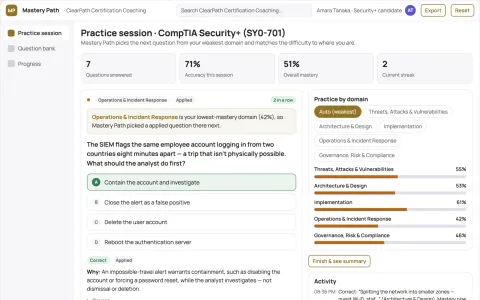
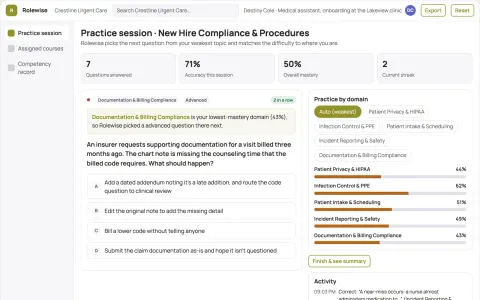
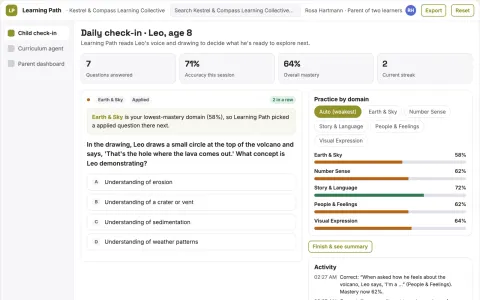
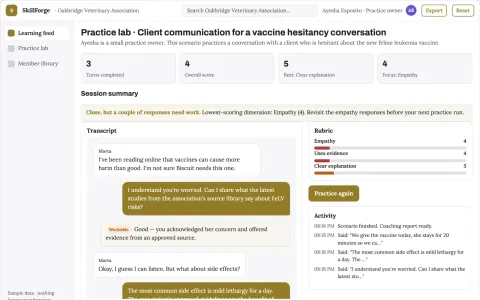
- goal dashboard
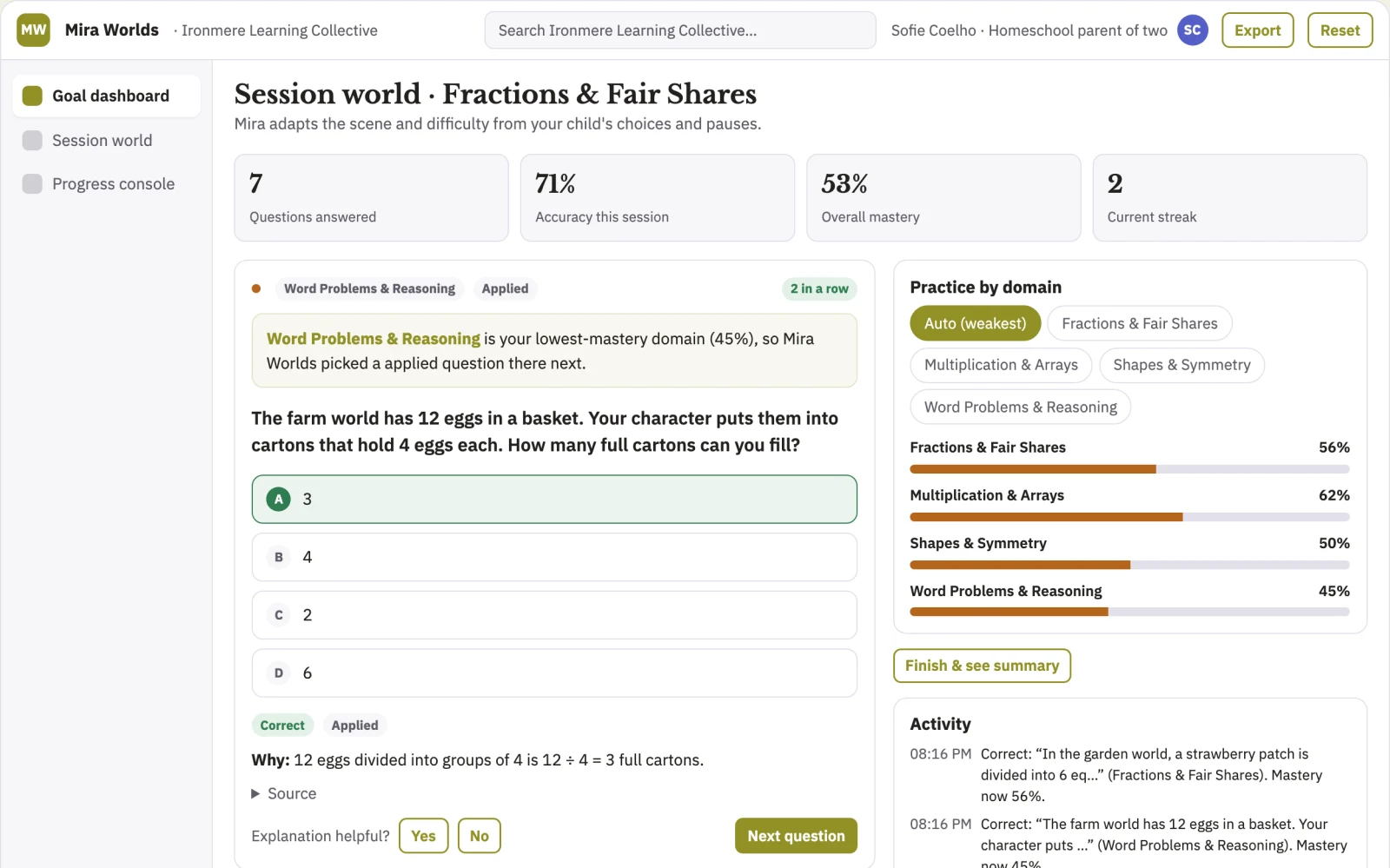
- session world
- progress console
Jobs this app suits
Our AI checked this app against 500 jobs; these get the most out of it. Each job links to its learning path.
Build it yourself with your AI system
Build this app yourself, no coding needed
Start with a quick version you can try in a few minutes. Like it? Then build the full app by copying and pasting our step-by-step instructions: everything is prepared for you.
Sign in to see how to build it yourself
Build a quick version to try, or get the full app pack for Mira Learning Worlds with the step-by-step building instructions. You don't need any technical skills: you copy, paste and answer a few questions. Both are included in the membership.
4 Have it built for you days to a few weeks
Rather not do it yourself, or want it fully tailored to your data, your way of working and your brand? Nexibeo builds Mira Learning Worlds with you.
What's in the app pack
Included in the Complete AI Training membership.
- The building instructions your AI follows, step by step
- The questions your AI will ask you about your business before it starts
- A clickable demo you can open in your browser, to see how it should work
- A detailed blueprint of the screens, the information it keeps and the checks it runs
Become a member to get the app packAlready a member? Sign in
The files, for the technically curious
- START-HERE.mdHow to build it with your own AI (read first)3 KB
- README.mdOverview and links1 KB
- questions.mdQuestions to answer before you build2 KB
- prompt-cloudflare.mdThe full build prompt, hosted on Cloudflare22 KB
- prompt-vps.mdThe same build on your own server (Docker)22 KB
- spec.jsonData model, API, AI pipeline, acceptance criteria11 KB
- demo/index.htmlThe working demo on sample data195 KB
Questions
Do I need to know how to code?
No. You copy and paste the prompts on this page into ChatGPT or Claude, and the AI does the building. When it asks you something, you answer in your own words.
What does it cost?
The quick version, the app pack and the step-by-step instructions are for members: you pay the membership price, not a price per app (see the plans). Building the full app uses your own ChatGPT or Claude subscription. Putting it online is often cheap or no cost at the start, and your AI tells you before anything costs money.
How long does it take?
The quick version: about two minutes. The real app: an afternoon for a first version you can use, longer if you want every feature.
Can I change it to fit my business?
Yes. Tell your AI what to change in plain words, like “add a column for the price” or “use our logo and colours”. Or have Nexibeo build and customise it for you.
More detailsHow the AI works, safeguards and what to build first
For homeschooling parents and teachers at small private schools, turn subject goals, a child's questions and session progress data into adaptive 3D learning scenes and a mastery summary. Address the recurring problem: one-size-fits-all lessons lose the child before anything sticks. The pilot measures average minutes of focused engagement per session and the improvement in topic assessment scores between pre-test and post-test, against the buyer's current method, before the larger build.
Parent sets subjects and goals, child starts a session, Mira asks what the child is curious about, the AI generates a themed world with interactive objects, the child explores and solves puzzles, the AI logs mastery signals and drafts a summary, the guardian reviews the summary and approves the next session, and finish with approved session notes. Start with subject goals and progress data and finish with adaptive 3D learning scenes and a mastery summary.
How the AI works
A language model interprets the child's questions, plans the scene structure and adapts difficulty, with voice synthesis giving the tutor a natural presence, and image or 3D generation building themed environments. A curated knowledge base limits what the tutor draws on. A parent or teacher reviews each session log and approves the next difficulty level before it is offered.
Safeguards
Tight content filter and a narrow curated knowledge base, no unsafe content, no medical or diagnostic claims, age-appropriate language limits, parent approval before each new difficulty tier, no headset features for children under an agreed minimum age, no unreviewed open-ended web answers, and a full audit trail of every scene generated and every summary sent.
What to build first
One buyer: homeschooling parents. One use case: fractions. First two modules: a pizza kitchen fraction scene and a measurement scene, both generated for tablet screens without a headset, with every AI summary manually checked before release to the ten test families.
What it can connect to
Start simple: roster import for schools via CSV, calendar reminders, and export of mastery summaries as PDF. Later, Google Classroom and SIS gradebook connections.
The screens in detail
The parent dashboard is a simple grid of subjects, weekly goals and current difficulty. The session world is the live scene view with a side panel of topic choices, touchable objects and puzzles. The progress console shows what was mastered, what was skipped, and a two-sentence voice summary per session. Let users switch between learner view and observer view, compare past sessions side by side, and mark scenes as reviewed, paused or approved. In this product, the first view is goal dashboard, followed by session world and progress console.