
Learning path
Learning AI as a Tutor
Learn how to use AI to plan sessions, explain tough ideas, and keep parents in the loop. This path fits tutoring around your real schedule and your students.
Your path
Everything in the Tutor AI kit, in the order that makes sense. Members tick off each step and see their progress.
Set up your AI
We guide you through each click.
Let skills do your everyday tasks
Connect your apps and pick your AI apps
Hand whole tasks to AI agents
Build your own tools
Everything for tutors
All the courses, certifications, AI tools, MCP servers and apps for tutors, most relevant first. Open any list to see more.
Take the prompt courses
A short framework course to learn how to ask, then 9 lessons with ready-to-use prompts for tutors.
Start with this framework: how to talk to AI
RISEN helps you build multi-step tutoring plans, like a six-week algebra intervention with weekly goals, practice sets, and progress checks.
Then your prompt course for tutorsWatch the video courses or add them to your Favorites for later
114 video courses our AI picked for tutors, most useful first. Save the ones you want to watch later with the heart.
Favorites are saved to your account: sign in or get your AI kit first.
Show all 114 video courses
Get certified, or add certifications to your Favorites
Every course ends in an exam and a certificate you can add to LinkedIn. Save the certifications you are aiming for with the heart.
Favorites are saved to your account: sign in or get your AI kit first.
More certifications for tutorsShow all 24 certifications
Try the AI tools for tutors
24 AI tools our AI matched to the work of tutors, best fit first. Each review shows what it does, its alternatives and the jobs it suits.
Favorites are saved to your account: sign in or get your AI kit first.
Show all 24 AI tools
Connect your AI to the apps tutors use
MCP servers let ChatGPT, Claude or Copilot look things up and get work done in other apps, like your email, calendar or bookkeeping software. These 12 fit the work of tutors best, well-known apps first.

Wolfram Alpha MCP server
by ricocfLets your AI look up facts, do math, and answer science and data questions through Wolfram Alpha.

NotebookLM MCP server
by roomi-fieldsAsk your own documents questions and get answers with citations, plus podcasts, videos, and study aids.

DuckDuckGo Search MCP server
by zhsamaLets your AI search the web through DuckDuckGo and bring back results for you.

Web Search MCP server
by pskill9Lets your AI search the web through Google and bring back titles, links, and short descriptions.

Brave Search MCP server
by braveLets your AI search the web, news, images, and places through Brave Search.

Bing Search MCP server
by leehanchungLets your AI search the web, news, and images through Microsoft Bing while you chat.
Show all 12 MCP servers

VE Google Workspace MCP server
by HuntsDeskLet your AI read and write your Google Docs, Sheets, Slides, Drive, Gmail and Calendar for you.
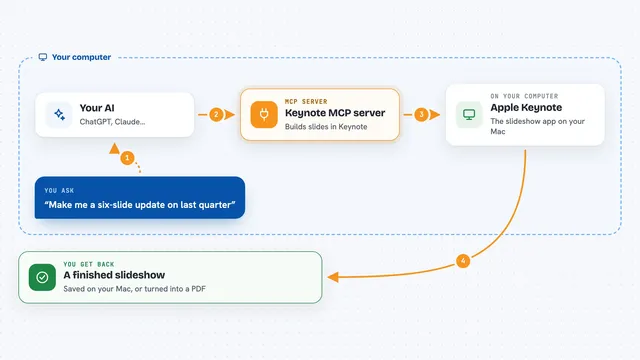
Keynote MCP server
by ByAxeLet your AI make and edit Apple Keynote slideshows on your Mac just by asking.

Google Custom Search MCP server
by A1-x-TechLets your AI search the web and images through your own Google Programmable Search Engine.

Google Search MCP server (AceDataCloud)
by AceDataCloudLets your AI run Google searches for web, images, news, videos, places and maps, and hand you the results.
ResearchNo install
Google Drive MCP server
by A1-x-TechLet your AI search, organize, upload, download, export and share your Google Drive files for you.

Google Docs MCP server
by A1-x-TechLet your AI read, summarize, edit and comment on your Google Docs without leaving the chat.
Build your own AI apps for tutors
Apps you build yourself with your own AI, no coding needed and no monthly fee. Our AI picked the 12 that fit the work of tutors.
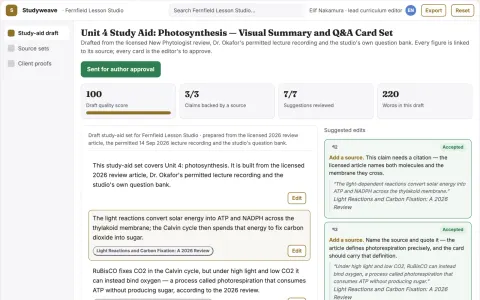
Multi-source study aid and visual summary workspace
Reduce the manual work of turning source content into reviewed study aids while keeping sources and editorial judgment with the owner.
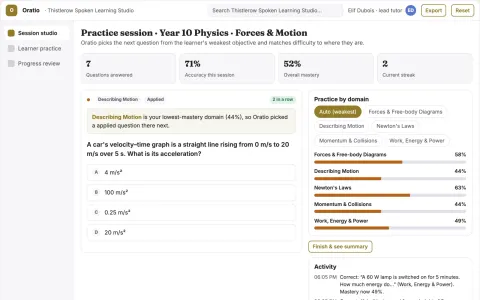
Spoken tutoring and adaptive practice studio
Give learners spoken tutoring and adaptive practice in one owned environment while keeping teachers in control of content and review.
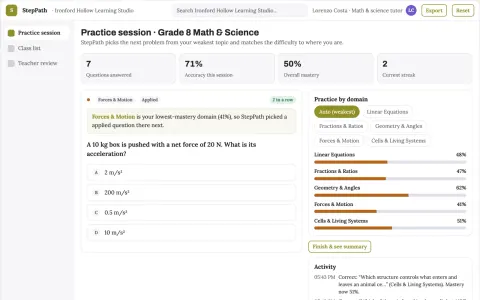
Step-by-step tutoring and homework practice platform
Give students guided step-by-step help and give teachers evidence of where each learner is stuck.
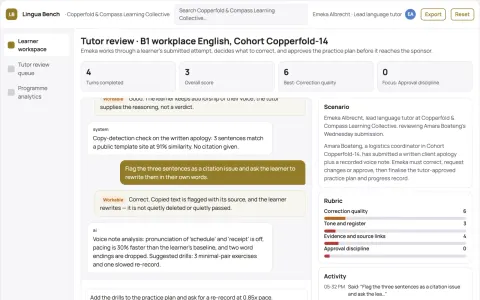
Multi-skill language practice and coaching workbench
Run one owned practice platform instead of several rented language apps.
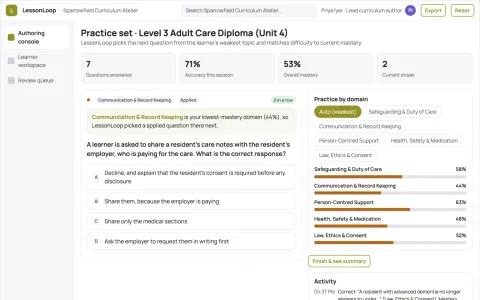
Role-based learning and course authoring workspace
Reduce duplicated authoring and tutoring effort while keeping every learner answer and course change under named human review.
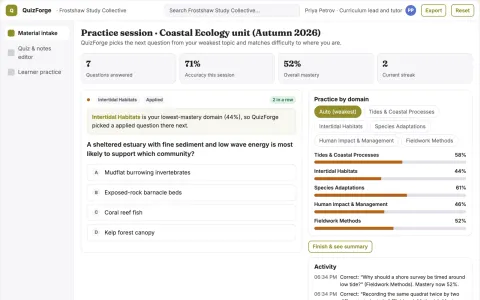
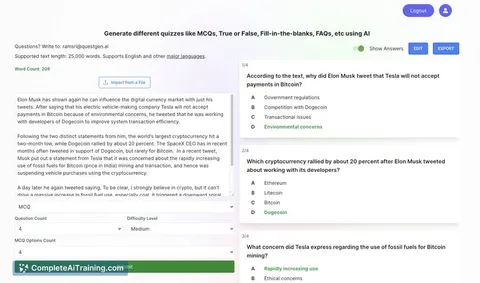
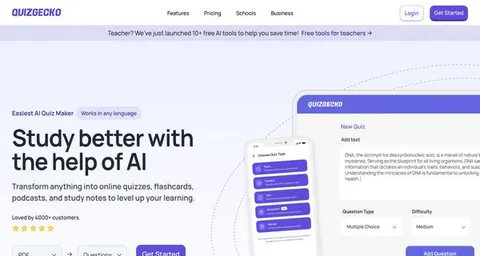
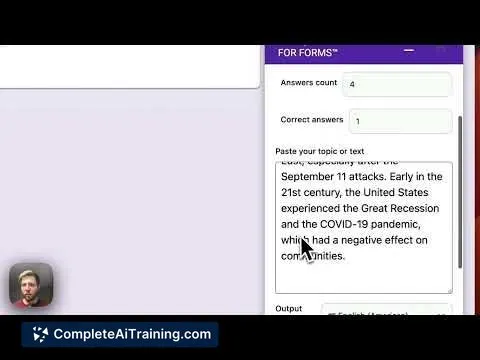
Study material to quiz and notes workbench
Reduce preparation time while keeping quizzes and notes tied to the supplied source.
Show all 12 apps
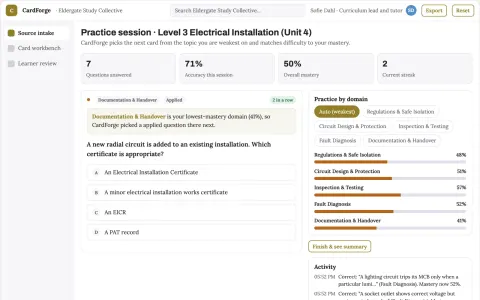
Document-to-flashcard study and review workbench
Reduce the manual work of turning source material into reviewed practice sets while keeping the teacher's wording and sequence.
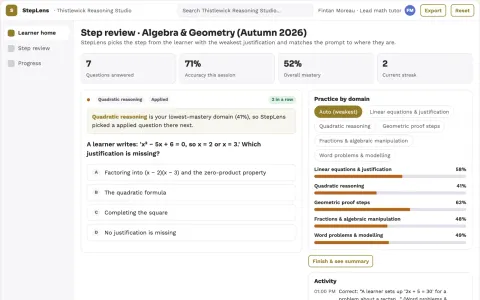
Mathematical solution-step reviewer
Review the path rather than only answers.
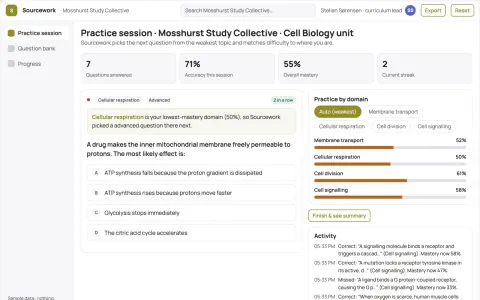
Role-based study material and course authoring workbench
Reduce the number of separate study tools a course team rents while keeping every generated item linked to its source.
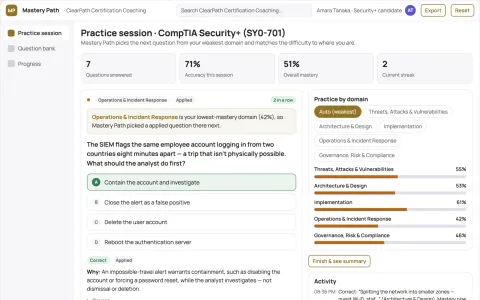
Adaptive exam practice platform
Adaptation tied to an explicit syllabus and reviewed question bank.
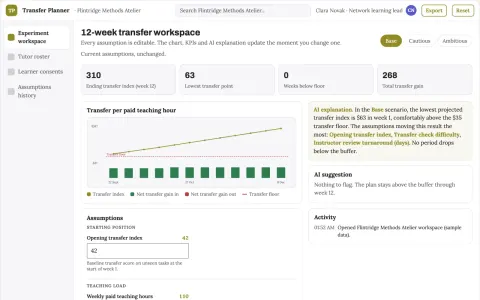
Tutor session experiment planner
Spend tutoring time on demonstrated transferable learning.
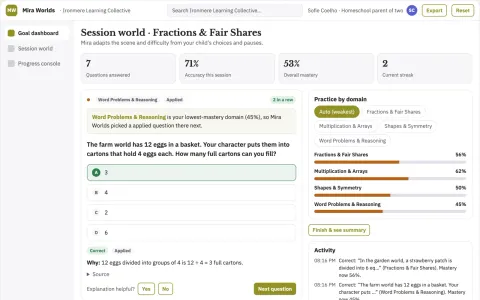
Mira Learning Worlds
The tutor builds the entire learning world around one child's question in seconds, which no static library of lesson apps can match.



































































































About this learning path
6 topicsAI for Tutors: A Clear, Practical Path
Tutoring is personal work. You notice what a student misses, adjust on the spot, and keep them moving. AI can handle the prep and paperwork so you can focus on the person in front of you.
This path starts with setup questions, then shows you how to connect your AI tool. You will add job skills inside your AI, take this prompt course, and watch short video courses chosen for tutors. Each video course comes with a certification you can share.
Why AI matters for tutors now
Students and parents expect quick answers and steady progress. AI helps you prepare faster, spot patterns sooner, and explain ideas in more than one way. It does not replace your judgment. It gives you more room to teach.
What the path includes
You begin with a few setup questions so the path fits your subjects, grade levels, and tutoring style. Then you connect your AI tool. Next, you add skills for the job inside your AI, such as a session planner or a feedback helper. After that, you work through this prompt course. Finally, you watch video courses picked for tutors, each with a certification.
How it saves you time
Most tutors lose hours to planning, writing practice sets, and drafting parent notes. This path shows you how to ask for those things in a few clear steps. You review and adjust the draft instead of starting from a blank page. That often turns an hour of prep into a few minutes.
How it protects your career
AI is already part of how families choose tutors. When you can show that you use it carefully and keep student information private, you stand out. The path teaches you what to share, what to keep out of AI tools, and how to stay the expert in the room.
How to start
Start with the setup questions today. Connect one AI tool you already use. Then open the first lesson in the prompt course and try one prompt with a real student's work, with names removed. Small steps build the habit.
Frequently asked questions
Do I need to be good with technology?
No. The path is built for tutors who use a computer and a phone but are not technical. You will be shown exactly what to click and what to type.Will AI replace tutors?
No. AI can prepare materials and organize notes, but students still need a person who listens, encourages, and adjusts in the moment. This path helps you do more of that work.How much time does the path take?
You can move through it at your own pace. Most tutors finish the setup and first lessons in a few short sittings, then return as needed.Is it safe to use student information?
The path teaches you to remove names and personal details before using AI. You will also learn which tools are safer for education work and what to avoid.