AI app for hospitality and events · no coding needed
LAN Party Coordination Suite
A single system that pre-checks hardware, licences, and network config before the event, then auto-detects and patches issues live, so the host only plugs in and plays.
Made for: Event hosts and HR managers organising small group gaming events
What it does for you
The problem
Organising a LAN party means weeks of back-and-forth about hardware, game licences, and network setup, with one missing cable or driver stalling the night.
What it gives you
Pre-configured network setup file, reserved hardware kit, live monitoring dashboard, troubleshooting assistant
What you give it
Event dateplayer countpreferred gamesplayer account IDs
How it works, step by step
- Book an event with date, player count, and preferred games
- Check hardware inventory and reserve kit
- Verify game licences across player accounts via API
- Generate a pre-configured network setup file
- Auto-detect devices and patch drivers on the day
- Rebalance teams or spawn AI bots if a player drops out
What you see on screen
- Event booking
- inventory check
- game config
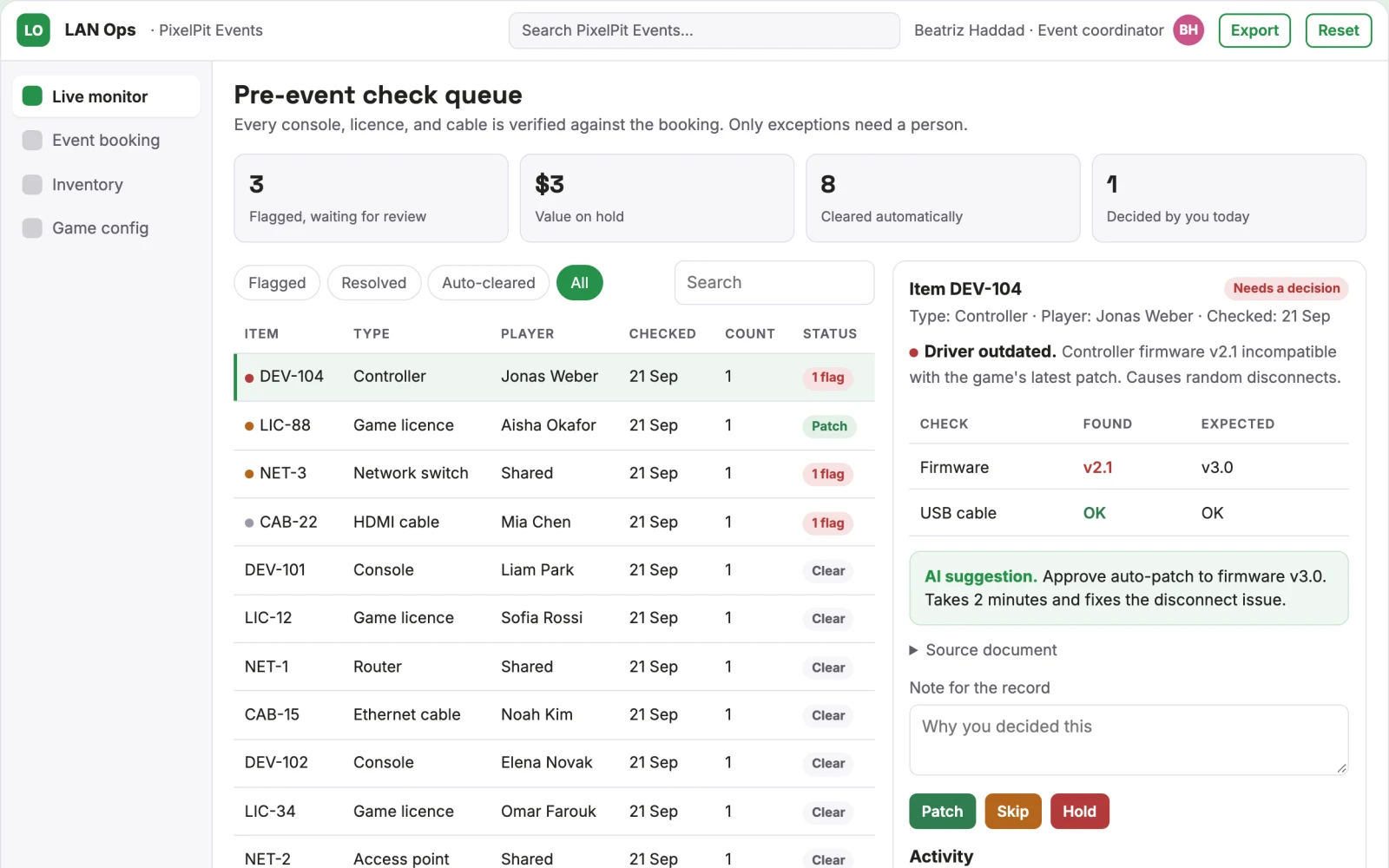
- live monitor
Jobs this app suits
Our AI checked this app against 500 jobs; these get the most out of it. Each job links to its learning path.
Build it yourself with your AI system
Build this app yourself, no coding needed
Start with a quick version you can try in a few minutes. Like it? Then build the full app by copying and pasting our step-by-step instructions: everything is prepared for you.
Sign in to see how to build it yourself
Build a quick version to try, or get the full app pack for LAN Party Coordination Suite with the step-by-step building instructions. You don't need any technical skills: you copy, paste and answer a few questions. Both are included in the membership.
4 Have it built for you days to a few weeks
Rather not do it yourself, or want it fully tailored to your data, your way of working and your brand? Nexibeo builds LAN Party Coordination Suite with you.
What's in the app pack
Included in the Complete AI Training membership.
- The building instructions your AI follows, step by step
- The questions your AI will ask you about your business before it starts
- A clickable demo you can open in your browser, to see how it should work
- A detailed blueprint of the screens, the information it keeps and the checks it runs
Become a member to get the app packAlready a member? Sign in
The files, for the technically curious
- START-HERE.mdHow to build it with your own AI (read first)3 KB
- README.mdOverview and links1 KB
- questions.mdQuestions to answer before you build2 KB
- prompt-cloudflare.mdThe full build prompt, hosted on Cloudflare20 KB
- prompt-vps.mdThe same build on your own server (Docker)20 KB
- spec.jsonData model, API, AI pipeline, acceptance criteria10 KB
- demo/index.htmlThe working demo on sample data195 KB
Questions
Do I need to know how to code?
No. You copy and paste the prompts on this page into ChatGPT or Claude, and the AI does the building. When it asks you something, you answer in your own words.
What does it cost?
The quick version, the app pack and the step-by-step instructions are for members: you pay the membership price, not a price per app (see the plans). Building the full app uses your own ChatGPT or Claude subscription. Putting it online is often cheap or no cost at the start, and your AI tells you before anything costs money.
How long does it take?
The quick version: about two minutes. The real app: an afternoon for a first version you can use, longer if you want every feature.
Can I change it to fit my business?
Yes. Tell your AI what to change in plain words, like “add a column for the price” or “use our logo and colours”. Or have Nexibeo build and customise it for you.
More detailsHow the AI works, safeguards and what to build first
For event hosts and HR managers organising small group gaming events, turn a date, player list, and game preferences into a pre-configured network setup, reserved hardware, and a live troubleshooting assistant. Address the recurring problem: setup coordination burns a Saturday afternoon and fails on small physical or technical hiccups. The value hypothesis is a smoother, faster event with less manual logistics; the pilot must establish whether that benefit is real.
Book a date, select player count and games, cross-check hardware inventory, verify licences, generate network config, guide physical setup, and monitor live stability. Start with a date, player list, and game preferences and finish with a pre-configured network setup, reserved hardware, and a live troubleshooting assistant.
How the AI works
Use language models to interpret booking requests and generate setup instructions, and rule-based agents to cross-check inventory and licences. Use voice models for the on-day assistant. A human host confirms physical setup and reviews any driver patches before play starts.
Safeguards
Limit booking to a fixed hardware kit and supported games, require host confirmation of physical setup, log all licence checks and patches, and never auto-install software without host approval. It must not access player accounts beyond licence verification.
What to build first
One buyer: small friend groups. One use case: Counter-Strike 2 with a fixed hardware kit of identical laptops and a pre-configured router. First two modules: booking and inventory check, plus game config. Manual review of licences and setup card before the event.
What it can connect to
Steam or console APIs for game licences, router configuration interfaces, hardware diagnostic tools, and a simple booking calendar.
The screens in detail
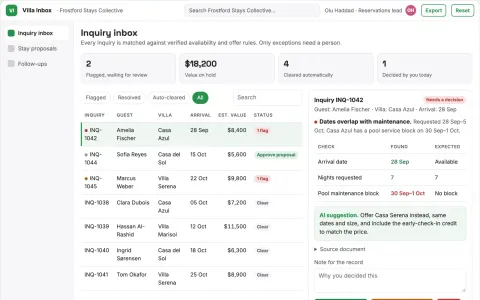
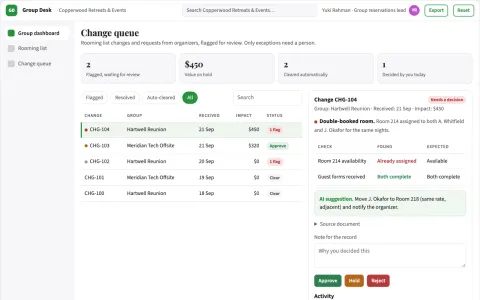
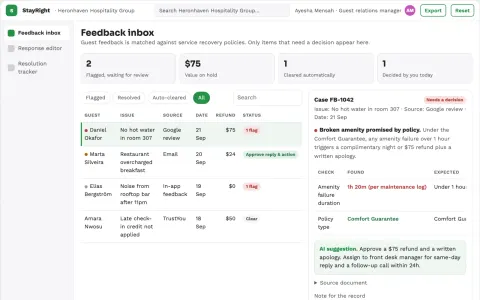
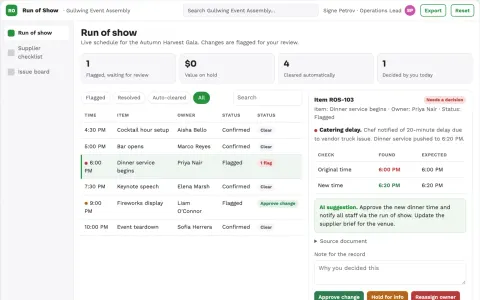
Use a booking form for date, player count, and games, then an inventory dashboard showing reserved hardware and gaps. Provide a game config screen with licence checks and pre-load status. On the day, a live monitor shows network health, device detection, and driver patches. In this product, the first view is event booking, followed by inventory check, game config, and live monitor.