
Learning path
Learning AI as an Operations Coordinator
Learn to hand scheduling, vendor messages, and progress reports to an AI assistant, then use the time you win back for the parts of operations that need a human. Built for coordinators with no technical background.

Your path
Everything in the Operations Coordinator AI kit, in the order that makes sense. Members tick off each step and see their progress.
Set up your AI
We guide you through each click.
Let skills do your everyday tasks
Connect your apps and pick your AI apps
Hand whole tasks to AI agents
Build your own tools
Keep growing
Everything for operations coordinators
All the courses, certifications, AI tools, MCP servers and apps for operations coordinators, most relevant first. Open any list to see more.
Take the prompt courses
A short framework course to learn how to ask, then 8 lessons with ready-to-use prompts for operations coordinators.
Start with this framework: how to talk to AI
RACE suits operations coordinators by specifying role, action, context, and expected quality, such as drafting a delivery schedule with on-time targets.
Then your prompt course for operations coordinatorsWatch the video courses or add them to your Favorites for later
115 video courses our AI picked for operations coordinators, most useful first. Save the ones you want to watch later with the heart.
Favorites are saved to your account: sign in or get your AI kit first.
Show all 115 video courses
Get certified, or add certifications to your Favorites
Every course ends in an exam and a certificate you can add to LinkedIn. Save the certifications you are aiming for with the heart.
Favorites are saved to your account: sign in or get your AI kit first.
More certifications for operations coordinatorsShow all 24 certifications
Try the AI tools for operations coordinators
24 AI tools our AI matched to the work of operations coordinators, best fit first. Each review shows what it does, its alternatives and the jobs it suits.
Favorites are saved to your account: sign in or get your AI kit first.
Show all 24 AI tools
Connect your AI to the apps operations coordinators use
MCP servers let ChatGPT, Claude or Copilot look things up and get work done in other apps, like your email, calendar or bookkeeping software. These 12 fit the work of operations coordinators best, well-known apps first.

Crisphive MCP server
by crisphiveLets your AI book, quote, and reschedule field-service jobs using live technician availability.
Productivity Official
ReplenishRadar MCP server
by ReplenishRadarLets your AI check stockout risks, forecasts, and purchase orders from your ReplenishRadar inventory data.

Box MCP server
by boxLet your AI search your Box files, answer questions about them, and pull out details for you.
Productivity Official
Google Workspace MCP server
by taylorwilsdonLets your AI read and write your Gmail, Calendar, Drive, Docs, Sheets and more, all from one chat.
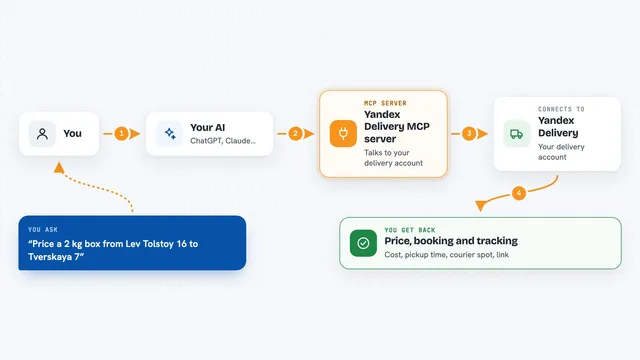
Yandex Delivery MCP server
by A1-x-TechLets your AI price, book, track and cancel Yandex business deliveries for you.

Google MCP server
by vakharwalad23Lets your AI read and send Gmail, manage Calendar events, browse Drive files and handle Tasks for you.
Show all 12 MCP servers

OfficeAgent MCP server
by ilia-sokolovLet your AI edit Word, PowerPoint and Excel files, with changes you can review before saving.
Productivity Official
agentcentral Amazon MCP server
by agentcentral-toLets your AI look up your Amazon Seller Central and Amazon Ads data and make some guarded changes for you.
AnalyticsNo install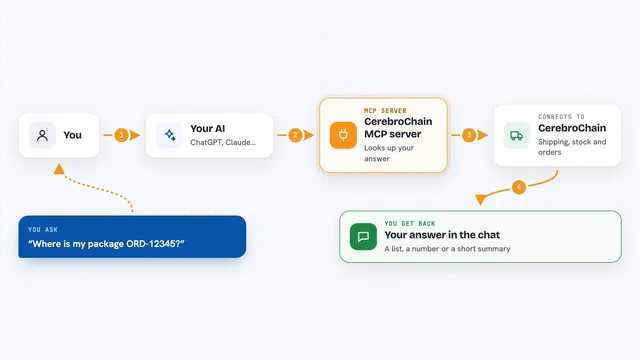
CerebroChain MCP server
by OFODevelopmentLets your AI compare shipping rates, check inventory, track orders, and forecast demand inside your chat.
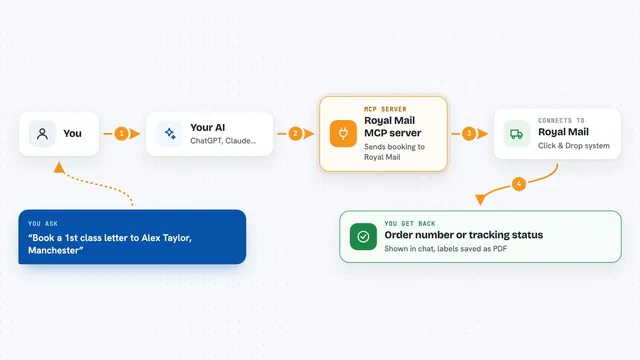
Royal Mail MCP server
by catrinmdonnellyBook, track and cancel Royal Mail and Parcelforce parcels by chatting with your AI.

Odoo MCP server
by tuanle96Let your AI read and safely update your Odoo business data, with your approval before any change.
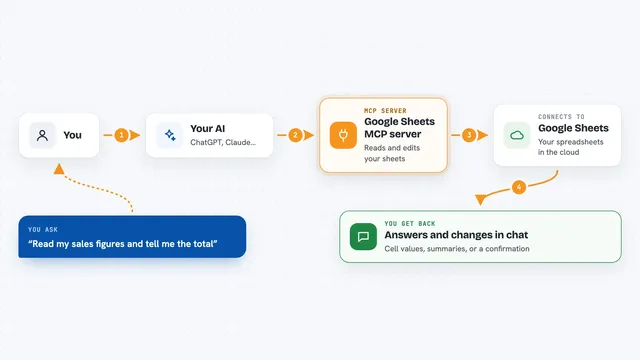
Google Sheets MCP server
by freemaLets your AI read, write, and format your Google Sheets for you, right from the chat.
Build your own AI apps for operations coordinators
Apps you build yourself with your own AI, no coding needed and no monthly fee. Our AI picked the 12 that fit the work of operations coordinators.
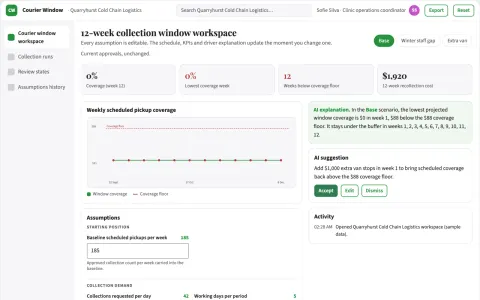
Specimen courier window coordinator
Reduce logistics-related recollection and wasted transport effort.
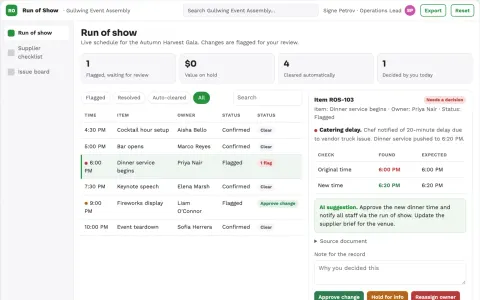
Event operations assistant
One change-aware operating plan across suppliers and event staff.
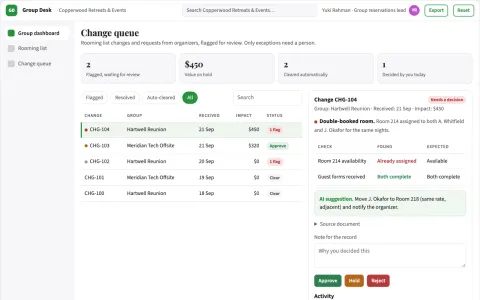
Group booking coordinator
A single versioned group record shared with authorized organizers.
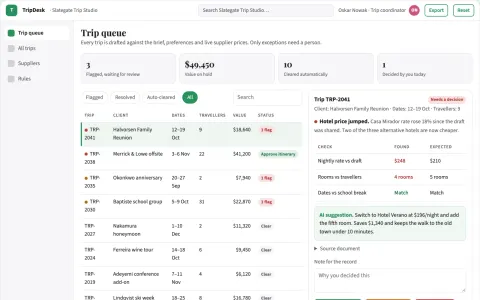
Conversational trip planning and booking portal
Reduce planning and re-booking effort while keeping one owned record of each trip.
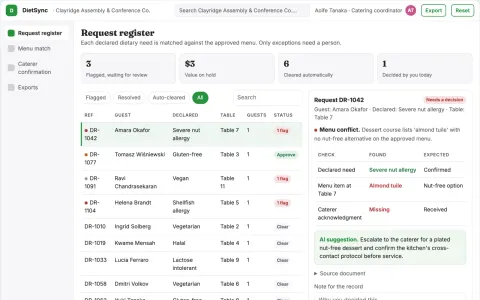
Event dietary request reconciliation
Track declared needs to explicit supplier acknowledgment.
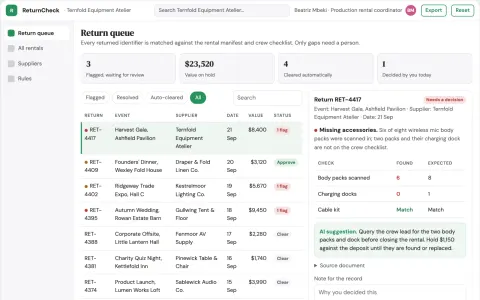
Event equipment return checker
Evidence of return before closing rentals.
Show all 12 apps
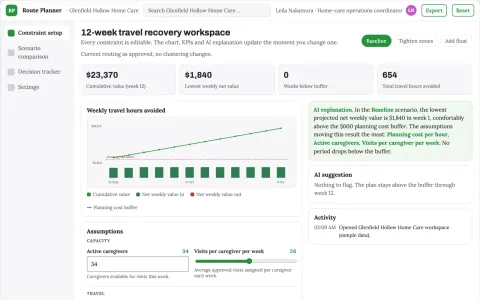
Home-care visit geography scenario planner
Recover staff time while preserving professionally set care requirements.
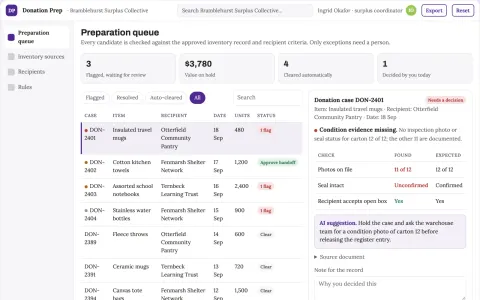
Inventory donation preparation portal
Documented handoffs for surplus donations.
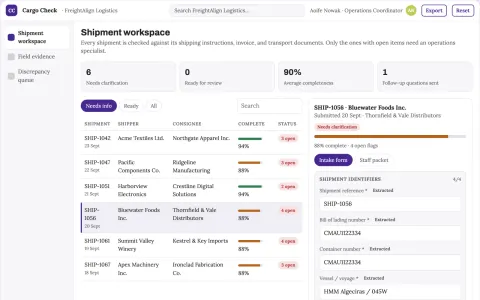
Logistics document processing
Cross-document consistency checks for one transport document workflow.
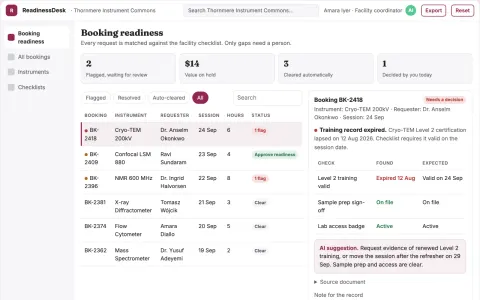
Research equipment booking readiness
Connect booking requests to verified administrative prerequisites.
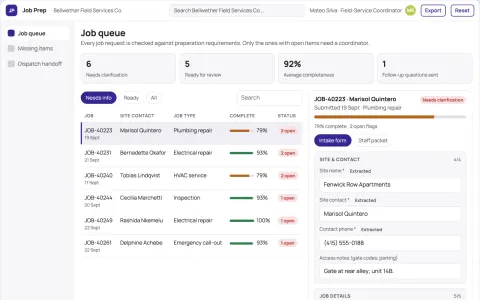
Service job preparation pack
Complete logistics before field dispatch.
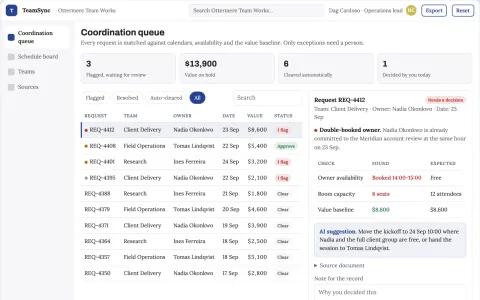
Team scheduling and task coordination portal
Reduce coordination overhead while keeping every commitment visible and owned.














































































































About this learning path
7 topicsAI for Operations Coordinators: A Practical Learning Path
Operations coordinators hold the day together. You juggle schedules, deliveries, vendors, and updates, and most of it lands on you at once. This path shows you how to hand the repetitive parts to an AI assistant while you keep the judgment calls.
You do not need a technical background. The path starts with a few setup questions, then walks you through connecting an AI tool, learning the skills that matter in operations work, and practicing with prompts written for your job.
Why this matters now
Operations work keeps growing. More tools, more messages, more moving pieces, and the same number of hours. Coordinators who can direct an AI assistant get through the routine work faster and spend more of the day on problems that actually need them.
This is not about replacing your role. It is about being the person who knows how to get the work done well with the tools now available.
What the path includes
You start with setup questions so the path fits your job. Then you connect an AI tool you already have access to, learn the core skills for operations work inside it, and work through a prompt course built around your daily tasks.
Alongside that, you get video courses chosen for operations coordinators, each with the certification that comes with it, so you can show what you have learned.
How it saves you time
The prompts in this path cover the tasks that eat your mornings: building the daily schedule, drafting team updates, chasing vendor quotes, and turning rough notes into clean checklists.
Most coordinators find the first saved hour comes from writing. The second comes from not rebuilding the same schedule three times.
How it protects your career
Operations roles are changing, and the coordinators who adapt are the ones who stay in demand. Knowing how to use AI well, and knowing where to check its work, makes you the person teams rely on.
You also learn the safety and privacy habits that keep company information out of the wrong places.
What you will practice
Every lesson ends with something you can use the same day: a schedule message, a vendor follow-up, a milestone tracker, or a plan for a conflict that keeps coming back.
You practice on your own work, not made-up examples.
How to start
Begin with the setup questions. They take a few minutes and shape everything that follows.
Then pick one prompt from the first lesson and try it tomorrow morning. Small start, real result.
Frequently asked questions
Do I need to be technical to follow this path?
No. Everything is written for people who use a computer at work but do not build software. If you can write an email, you can use these prompts.How much time does the path take?
Most people move through it in short sittings over a few weeks, fitting lessons between their daily tasks. You can go faster or slower depending on your week.Will using AI make my role seem less valuable?
The opposite tends to happen. When the routine drafting and tracking get faster, your judgment, relationships, and problem solving become more visible, not less.What if my company has rules about AI tools?
The path covers privacy and safety for operations work, including what not to paste into a tool. Always follow your company policy, and ask your manager if you are unsure.