
Certification
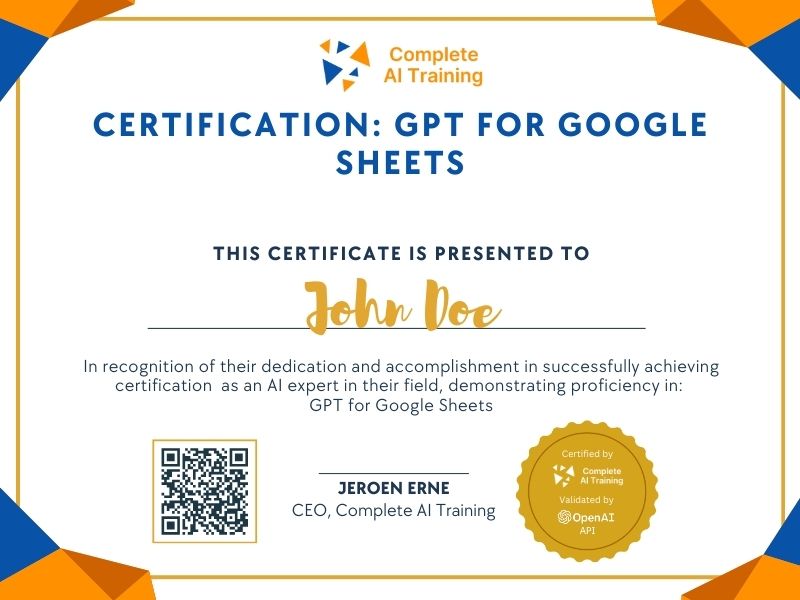
Certification: GPT for Google Sheets
Show the world you have AI skills by mastering GPT for Sheets. Elevate your expertise in Google Sheets, harness AI to streamline workflows, and enhance data insights. Transform your career with cutting-edge skills that set you apart in the digital landscape.
The exam
Take the certification exam
Multiple-choice questions about the course. Pass with 70% or more and your certificate is issued at once, with a public page and an "Add to LinkedIn" button.
What the exam covers
2 questions from each of the 9 chapters of the course
18 multiple-choice questions, drawn fresh for every attempt. Pass with 70% or more.
- 01GPT_TABLE and setup1:58
- 02Dirt-cheap pricing1:12
- 03Functions and getting data in1:15
- 04Import from web apps1:10
- 05GPT_CLASSIFY1:30
- 06GPT_SUMMARIZE and web scraper1:58
- 07Open prompting with GPT1:08
- 08AI automations beyond Sheets1:29
- 09GPT_FILL pattern replication3:02
The Certification: GPT for Google Sheets equips you with the skills to seamlessly integrate AI functionalities within your spreadsheets. You will gain Increased Productivity, Improved Decision-Making, and Enhanced Data Analysis capabilities. Enroll now to future-proof your career and achieve a competitive advantage.
This certification covers the following topics:
- Enhancing Productivity with AI
- Installation and Setup of the "GPT for Sheets" Add-on
- Demonstration of Key GPT Functions within Google Sheets
- Data Integration Strategies
- Cost Considerations for Using OpenAI's API
- Practical Use Cases and Workflow Integration
- What is GPT (Generative Pre-trained Transformer)?
- Role of an API Key in Connecting GPT for Sheets to OpenAI
- GPT Functions Overview
- Real-World Applications in Business
- Potential Benefits and Drawbacks of AI Integration
- Future Developments and Applications of AI in Spreadsheets
Jobs this certification suits
Our AI checked this certification against 500 jobs; these get the most out of it. Each job links to its learning path.