
Learning path
Learning AI as an Independent Consultant
This learning path helps independent consultants use AI for client discovery, research, proposals, and admin. It combines setup, prompt practice, and video courses chosen for consulting work.

Your path
Everything in the Independent Consultant AI kit, in the order that makes sense. Members tick off each step and see their progress.
Set up your AI
We guide you through each click.
Let skills do your everyday tasks
Connect your apps and pick your AI apps
Hand whole tasks to AI agents
Build your own tools
Keep growing
Everything for independent consultants
All the courses, certifications, AI tools, MCP servers and apps for independent consultants, most relevant first. Open any list to see more.
Take the prompt courses
A short framework course to learn how to ask, then 8 lessons with ready-to-use prompts for independent consultants.
Start with this framework: how to talk to AI
As an independent consultant, RACE fits because you can define role, action, context, and expected quality for a client market entry analysis.
Then your prompt course for independent consultants- 1Client Discovery And Needs3 prompts
- 2Business Process Analysis3 prompts
- 3Market And Competitor Research3 prompts
- 4Strategic Planning And Recommendations7 prompts
- 5Proposals And Client Communication3 prompts
- 6Presenting Findings And Reports3 prompts
- 7Implementation And Change Management3 prompts
- 8Project Management And Admin5 prompts
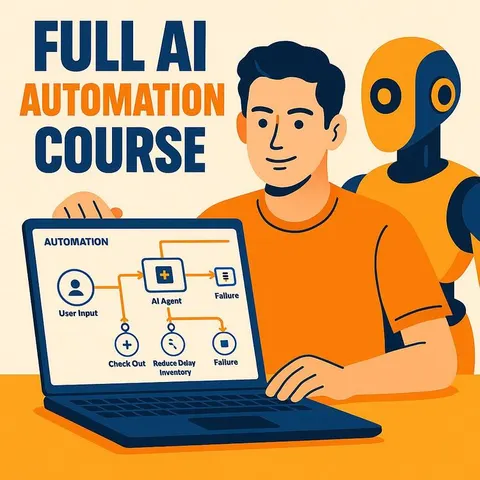
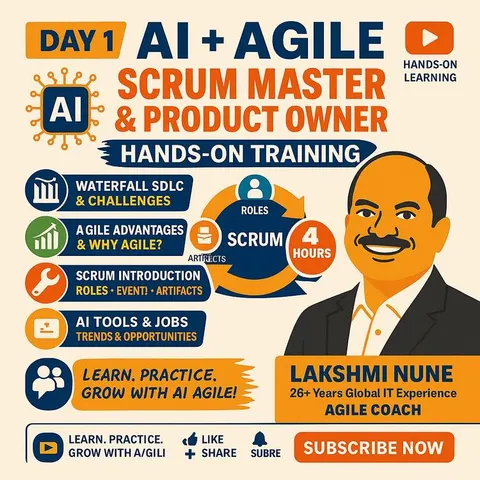
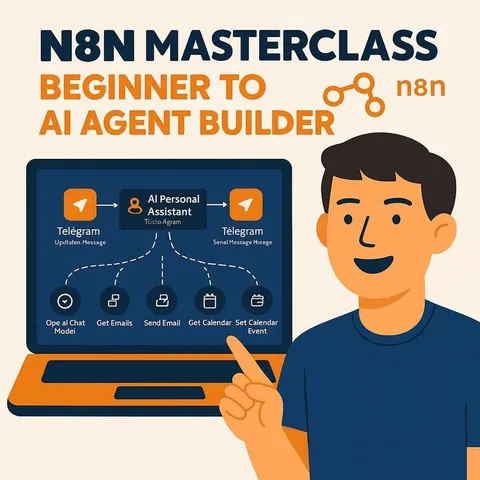
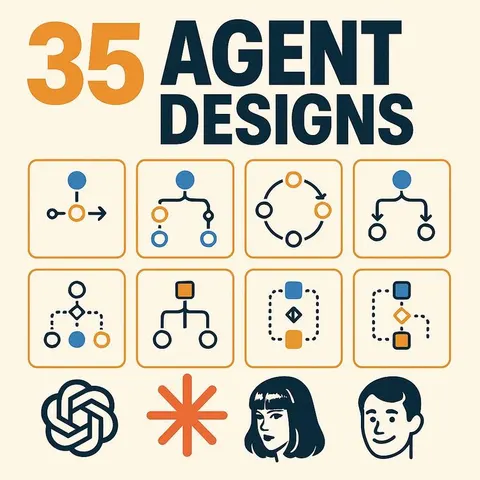
Watch the video courses or add them to your Favorites for later
182 video courses our AI picked for independent consultants, most useful first. Save the ones you want to watch later with the heart.
Favorites are saved to your account: sign in or get your AI kit first.
Show all 182 video courses
Get certified, or add certifications to your Favorites
Every course ends in an exam and a certificate you can add to LinkedIn. Save the certifications you are aiming for with the heart.
Favorites are saved to your account: sign in or get your AI kit first.
More certifications for independent consultantsShow all 24 certifications
Try the AI tools for independent consultants
24 AI tools our AI matched to the work of independent consultants, best fit first. Each review shows what it does, its alternatives and the jobs it suits.
Favorites are saved to your account: sign in or get your AI kit first.
Show all 24 AI tools
Connect your AI to the apps independent consultants use
MCP servers let ChatGPT, Claude or Copilot look things up and get work done in other apps, like your email, calendar or bookkeeping software. These 12 fit the work of independent consultants best, well-known apps first.

Harvest MCP server
by ianaleckAsk your AI to log time, check projects and pull Harvest time reports.

SignWell MCP server
by BidsketchSend documents for e-signature, track who signed, and download the signed PDFs, all from your AI chat.
Productivity Official
OfficeAgent MCP server
by ilia-sokolovLet your AI edit Word, PowerPoint and Excel files, with changes you can review before saving.
Productivity Official
Toggl Track MCP server
by louis030195Start and stop your Toggl timers, check today's hours, and list projects right from your AI chat.

Timebook MCP server
by squidcodeLet your AI track your work hours in Timebook: start timers, log time, and fix entries by just asking.
Productivity Official
Clockify MCP server
by tracegazerAsk your AI about your Clockify hours, projects, and reports, and log time by just typing.
Show all 12 MCP servers

Google Search Console MCP server
by acamoleseLets your AI read your Google Search Console data and build SEO reports for you.

Word document MCP server
by SecurityRoninLet your AI open, edit, and review Word files, with changes shown as tracked revisions.

Google Slides MCP server
by A1-x-TechLets your AI look at and edit your Google Slides decks, from adding slides to exporting them as PDF.

Google Workspace MCP server
by taylorwilsdonLets your AI read and write your Gmail, Calendar, Drive, Docs, Sheets and more, all from one chat.

Google Workspace MCP server (multi-account)
by oriegConnect several Gmail, Calendar, Drive, Sheets and Docs accounts and let your AI work across all of them.

Gmail MCP server
by A1-x-TechLet your AI read, search, draft and send your Gmail, and keep labels and trash tidy, from the chat.
Build your own AI apps for independent consultants
Apps you build yourself with your own AI, no coding needed and no monthly fee. Our AI picked the 12 that fit the work of independent consultants.
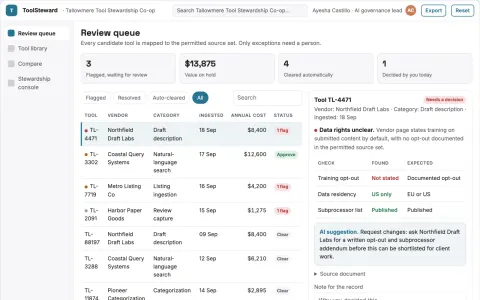
AI tool comparison and stewardship console
Reduce tool-selection time while keeping a defensible record of why a tool was chosen.
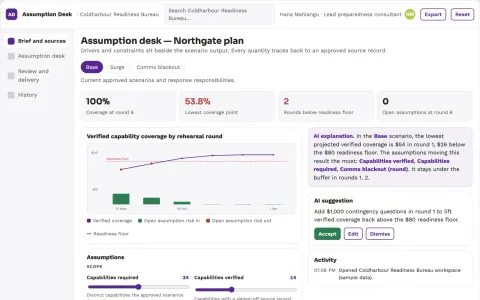
Communications scenario assumption desk
Test assumptions behind response plans.
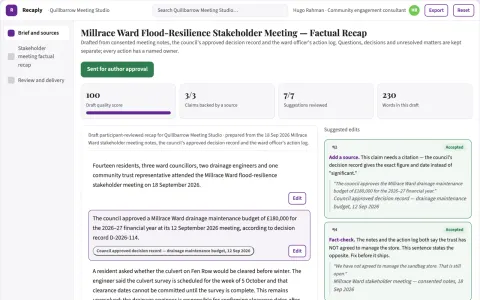
Stakeholder meeting factual recap
Neutral recap with explicit unresolved matters.
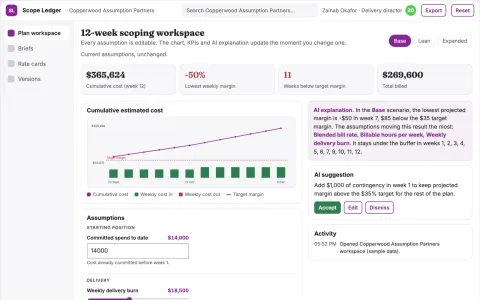
Assumption-driven project plan and cost workspace
Reduce rework in project scoping while keeping every estimate traceable to its assumptions.
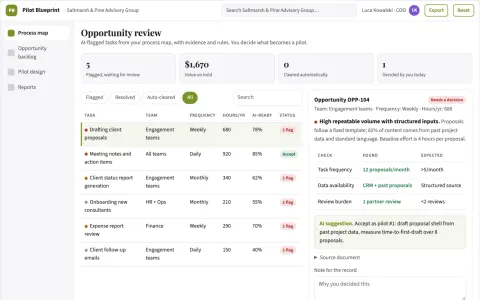
AI opportunity assessment service
A practical pilot specification with baseline measurement and review costs.
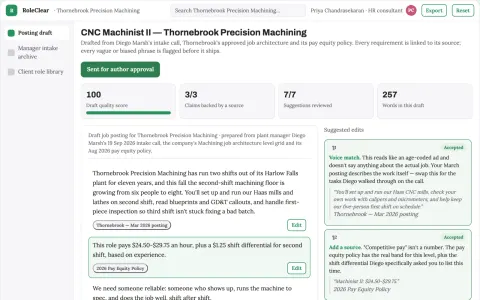
Job description studio
Starts from real work and outcomes rather than generic job templates.
Show all 12 apps
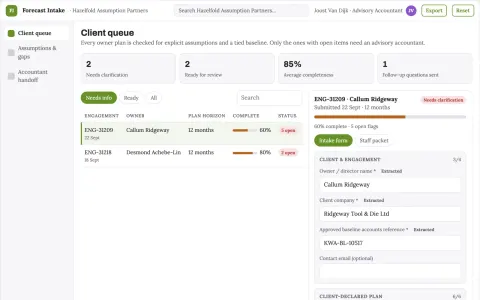
Small-business finance scenario interview tool
Make forecasting accessible through structured business questions.
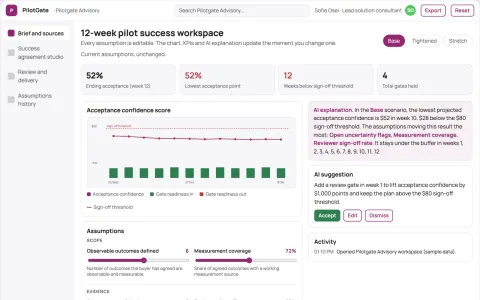
Sales pilot success agreement studio
Shared acceptance criteria before pilot effort.
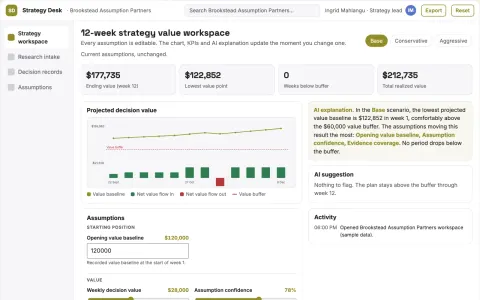
Assumption-driven market strategy decision workspace
Reduce strategy revision cycles while keeping every assumption linked to its evidence.
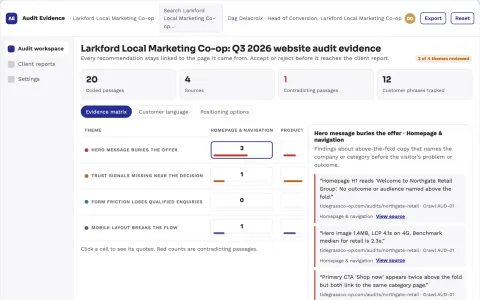
Website audit and conversion evidence workspace
Reduce tool sprawl and manual report assembly while keeping every recommendation traceable to its evidence.
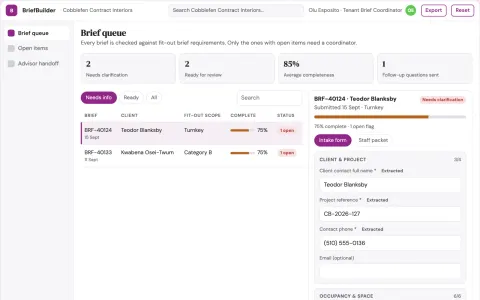
Commercial space fit-out brief builder
A reviewable business-needs brief before technical design.
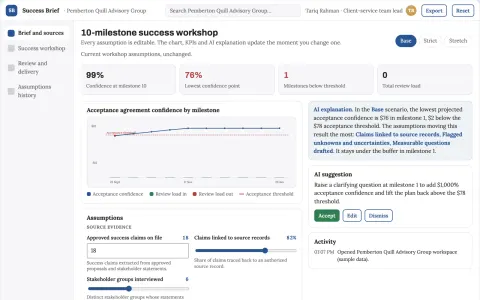
Project success definition workshop
Agree evidence of success before delivery.











































































































































About this learning path
6 topicsUse AI well as an independent consultant
You already bring judgment, trust, and deep client knowledge. This path shows where AI fits around that work, so you can prepare faster, think more clearly, and still sound like yourself.
You will start with simple setup questions, connect the AI tool you already use, and practice prompts built for consulting tasks. Then you choose video courses matched to your clients and goals, with certificates when you finish.
Why AI matters now
Clients want clear answers sooner, and many are already using AI in their own teams. You do not need to become a technologist, but you do need a calm, practical way to keep pace.
AI can help you gather notes, compare options, and draft materials. Your judgment, relationships, and accountability remain the center of the work.
What the path includes
You begin with setup questions, then connect your AI tool to the way you already work. You practice job specific skills inside your AI, such as discovery summaries, process maps, and proposal drafts.
The prompt course gives you eight consulting lessons. Video courses are picked for independent consultants, and each one offers a certificate of completion you can keep or share.
How it saves you time
The prompts help you turn rough notes into themes, map a process without starting from a blank page, and shape a proposal before you write the final version. Small tasks like status reports and invoices move faster too.
The time you win back can go to client relationships, deeper thinking, or a real lunch away from your desk.
How it protects your career
AI does not replace your expertise. It helps you show that expertise more consistently, with fewer missed details and clearer communication.
You also learn what not to paste into a tool, how to protect client confidentiality, and why you always review the final output. That care is part of the value clients pay for.
How to start
Pick one task you do every week, such as preparing a discovery call or writing a status update. Run one prompt, edit the result, and notice what changes.
Then add one video course that matches your next client challenge. Keep the prompts that work, and build your own small library over time.
Frequently asked questions
Do I need technical skills?
No. If you can write an email and edit a document, you can use this path. The lessons use plain language and show you where to click and what to type.Will AI replace my consulting judgment?
No. AI can suggest options and draft text, but you decide what is accurate, useful, and right for the client. The course teaches you to review and improve every answer.Can I use client information safely?
Be careful with names, financial details, and anything confidential. Remove or anonymize private details before using a tool, and follow your client contract and local rules.What if I already use ChatGPT?
That is a good start. This path helps you use it with a repeatable method for consulting work. You can still learn new prompts, review habits, and video courses.