
Learning path
Learning AI as a Business Intelligence Analyst
This path helps business intelligence analysts use AI for queries, cleaning, metrics, dashboards, and reports. It combines setup, prompt lessons, and job-focused video courses with certifications.

Your path
Everything in the Business Intelligence Analyst AI kit, in the order that makes sense. Members tick off each step and see their progress.
Set up your AI
We guide you through each click.
Let skills do your everyday tasks
Connect your apps and pick your AI apps
Hand whole tasks to AI agents
Build your own tools
Keep growing
Everything for business intelligence analysts
All the courses, certifications, AI tools, MCP servers and apps for business intelligence analysts, most relevant first. Open any list to see more.
Take the prompt courses
A short framework course to learn how to ask, then 8 lessons with ready-to-use prompts for business intelligence analysts.
Start with this framework: how to talk to AI
RACE fits your BI role because it defines role, action, context, and expectation, as in a monthly sales dashboard with variance analysis.
Then your prompt course for business intelligence analystsWatch the video courses or add them to your Favorites for later
105 video courses our AI picked for business intelligence analysts, most useful first. Save the ones you want to watch later with the heart.
Favorites are saved to your account: sign in or get your AI kit first.
Show all 105 video courses
Get certified, or add certifications to your Favorites
Every course ends in an exam and a certificate you can add to LinkedIn. Save the certifications you are aiming for with the heart.
Favorites are saved to your account: sign in or get your AI kit first.
More certifications for business intelligence analystsShow all 24 certifications
Try the AI tools for business intelligence analysts
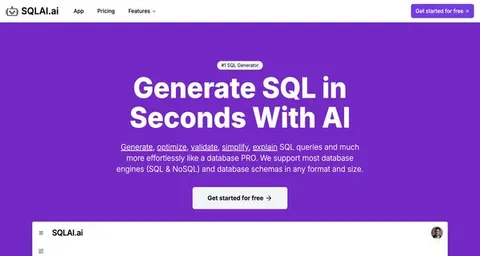
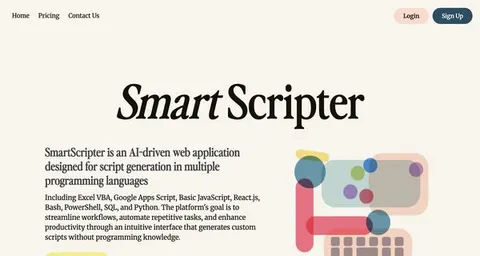
24 AI tools our AI matched to the work of business intelligence analysts, best fit first. Each review shows what it does, its alternatives and the jobs it suits.
Favorites are saved to your account: sign in or get your AI kit first.
Show all 24 AI tools
Connect your AI to the apps business intelligence analysts use
MCP servers let ChatGPT, Claude or Copilot look things up and get work done in other apps, like your email, calendar or bookkeeping software. These 12 fit the work of business intelligence analysts best, well-known apps first.

Power BI Analyst MCP server
by mbrummerstedtAsk your AI to explore Power BI data, run DAX queries, and summarise results for you.

Power BI MCP server
by FreelexHoAsk your AI to check, refresh, and troubleshoot your Power BI datasets in plain words.

BigQuery MCP server
by LucasHildLets your AI look at your BigQuery tables and run SQL queries for you.

Metabase MCP server
by 1luvc0d3Ask your AI to explore Metabase dashboards, run safe SQL queries, and explain your data in plain words.

Qlik Cloud MCP server
by jwaxman19Lets your AI look through your Qlik Cloud apps, sheets and charts and pull the numbers out for you.

Snowflake MCP server
by isaacwassermanLet your AI ask questions of your Snowflake data and get real answers back in the chat.
Show all 12 MCP servers

Apache Superset MCP server
by bintocherLets your AI manage Superset dashboards, charts, datasets, users and permissions for you.

Seshat BI MCP server
by KemetraLets your AI read the readiness state of your BI pipeline and tell you what is blocked and what comes next.

Databricks MCP server
by JordiNeilLet your AI run SQL queries, list jobs, and check job status in your Databricks workspace.

Databricks Genie MCP server
by yashshingviAsk your Databricks data questions in plain English and get answers with SQL and tables back.

Snowflake MCP server (deprecated)
by Snowflake-LabsAsk your AI to query Snowflake data and manage objects in plain English, within your permissions.

Microsoft SQL Server MCP server
by wenermeAsk your AI questions about your SQL Server database and get answers, tables, and reports back.
Build your own AI apps for business intelligence analysts
Apps you build yourself with your own AI, no coding needed and no monthly fee. Our AI picked the 4 that fit the work of business intelligence analysts.
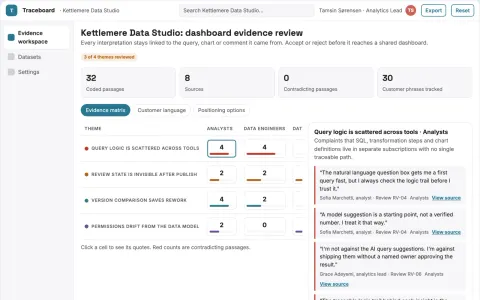
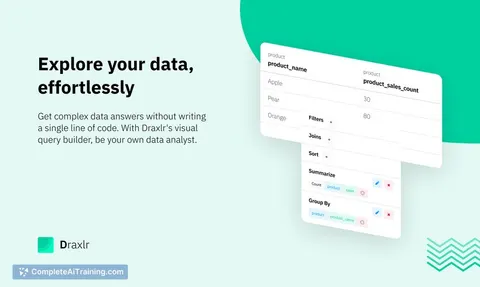
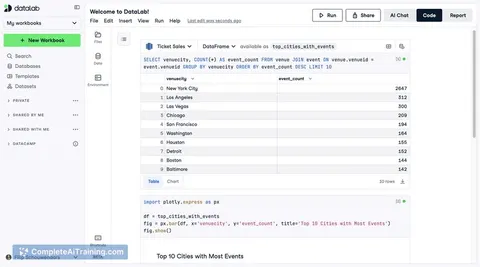
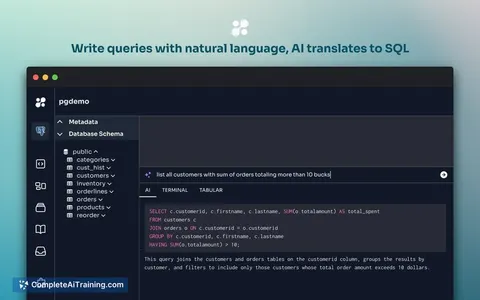
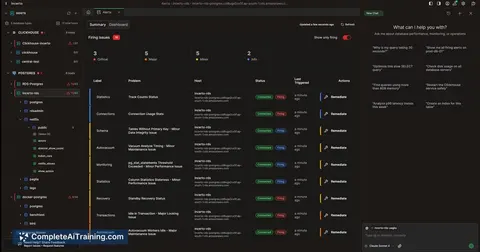
Evidence-backed data visualization and sharing workspace
Reduce tool sprawl while keeping one traceable path from raw data to a shared, reviewed visualization.
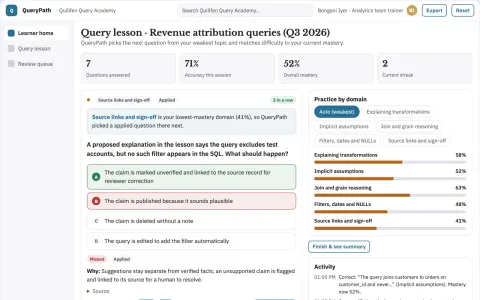
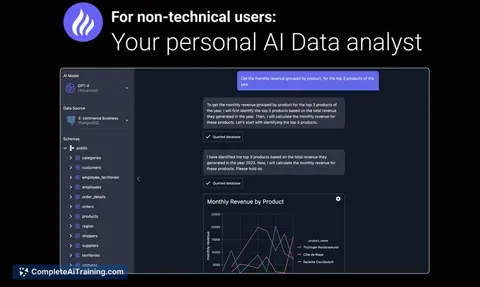
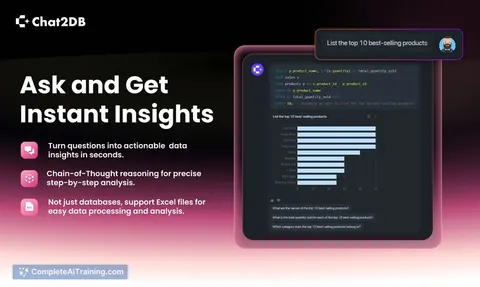
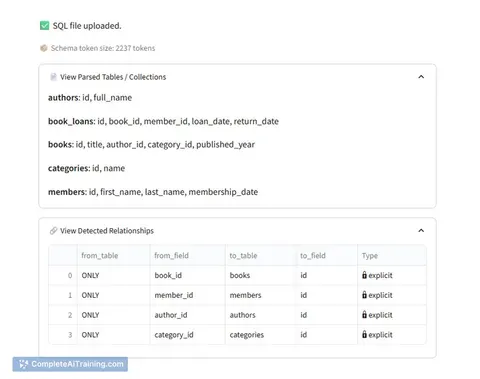
Database query explanation academy
Teach reasoning behind existing queries.
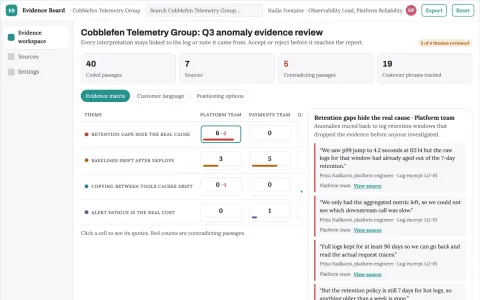
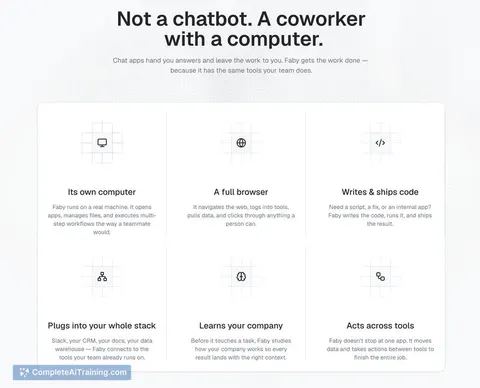
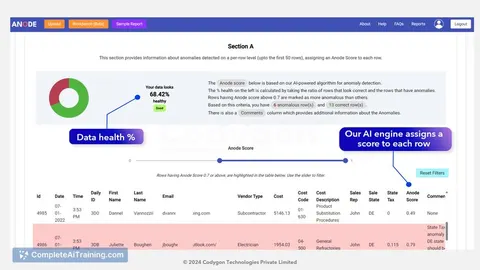
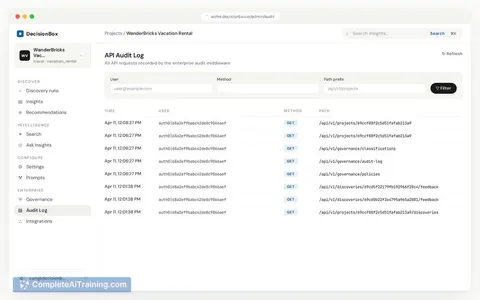
Evidence-backed dashboard and anomaly reporting workspace
Reduce tool sprawl and manual data handling while keeping one owned workspace for dashboards and anomaly evidence.
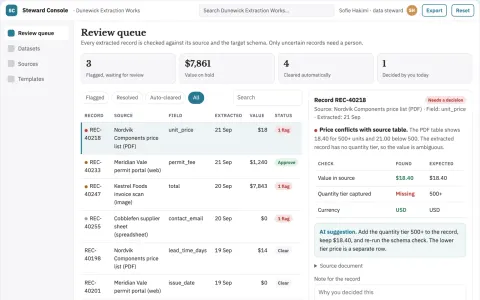
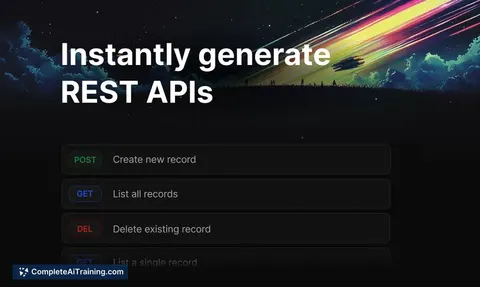
Multi-source data extraction and stewardship console
Reduce manual extraction and cleaning work while keeping a reviewable record of every change.






































































































About this learning path
6 topicsAI Skills for Business Intelligence Analysts
You already turn data into decisions. This path shows where AI can help with the daily work, from writing SQL to explaining a trend to a busy manager.
You do not need to become technical in a new way. The path starts with setup questions, connects your AI tool, teaches prompts for BI tasks, and adds video courses chosen for your role, including the certifications that come with them.
Why AI Matters Now
BI teams are asked for more dashboards, faster answers, and clearer stories. AI can help you draft queries, check data quality, and explain results without replacing your judgment.
Managers want decisions, not just numbers. Analysts who use AI well can spend more time on the business question and less time on repetitive steps.
What the Path Includes
The path begins with setup questions and a short guide to connecting your AI assistant. Then you work through this prompt course, which covers SQL, cleaning, metrics, dashboards, trends, reports, documentation, and automation.
You also get video courses picked for business intelligence work. Each course shows its certification, so you can see what you earn as you finish.
How It Saves You Time
AI can take the first pass at a query, a cleaning plan, or a report outline. You review, adjust, and keep the parts that fit your data and your stakeholders.
Recurring tasks like weekly reports and data dictionaries become faster to prepare. That time can go back into analysis, checks, and conversations with the people who use your dashboards.
How It Protects Your Career
The path teaches you to use AI with care, not to hand over your thinking. You stay responsible for definitions, quality, and the final recommendation.
When you can explain how you used AI and how you checked it, you become more valuable to your team. You are not just faster, you are clearer and more trustworthy.
How to Start
Start with the setup questions and connect the AI tool you already have. Then take the prompt course lessons in order, trying each one on a small, real task from your week.
Pick one video course that matches a current need, such as dashboard building or stakeholder reports. Finish it, note the certification, and choose the next one.
Frequently asked questions
Do I need to know how to code?
No. The path starts with plain business questions and shows how AI can help write or explain code when you need it. You still learn what the code does so you can check the result.Will AI replace business intelligence analysts?
AI changes how the work gets done, but it does not replace the analyst's judgment. Someone still needs to define metrics, spot bad data, and explain what the numbers mean to the business.What certifications are included?
The video courses in the path each list the certification you can earn. They are chosen for business intelligence tasks like dashboards, reporting, and analysis.How much time should I plan for?
You can move through the setup and prompt lessons in short sessions. The video courses vary in length, so you can start with one that fits your schedule and add more as you go.