
Certification
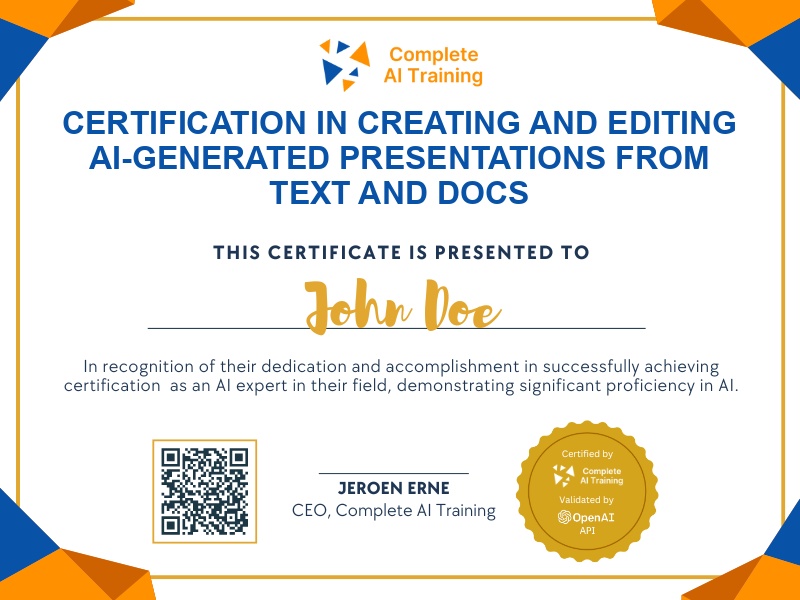
Certification in Creating and Editing AI-Generated Presentations from Text and Docs
Get certified in Presenti AI Presentation Creation and demonstrate the ability to efficiently turn text and documents into customized, collaborative presentations,delivering professional slides that impress and save valuable time.
The exam
Take the certification exam
Multiple-choice questions about the course. Pass with 70% or more and your certificate is issued at once, with a public page and an "Add to LinkedIn" button.
What the exam covers
2 questions from each of the 9 chapters of the course
18 multiple-choice questions, drawn fresh for every attempt. Pass with 70% or more.
- 01Introduction1:17
- 02Generating an outline2:35
- 03Customising themes1:34
- 04Editing slides and layout5:01
- 05Presentation tools3:39
- 06Adding multimedia4:12
- 07Sharing and presenting2:33
- 08Exporting and file management2:02
- 09Pricing and final thoughts2:26
The Presenti AI Course: Create, Edit & Export Presentations from Text & Docs (Video Course) certification empowers you to turn your ideas, documents, and reports into professional presentations with ease. Gain skills to boost productivity, enhance adaptability, and position yourself for growth in today’s dynamic workplace by mastering AI-driven presentation tools. Enroll now to save time, impress your audience, and elevate your career with streamlined presentation creation.
This certification covers the following topics:
- Understanding Presenti AI: Core Features and Benefits
- Navigating the Presenti AI Dashboard and Managing Files
- Generating Presentations from Text or Documents Using AI
- Outline Generation and Structure Editing
- Leveraging Templates and Pre-Made Designs
- Customizing Presentation Styles and Layouts
- Editing Slides and Enhancing Visuals
- Adding Media and Data Elements to Slides
- Presenting and Navigating Slides with Different View Modes
- Collaboration and Sharing Presentations with Teams
- Exporting Presentations in Various Formats
- Advanced Features and Best Practices for Effective Presentations
Jobs this certification suits
Our AI checked this certification against 500 jobs; these get the most out of it. Each job links to its learning path.