
Learning path
Learning AI as a Corporate Trainer
Discover how AI can help corporate trainers design better programs, save time on materials, and focus on what matters: helping people learn. This path walks you through setup, prompts, and video courses made for your role.

Your path
Everything in the Corporate Trainer AI kit, in the order that makes sense. Members tick off each step and see their progress.
Set up your AI
We guide you through each click.
Let skills do your everyday tasks
Connect your apps and pick your AI apps
Hand whole tasks to AI agents
Build your own tools
Keep growing
Everything for corporate trainers
All the courses, certifications, AI tools, MCP servers and apps for corporate trainers, most relevant first. Open any list to see more.
Take the prompt courses
A short framework course to learn how to ask, then 9 lessons with ready-to-use prompts for corporate trainers.
Start with this framework: how to talk to AI
RISEN helps you build a complete onboarding curriculum step by step from learning goals to activities to assessment without missing key details.
Then your prompt course for corporate trainers- 1Training Needs Basics4 prompts
- 2Learning Objectives Drafting2 prompts
- 3Workshop Agendas Planning3 prompts
- 4Training Materials Drafting3 prompts
- 5Activities And Role-Plays3 prompts
- 6Assessments And Quizzes2 prompts
- 7Feedback And Evaluation4 prompts
- 8Content Updates And Localization2 prompts
- 9Program Admin And Stakeholders3 prompts
Watch the video courses or add them to your Favorites for later
130 video courses our AI picked for corporate trainers, most useful first. Save the ones you want to watch later with the heart.
Favorites are saved to your account: sign in or get your AI kit first.
Show all 130 video courses
Get certified, or add certifications to your Favorites
Every course ends in an exam and a certificate you can add to LinkedIn. Save the certifications you are aiming for with the heart.
Favorites are saved to your account: sign in or get your AI kit first.
More certifications for corporate trainersShow all 24 certifications
Try the AI tools for corporate trainers
24 AI tools our AI matched to the work of corporate trainers, best fit first. Each review shows what it does, its alternatives and the jobs it suits.
Favorites are saved to your account: sign in or get your AI kit first.
Show all 24 AI tools
Connect your AI to the apps corporate trainers use
MCP servers let ChatGPT, Claude or Copilot look things up and get work done in other apps, like your email, calendar or bookkeeping software. These 12 fit the work of corporate trainers best, well-known apps first.

Google Slides MCP server
by A1-x-TechLets your AI look at and edit your Google Slides decks, from adding slides to exporting them as PDF.

Presentations.AI MCP server
by slidecraft-inLet your AI build and edit slide decks for you, then export them as PPTX, PDF, images or a share link.
Productivity Official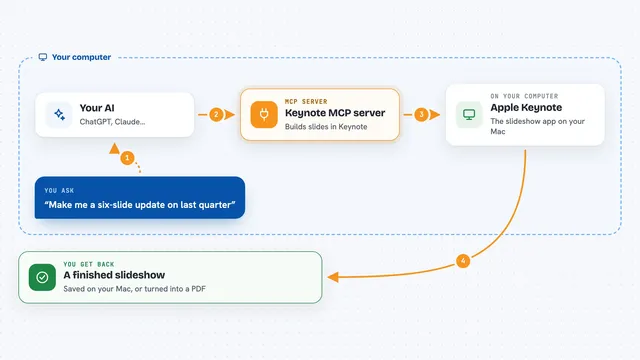
Keynote MCP server
by ByAxeLet your AI make and edit Apple Keynote slideshows on your Mac just by asking.

Miro MCP server
by evalstateLet your AI read your Miro boards and add stickies or shapes for you.

Google Forms MCP server
by A1-x-TechLet your AI build Google Forms, add questions, publish them, and read the answers for you.
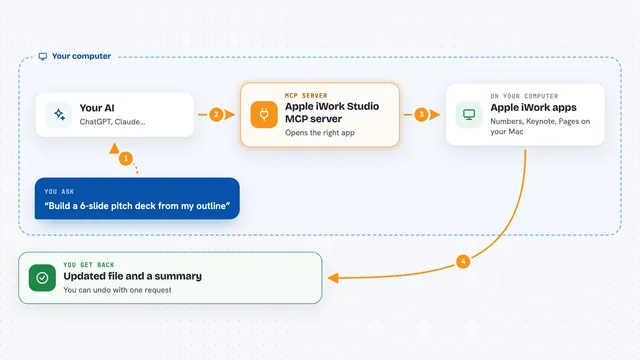
Apple iWork Studio MCP server
by ArkanjiLets your AI create, edit, design and export Apple Numbers, Keynote and Pages files for you.
Show all 12 MCP servers

Confluence MCP server
by aashariLets your AI read, search, and update your Confluence pages and spaces for you.

VE Google Workspace MCP server
by HuntsDeskLet your AI read and write your Google Docs, Sheets, Slides, Drive, Gmail and Calendar for you.

Google Workspace MCP server
by taylorwilsdonLets your AI read and write your Gmail, Calendar, Drive, Docs, Sheets and more, all from one chat.

AskOne MCP server
by phurynLet your AI run live Q&A rooms and polls for your meetings, and turn the questions into a FAQ afterwards.
ProductivityNo install
Alai MCP server
by getalaiTurn your notes or text into a finished slide deck, then export it as PDF, PowerPoint, or a shareable link.
Productivity Official
Google Drive MCP server
by A1-x-TechLet your AI search, organize, upload, download, export and share your Google Drive files for you.
Build your own AI apps for corporate trainers
Apps you build yourself with your own AI, no coding needed and no monthly fee. Our AI picked the 12 that fit the work of corporate trainers.
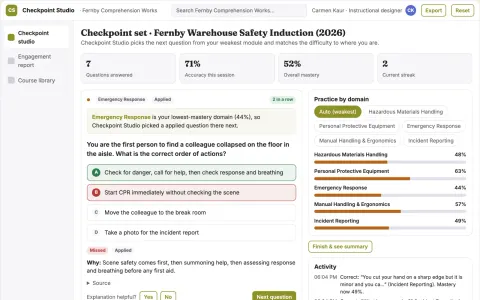
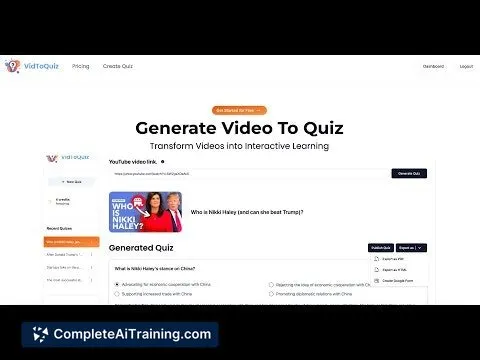
Interactive video and document learning checkpoint studio
Turn existing videos and documents into interactive quizzes and checkpoints and track how viewers engage with them.
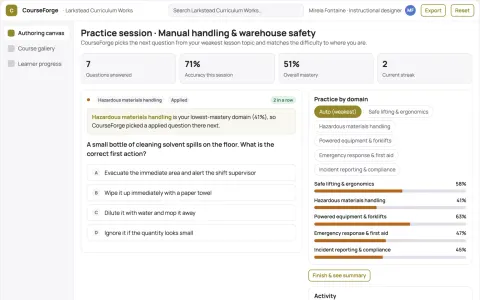
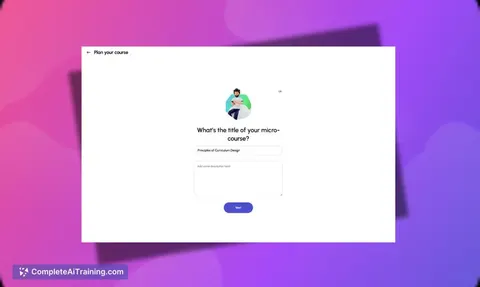
Role-based course authoring and delivery console
Reduce tool sprawl and manual course assembly while keeping one owned source of truth.
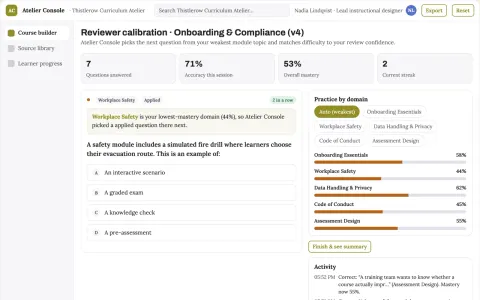
Role-based course authoring and delivery console
Reduce course production and maintenance effort while keeping one reviewed source of truth.
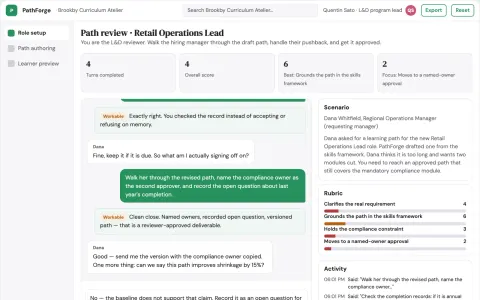
Role-based learning path and course authoring console
Give HR and L&D teams one owned console for role-based learning paths and course authoring.
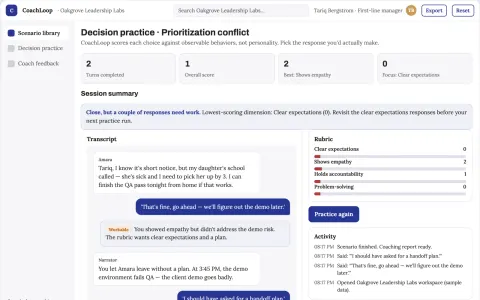
Management training simulator
Practice across management decisions with coach-calibrated rubrics.
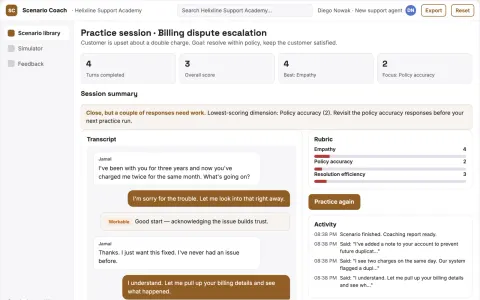
Support onboarding simulator
Practice scenarios generated from the team's actual support situations.
Show all 12 apps
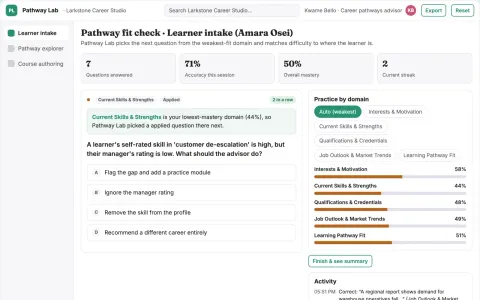
Career exploration and learning pathway console
Reduce time to a reviewed learning plan while keeping career advice and course content under the organization's own brand and data rules.
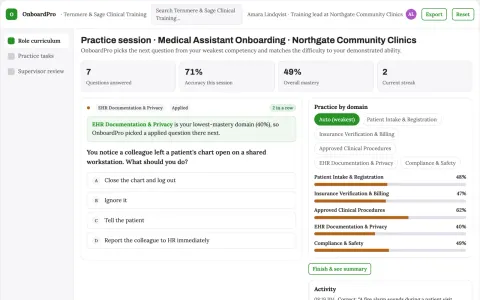
Staff onboarding academy
Onboarding tracks demonstrated administrative tasks and approved local procedures.
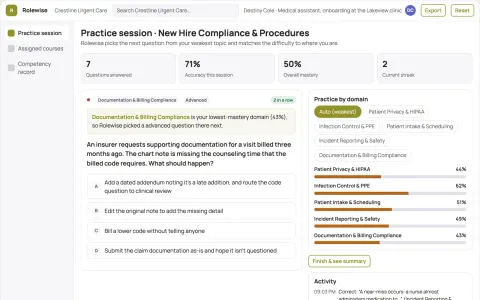
Corporate training converter
Training stays linked to the operating procedure it teaches.
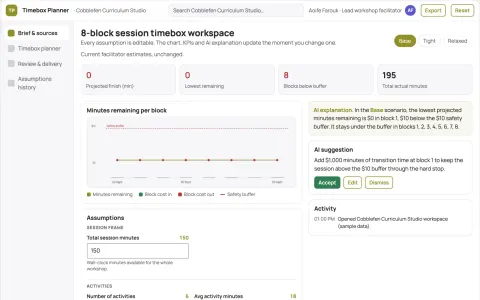
Learning activity timebox planner
Realistic pacing using explicit assumptions.
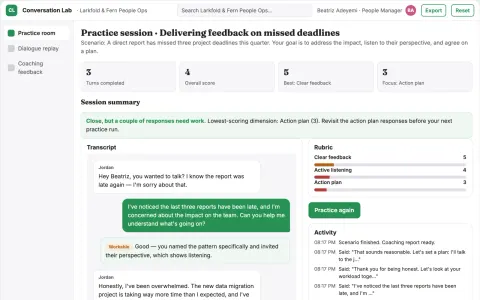
Manager conversation simulator
Private practice against agreed communication behaviors.
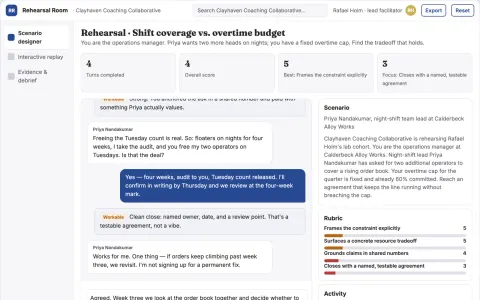
Manager negotiation rehearsal marketplace
Practice explicit tradeoffs before consequential discussions.








































































































About this learning path
6 topicsAI for Corporate Trainers: A Practical Path
You already know how to design training that helps people do their jobs better. The hard part is often the time it takes to build surveys, agendas, materials, and reports. AI can take some of that load off your desk.
This path starts with simple setup questions, then shows you how to connect AI tools to your work. You will learn prompts for the training tasks you do every week, plus video courses chosen for corporate trainers and the certifications that come with them.
Why AI Matters Now
Training teams are asked to do more with less time. AI can help you turn raw notes into a needs summary, a session plan, or a feedback report without starting from a blank page.
It does not replace your expertise. It gives you a faster first draft so you can spend more time with learners and stakeholders.
What the Path Includes
You begin with setup questions that help you pick the right tool and get it ready for training work. Then you connect your AI and learn skills for the job inside your AI, like keeping learner details private.
The core is this prompt course, with lessons for needs, objectives, agendas, materials, activities, assessments, feedback, updates, and admin. You also get video courses chosen for corporate trainers, along with the certifications those courses offer.
How It Saves You Time
You will practice prompts that handle the repetitive parts: summarizing survey comments, drafting an agenda, creating a quiz, or writing a feedback summary.
Small time savings add up. A faster first draft means you can polish the parts that need a human touch and still leave work on time.
How It Protects Your Career
AI is changing how training teams work. Trainers who can use it well are better placed to lead projects, show results, and take on bigger programs.
This path helps you stay current without becoming a tech expert. You learn to use AI in ways that match your role and keep your judgment front and center.
How to Start Today
Start with one task you do every week, like writing a workshop agenda. Try the matching prompt and see what the draft gives you.
Then move through the lessons in order. Each one builds on the last, so you can apply what you learn right away.
Frequently asked questions
Do I need to be technical to use AI as a trainer?
No. The path starts with simple setup questions and shows you what to click. You will use everyday language, not code.Will AI replace corporate trainers?
No. AI helps with drafts and admin, but your facilitation, judgment, and relationships are what make training work. The path shows you how to use AI as a helper, not a replacement.How long does the learning path take?
You can move at your own pace. You can do a little each day and finish the core lessons in a few weeks.What if I already use ChatGPT or Claude?
You will still find value. The path covers prompts for specific training tasks and shows you how to connect AI to your surveys, materials, and reports.