
Prompt course · 9 lessons · 24 prompts · 1 hour · Beginner
AI for Community Managers
This prompt course teaches community managers to use AI for daily posts, welcomes, replies, events and calendars. You will practice with real community tasks and leave with prompts you can reuse.
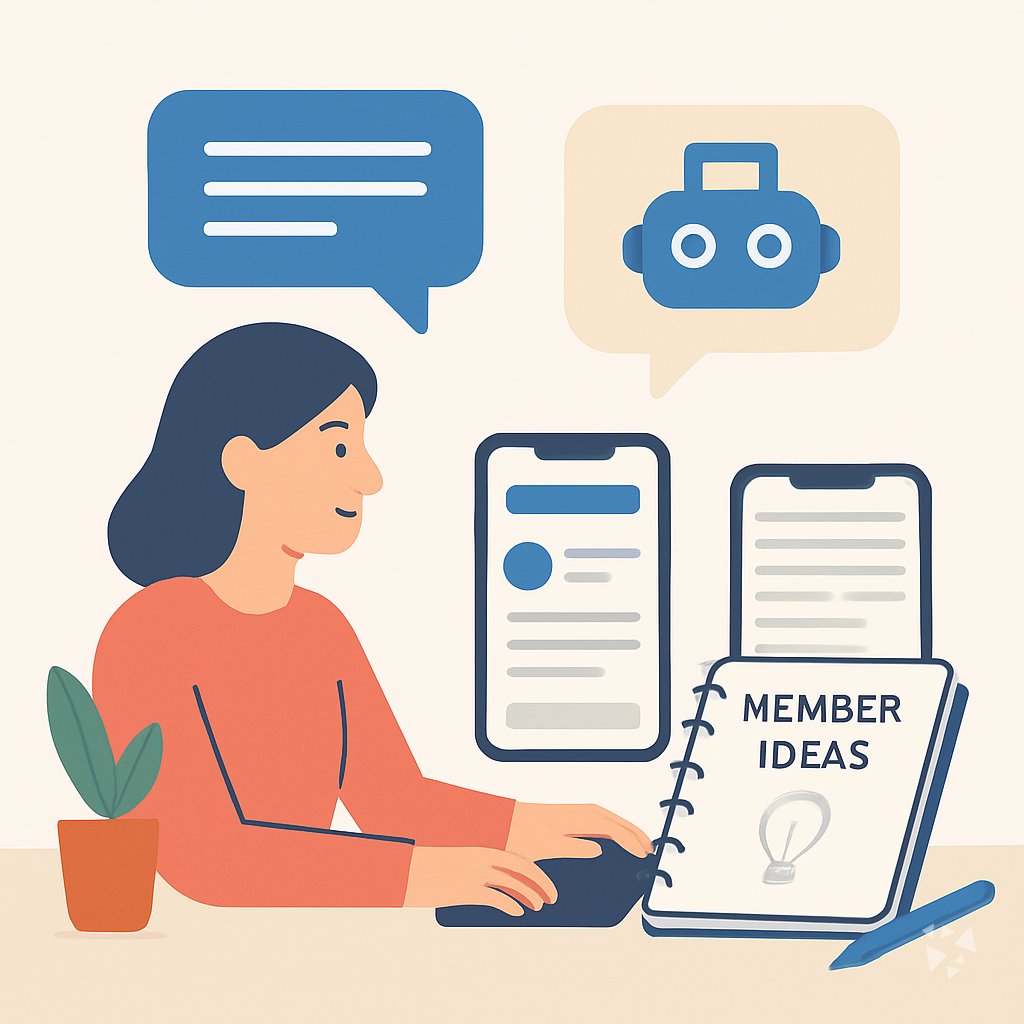
What you'll learn
- Daily Engagement Posts: Draft daily prompts, polls, and member spotlights that keep your community active.
- Welcoming New Members: Create warm welcome messages, intro prompts, and onboarding steps for new members.
- Answering Member Questions: Draft clear, friendly replies to common questions, complaints, and sensitive messages.
- Planning Community Events: Plan event details, announcements, run-of-show notes, and recaps that boost attendance.
- Building Content Calendars: Map weekly themes, generate post ideas, and repurpose top content into a steady calendar.
- Reading Engagement Metrics: Turn analytics into plain-English summaries, spot trends, and draft reports for stakeholders.
- Collecting Member Feedback: Design surveys, synthesize feedback, and turn member comments into clear recommendations.
- Planning Growth Campaigns: Design referral campaigns, ambassador programs, and outreach plans that grow your community.
What's inside
9 lessons · 24 prompts- Before you start · framework course CO-STAR Prompt Framework: Write for Any AudienceCO-STAR fits your community manager job by tailoring a calm apology email to members after a canceled meetup, matching audience and tone.
- Start here Diego's Wednesday, two waysA day in the life of a Community Manager, before and after these prompts.
- 01 Lesson 1 · 3 prompts Daily Engagement Posts
- 02 Lesson 2 · 3 prompts Welcoming New Members
- 03 Lesson 3 · 3 prompts Answering Member Questions
- 04 Lesson 4 · 3 prompts Planning Community Events
- 05 Lesson 5 · 2 prompts Building Content Calendars
- 06 Lesson 6 · 2 prompts Reading Engagement Metrics
- 07 Lesson 7 · 3 prompts Collecting Member Feedback
- 08 Lesson 8 · 2 prompts Coordinating With Brand Teams
- 09 Lesson 9 · 3 prompts Planning Growth Campaigns
About this course
7 topicsPrompts for Community Managers: Engage, Welcome, and Plan
This prompt course is built for community managers who want to save time and stay personal. You will learn to use AI for the tasks that fill your day, from daily posts to member feedback.
Each lesson gives you a prompt you can copy, edit, and reuse. You will practice with real community scenarios and leave with a toolkit that fits your voice.
The lessons
- Daily Engagement Posts: Use AI to draft daily prompts, polls, and member spotlights that keep the community active.
- Welcoming New Members: Use AI to create warm welcome messages, intro prompts, and onboarding steps for new community members.
- Answering Member Questions: Use AI to draft clear, friendly replies to common questions, complaints, and sensitive member messages.
- Planning Community Events: Use AI to plan event details, announcements, run-of-show notes, and recaps that boost attendance.
- Building Content Calendars: Use AI to map weekly themes, generate post ideas, and repurpose top content into a steady calendar.
- Reading Engagement Metrics: Use AI to turn analytics into plain-English summaries, spot trends, and draft reports for stakeholders.
- Collecting Member Feedback: Use AI to design surveys, synthesize feedback, and turn member comments into clear recommendations.
- Coordinating With Brand Teams: Use AI to align community messaging with brand campaigns and translate member insights for internal partners.
- Planning Growth Campaigns: Use AI to design referral campaigns, ambassador programs, and outreach plans that grow the community.
What the course covers
The course covers nine core lessons, from daily engagement posts to planning growth campaigns. Each lesson focuses on one task you do often, like welcoming new members or answering questions. You get prompts, examples, and tips for making them sound like you.
How the lessons connect
The lessons build on each other. You start with daily posts and welcomes, then move to replies, events, and calendars. Later lessons on metrics, feedback, and brand teams help you turn community work into insights your company can use.
How to use prompts well
Good prompts give your AI context. Include your community name, tone, and the goal of the message. Always edit the draft before you post. The course shows you how to add details so the output feels personal, not generic.
Who this course is for
This course is for community managers, moderators, and social media leads who talk to members every day. It is also for team leads who want to help their community team work smarter. No technical background is needed.
Safety and privacy for this job
Never paste private member information into an AI tool. Use first names only, or change details. Follow your company rules about data and always review replies for sensitive topics. The course includes simple habits to keep you and your members safe.
Your next step
Pick one lesson and try it today. Draft a welcome message or a weekly post with AI, then edit it in your voice. When you are ready, move to the next lesson and keep building your prompt toolkit.