
Learning path
Learning AI as a Community Manager
This path shows community managers how to use AI for daily posts, welcomes, replies, events and feedback. You will set up your AI, learn prompts for your job, and pick video courses with certifications.
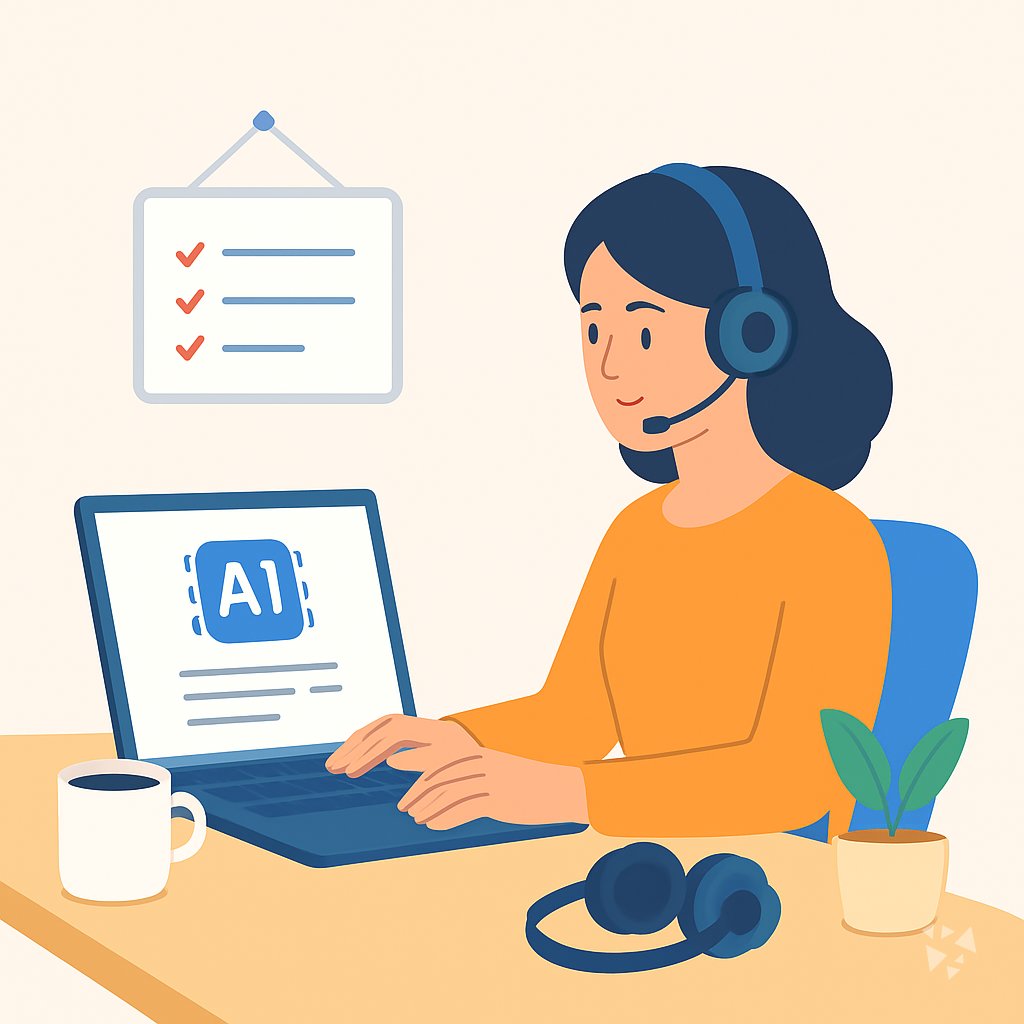
Your path
Everything in the Community Manager AI kit, in the order that makes sense. Members tick off each step and see their progress.
Set up your AI
We guide you through each click.
Let skills do your everyday tasks
Connect your apps and pick your AI apps
Hand whole tasks to AI agents
Build your own tools
Keep growing
Everything for community managers
All the courses, certifications, AI tools, MCP servers and apps for community managers, most relevant first. Open any list to see more.
Take the prompt courses
A short framework course to learn how to ask, then 9 lessons with ready-to-use prompts for community managers.
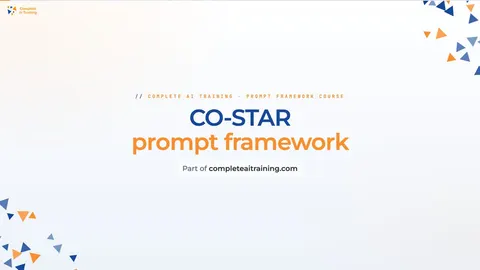
Start with this framework: how to talk to AI
CO-STAR fits your community manager job by tailoring a calm apology email to members after a canceled meetup, matching audience and tone.
Then your prompt course for community managers- 1Daily Engagement Posts3 prompts
- 2Welcoming New Members3 prompts
- 3Answering Member Questions3 prompts
- 4Planning Community Events3 prompts
- 5Building Content Calendars2 prompts
- 6Reading Engagement Metrics2 prompts
- 7Collecting Member Feedback3 prompts
- 8Coordinating With Brand Teams2 prompts
- 9Planning Growth Campaigns3 prompts
Watch the video courses or add them to your Favorites for later
146 video courses our AI picked for community managers, most useful first. Save the ones you want to watch later with the heart.
Favorites are saved to your account: sign in or get your AI kit first.
Show all 146 video courses
Get certified, or add certifications to your Favorites
Every course ends in an exam and a certificate you can add to LinkedIn. Save the certifications you are aiming for with the heart.
Favorites are saved to your account: sign in or get your AI kit first.
More certifications for community managersShow all 24 certifications
Try the AI tools for community managers
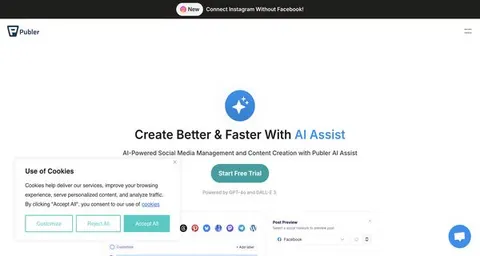
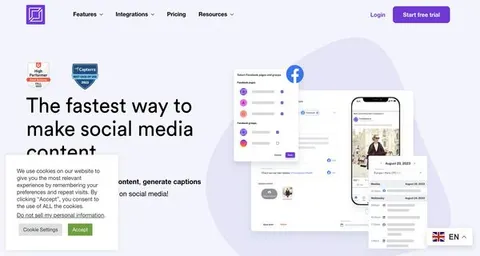
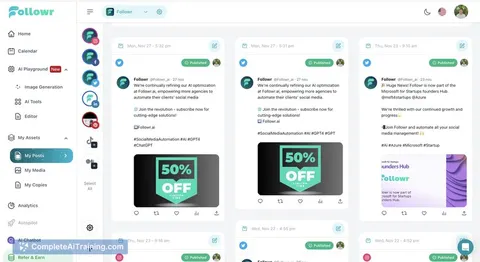
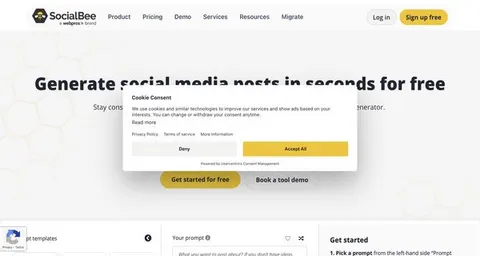
24 AI tools our AI matched to the work of community managers, best fit first. Each review shows what it does, its alternatives and the jobs it suits.
Favorites are saved to your account: sign in or get your AI kit first.
Show all 24 AI tools
Connect your AI to the apps community managers use
MCP servers let ChatGPT, Claude or Copilot look things up and get work done in other apps, like your email, calendar or bookkeeping software. These 12 fit the work of community managers best, well-known apps first.
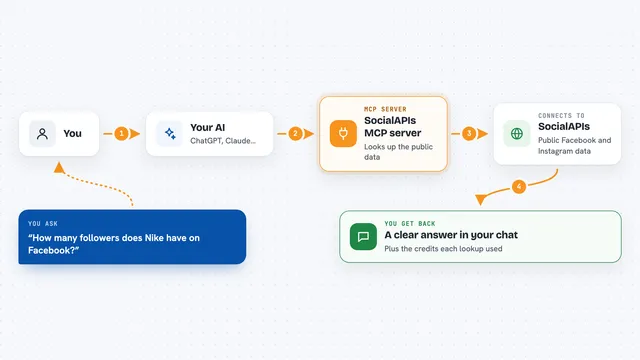
SocialAPIs MCP server
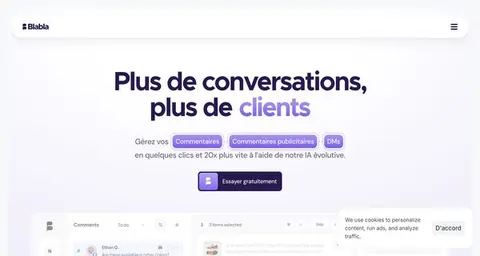
by SocialAPIsHubLets your AI look up public Facebook and Instagram data, like pages, posts, comments and ads.
Social media Official
Facebook Page MCP server
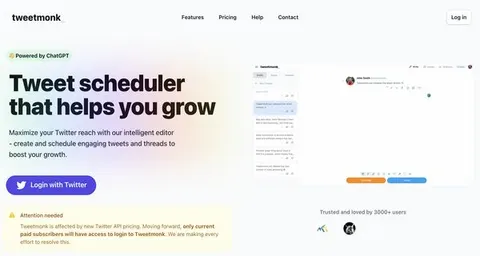
by HagaiHenLet your AI write, schedule and moderate Facebook Page posts, and pull engagement numbers for you.

Discord MCP server
by SaseQLets your AI read and send Discord messages, manage channels, roles, and members for you.

Twitter MCP server
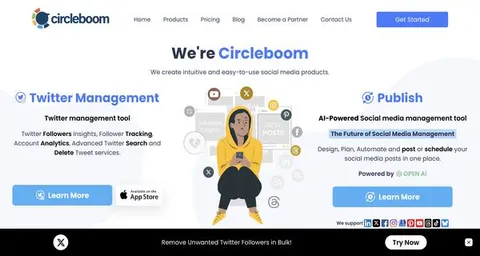
by LuniaKunalLets your AI read your Twitter timeline, search hashtags, send DMs, and post or delete tweets for you.

Omnicord MCP server
by OrygnsCodeLets your AI run your Discord server: chat, moderation, events, and even build a whole server from a short brief.

Discourse MCP server
by discourseLets your AI search and read Discourse forums, and with permission post and manage topics for you.
Research OfficialShow all 12 MCP servers
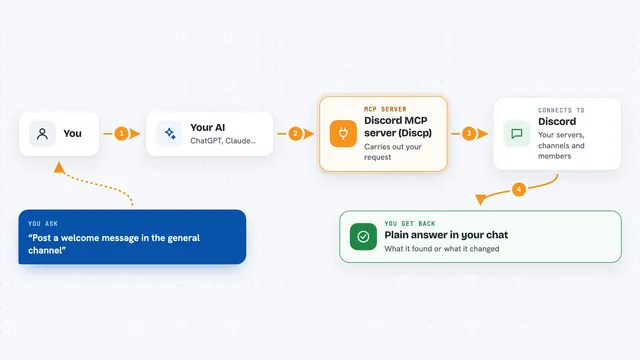
Discord MCP server (Discp)
by SharimAliLets your AI read and manage your Discord servers, channels, messages, roles and members for you.

Telegram MCP server
by leshchenko1979Let your AI read, search and send Telegram messages for you, right from the chat.
Social mediaNo install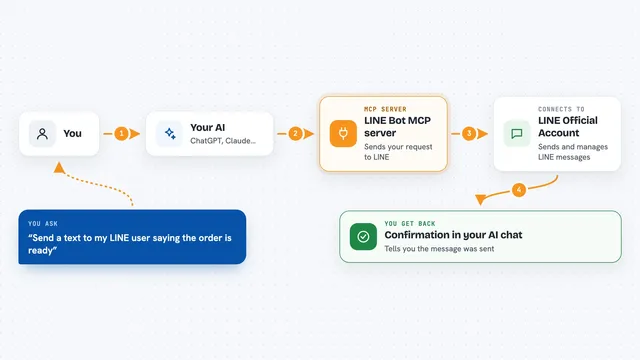
LINE Bot MCP server
by lineLet your AI send LINE messages and manage your LINE Official Account for you.
Customer communication Official
VK MCP server
by ilyautovLets your AI read and manage VK communities, posts, messages, shop items, ads and stats for you.

xbird MCP server
by checkra1nethLet your AI read, search and post on Twitter/X using your own browser login, with no developer account.
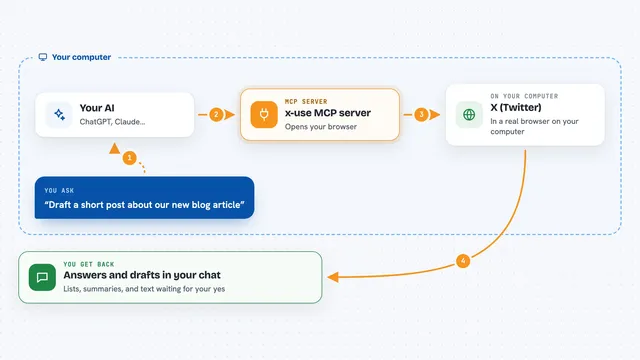
x-use MCP server
by ihuzaifashoukatLet your AI post, reply, and search on X (Twitter) through a real browser, with drafts you approve first.
Build your own AI apps for community managers
Apps you build yourself with your own AI, no coding needed and no monthly fee. Our AI picked the 12 that fit the work of community managers.
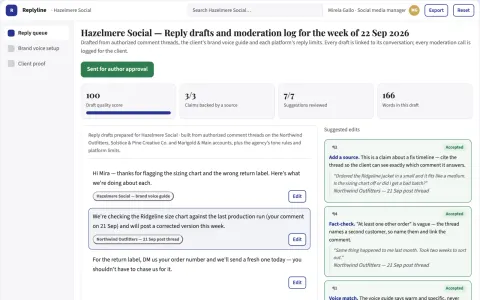
Social reply generation and moderation workspace
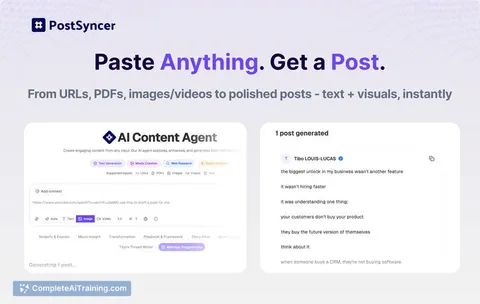
Reduce reply drafting time while keeping the brand voice and moderation decisions under human control.
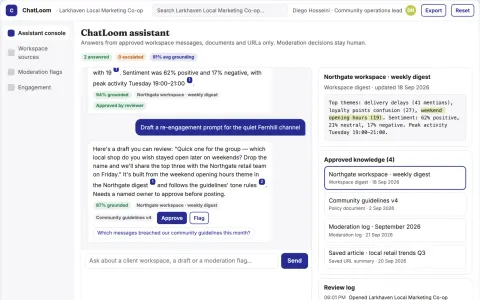
Chat workspace AI assistant and moderation console
Reduce tool switching and manual moderation while keeping the community's own data and voice.
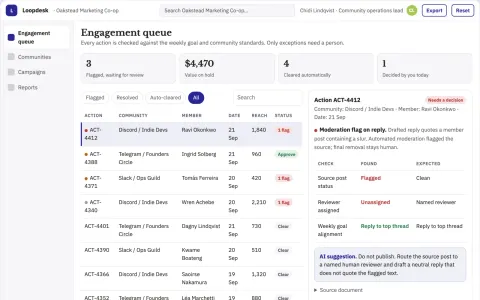
Community engagement operations portal
Run community growth from one owned portal instead of several subscriptions.
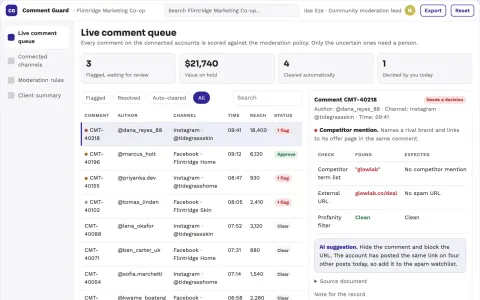
Social comment moderation and brand protection portal
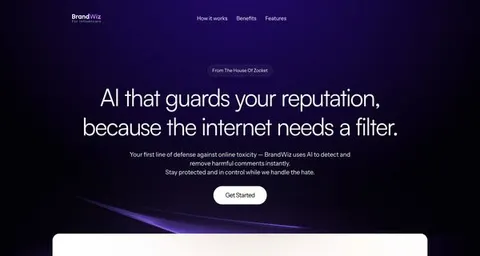
Reduce manual comment review while protecting brand reputation.
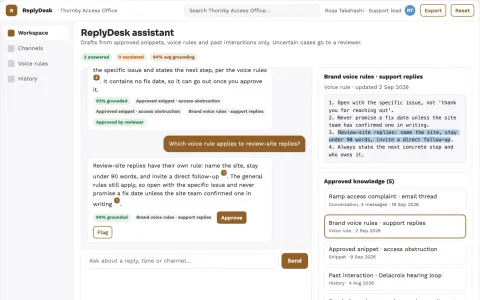
Source-linked in-app reply and content assistant
Reduce reply drafting time while keeping every answer consistent with the conversation, brand voice and prior history.
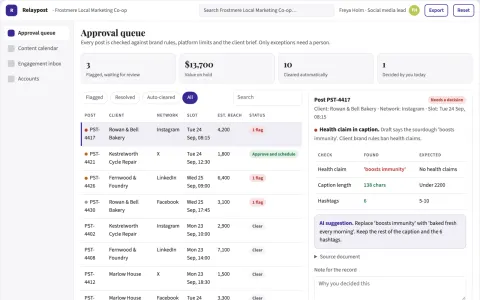
Multi-platform social publishing coordination portal
Run multi-account publishing, review and engagement from one owned portal.
Show all 12 apps
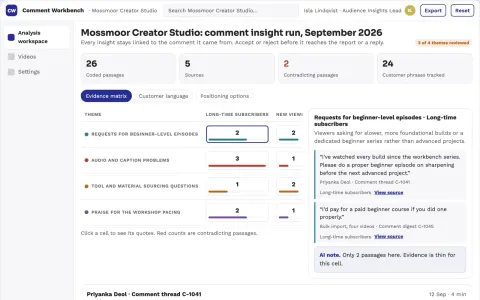
YouTube comment insight and reply workbench
Turn comment threads into cited, reviewable audience insights and reply drafts while keeping the channel read-only.
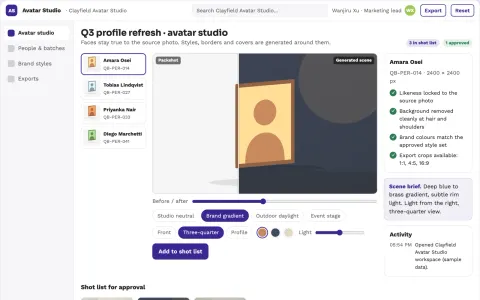
Personalized profile picture and avatar studio
Reduce tool subscriptions and manual retouching while keeping one approved visual identity.
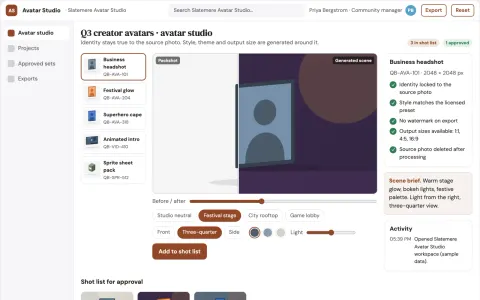
Personalized avatar production and review platform
Reduce tool switching and rework while keeping a consistent, approved avatar set.
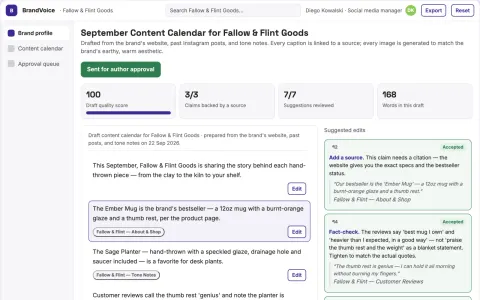
Social Presence Assistant
A system that learns each brand's unique voice from its own content and tracks what drives clicks and sales, without requiring constant human babysitting.
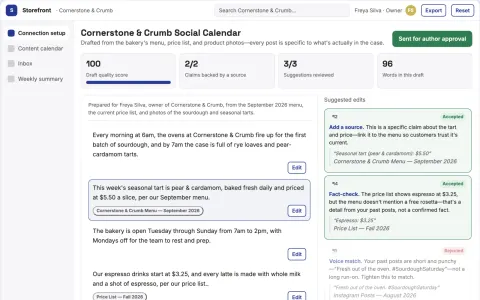
Local Shop Social Agent
The agent learns each shop's actual products, hours and voice from their own documents and past posts, so every post and reply is specific rather than generic.
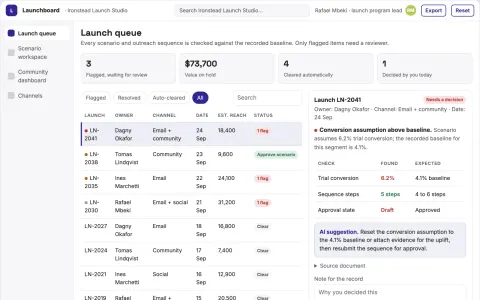
Product launch scenario and outreach coordination portal
Reduce launch coordination overhead while keeping scenario assumptions and outreach decisions reviewable.





















































































































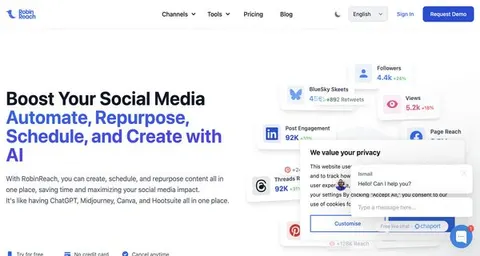
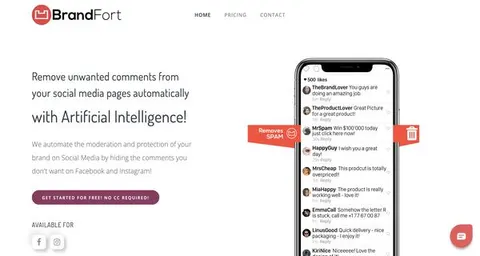
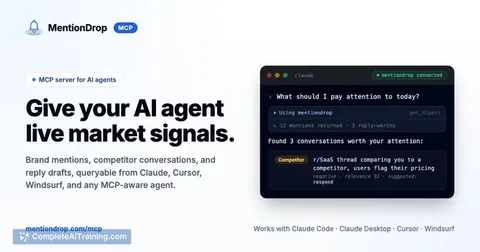
About this learning path
7 topicsAI for Community Managers: A Practical Learning Path
Community managers keep people talking, coming back, and feeling heard. AI can help you draft posts, welcome new members, answer questions, plan events, and read your numbers without losing your voice.
This learning path starts with simple setup questions and connecting your AI, then moves into prompts made for your daily work. You will also find video courses chosen for community managers, with certifications you can add to your profile.
Why AI matters now
Your community never sleeps. Members post at all hours, ask questions, and expect quick replies. AI helps you keep up without burning out, so you can focus on the human parts of your role.
It also helps you show your value. When you can turn member feedback into clear reports, you become a stronger bridge between the community and your company.
What the path includes
You start with setup questions and connecting your AI to your tools. Then you learn skills for your job inside your AI, like drafting posts or summarizing feedback. Next comes this prompt course, followed by video courses picked for community managers and their certifications.
How the path saves time
Daily engagement posts, welcome messages, event plans, and weekly reports can take hours. With the right prompts, you draft them in minutes and edit them to sound like you. The time you save goes back to real conversations with members.
How it protects your career
AI will not replace community managers who know how to use it. It will replace tasks, not people. By learning these skills, you stay valuable, show measurable results, and grow into strategy and leadership.
Video courses and certifications
The path includes video courses chosen for community managers. Each course comes with a certification you can finish and share. They cover topics like engagement, moderation, and community strategy.
How to start
Begin with the setup questions and connect your AI. Then take this prompt course and practice with one task today, like drafting a welcome message. Add a video course when you are ready, and keep going at your own pace.
Frequently asked questions
Do I need technical skills to start?
No. The path is made for community managers, not engineers. If you can write a post or reply to a member, you can learn these prompts.How long does the path take?
You can move at your own speed. Most people finish the prompt course in a few sittings and add video courses over a few weeks. The goal is steady progress, not rushing.Will AI make my community feel less personal?
Not if you use it well. AI drafts, you edit. The prompts in this path help you sound warm and human, not robotic. You stay in control of every message.What if I already use ChatGPT or Claude?
You will still find value. The path shows you prompts made for community work, like event run-of-show notes or feedback summaries. It helps you go from casual use to confident use.