
Prompt course · 8 lessons · 26 prompts · 1 hour · Beginner
AI for Computer Science Students
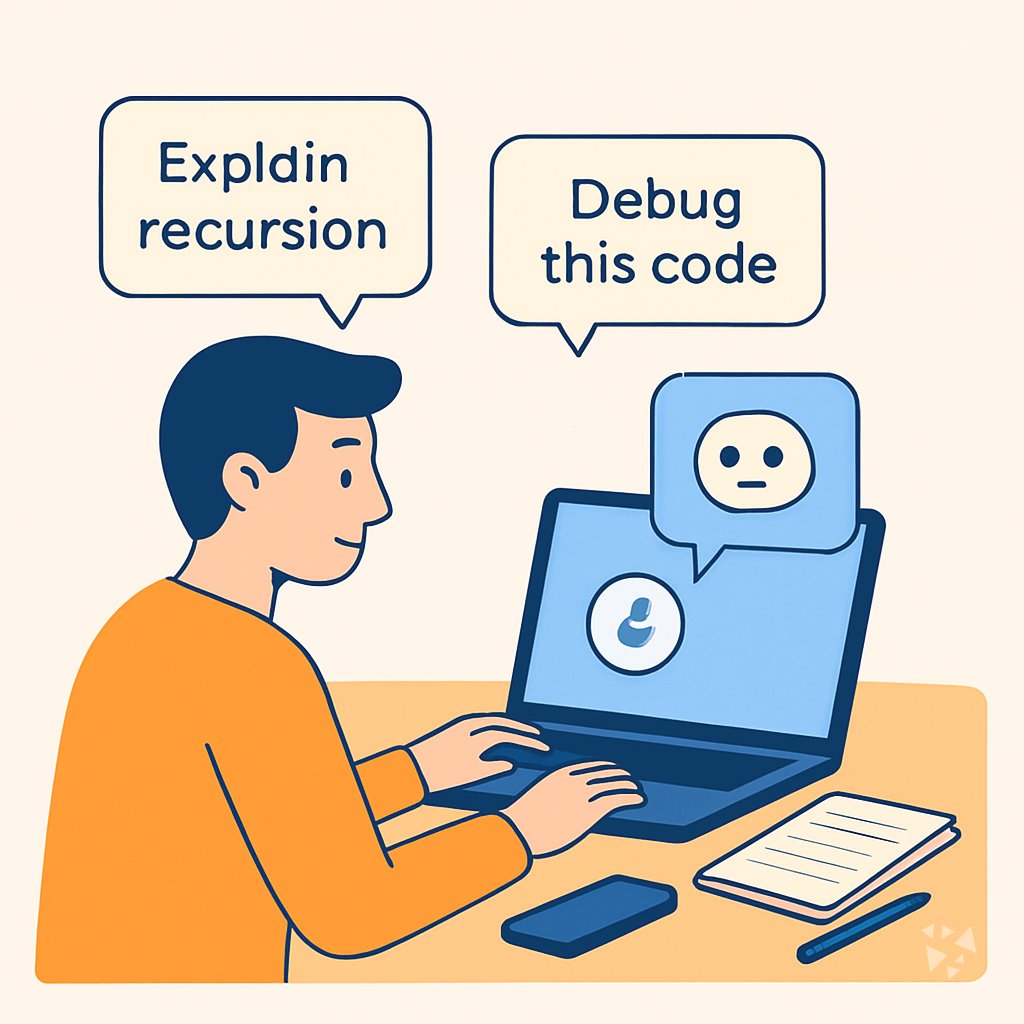
Learn to use AI for coding assignments, algorithms, debugging, and exam prep without giving away the work. Eight lessons with prompts you can paste into ChatGPT, Claude, or Gemini today.
What you'll learn
- Decode Assignments: Use AI to understand what an assignment is asking and plan your own solution before writing code.
- Study Algorithms: Use AI to build intuition for algorithms, compare approaches, and practice explaining them clearly.
- Debug Programs: Use AI to interpret errors, trace logic, and get debugging suggestions without handing over the fix.
- Practice Data Structures: Use AI to simulate operations, compare structures, and drill complexity analysis for common data structures.
- Review Lectures: Use AI to condense lecture material, turn notes into active recall tools, and check your understanding.
- Prepare for Exams: Use AI to organize exam study, generate realistic practice, and learn from mistakes before test day.
- Collaborate on Projects: Use AI to organize teamwork, improve code review, and communicate progress on shared software projects.
- Build Your Portfolio: Use AI to scope your own projects, document them well, and prepare to explain them in internships or interviews.
What's inside
8 lessons · 26 prompts- Before you start · framework course Chain of Thought and Step-Back PromptingThis framework helps you debug a recursive algorithm by stepping back to its base case then reasoning through each call.
- Start here Priya's Wednesday, two waysA day in the life of a Computer Science Student, before and after these prompts.
- 01 Lesson 1 · 3 prompts Decode Coding Assignments
- 02 Lesson 2 · 3 prompts Study Core Algorithms
- 03 Lesson 3 · 5 prompts Debug Programs with AI
- 04 Lesson 4 · 3 prompts Practice Data Structures
- 05 Lesson 5 · 3 prompts Review Lectures and Notes
- 06 Lesson 6 · 3 prompts Prepare for CS Exams
- 07 Lesson 7 · 3 prompts Collaborate on Group Projects
- 08 Lesson 8 · 3 prompts Build Portfolio and Personal Projects
About this course
7 topicsA Prompt Course for Computer Science Students
This course gives you eight lessons with prompts you can paste into ChatGPT, Claude, or Gemini. Each lesson targets a real part of student life, from decoding assignments to preparing for exams.
You will learn to keep your own thinking in charge while AI handles the repetitive parts. No prior AI experience needed.
The lessons
- Decode Coding Assignments: Use AI to understand what an assignment is asking and plan your own solution before writing code.
- Study Core Algorithms: Use AI to build intuition for algorithms, compare approaches, and practice explaining them clearly.
- Debug Programs with AI: Use AI to interpret errors, trace logic, and get debugging suggestions without handing over the fix.
- Practice Data Structures: Use AI to simulate operations, compare structures, and drill complexity analysis for common data structures.
- Review Lectures and Notes: Use AI to condense lecture material, turn notes into active recall tools, and check your understanding.
- Prepare for CS Exams: Use AI to organize exam study, generate realistic practice, and learn from mistakes before test day.
- Collaborate on Group Projects: Use AI to organize teamwork, improve code review, and communicate progress on shared software projects.
- Build Portfolio and Personal Projects: Use AI to scope your own projects, document them well, and prepare to explain them in internships or interviews.
What the Course Covers
The course walks through eight lessons, each with a prompt you can copy and use right away. You will practice on assignments, algorithms, debugging, data structures, lecture notes, exams, group projects, and personal projects.
Every lesson shows you what to ask, how to check the answer, and what to do with the result.
How the Lessons Connect
The lessons build on each other. You start by decoding an assignment, then move to studying the algorithms you need. Debugging and data structures practice come next, so you can fix and test your code.
Later lessons cover reviewing lectures, preparing for exams, working in groups, and building a portfolio. Each one uses the same habit of asking clear questions and verifying the answer.
How to Use the Prompts Well
Paste the prompt into your AI tool, then add your own details. The more specific you are about your assignment or error, the more useful the answer.
Always read the response with a critical eye. If something seems wrong, ask the AI to explain its reasoning or try a different approach. You are still the one in charge.
Who This Course Is For
This course is for computer science students who want to study smarter without cutting corners. It works for first-year students learning the basics and for upper-year students working on projects and internships.
You do not need to be a coding expert. You just need to be willing to try the prompts and think about the results.
Safety and Privacy for This Job
Do not paste private code, exam questions, or personal data into an AI tool unless you have permission. Your school may have rules about what you can share.
Use AI to understand concepts and plan your work, not to produce answers you cannot explain. Keep your own notes and your own voice in everything you submit.
Your Next Step
Start with the first lesson and try the prompt on a current assignment. Then work through the rest at your own pace.
When you finish, pick a video course that matches your next goal and earn the certificate. Keep the prompts handy for the rest of your studies.