
Learning path
Learning AI as a Computer Science Student
This path helps computer science students use AI for assignments, algorithms, and debugging while keeping their own thinking front and center. It covers setup, prompts, video courses, and certificates that show what you learned.
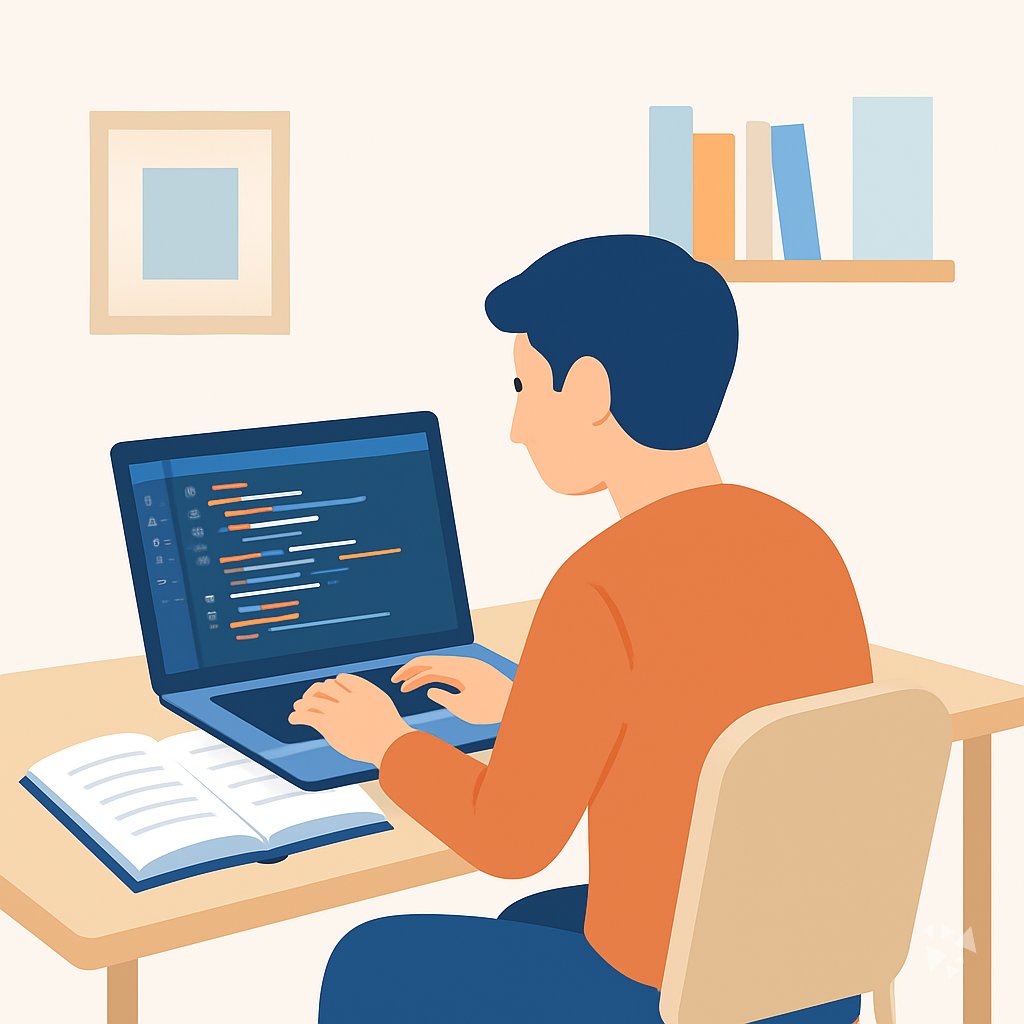
Your path
Everything in the Computer Science Student AI kit, in the order that makes sense. Members tick off each step and see their progress.
Set up your AI
We guide you through each click.
Let skills do your everyday tasks
Connect your apps and pick your AI apps
Hand whole tasks to AI agents
Build your own tools
Keep growing
Everything for computer science students
All the courses, certifications, AI tools, MCP servers and apps for computer science students, most relevant first. Open any list to see more.
Take the prompt courses
A short framework course to learn how to ask, then 8 lessons with ready-to-use prompts for computer science students.
Start with this framework: how to talk to AI
This framework helps you debug a recursive algorithm by stepping back to its base case then reasoning through each call.
Then your prompt course for computer science studentsWatch the video courses or add them to your Favorites for later
151 video courses our AI picked for computer science students, most useful first. Save the ones you want to watch later with the heart.
Favorites are saved to your account: sign in or get your AI kit first.
Show all 151 video courses
Get certified, or add certifications to your Favorites
Every course ends in an exam and a certificate you can add to LinkedIn. Save the certifications you are aiming for with the heart.
Favorites are saved to your account: sign in or get your AI kit first.
More certifications for computer science studentsShow all 24 certifications
Try the AI tools for computer science students
24 AI tools our AI matched to the work of computer science students, best fit first. Each review shows what it does, its alternatives and the jobs it suits.
Favorites are saved to your account: sign in or get your AI kit first.
Show all 24 AI tools
Connect your AI to the apps computer science students use
MCP servers let ChatGPT, Claude or Copilot look things up and get work done in other apps, like your email, calendar or bookkeeping software. These 12 fit the work of computer science students best, well-known apps first.

LeetCode MCP server
by doggybeeLets your AI look up LeetCode problems, daily challenges, user profiles and contest results for you.

Google Colab MCP server
by SebastianGilPinzonLet your AI open a Google Colab notebook, add and run code cells, and pick a GPU for you.

PinRAG MCP server
by ndjordjevicAsk questions across your PDFs, YouTube videos, GitHub repos and Discord exports, and get answers with citations.

SearchForge MCP server
by divyanshu-iitianLets your AI search the web, GitHub, papers, and Hacker News, and turn any web page into clean text.

CodeCalc MCP server
by The-40-ThievesLet your AI run real code, check hard math exactly, and test whether two programs behave the same.

Paperboy MCP server
by michaelellis003Find research papers, queue them in Zotero, and send the PDFs to your Kindle or Kobo.
Show all 12 MCP servers

Papers with Code MCP server
by hbgLets your AI search research papers and find the code, datasets, and results linked to them.

Scholar MCP server
by Liyux3Your AI can search academic papers, read them, map citations, and save them into a personal library.

WET Web Toolkit MCP server
by n24q02mLet your AI search the web, pull content from pages, and look up library documentation for you.

Scholar Feed MCP server
by YGao2005Lets your AI search 600k+ computer science and AI papers, follow citations, and export BibTeX.

arXiv MCP server
by andybrandtLets your AI search arXiv for research papers and pull up their details and full text.
ResearchNo install
Research Hub MCP server
by WenyuChiouLets your AI search for papers, save them to Zotero, and write notes into your Obsidian vault for you.
Build your own AI apps for computer science students
Apps you build yourself with your own AI, no coding needed and no monthly fee. Our AI picked the 7 that fit the work of computer science students.
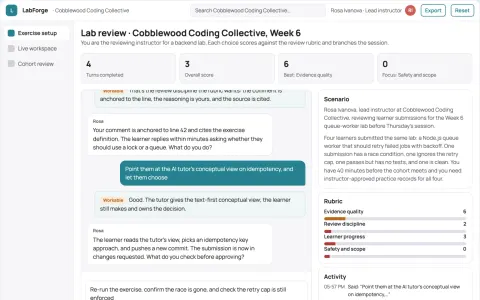
Coding practice and lab workshop platform
Run one owned practice environment instead of renting several tools.
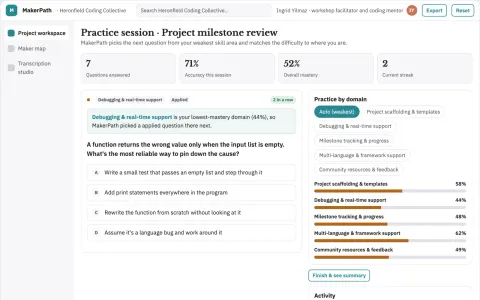
Coding practice, maker map and audio transcription workspace
Reduce the number of rented tools while keeping project progress, local maker contacts and transcribed session notes in one owned workspace.
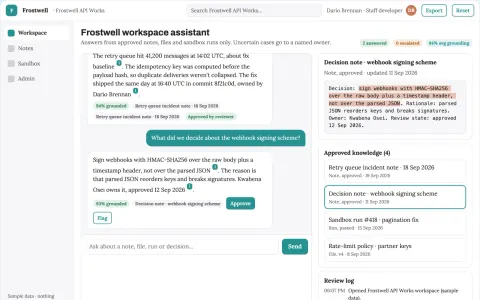
Source-linked AI workspace with notes, code and files
Reduce tool switching and keep work context in one owned workspace.
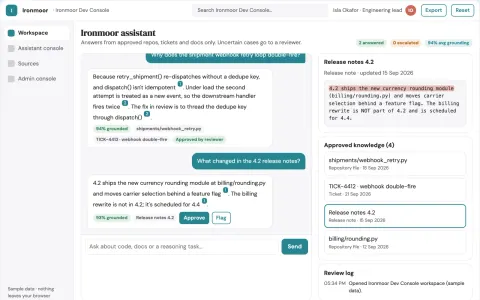
Source-linked text and code reasoning workbench
Consolidate writing, coding and reasoning assistance into one owned console with source-linked outputs and administrator controls.
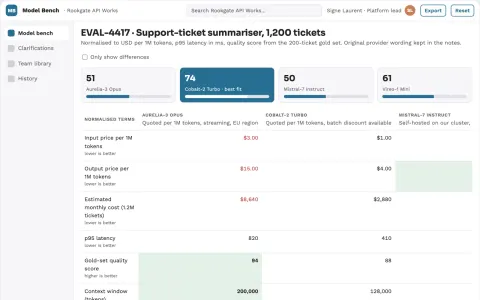
Multi-model comparison and clarification workspace
Reduce tool sprawl while keeping model choice, cost evidence and team context in one owned workspace.
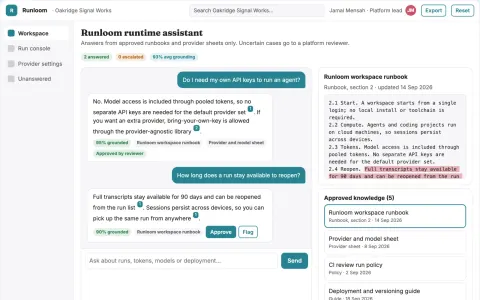
Zero-setup agent runtime and coding console
Reduce environment setup and key handling while keeping agent work reproducible and auditable.
Show all 7 apps



























































































About this learning path
6 topicsAI Skills for Computer Science Students
You are learning computer science, and the field is changing fast. AI tools are now part of how people write, test, and understand code. This path helps you use them well without losing your own skill.
It starts with small setup questions, then shows you how to connect your AI assistant. You will practice prompts for assignments, algorithms, and debugging, then choose video courses and certificates that fit your goals.
Why AI Matters for You
Employers expect computer science graduates to work with AI tools, not against them. Knowing how to ask good questions and check the answers is becoming a basic part of the job.
AI will not replace your understanding of algorithms or data structures. It can help you learn them faster and spend more time on the parts that need a human mind.
What the Path Includes
You begin with setup questions that help you pick a tool and get it ready. Then you connect your AI assistant and learn skills for the job inside it, like writing clear prompts and checking results.
The path includes this prompt course, plus video courses chosen for computer science students. Each video course comes with a certificate you can add to your profile.
How It Saves Time
AI can help you decode an assignment, find a bug, or turn lecture notes into practice questions in minutes. That leaves more time for deep work like designing a solution or building a project.
You still do the thinking. The time you save goes back into your studies, your sleep, and your portfolio.
How It Protects Your Career
The path teaches you to use AI as a helper, not a crutch. You learn to verify answers, explain your code, and show your own reasoning in interviews.
Those habits protect you from relying on tools you do not understand. They also make you a stronger candidate for internships and first jobs.
How to Start
Start with the setup questions and connect your AI assistant. Then work through the prompt course lesson by lesson, trying each prompt on a real assignment or project.
After that, pick one video course that matches your next goal, like exam prep or portfolio building. Take your time and practice with your own work.
Frequently asked questions
Do I need to be good at AI already?
No. The path starts with basic setup and simple prompts. If you can use a chat tool, you can follow along.Will using AI count as cheating?
It depends on your course rules. The path teaches you to use AI for understanding and planning, not for handing in work that is not yours. Always check with your instructor.How long does the path take?
You can move at your own pace. Most students finish the prompt course in a few sittings and then take video courses over several weeks.What do I get at the end?
You get a set of prompts you can reuse, certificates from the video courses, and a clearer way to study and build projects with AI.