
Prompt course · 8 lessons · 26 prompts · 1 hour · Beginner
AI for Curriculum Developers
Learn eight practical prompts for curriculum work, from outlines and objectives to standards mapping, assessments, feedback, and program review. Practice in ChatGPT, Claude, or Gemini while keeping your professional judgment and learner privacy.
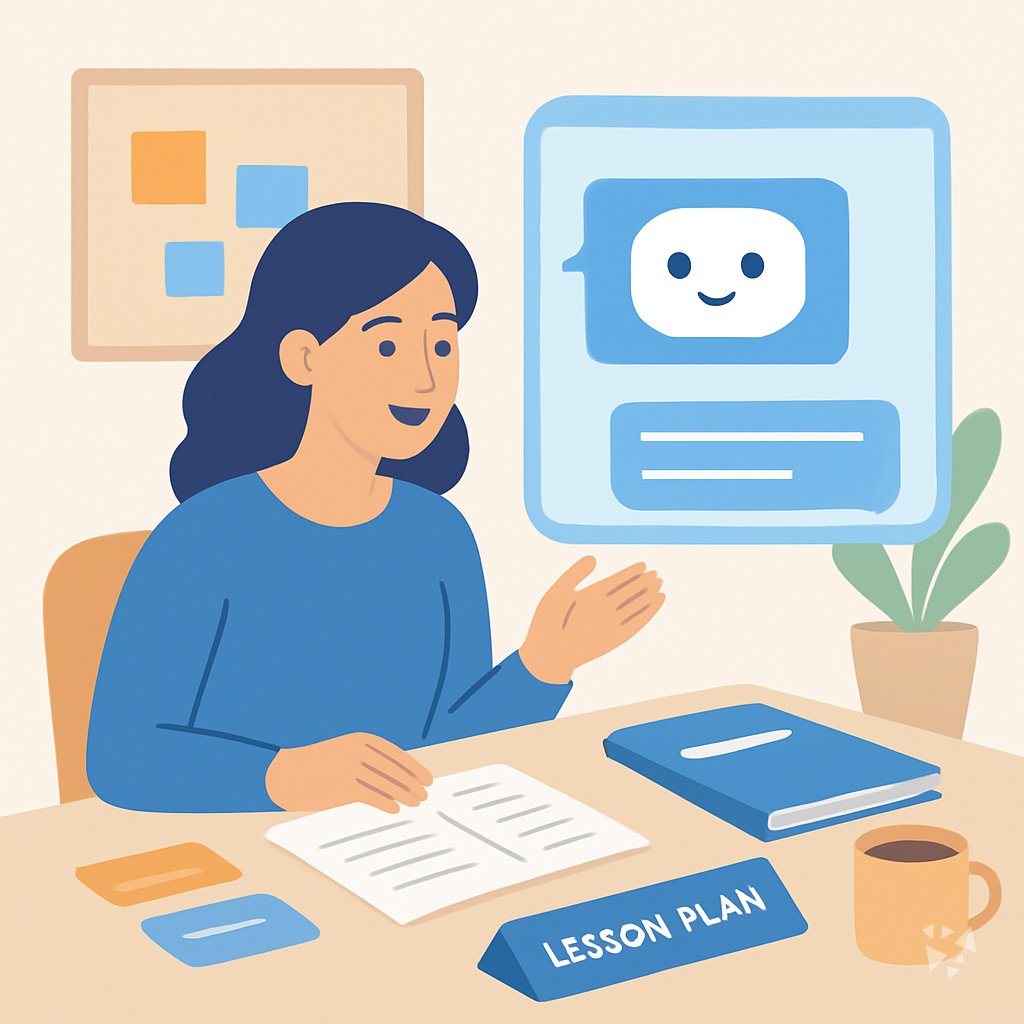
What you'll learn
- Draft outlines: Turn a course brief into modules, topics, and time estimates.
- Write objectives: Create clear, measurable learning objectives for your learners and standards.
- Map standards: Match lessons and assessments to standards and spot coverage gaps.
- Build assessments: Draft quizzes, rubrics, and quick checks tied to your objectives.
- Review materials: Check drafts for clarity, bias, reading level, and missing supports.
- Revise with feedback: Update content using teacher and learner feedback.
- Support educators: Prepare meeting notes, messages, and collaboration materials for teaching teams.
- Evaluate programs: Review assessment data and plan the next curriculum cycle.
What's inside
8 lessons · 26 prompts- Before you start · framework course RISEN Prompt Framework: Multi-Step Work Done RightThe RISEN framework fits your curriculum work because it structures multi-step deliverables, such as a unit plan with objectives, lessons, and assessments.
- Start here Nadia's Wednesday, two waysA day in the life of a Curriculum Developer, before and after these prompts.
- 01 Lesson 1 · 3 prompts Course Outline Drafting
- 02 Lesson 2 · 3 prompts Learning Objectives Writing
- 03 Lesson 3 · 3 prompts Standards Alignment
- 04 Lesson 4 · 5 prompts Assessment Tool Development
- 05 Lesson 5 · 3 prompts Instructional Materials Review
- 06 Lesson 6 · 3 prompts Curriculum Updates And Feedback
- 07 Lesson 7 · 3 prompts Educator Collaboration Support
- 08 Lesson 8 · 3 prompts Program Evaluation And Improvement
About this course
7 topicsPractical AI prompts for curriculum developers
Curriculum work asks you to turn big goals into clear lessons, assessments, and updates. This course gives you prompts for each step, so AI can help with the drafting while you keep the professional judgment.
You will work in ChatGPT, Claude, or Gemini. Each lesson shows a prompt pattern, an example from curriculum work, and a quick way to check the result before you share it.
The lessons
- Course Outline Drafting: Use AI to turn a course brief into a structured outline with modules, topics, and time estimates.
- Learning Objectives Writing: Use AI to write clear, measurable learning objectives that match your standards and learner level.
- Standards Alignment: Use AI to map lessons and assessments to standards and find coverage gaps.
- Assessment Tool Development: Use AI to draft quizzes, rubrics, and formative checks tied to your learning objectives.
- Instructional Materials Review: Use AI to review drafts for clarity, bias, reading level, and missing supports.
- Curriculum Updates And Feedback: Use AI to revise content from teacher or learner feedback and keep materials current.
- Educator Collaboration Support: Use AI to prepare collaboration materials, meeting notes, and clear messages for teaching teams.
- Program Evaluation And Improvement: Use AI to analyze assessment data, identify weak areas, and plan the next curriculum cycle.
What the course covers
The course follows eight lessons: Course Outline Drafting, Learning Objectives Writing, Standards Alignment, Assessment Tool Development, Instructional Materials Review, Curriculum Updates And Feedback, Educator Collaboration Support, and Program Evaluation And Improvement. Each lesson pairs a curriculum task with a prompt you can adapt.
How the lessons connect
You start with an outline, then write objectives, map standards, and build assessments. Later lessons use those drafts for materials review, feedback updates, collaboration, and program evaluation.
How to use prompts well
Give the AI your learner level, subject, standards, format, and time limits. Ask for more than one option, ask it to explain its choices, and edit every output to fit your program.
Who this course is for
This course is for curriculum developers, instructional designers, trainers, and teachers who build learning programs. No coding is needed, and the prompts fit anyone who shapes lessons, assessments, or standards maps.
Safety and privacy
Keep student names, grades, private records, and confidential school data out of prompts unless your organization approves a safe tool. Check every draft for bias, accuracy, reading level, and missing supports before it reaches learners.
Your next step
Pick one real unit or training module and start with Course Outline Drafting. Then move through objectives and standards, and bring the draft to a colleague for a quick review.