
Learning path
Learning AI as a Curriculum Developer
This learning path shows curriculum developers how to use AI for outlines, objectives, standards, assessments, and revisions. You will set up your AI, practice job prompts, and pick video courses that fit your work.

Your path
Everything in the Curriculum Developer AI kit, in the order that makes sense. Members tick off each step and see their progress.
Set up your AI
We guide you through each click.
Let skills do your everyday tasks
Connect your apps and pick your AI apps
Hand whole tasks to AI agents
Build your own tools
Keep growing
Everything for curriculum developers
All the courses, certifications, AI tools, MCP servers and apps for curriculum developers, most relevant first. Open any list to see more.
Take the prompt courses
A short framework course to learn how to ask, then 8 lessons with ready-to-use prompts for curriculum developers.
Start with this framework: how to talk to AI
The RISEN framework fits your curriculum work because it structures multi-step deliverables, such as a unit plan with objectives, lessons, and assessments.
Then your prompt course for curriculum developers- 1Course Outline Drafting3 prompts
- 2Learning Objectives Writing3 prompts
- 3Standards Alignment3 prompts
- 4Assessment Tool Development5 prompts
- 5Instructional Materials Review3 prompts
- 6Curriculum Updates And Feedback3 prompts
- 7Educator Collaboration Support3 prompts
- 8Program Evaluation And Improvement3 prompts
Watch the video courses or add them to your Favorites for later
113 video courses our AI picked for curriculum developers, most useful first. Save the ones you want to watch later with the heart.
Favorites are saved to your account: sign in or get your AI kit first.
Show all 113 video courses
Get certified, or add certifications to your Favorites
Every course ends in an exam and a certificate you can add to LinkedIn. Save the certifications you are aiming for with the heart.
Favorites are saved to your account: sign in or get your AI kit first.
More certifications for curriculum developersShow all 24 certifications
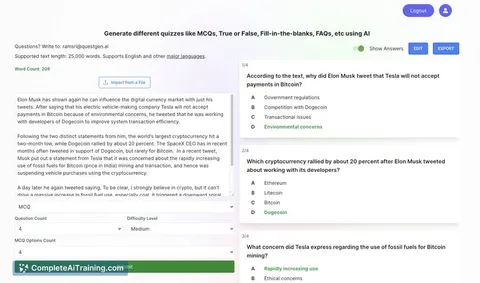
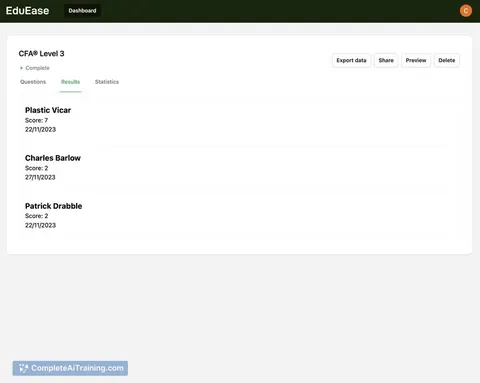
Try the AI tools for curriculum developers
24 AI tools our AI matched to the work of curriculum developers, best fit first. Each review shows what it does, its alternatives and the jobs it suits.
Favorites are saved to your account: sign in or get your AI kit first.
Show all 24 AI tools
Connect your AI to the apps curriculum developers use
MCP servers let ChatGPT, Claude or Copilot look things up and get work done in other apps, like your email, calendar or bookkeeping software. These 12 fit the work of curriculum developers best, well-known apps first.

Google Docs MCP server
by A1-x-TechLet your AI read, summarize, edit and comment on your Google Docs without leaving the chat.

VE Google Workspace MCP server
by HuntsDeskLet your AI read and write your Google Docs, Sheets, Slides, Drive, Gmail and Calendar for you.
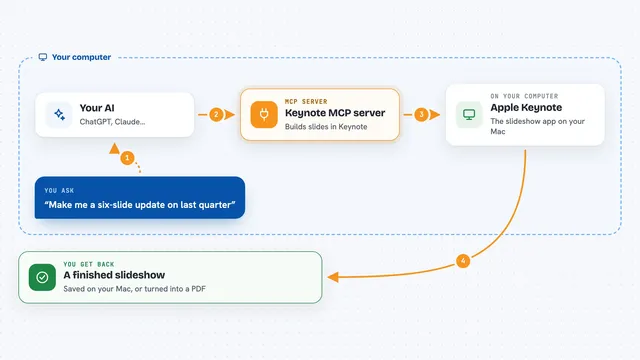
Keynote MCP server
by ByAxeLet your AI make and edit Apple Keynote slideshows on your Mac just by asking.

KitchenSink4Word MCP server
by nometalalchemistLet your AI edit real Word documents: text, tables, tracked changes, citations and more.

NotebookLM MCP server
by roomi-fieldsAsk your own documents questions and get answers with citations, plus podcasts, videos, and study aids.
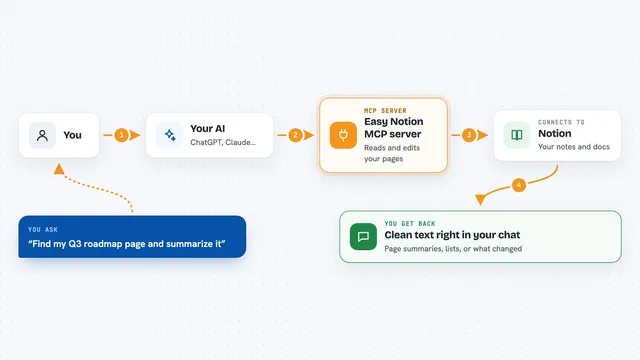
Easy Notion MCP server
by Grey-IrisLets your AI read and write Notion pages using plain markdown, so notes and docs stay tidy.
Show all 12 MCP servers

OfficeAgent MCP server
by ilia-sokolovLet your AI edit Word, PowerPoint and Excel files, with changes you can review before saving.
Productivity Official
Feishu MCP server
by ztxtxwdLet your AI read, search and edit your Feishu documents for you, after you log in with your Feishu account.

Google Workspace MCP server
by taylorwilsdonLets your AI read and write your Gmail, Calendar, Drive, Docs, Sheets and more, all from one chat.

Notion MCP server
by ankitmalik84Let your AI search, read, and write in your Notion pages and databases for you.
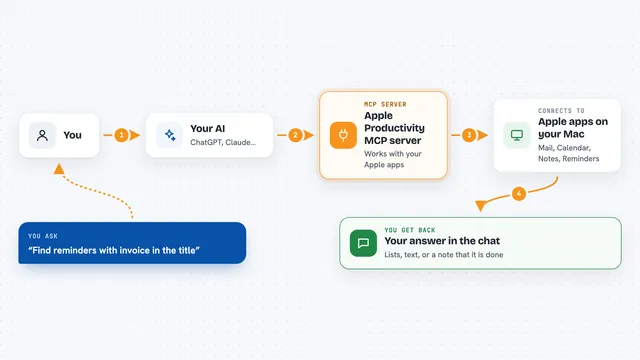
Apple Productivity MCP server
by gambadioLets your AI work with Mail, Calendar, Notes, Reminders, Pages, Numbers and more on your Mac.

Scribefy MCP server
by MKirovBGLet your AI pull YouTube transcripts, search videos, and check video details for you.
Research OfficialBuild your own AI apps for curriculum developers
Apps you build yourself with your own AI, no coding needed and no monthly fee. Our AI picked the 12 that fit the work of curriculum developers.
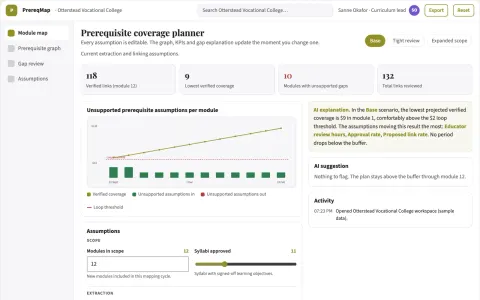
Curriculum prerequisite mapper
Expose missing prerequisites across courses before enrollment.
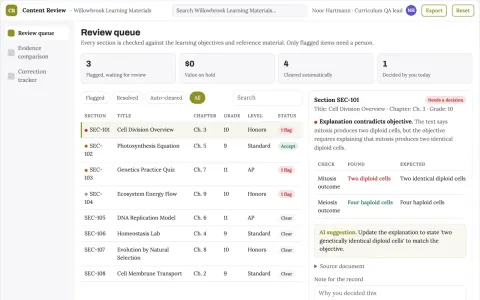
Educational content quality review
Checks the relationship between explanations, objectives and assessments.
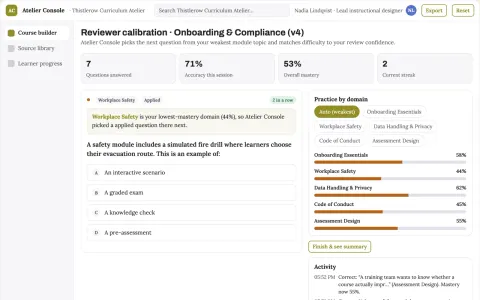
Role-based course authoring and delivery console
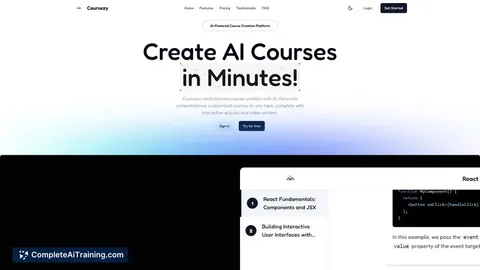
Reduce course production and maintenance effort while keeping one reviewed source of truth.
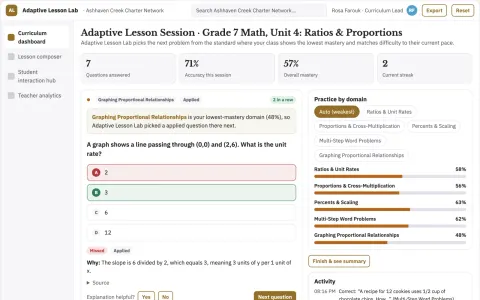
Adaptive Lesson Generator
Lessons that combine spoken interaction and automatic grading in one sequence, adapted to each pupil.
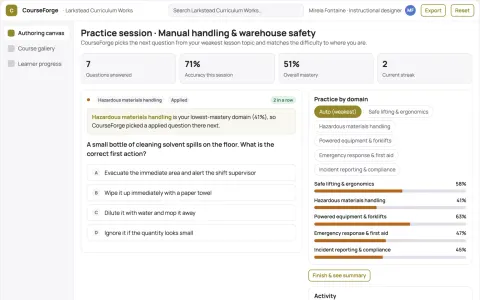
Role-based course authoring and delivery console
Reduce tool sprawl and manual course assembly while keeping one owned source of truth.
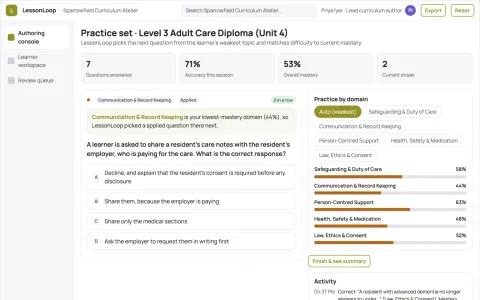
Role-based learning and course authoring workspace
Reduce duplicated authoring and tutoring effort while keeping every learner answer and course change under named human review.
Show all 12 apps
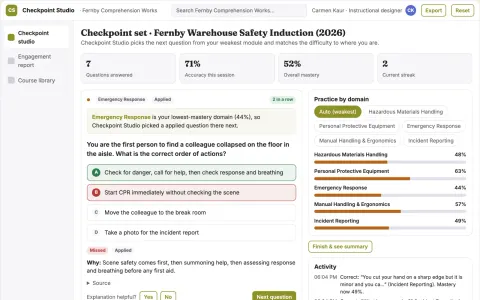
Interactive video and document learning checkpoint studio
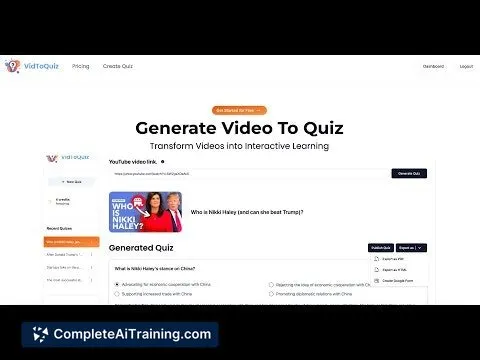
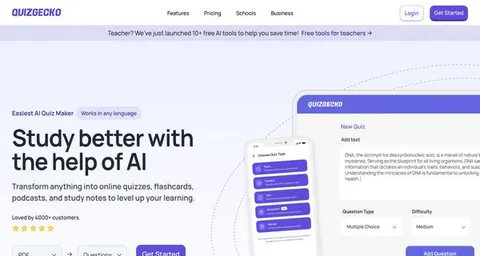
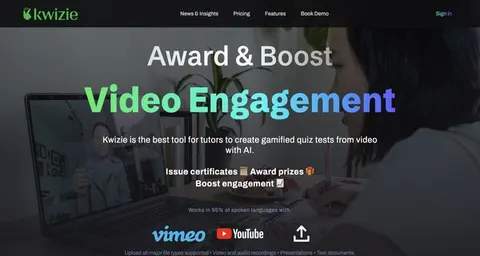
Turn existing videos and documents into interactive quizzes and checkpoints and track how viewers engage with them.
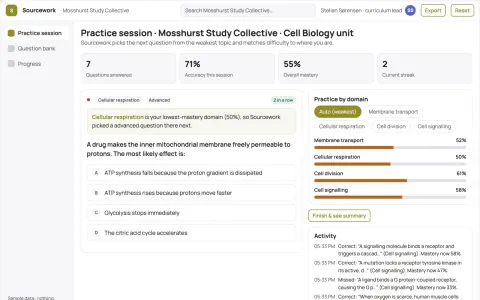
Role-based study material and course authoring workbench
Reduce the number of separate study tools a course team rents while keeping every generated item linked to its source.
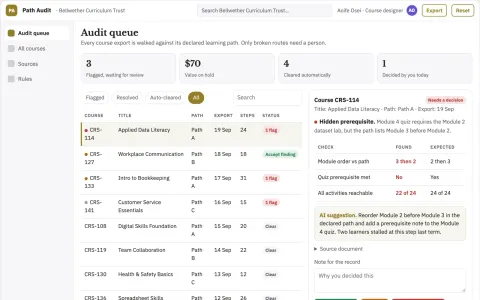
Online course navigation audit
Check the learner route through existing content.
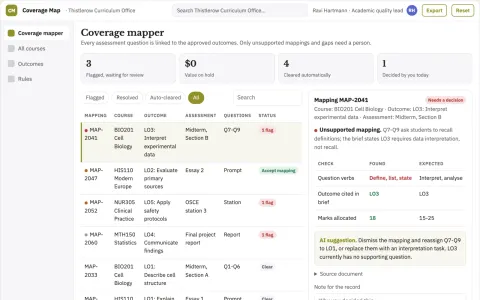
Course assessment coverage mapper
Evidence of what assessments actually test.
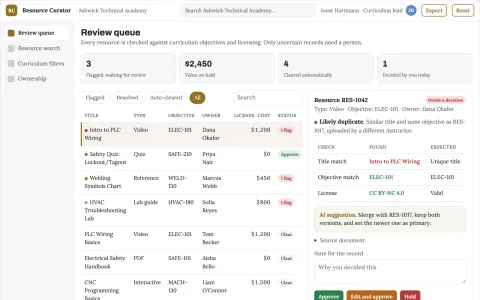
Learning resource organizer
Curriculum-aware discovery with visible ownership and reuse permissions.
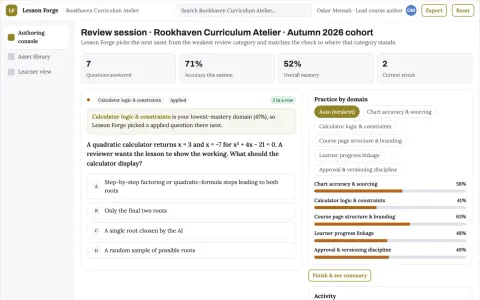
Role-based data visualization and course authoring workbench
Reduce tool sprawl and manual rebuild work while keeping learner data and course branding under the institution's control.































































































About this learning path
7 topicsAI skills for curriculum developers, step by step
Curriculum developers hold a lot at once: standards, teacher feedback, learner needs, and tight timelines. AI can help you draft, compare, and check materials, but you remain the person who decides what good learning looks like.
This path starts with setup questions and connecting your AI. Then you learn job skills inside your AI, take the prompt course, and choose video courses picked for curriculum work, including the certifications that come with them.
Why this matters now
Schools and training groups update programs more often, and learners expect materials that fit their level and context. AI can speed up the first pass on outlines, objectives, standards maps, and checks, so you can spend more time on review and teaching teams.
What the path includes
You get setup questions, help connecting your AI, and skills practice for curriculum tasks inside your AI. The path also includes this prompt course and video courses chosen for curriculum developers, with the certifications from those courses.
How it saves you time
Prompts help you draft course outlines, write objectives, map standards, create quiz items, and revise from feedback. The time saved goes to careful review, learner support, and conversations with teachers.
How it protects your career
AI does not replace your judgment about learners, standards, or privacy. This path helps you build review habits, explain your choices, and use AI in ways your organization can trust.
Certifications for your resume
The video courses come with certifications you can list on your resume or share at work. They show you have practiced AI for curriculum tasks, not just watched general advice.
How to start
Begin with the setup questions and connect one AI tool you already have access to. Then try Course Outline Drafting on a real unit, keep private learner data out, and review every word before you share it.
Frequently asked questions
Do I need technical skills?
No. If you can write a course outline and use email, you can follow this path. Setup lessons walk you through each step.Will AI replace my curriculum judgment?
No. AI helps with first drafts, options, and checks. You still decide what learners need, what standards require, and what gets approved.Can I use real student data?
Keep names, grades, and private records out of prompts unless your organization approves a safe tool. Use fake examples or summaries instead. Ask your privacy lead when unsure.How is this different from a general AI course?
Every lesson uses curriculum tasks: outlines, objectives, standards, assessments, materials review, feedback, collaboration, and program evaluation. You practice prompts you can use the same day. Video courses and certifications match your role.