
Prompt course · 9 lessons · 24 prompts · 1 hour · Beginner
AI for Medical Coders
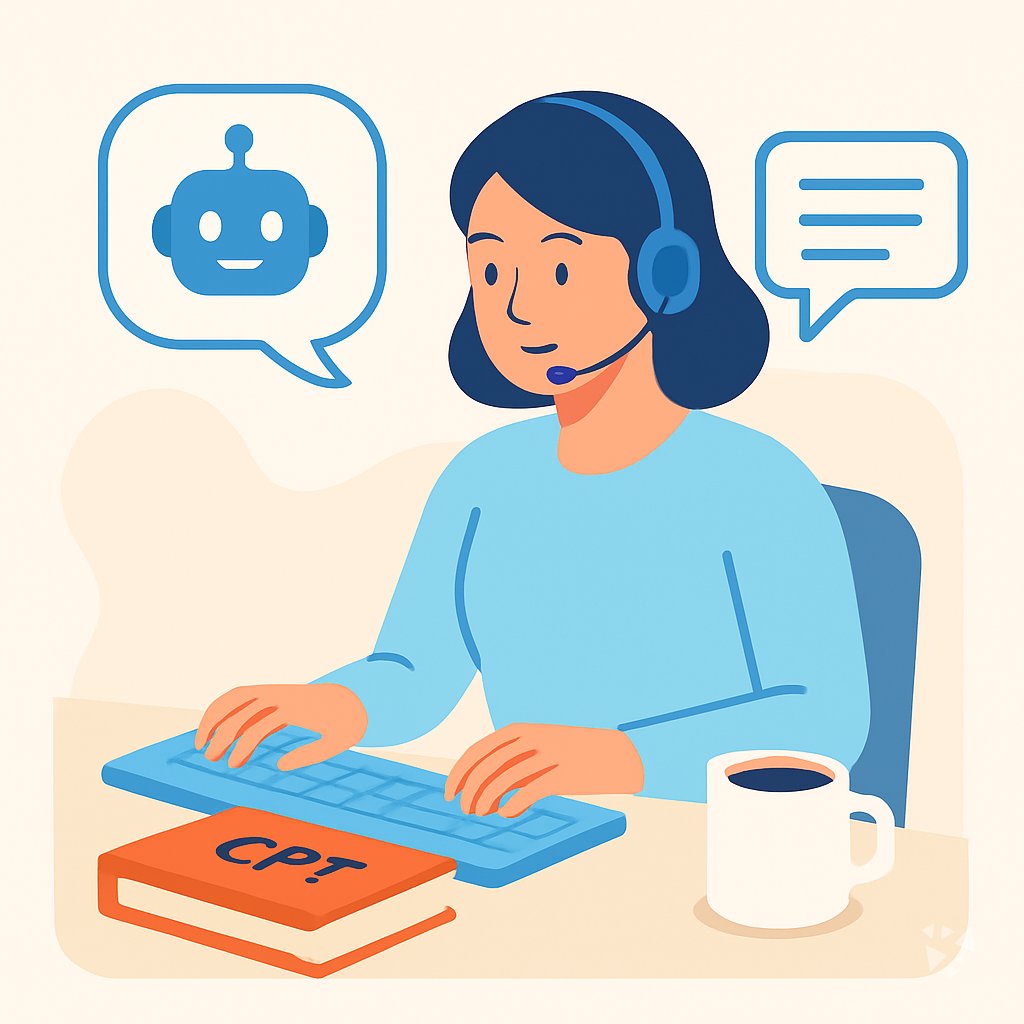
This prompt course covers chart review, ICD-10-CM, CPT and HCPCS, physician queries, compliance, denials, and safe AI use. You get prompts to adapt for your own coding work.
What you'll learn
- Chart Review: Turn a messy clinical note into a clear list of diagnoses, procedures, and missing details.
- ICD-10-CM Help: Find and check ICD-10-CM code candidates while still using your official coding resources.
- CPT And HCPCS: Pull procedure details into CPT and HCPCS candidates and spot modifier needs.
- Physician Queries: Draft clear, compliant queries when the documentation is unclear.
- Compliance Checks: Review coded claims for risk and prepare simple audit summaries.
- Denials And Handoffs: Explain denial reasons and hand off claims to billers with coding evidence.
- Coding Updates: Study coding changes and build a personal learning plan for new codes.
- Safe AI Use: Check AI suggestions and create safe habits for private coding work.
What's inside
9 lessons · 24 prompts- Before you start · framework course TIDD-EC Prompt Framework: Do, Don't and Precise InstructionsTIDD-EC fits medical coding with do and don't rules that prevent errors, like never assigning an ICD-10 code without documented provider support.
- Before you start · framework course ICIO and CIDI: Reusable Prompt TemplatesICIO and CIDI reusable prompt templates help medical coders extract ICD-10 codes from op notes and classify diagnoses consistently.
- Start here Priya's Wednesday, Two WaysA day in the life of a Medical Coder, before and after these prompts.
- 01 Lesson 1 · 3 prompts Clinical Chart Review
- 02 Lesson 2 · 3 prompts ICD-10-CM Coding Support
- 03 Lesson 3 · 3 prompts CPT And HCPCS Support
- 04 Lesson 4 · 3 prompts Physician Queries
- 05 Lesson 5 · 3 prompts Compliance And Audits
- 06 Lesson 6 · 3 prompts Denials And Biller Communication
- 07 Lesson 7 · 2 prompts Coding Education And Updates
- 08 Lesson 8 · 2 prompts Advanced Chart Triage
- 09 Lesson 9 · 2 prompts Safe AI Use In Coding
About this course
7 topicsPrompts For Medical Coders, Lesson By Lesson
This course is built for medical coders who want AI to help with the reading, checking, and drafting parts of the job. You stay in charge of the final code choice.
You will work through eight lessons in order, from clinical chart review to safe AI use. Each lesson includes prompts you can copy, adjust, and test on practice charts.
The lessons
- Clinical Chart Review: Use AI to turn a messy clinical note into a clear list of codable diagnoses, procedures, and missing details.
- ICD-10-CM Coding Support: Use AI to find and check ICD-10-CM code candidates against the documentation without replacing the official code book.
- CPT And HCPCS Support: Use AI to turn procedure notes into CPT/HCPCS candidates, compare code descriptions, and spot modifier needs.
- Physician Queries: Use AI to draft clear, compliant physician queries when documentation is ambiguous or incomplete.
- Compliance And Audits: Use AI to review coded claims for risk, prepare audit summaries, and build corrective action checklists.
- Denials And Biller Communication: Use AI to explain denials, draft appeals with coding evidence, and hand off claims clearly to billers.
- Coding Education And Updates: Use AI to study coding changes and build a personal learning plan for new or updated codes.
- Advanced Chart Triage: Use AI to organize chart reviews and prioritize complex cases for deeper coding review.
- Safe AI Use In Coding: Use AI to verify its own code suggestions and create safe prompt templates for coding work.
What The Course Covers
The lessons move from clinical chart review to ICD-10-CM, CPT and HCPCS, physician queries, compliance, denials, coding updates, and safe AI use. Each lesson gives you prompts for a real coding task.
You will not just read about AI. You will practice turning notes, denials, and audit risks into clear next steps.
How The Lessons Connect
The first lesson helps you see what is in the chart. The next lessons help you check code candidates and ask for missing details. Later lessons cover audits, denials, education, and safe habits.
This order mirrors a normal coding workflow. You can use one lesson on its own, but the full set works best together.
How To Use Prompts Well
Give the AI the actual documentation, not a summary. Ask for missing details, code candidates, and reasons for each suggestion. Then check the answer against your official coding resources.
Keep your edits. A prompt is a starting point, not a final answer. The better your question, the more useful the reply.
Who This Course Is For
This course is for medical coders in clinics, hospitals, billing offices, and remote coding roles. It suits new coders who want a clear process and experienced coders who want to save time.
You do not need to be technical. You only need to know your coding guidelines and be willing to practice.
Safety And Privacy
Never paste patient names, dates of birth, record numbers, or other identifiers into an AI tool. Follow your employer's privacy rules and the tools your workplace allows.
Treat every AI suggestion as a draft. You are the coder, and your name goes on the work.
Your Next Step
Start with the Clinical Chart Review prompt on a practice note. Notice what the AI finds, what it misses, and what you would change.
Then move through the lessons at your pace. By the end, you will have a set of prompts you can adapt to your daily coding work.