
Prompt course · 8 lessons · 24 prompts · 1 hour · Beginner
AI for Scrum Masters
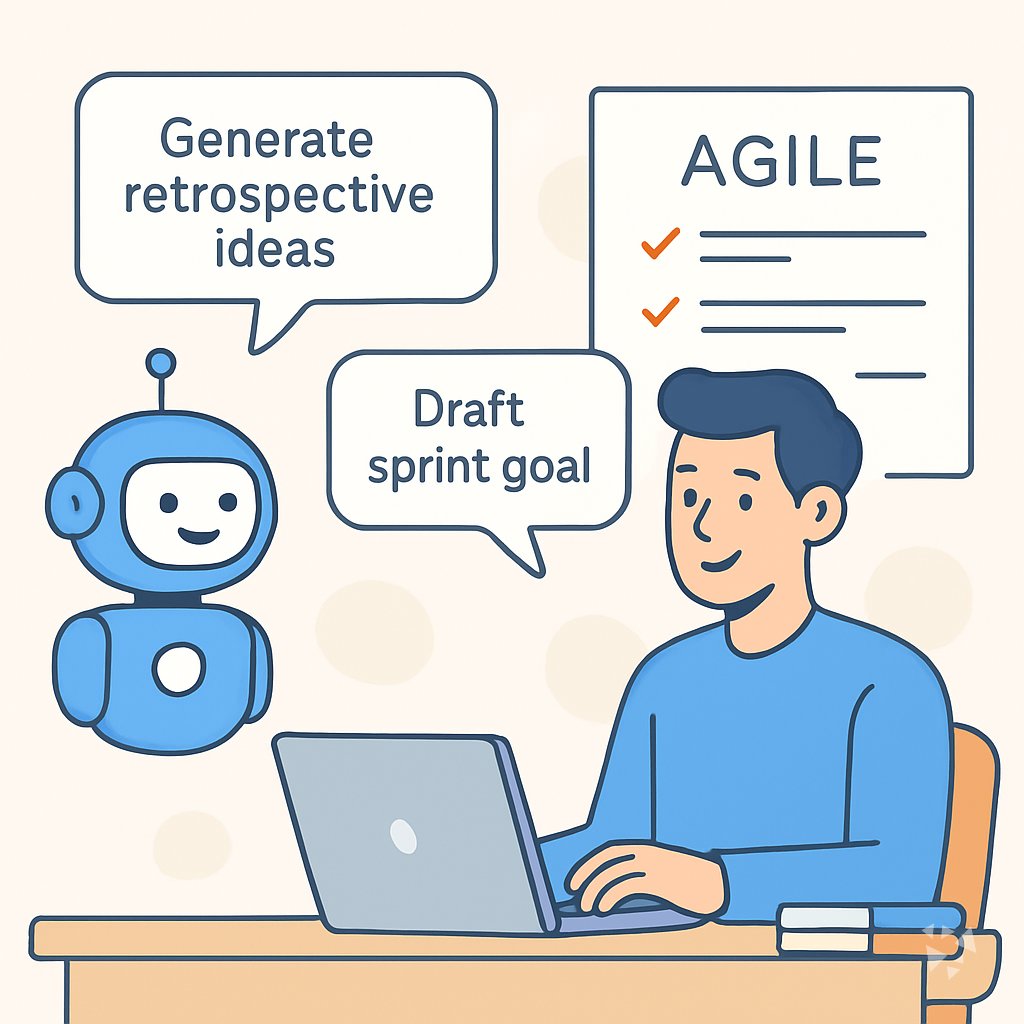
This prompt course gives Scrum Masters eight practical prompts for stand-ups, planning, reviews, retros, and coaching. Each lesson turns a common task into a clear draft you can use right away.
What you'll learn
- Prepare Stand-Up: Use AI to prepare daily stand-up prompts, summarize updates, and turn notes into clear blockers.
- Plan the Sprint: Use AI to plan a focused sprint planning session with a clear agenda, goal, and capacity questions.
- Refine the Backlog: Use AI to improve backlog items by rewriting stories, adding acceptance criteria, and splitting large work.
- Prepare the Review: Use AI to prepare sprint review communication, summarize feedback, and update stakeholders clearly.
- Design a Retro: Use AI to design retrospectives, find themes in feedback, and turn discussion into action items.
- Remove Blockers: Use AI to describe blockers, brainstorm options, and keep an impediment summary ready for escalation.
- Coach the Team: Use AI to explain Agile ideas, prepare coaching conversations, and draft team working agreements.
- Report Metrics: Use AI to explain sprint metrics, draft progress reports, and generate review questions for the team.
What's inside
8 lessons · 24 prompts- Before you start · framework course RISEN Prompt Framework: Multi-Step Work Done RightRISEN helps Scrum Masters structure sprint planning, retrospectives, and stakeholder reports step by step, like drafting a sprint retrospective action plan.
- Start here Priya's Wednesday, Two WaysA day in the life of a Scrum Master, before and after these prompts.
- 01 Lesson 1 · 3 prompts Daily Stand-Up Facilitation
- 02 Lesson 2 · 3 prompts Sprint Planning Preparation
- 03 Lesson 3 · 3 prompts Backlog Refinement Assistance
- 04 Lesson 4 · 3 prompts Sprint Review Communication
- 05 Lesson 5 · 3 prompts Retrospective and Team Health
- 06 Lesson 6 · 3 prompts Impediment Removal Support
- 07 Lesson 7 · 3 prompts Agile Coaching Conversations
- 08 Lesson 8 · 3 prompts Sprint Metrics Reporting
About this course
7 topicsEight Prompts for Your Scrum Master Day
This course is a set of prompts you can use in ChatGPT, Claude, or Gemini. Each one matches a task you already do, from preparing stand-up to writing a sprint review update.
You do not need to learn a new system. You copy a prompt, add your notes, and edit the answer until it sounds like you.
The lessons
- Daily Stand-Up Facilitation: Use AI to prepare daily stand-up prompts, summarize updates, and turn notes into clear blockers.
- Sprint Planning Preparation: Use AI to plan a focused sprint planning session with a clear agenda, goal, and capacity questions.
- Backlog Refinement Assistance: Use AI to improve backlog items by rewriting stories, adding acceptance criteria, and splitting large work.
- Sprint Review Communication: Use AI to prepare sprint review communication, summarize feedback, and update stakeholders clearly.
- Retrospective and Team Health: Use AI to design retrospectives, find themes in feedback, and turn discussion into action items.
- Impediment Removal Support: Use AI to describe blockers, brainstorm options, and keep an impediment summary ready for escalation.
- Agile Coaching Conversations: Use AI to explain Agile ideas, prepare coaching conversations, and draft team working agreements.
- Sprint Metrics Reporting: Use AI to explain sprint metrics, draft progress reports, and generate review questions for the team.
What the Course Covers
The course covers eight prompts that follow the Scrum Master's week. You start with daily stand-up and sprint planning, then move through backlog refinement, sprint review, retrospectives, impediment removal, coaching, and sprint metrics.
Each lesson is short and practical. You see the prompt, try it with your own notes, and keep a version that works for your team.
How the Lessons Connect
The lessons are in the order you often use them during a sprint. Stand-up and planning set the week. Refinement and review keep the work clear. Retrospectives and coaching help the team improve. Impediment removal and metrics reporting keep you ready for leadership.
You can jump to any lesson, but going in order builds a full picture of how AI fits your role.
How to Use the Prompts Well
Treat each prompt as a starting point, not a final answer. Add your team's context: the sprint goal, the names, the specific blocker, the tone you want.
Read the draft out loud before you send it. If it sounds like a robot, change it. Your voice is what makes the update land.
Who This Course Is For
This course is for Scrum Masters who want to save time on writing and summarizing. It is also for Agile coaches and team leads who run similar ceremonies.
You do not need any technical background. If you can write an email, you can use these prompts.
Safety and Privacy for This Job
Never paste confidential team information into a public AI tool. Use the tool your company approves, and leave out names, salaries, or customer details when you can.
The lessons show you how to describe a blocker or a conflict in a general way that still gets you useful help.
Your Next Step
Open the first lesson on daily stand-up. Try the prompt with a real update from this week. Then pick one more lesson that matches a task you have coming up.
Small practice now makes the next sprint feel lighter.