
Learning path
Learning AI as a Scrum Master
This learning path helps Scrum Masters use AI to prepare ceremonies, summarize updates, and coach teams. It combines setup, prompt practice, and short video courses with certificates.
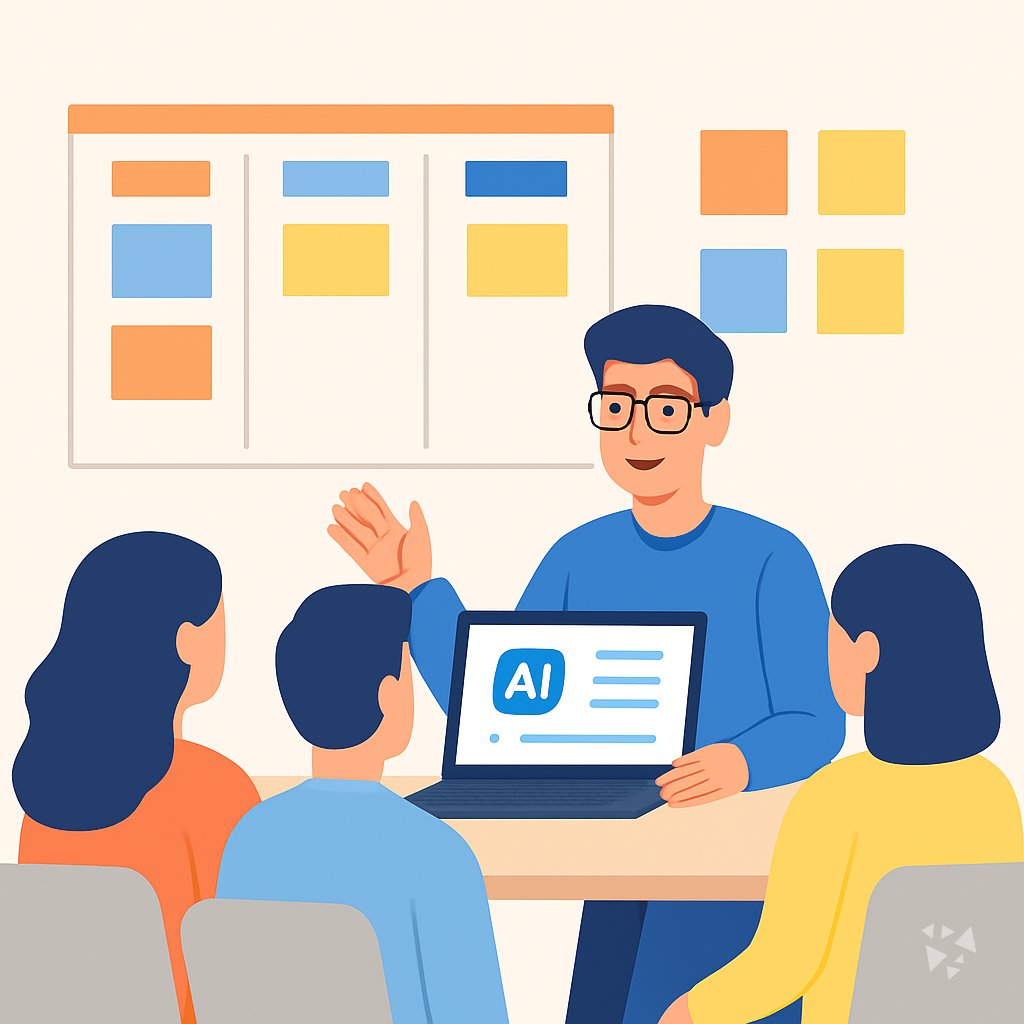
Your path
Everything in the Scrum Master AI kit, in the order that makes sense. Members tick off each step and see their progress.
Set up your AI
We guide you through each click.
Let skills do your everyday tasks
Connect your apps and pick your AI apps
Hand whole tasks to AI agents
Build your own tools
Keep growing
Everything for scrum masters
All the courses, certifications, AI tools, MCP servers and apps for scrum masters, most relevant first. Open any list to see more.
Take the prompt courses
A short framework course to learn how to ask, then 8 lessons with ready-to-use prompts for scrum masters.
Start with this framework: how to talk to AI
RISEN helps Scrum Masters structure sprint planning, retrospectives, and stakeholder reports step by step, like drafting a sprint retrospective action plan.
Then your prompt course for scrum mastersWatch the video courses or add them to your Favorites for later
90 video courses our AI picked for scrum masters, most useful first. Save the ones you want to watch later with the heart.
Favorites are saved to your account: sign in or get your AI kit first.
Show all 90 video courses
Get certified, or add certifications to your Favorites
Every course ends in an exam and a certificate you can add to LinkedIn. Save the certifications you are aiming for with the heart.
Favorites are saved to your account: sign in or get your AI kit first.
More certifications for scrum mastersShow all 24 certifications
Try the AI tools for scrum masters
24 AI tools our AI matched to the work of scrum masters, best fit first. Each review shows what it does, its alternatives and the jobs it suits.
Favorites are saved to your account: sign in or get your AI kit first.
Show all 24 AI tools
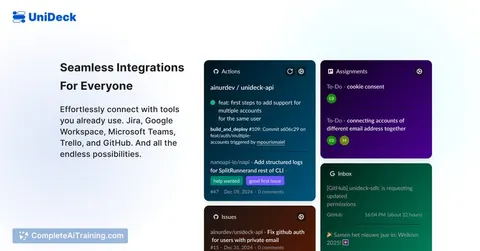
Connect your AI to the apps scrum masters use
MCP servers let ChatGPT, Claude or Copilot look things up and get work done in other apps, like your email, calendar or bookkeeping software. These 12 fit the work of scrum masters best, well-known apps first.
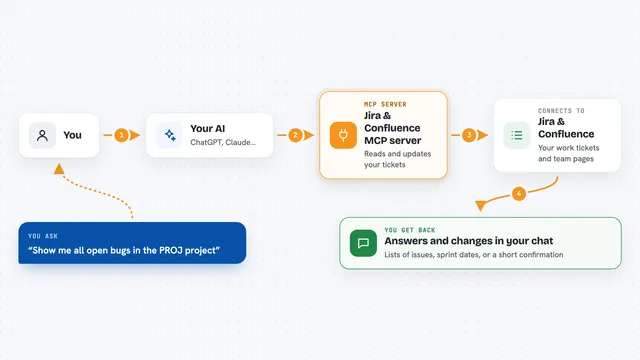
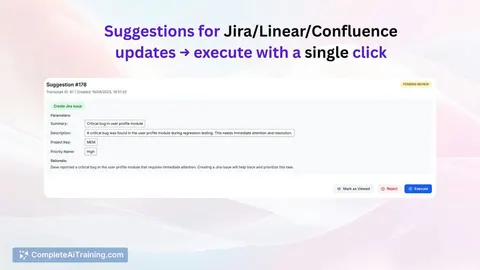
Jira & Confluence MCP server
by raalarcon9705Lets your AI read and update Jira issues, sprints, comments and Confluence pages for you.
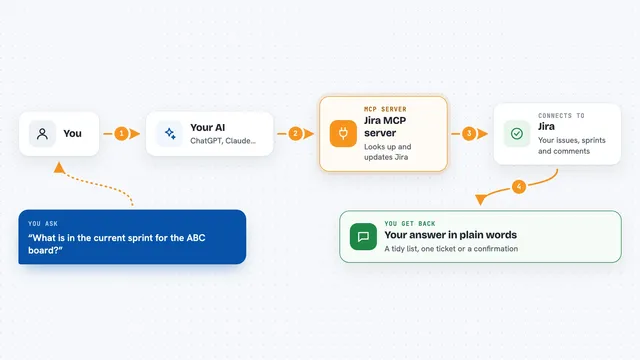
Jira MCP server
by nguyenvanduocitLet your AI look up, create, and update Jira issues, sprints, and comments for you.

Atlassian MCP server
by soopersetLets your AI search, read, and update your Jira tickets and Confluence pages for you.

Trello MCP server
by agrathLet your AI read and update your Trello boards, lists and cards for you.

ClickUp MCP server
by nicholasbesterLets your AI read and update your ClickUp tasks, lists, comments, and time entries for you.

Yandex Tracker MCP server
by aiktsLets your AI look up and manage Yandex Tracker issues, queues, and users for you.
Show all 12 MCP servers

WayStation MCP server
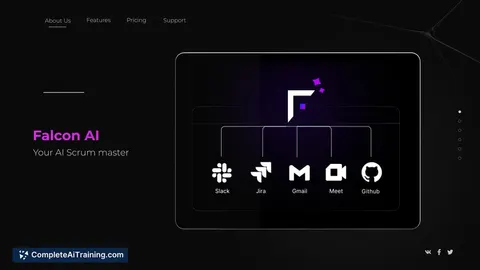
by waystation-aiConnect your AI to Notion, Slack, Jira, Airtable and other work apps so it can look things up and update them for you.
ProductivityNo install
OpenProject MCP server
by jtauschlLets your AI read and manage your OpenProject projects, tasks and time entries for you.

Taiga MCP server
by negoro26Lets your AI read and update your Taiga projects, stories, tasks, sprints, comments and wiki pages.

Temporal Cortex MCP server
by temporal-cortexLet your AI check calendars, find free slots, and book meetings without double-booking.
ProductivityMeetingsNo install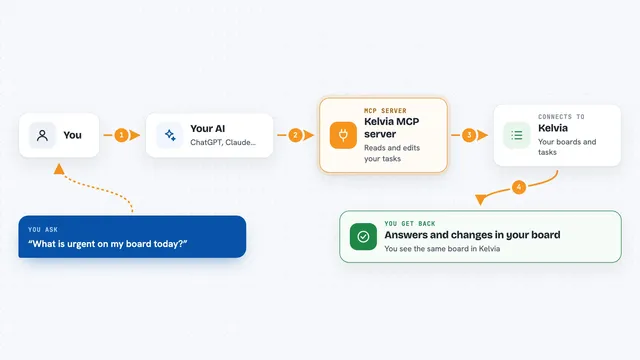
Kelvia MCP server
by gonnagetapowerLets your AI create and move tasks, log time, and plan your day in Kelvia for you.
Productivity Official
Asana MCP server
by roychriAsk your AI about your Asana tasks, projects and comments, and let it create or update tasks for you.
Build your own AI apps for scrum masters
Apps you build yourself with your own AI, no coding needed and no monthly fee. Our AI picked the 6 that fit the work of scrum masters.
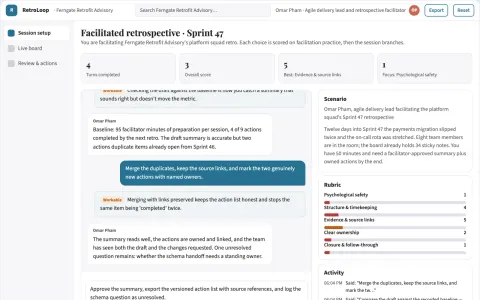
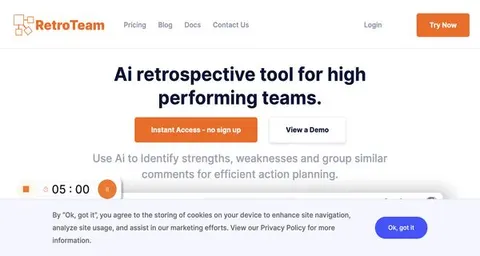
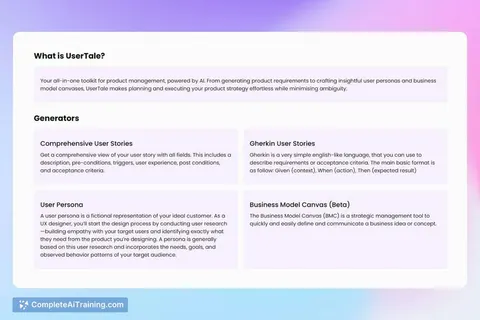
Facilitated retrospective insight and action workbench
Reduce manual retrospective administration while keeping the team's own words and decisions.
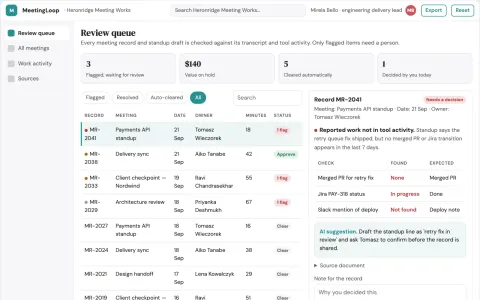
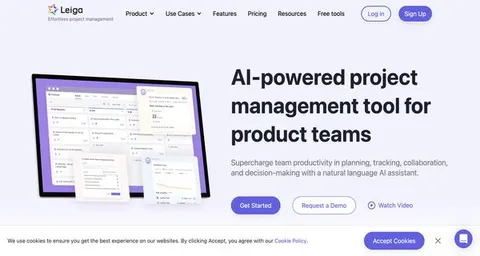
Meeting and work coordination portal
Reduce coordination overhead while keeping decisions and task follow-ups traceable.
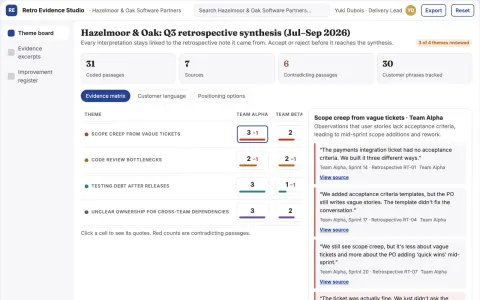
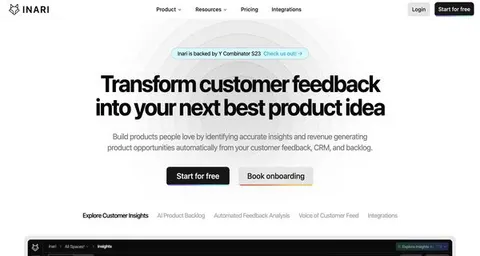
Project retrospective analyst
Connects retrospective findings to completed improvement experiments.
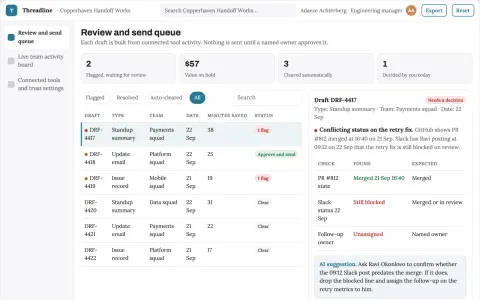
Team progress and conversation operations portal
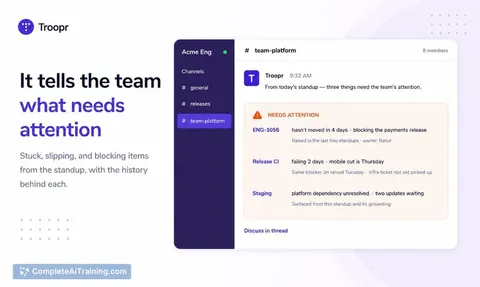
Reduce manual status writing while keeping an accurate, reviewable record of team work.
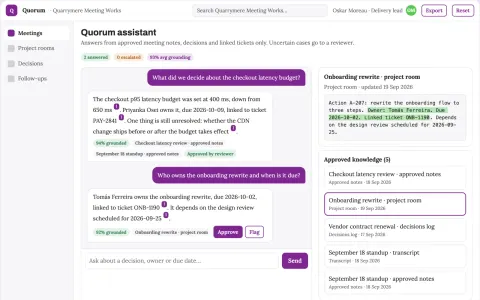
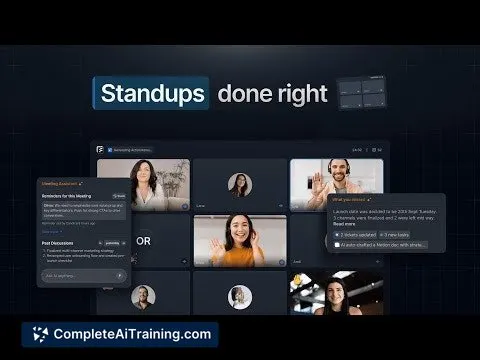
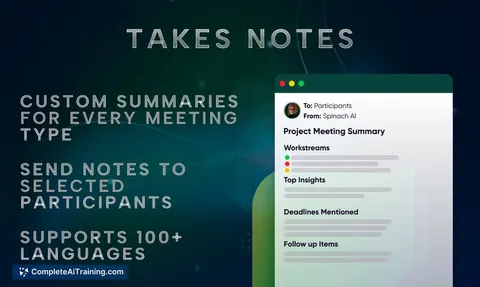
Meeting conversation capture and follow-up console
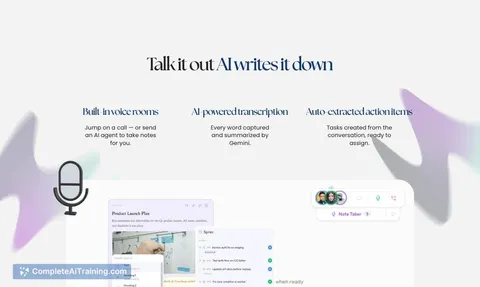
Reduce manual note-taking and re-entry while keeping decisions traceable to the transcript.
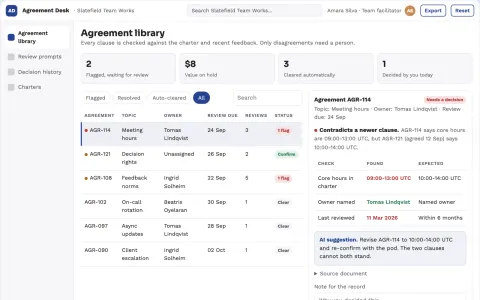
Team agreement maintenance desk
Keep team agreements reviewable and consensual.

























































































About this learning path
6 topicsUse AI to Support Your Scrum Team
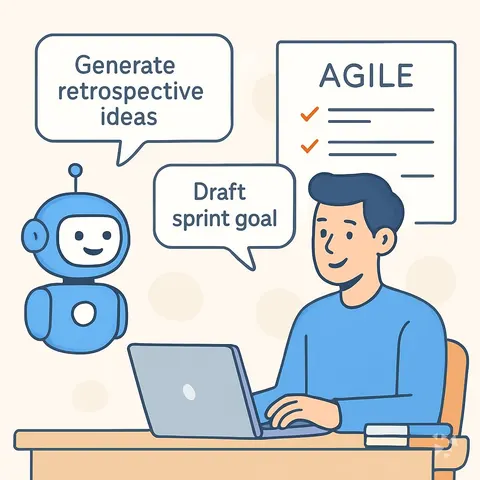
Scrum Masters spend a lot of time preparing meetings, writing notes, and helping teams talk through problems. AI can help with the drafting and summarizing so you can focus on the people and the flow of work.
Your path starts with simple setup questions and connecting the AI tool you already use. Then you practice prompts for stand-ups, planning, reviews, and retros, and you finish with video courses chosen for Scrum Masters, each with a certificate you can share.
Why AI Matters for Scrum Masters Now
Teams expect faster updates and clearer communication. AI helps you turn messy notes into a short summary, spot blockers, and prepare coaching questions without spending your evening on it.
The tools are already in many workplaces. Knowing how to use them well keeps you useful and calm.
What the Path Includes
You get setup questions to choose the right AI tool, a guide to connecting it, and a set of skills for the job inside your AI. The heart of the path is this prompt course, where you practice eight prompts that match your daily work.
After that, you pick video courses made for Scrum Masters. Each course comes with a certificate so you can show what you learned.
How It Saves You Time
Each prompt is built for a real task: stand-up notes, sprint goals, backlog stories, review updates, retro themes, blocker summaries, coaching chats, and sprint numbers. You copy the prompt, paste your notes, and get a draft you can edit in minutes.
The time you save goes back into listening to your team and removing the real obstacles.
How It Protects Your Career
AI will not replace the Scrum Master, but a Scrum Master who uses AI well will stand out. You learn to keep the human parts human: the coaching, the trust, the difficult conversations.
The certificates and the practice show your employer you are growing with the job, not waiting for it to change.
How to Start This Week
Begin with the setup questions and connect one AI tool you already have. Then open the first lesson on daily stand-ups and try the prompt with a real team update.
Do one lesson a day or one a week. The path is built for working professionals, so you can move at your own pace.
Frequently asked questions
Do I need to be technical to use this path?
No. The path is written for Scrum Masters who are not technical. You will copy and paste prompts, edit the results, and use the AI tools you already have at work.Which AI tools will I use?
You can use ChatGPT, Claude, or Gemini. The lessons show you how to connect the tool you choose and how to keep your team's information safe.Will this replace the Scrum Master role?
No. AI helps with drafting, summarizing, and preparing. The coaching, facilitation, and trust building stay with you, and that is where your value grows.How long does the path take?
Most people move through the prompt course in a few sittings and then pick video courses that fit their schedule. You can start with one lesson and come back when you have time.