
Video course · 10 chapters · 47 min · certificate
Create Engaging LinkedIn Carousels with AI: Visual Strategies for Standout Content
Create LinkedIn carousels that stand out: why content and visuals matter, design strategy and branding, carousel best practices, cover trigger words, a live design workshop, AI post generation and refinement, custom GPT workflows and audience Q&A.
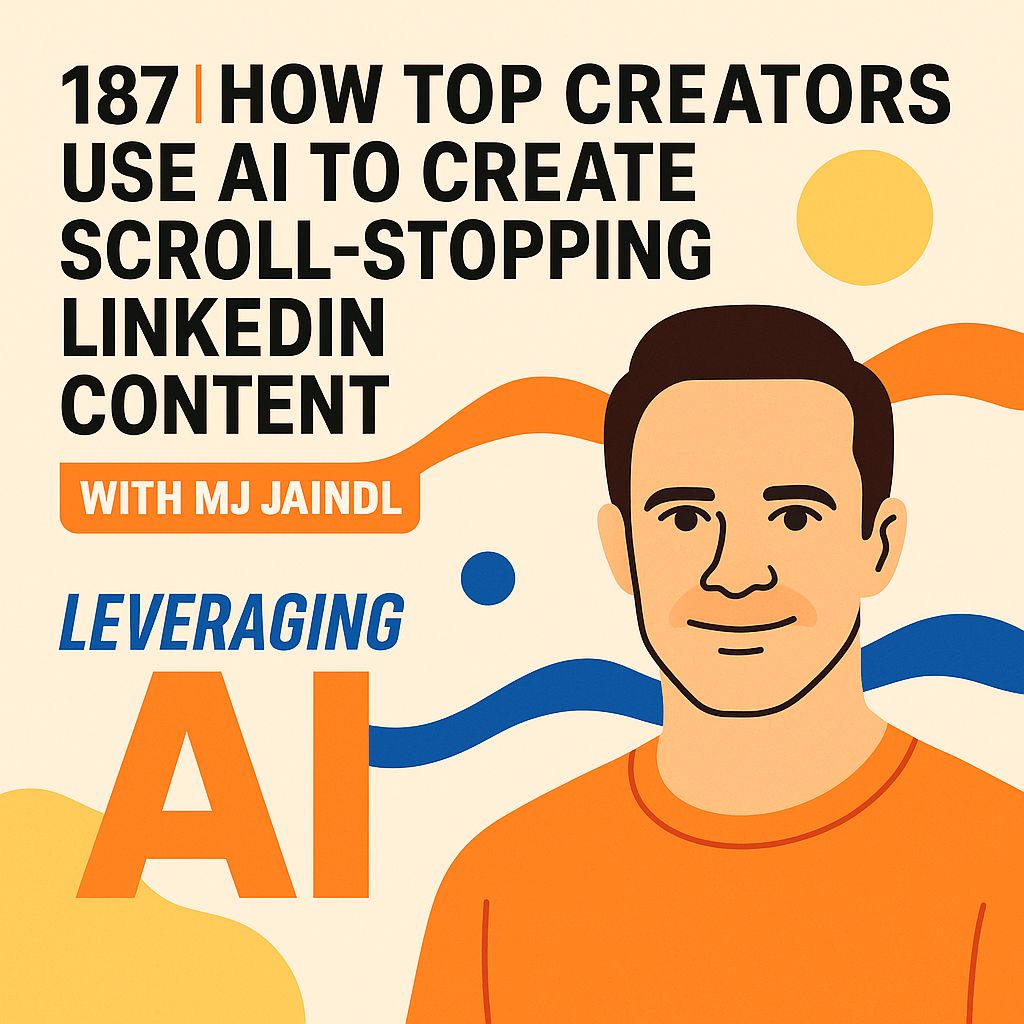
What you'll learn
- Explain why visuals matter on LinkedIn
- Apply branding and design strategy
- Design high-performing carousels
- Write cover trigger words
- Generate and refine posts with AI
- Build a custom GPT workflow
Chapters
10 chapters · 47:19-
 6:08
01Intro Free preview
The importance of content
Why content matters.
6:08
01Intro Free preview
The importance of content
Why content matters.
-
 2:45
02Visuals Members
Why visuals matter on LinkedIn
A more visual feed.
2:45
02Visuals Members
Why visuals matter on LinkedIn
A more visual feed.
-
 3:07
03Branding Members
Design strategy and branding
A core creator skill.
3:07
03Branding Members
Design strategy and branding
A core creator skill.
-
 4:12
04Design Members
Carousel design best practices
General carousel concepts.
4:12
04Design Members
Carousel design best practices
General carousel concepts.
-
 3:52
05Cover Members
Mastering the carousel cover
Trigger words.
3:52
05Cover Members
Mastering the carousel cover
Trigger words.
-
 10:15
06Workshop Members
Live carousel design workshop
Designing a carousel live.
10:15
06Workshop Members
Live carousel design workshop
Designing a carousel live.
-
 4:32
07AI Members
AI-powered post generation
Generating the post copy.
4:32
07AI Members
AI-powered post generation
Generating the post copy.
-
 3:14
08AI Members
Refining posts with AI
Hook, rehook and body.
3:14
08AI Members
Refining posts with AI
Hook, rehook and body.
-
 3:15
09Workflow Members
Advanced AI workflow tips
Custom GPTs.
3:15
09Workflow Members
Advanced AI workflow tips
Custom GPTs.
-
 5:59
10Q&A Members
Audience Q&A and conclusion
Questions and slide counts.
5:59
10Q&A Members
Audience Q&A and conclusion
Questions and slide counts.
Jobs this course suits
Our AI checked this course against 500 jobs; these get the most out of it. Each job links to its learning path.