
Learning path
Learning AI as a Content Creator
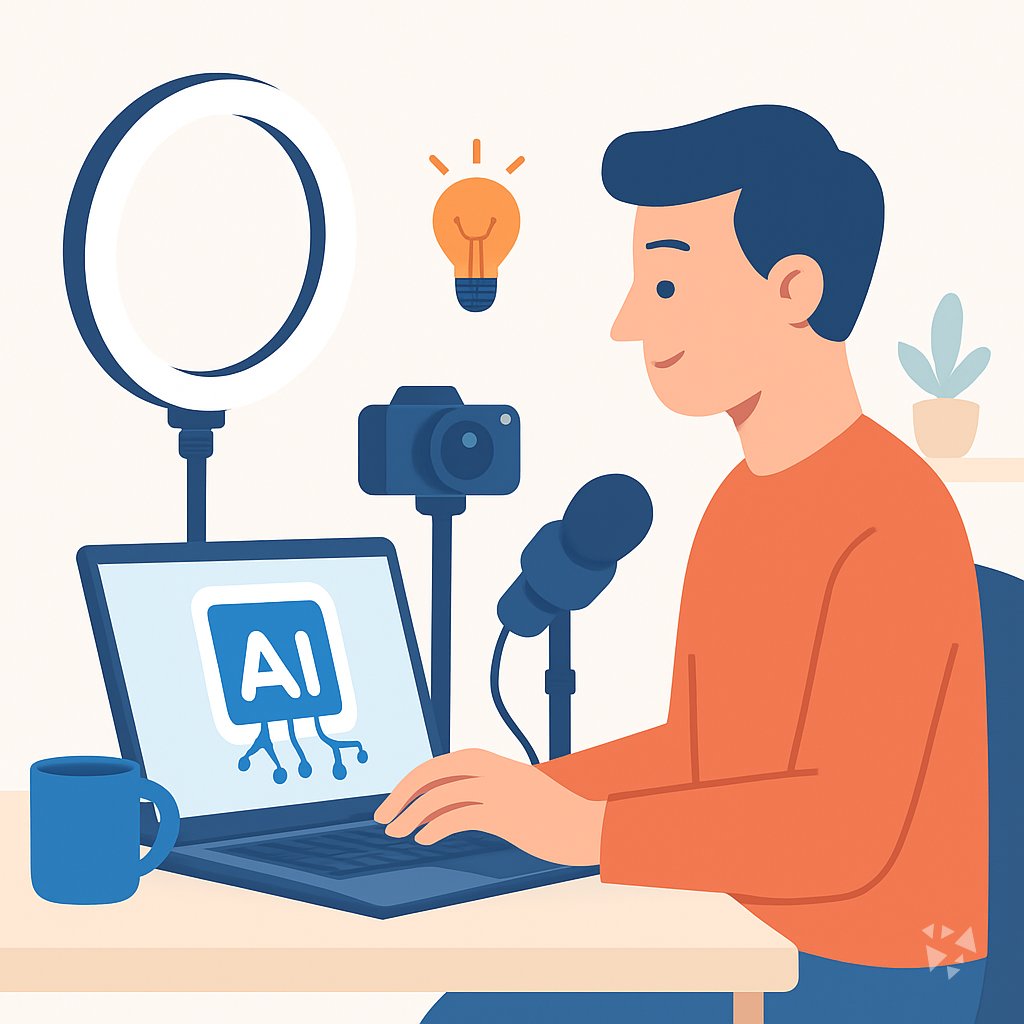
This learning path helps content creators use AI for ideas, scripts, and posts without losing their voice. You will connect your AI tools, practice prompts, and pick video courses built for your work.
Your path
Everything in the Content Creator AI kit, in the order that makes sense. Members tick off each step and see their progress.
Set up your AI
We guide you through each click.
Let skills do your everyday tasks
Connect your apps and pick your AI apps
Hand whole tasks to AI agents
Build your own tools
Keep growing
Everything for content creators
All the courses, certifications, AI tools, MCP servers and apps for content creators, most relevant first. Open any list to see more.
Take the prompt courses
A short framework course to learn how to ask, then 9 lessons with ready-to-use prompts for content creators.
Start with this framework: how to talk to AI
CO-STAR helps content creators shape posts by defining audience and tone, like writing a LinkedIn launch post for busy founders.
Then your prompt course for content creators- 1Generate Content Ideas3 prompts
- 2Write Hooks And Titles4 prompts
- 3Script Videos And Podcasts3 prompts
- 4Write Blog And Show Notes4 prompts
- 5Create Thumbnails And Captions3 prompts
- 6Plan And Repurpose Content3 prompts
- 7Engage And Grow Community3 prompts
- 8Analyze Performance Metrics4 prompts
- 9Pitch Sponsors And Admin2 prompts
Watch the video courses or add them to your Favorites for later
168 video courses our AI picked for content creators, most useful first. Save the ones you want to watch later with the heart.
Favorites are saved to your account: sign in or get your AI kit first.
Show all 168 video courses
Get certified, or add certifications to your Favorites
Every course ends in an exam and a certificate you can add to LinkedIn. Save the certifications you are aiming for with the heart.
Favorites are saved to your account: sign in or get your AI kit first.
More certifications for content creatorsShow all 24 certifications
Try the AI tools for content creators
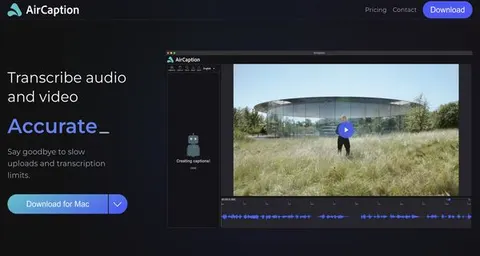
24 AI tools our AI matched to the work of content creators, best fit first. Each review shows what it does, its alternatives and the jobs it suits.
Favorites are saved to your account: sign in or get your AI kit first.
Show all 24 AI tools
Connect your AI to the apps content creators use
MCP servers let ChatGPT, Claude or Copilot look things up and get work done in other apps, like your email, calendar or bookkeeping software. These 12 fit the work of content creators best, well-known apps first.

PostMCP social posting server
by postmcpLets your AI draft, check, schedule and publish posts to LinkedIn, X, Facebook, Instagram, Threads, Bluesky and YouTube Shorts.
Social media Official
QPost MCP server
by arslan2012Lets your AI schedule and publish video and image posts to YouTube, TikTok and Instagram for you.
Social media Official
Instagram & Threads MCP server
by mikusnuzLets your AI post to Instagram and Threads, read comments and DMs, and pull your analytics.

Instagram MCP server
by drashrafsaiyed-cyberLets your AI post to Instagram, read your stats, manage comments and reply to DMs for you.

Upload-Post MCP server
by Upload-PostLet your AI publish, schedule, and check social media posts across TikTok, Instagram, YouTube, LinkedIn, and more.
Social media Official
Facebook Page MCP server
by HagaiHenLet your AI write, schedule and moderate Facebook Page posts, and pull engagement numbers for you.
Show all 12 MCP servers

Content Distribution MCP server
by AutomateLab-techPost one piece of content to DEV.to, Hashnode, Reddit, Bluesky and more, adapted for each place.

XTapDown MCP server
by farukkolipGive your AI a set of X (Twitter) creator helpers: download tweet media, find hashtags, posting times, hooks and engagement math.
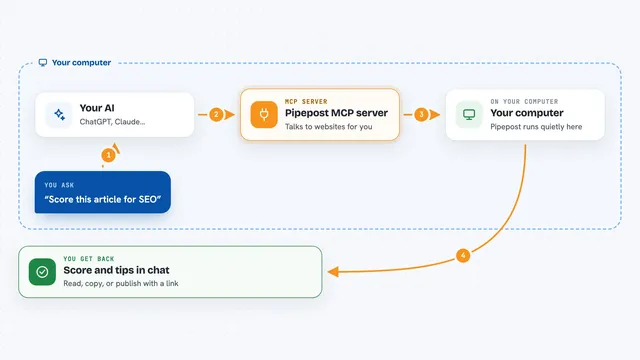
Pipepost MCP server
by MendleMWrite, score, publish and promote blog posts to Dev.to, Ghost, Hashnode, WordPress, Medium and social apps from your chat.

Fitness Influencer MCP server
by MarceauSolutionsLet your AI edit fitness videos, make graphics, check your revenue, and write workout plans for you.
Video editingHealth and learningNo install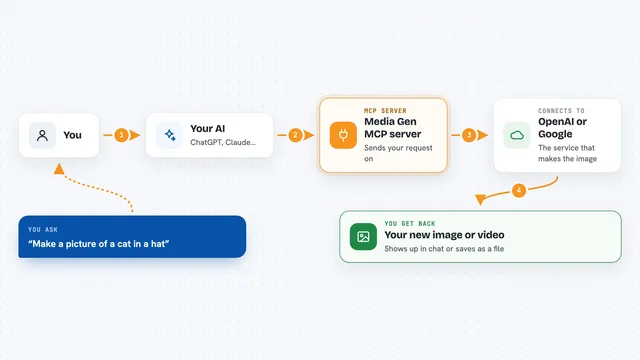
Media Gen MCP server
by strato-spaceCreate and edit images and videos with OpenAI and Google tools, right from your AI chat.

Publora MCP server
by publoraLet your AI schedule and publish social media posts to X, LinkedIn, Instagram, TikTok and more.
Social media OfficialBuild your own AI apps for content creators
Apps you build yourself with your own AI, no coding needed and no monthly fee. Our AI picked the 12 that fit the work of content creators.
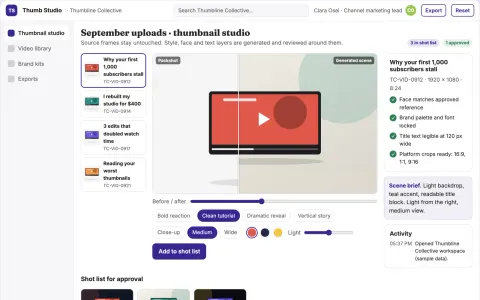
Branded video thumbnail production studio
Reduce thumbnail production time while keeping brand, face and title consistency across every video.
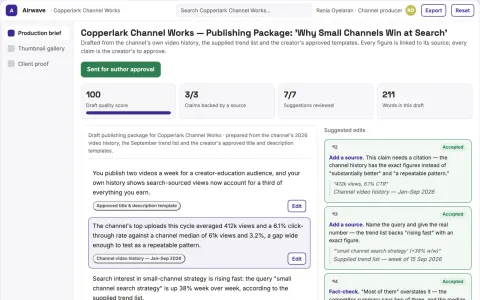
Creator channel planning and publishing workspace
Reduce tool sprawl while keeping the creator's channel data and workflow in one owned workspace.
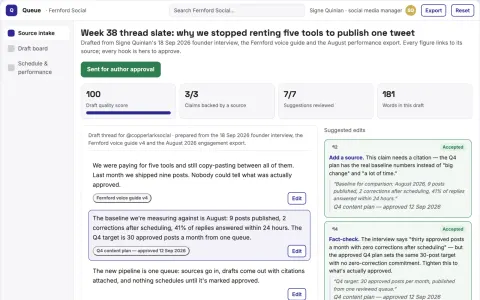
Source-based social content planning and publishing workspace
Reduce tool switching and manual copy-paste while keeping one reviewed content pipeline.
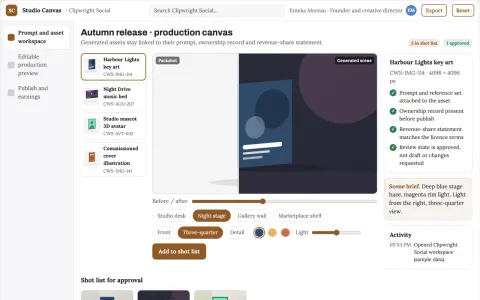
AI content creation and monetization studio
Reduce tool sprawl and manual handoffs while keeping ownership and payout records with the creator.
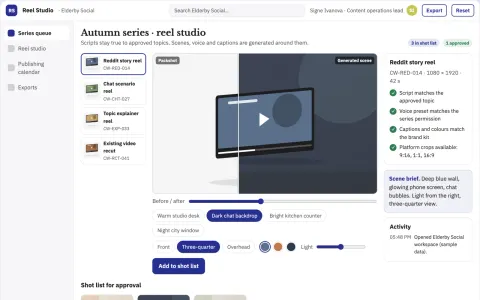
Faceless short-video production and publishing studio
Reduce production and posting effort while keeping every published video under the owner's brand and review.
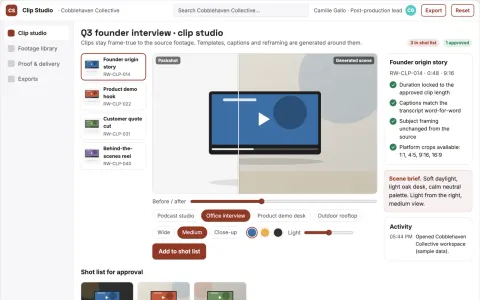
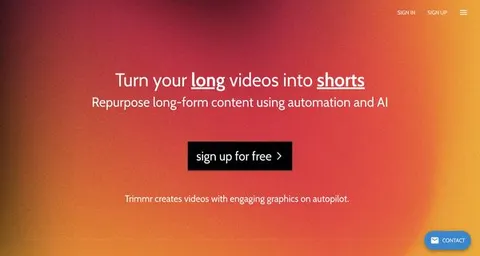
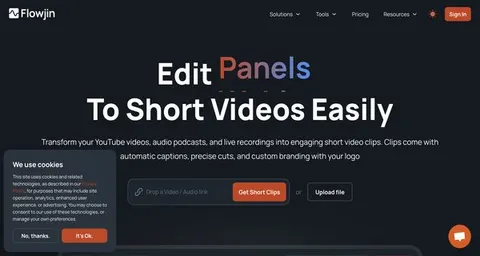
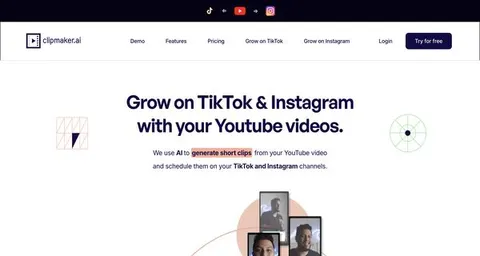
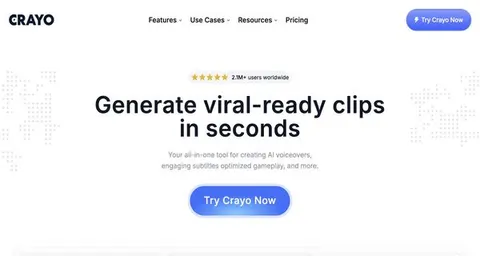
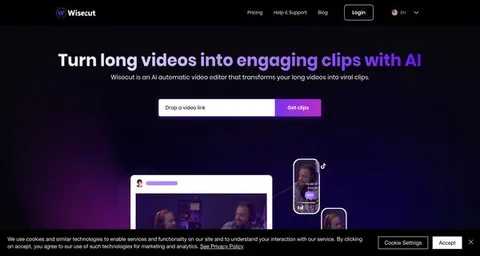
Long-video highlight clip production workbench
Reduce clip production time while preserving the creator's intended moments and brand.
Show all 12 apps
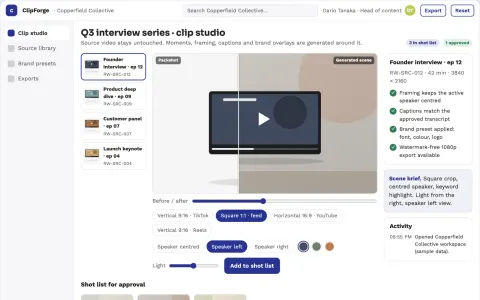
Long-video short-clip production studio
Reduce manual clip production while keeping brand and speaker presentation consistent.
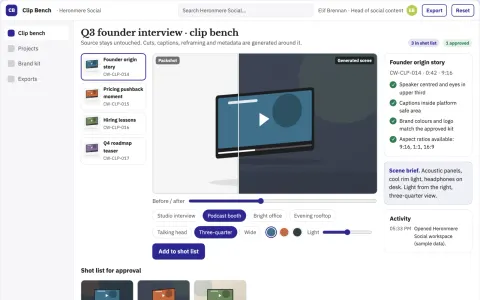
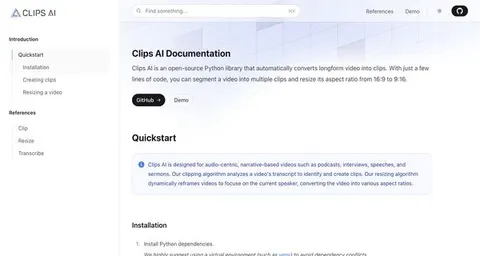
Long-video short-clip production workbench
Reduce clip production time while keeping brand and message control.
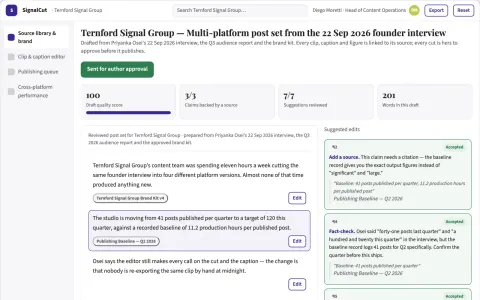
Multi-platform video and audio repurposing workspace
Reduce manual reformatting and publishing work while keeping brand and editorial control.
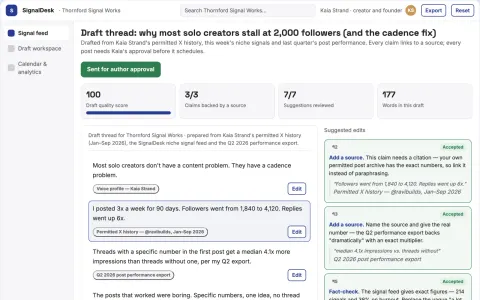
Social content research and publishing workspace
Run research, writing, scheduling and performance review in one owned workspace.
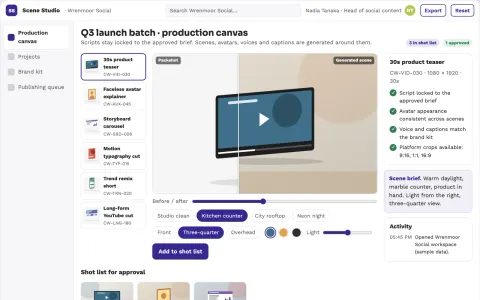
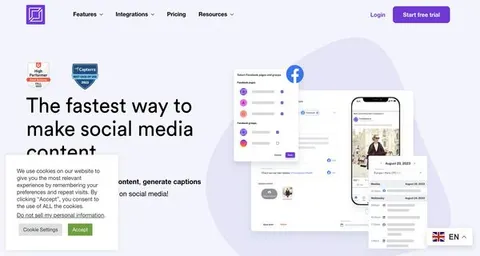
Social video production and publishing workbench
Reduce the number of tools and manual handoffs needed to produce and publish social video.
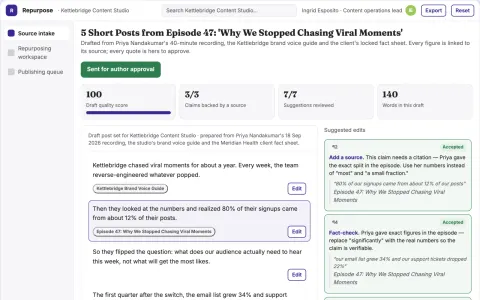
Source content repurposing and publishing workspace
Reduce manual repurposing work while keeping the brand voice and editorial approval in the team's hands.











































































































About this learning path
7 topicsA Content Creator's Path to Working with AI
You already make videos, blogs, podcasts, or posts. This path shows how AI can help with the parts that slow you down, like finding ideas, writing hooks, or planning a week of content. It is built for creators who are not technical and want practical steps.
You will start with simple setup questions, connect an AI tool like ChatGPT, Claude, or Gemini, and learn skills for your job inside that tool. Then you take this prompt course, watch video lessons chosen for content creators, and see the certifications that come with those courses.
Why AI matters for this job now
Audiences expect fresh content on many platforms. AI can help you keep up with ideas, drafts, and repurposing without burning out. It also helps you stay competitive when other creators use it for the same tasks.
What the path includes
You get setup questions to prepare your AI, a guide to connecting it, and skills tuned to content creation. The path also includes this prompt course, video courses picked for creators, and the certifications for those courses.
How it saves time
You can hand off the blank page moment, the first draft of a script, or the caption writing to AI. Then you edit and add your voice. That gives you hours back for filming, editing, or resting.
How it protects the career
AI will not replace creators who know their audience. It replaces busywork. When you learn to direct AI well, you become faster and more consistent, which helps you keep and grow your audience.
Video courses and certifications
You will pick video courses made for content creators, covering topics like editing, storytelling, and platform growth. Each course comes with a certification you can show on your profile or media kit.
How to start
Begin with the setup questions and connect one AI tool. Then work through the prompt course lesson by lesson. After that, choose a video course that matches your platform, like YouTube or podcasting.
Frequently asked questions
Do I need to be technical to use this path?
No. The path starts with setup questions and simple steps to connect your AI. You only need to know how to type and copy text.Will AI take over my creative voice?
No. You stay the director. AI helps with ideas, drafts, and planning, but you choose what to publish and how it sounds. Your voice is what makes your content yours.Which AI tool should I use?
You can use ChatGPT, Claude, Gemini, or another tool you like. The prompts in this course work with any of them. Pick one and practice.How long does the path take?
You can move at your own pace. Most creators finish the prompt course in a few sittings, then watch video courses when they need a specific skill.