
AI news ·
Claude adds connectors for Adobe, Canva, Blender, and other creative apps
Claude now connects directly to Photoshop, Canva, Blender, SketchUp, and other design apps, letting designers give plain-language instructions across tools. Adobe's integration alone covers 60-plus actions spanning seven Creative Cloud apps.
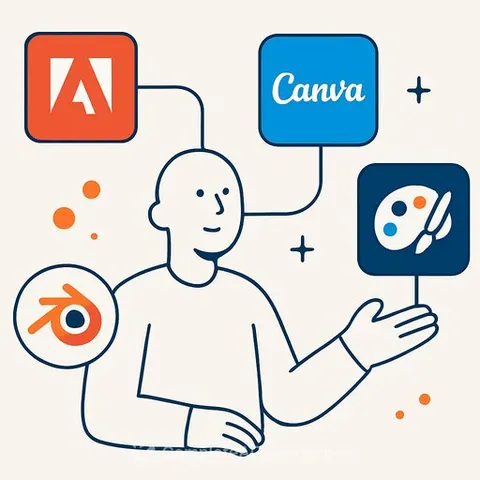
Claude's Creative App Integrations Give Designers a Faster Workflow
Claude, Anthropic's AI chatbot, now connects directly to design software including Photoshop, Canva, Affinity, Blender, SketchUp, and Autodesk Fusion. The integrations let designers describe what they want in plain language, and Claude performs the actions within the appropriate apps without requiring manual switching between tools.
The connectors expose dozens of tools across each platform. Adobe's integration alone includes more than 60 tools spanning Photoshop, Lightroom, Illustrator, Premiere, InDesign, Firefly, and Adobe Express.
Adobe Creative Cloud: The Broadest Integration
With Adobe, Claude can remove backgrounds, adjust exposure, crop and resize images, create video cuts, change background colors, and apply brand fonts and colors. A designer could pull brand assets from a library, apply them to an image in Photoshop, and resize the result-all by typing instructions to Claude.
This matters most for designers juggling multiple Adobe apps. The integration eliminates the friction of switching between tools to complete a single task.
Canva and Affinity: Different Capabilities
Canva's connector includes 17 tools and can generate designs from scratch. Tell Claude to create a social media post for a coffee shop using a specific brand kit, and it builds the design without manual input. Claude can also browse Canva content, summarize it, and export finished work.
Affinity takes a different approach. It doesn't create content directly but automates repetitive work. Claude can name layers, batch-edit images, and build custom workflows that save as reusable scripts.
3D Modeling: Creation and Documentation
SketchUp and Autodesk Fusion both allow Claude to generate 3D models from natural language prompts. With SketchUp, you can upload images to shape the model or preview it in Claude before opening it in the app for refinement. Autodesk Fusion supports real-time edits and inspections.
Blender's connector doesn't create content but speeds up manual tasks. Claude can fix typos in data-blocks, rename objects with descriptive labels, identify high-polygon objects, and retrieve specific information from Blender's documentation.
Autodesk also offers a separate Product Help connector that pulls answers from official documentation instead of requiring manual searches through manuals.
Audio Tools: Limited but Useful
Ableton Live's connector provides access to product documentation and video tutorials through natural language queries. You can't generate music yet, but Claude speeds up the process of finding answers in Ableton's resources.
Splice's connector searches the sample library and builds sample stacks based on your descriptions. Tell Claude what sound you need, and it finds matching samples from Splice's collection.
Learn more about Claude AI Courses and AI Design Courses to develop skills with these tools.