AI agent for tour guides
Accessibility Needs Planning Agent
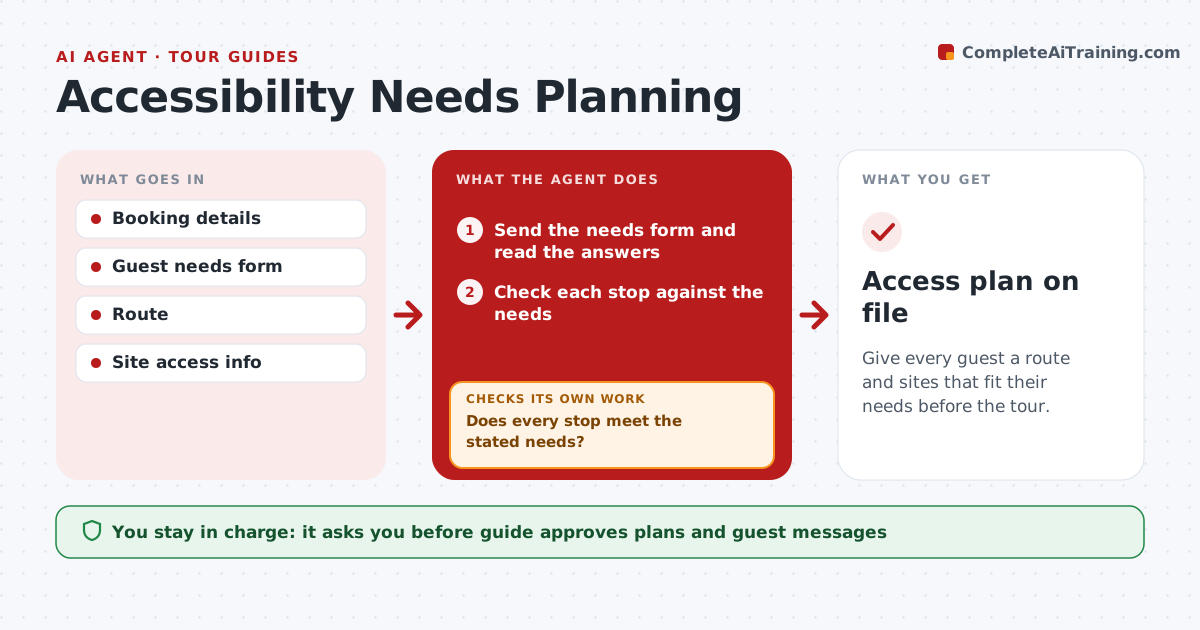
Give every guest a route and sites that fit their needs before the tour.
What it does
A guest who uses a wheelchair or has limited stamina should not find out on the day that a site has stairs. When a booking mentions a need, this agent collects the details with a short form, then checks the route and each site for access: step-free paths, lifts, seating, toilets and distances. It proposes changes, such as a different order, a vehicle transfer or a different site, and confirms with the sites by message. The guide approves everything. If a site cannot meet the need, it finds another route or site and checks that again. Edge case: a lift is out of service on the tour date, so the agent checks the site's notice and switches stops.
How it works
Follow the arrows from top to bottom. The orange dashed arrow is the loop: when a check fails, the agent goes back and tries again.
Read the steps as a list
- A booking has an access need
- Send the needs form and read the answers
- Check each stop against the needs
- Does every stop meet the stated needs?If not: find another route or site and update the plan. Back to step 3.
- Confirm access with each site by message
- Did each site confirm?If not: chase once, then replace the stop. Back to step 5.
- Draft the updated plan and guest message
- Guide approves the plan and messageThe agent waits here for your OK.
- Send the plan to the guest
- Access plan on file
How it decides
A site passes only if its access info meets the stated need. Otherwise the agent searches for an alternative.
- Check step-free access, seating and toilets
- Check distances against the stated limit
- Confirm with sites in writing
- Recheck lift status 3 days before
Make it yours
Every agent is a starting point. You choose these settings for your own situation.
- Needs form questions
- Distance limit (default per guest)
- Site confirmation wait (default 2 days)
- Recheck timing
What keeps you in control
It always asks you first
- Guide approves plans and guest messages
Hard limits
- Never promise access not confirmed in writing
- Never share medical details beyond the plan
It stops when
- Done: plan confirmed by the guest
- Stop: no suitable route, guide offers a refund or change
Set it up
We guide you through the set-up, step by step
Members get the full set-up guide for this agent. No technical skills needed: you copy, paste and upload.
- One set of instructions to paste into your AI, with the clicks for ChatGPT, Claude, Microsoft 365 Copilot, Gemini and Grok
- The agent then walks you through connecting your own data, one source at a time
- A downloadable copy with the flow chart, the rules and the full guide