AI agent for tour guides
New Route Scouting Agent
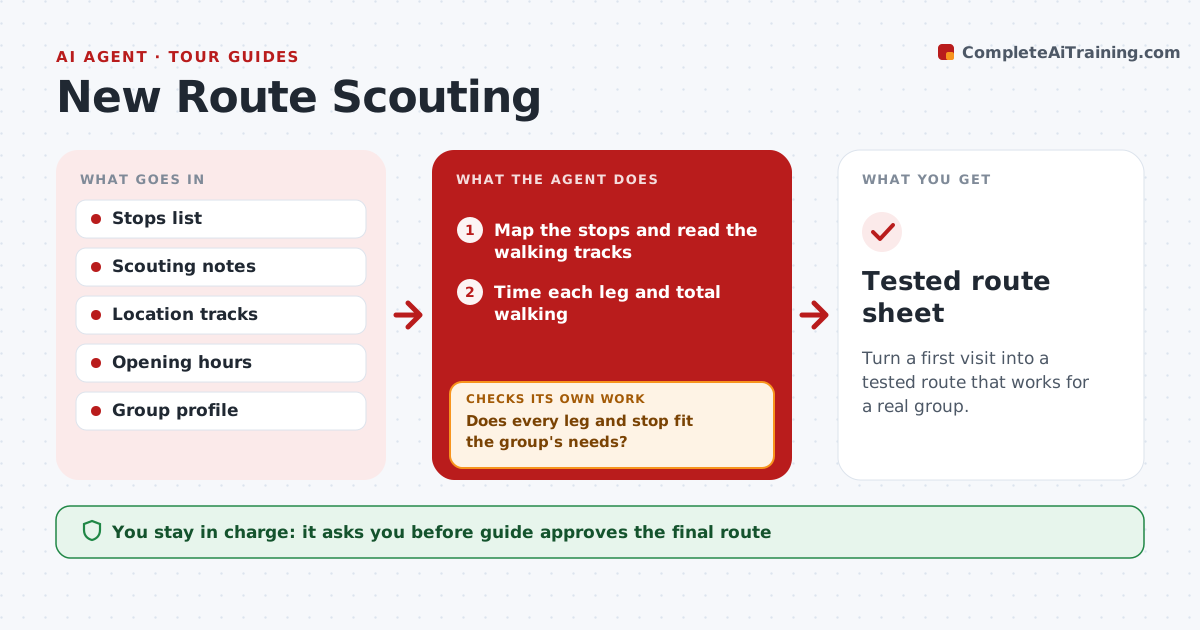
Turn a first visit into a tested route that works for a real group.
What it does
A new route that looks good on a map may have steep hills, closed paths, no toilets or too little time. When the guide visits a new route, this agent maps the stops and times the walking legs from the guide's notes and location data. It checks access, toilets, shade, seating, opening hours and crowd times. It lists problems and drafts a revised version that fixes them, then checks it again against the same criteria. The guide approves the final route. Edge case: a stop is closed on Mondays and the tour runs on Monday, so the agent swaps the order or the stop.
How it works
Follow the arrows from top to bottom. The orange dashed arrow is the loop: when a check fails, the agent goes back and tries again.
Read the steps as a list
- Guide scouts a new route
- Map the stops and read the walking tracks
- Time each leg and total walking
- Check opening hours, access and toilets
- Does every leg and stop fit the group's needs?If not: list the problems and draft a revised route. Back to step 3.
- Draft the revised route and timings
- Does the revised route pass the same checks?If not: adjust again and recheck. Back to step 3.
- Guide approves the routeThe agent waits here for your OK.
- Save the route and notes
- Tested route sheet
How it decides
A route passes when every leg fits the group's pace and every stop has what the group needs.
- Allow walking pace of 3 km/h for mixed groups
- Require toilets at least every 90 minutes
- Check opening days for each stop
- Add a buffer of 10% to times
Make it yours
Every agent is a starting point. You choose these settings for your own situation.
- Walking pace
- Toilet interval (default 90 minutes)
- Buffer (default 10%)
- Group type
What keeps you in control
It always asks you first
- Guide approves the final route
Hard limits
- Never publish a route
- Never skip the access check
It stops when
- Done: route approved
- Stop: route not feasible
Set it up
We guide you through the set-up, step by step
Members get the full set-up guide for this agent. No technical skills needed: you copy, paste and upload.
- One set of instructions to paste into your AI, with the clicks for ChatGPT, Claude, Microsoft 365 Copilot, Gemini and Grok
- The agent then walks you through connecting your own data, one source at a time
- A downloadable copy with the flow chart, the rules and the full guide