AI agent for tour guides
Private Tour Quote Agent
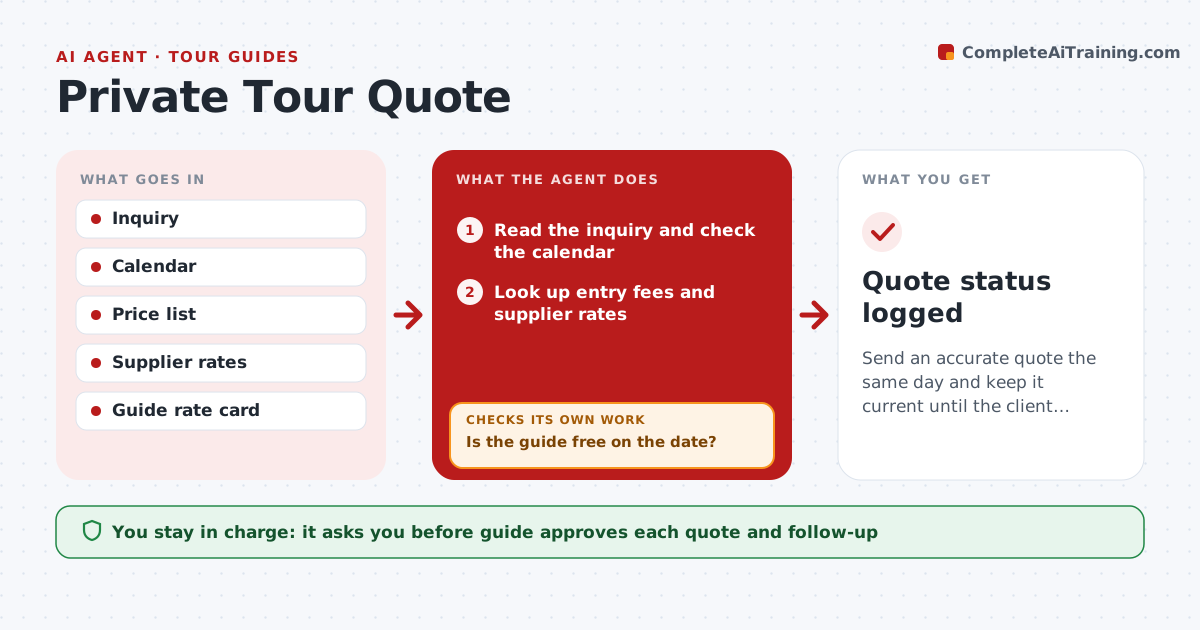
Send an accurate quote the same day and keep it current until the client answers.
What it does
A private tour inquiry arrives with a date, group size and wishes, and the guide spends an hour checking costs and availability. This agent reads the inquiry, checks the guide's calendar, then costs the tour: transport, entry fees, meals and the guide fee. It drafts a quote and a short itinerary for the guide to approve. After sending, it tracks the client's reply. If the client does not reply, it follows up. If costs change, such as a price rise or a ticket cost, it updates the quote and tells the guide. Edge case: the date is a local holiday with higher rates, so the agent adjusts the price and notes why.
How it works
Follow the arrows from top to bottom. The orange dashed arrow is the loop: when a check fails, the agent goes back and tries again.
Read the steps as a list
- An inquiry arrives
- Read the inquiry and check the calendar
- Is the guide free on the date?If not: propose the nearest free dates. Back to step 2.
- Look up entry fees and supplier rates
- Cost the tour from the rate card
- Draft the quote and itinerary
- Guide approves the quoteThe agent waits here for your OK.
- Send the quote and set a follow-up
- Has the client replied within 3 days?If not: send a follow-up and recheck costs. Back to step 8.
- Quote status logged
How it decides
It prices from the rate card and current supplier rates. A date conflict stops the quote.
- Add the holiday rate for set dates
- Include a 10% margin for price changes
- Follow up after 3 days
- Update the quote if any cost changes by more than 5%
Make it yours
Every agent is a starting point. You choose these settings for your own situation.
- Rate card
- Margin (default 10%)
- Follow-up days (default 3)
- Holiday dates
What keeps you in control
It always asks you first
- Guide approves each quote and follow-up
Hard limits
- Never send a quote without approval
- Never promise a date not on the calendar
It stops when
- Done: quote accepted or closed
- Stop: client declines
Set it up
We guide you through the set-up, step by step
Members get the full set-up guide for this agent. No technical skills needed: you copy, paste and upload.
- One set of instructions to paste into your AI, with the clicks for ChatGPT, Claude, Microsoft 365 Copilot, Gemini and Grok
- The agent then walks you through connecting your own data, one source at a time
- A downloadable copy with the flow chart, the rules and the full guide