AI agent for scriptwriters
Adaptation Rights and Source Fidelity Agent
An adaptation whose changes are listed and checked against the rights agreement, with conflicts resolved or sent to the rights holder
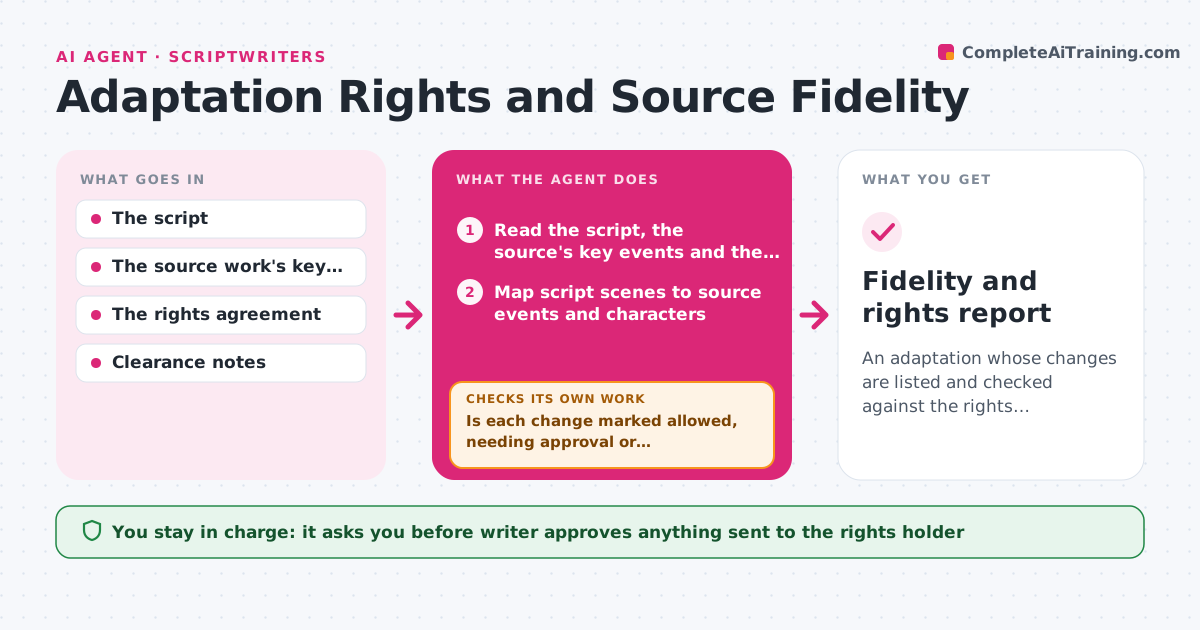
What it does
A writer adapting a novel merges two characters and moves the ending, and later learns the rights agreement bars changes to the central relationship. This agent compares the script's scenes with the source's key events and characters and lists the changes: added, removed, merged, moved or altered. It then reads the rights agreement for permitted changes, required elements, credit and approval conditions, and marks each change as allowed, needing approval or conflicting. After revisions, it rechecks the full list and loops until no conflicts remain or the writer decides to ask the rights holder. It also notes any content, such as a song, brand or real person, that may need separate clearance. The writer approves what goes to the rights holder. Edge case: a change that the agreement lets the writer make but which removes a required element is marked a conflict.
How it works
Follow the arrows from top to bottom. The orange dashed arrow is the loop: when a check fails, the agent goes back and tries again.
Read the steps as a list
- Adaptation draft ready
- Read the script, the source's key events and the rights agreement
- Map script scenes to source events and characters
- List changes as added, removed, merged, moved or altered
- Match each change to the agreement's permitted changes and required elements
- Is each change marked allowed, needing approval or conflicting with a quoted clause?If not: Reread the clause and the change and classify it again. Back to step 4.
- Suggest revisions for conflicts and a note for approval items
- Writer approves what goes to the rights holderThe agent waits here for your OK.
- Reread the revised script and compare it with the source and agreement
- Do all conflicts resolve after the revisions?If not: List the remaining conflicts and propose another revision. Back to step 4.
- Fidelity and rights report
How it decides
It marks a change as allowed only when the agreement explicitly or clearly permits it. Anything unclear is flagged for approval, and anything contrary to a clause is a conflict.
- Mark as conflict anything contrary to a clause
- Mark as needing approval anything the agreement does not address
- Quote the clause for every classification
- Flag third-party content for separate clearance
Make it yours
Every agent is a starting point. You choose these settings for your own situation.
- Agreement clauses to check
- Source format
- Report layout
- Which changes always need approval
- Clearance categories
What keeps you in control
It always asks you first
- Writer approves anything sent to the rights holder
Hard limits
- Never give legal advice, only compare text to clauses
- Never send anything to the rights holder
It stops when
- Done: Every change is allowed, approved or revised
- Stop: The agreement is unclear and needs a lawyer, so the agent lists the questions for the writer to take to counsel
Set it up
We guide you through the set-up, step by step
Members get the full set-up guide for this agent. No technical skills needed: you copy, paste and upload.
- One set of instructions to paste into your AI, with the clicks for ChatGPT, Claude, Microsoft 365 Copilot, Gemini and Grok
- The agent then walks you through connecting your own data, one source at a time
- A downloadable copy with the flow chart, the rules and the full guide