AI agent for investor relations managers
Analyst Model Reconciliation Agent
A log of likely analyst model errors with clarifying points that use only public information
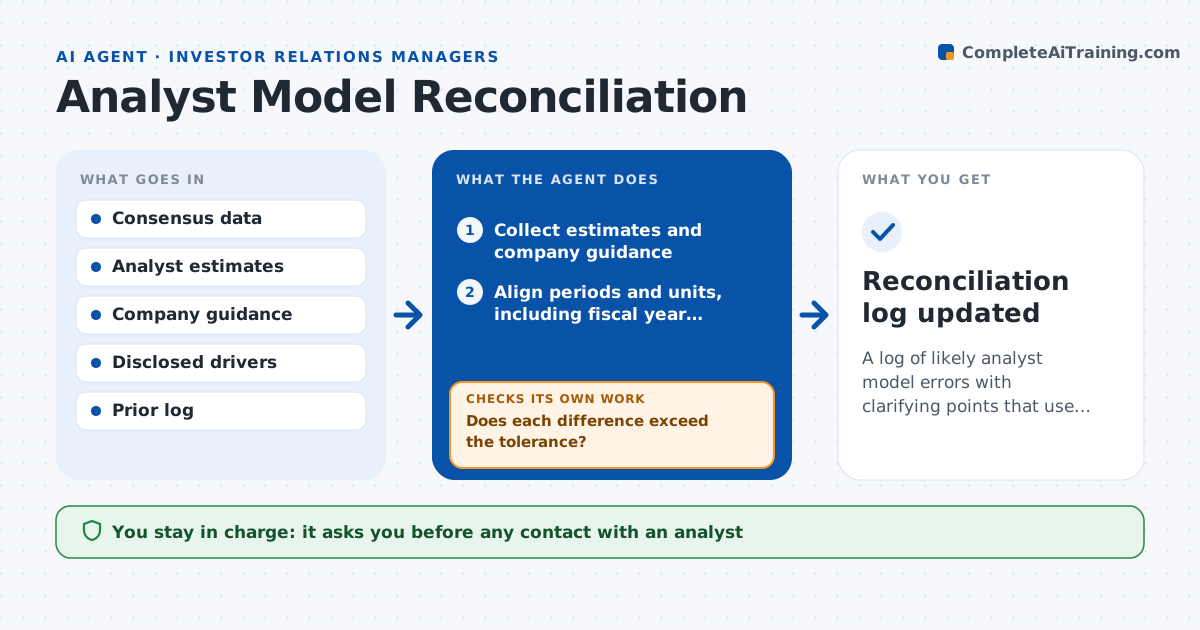
What it does
Analysts publish estimates that drive the consensus, and some contain errors, such as an old tax rate or the wrong share count. Those errors shift consensus and the stock reaction. IR rarely has time to read each model. This agent collects public analyst estimates and company guidance. It compares the key lines, revenue, margin, tax rate, interest, share count, capital spending, against the guidance and the drivers the company disclosed. It finds mismatches, works out which driver most likely explains each one and drafts a short clarifying point IR could share, using public information only. After the next company update or analyst revision, it checks whether the error is gone and updates the log. The IR head approves any contact with an analyst. Edge case: a different fiscal year end is converted before comparing.
How it works
Follow the arrows from top to bottom. The orange dashed arrow is the loop: when a check fails, the agent goes back and tries again.
Read the steps as a list
- New analyst estimates are published
- Collect estimates and company guidance
- Align periods and units, including fiscal year differences
- Compare each line with guidance and disclosed drivers
- Does each difference exceed the tolerance?If not: mark the line as consistent and move on. Back to step 3.
- Find the likely driver of each mismatch, such as tax rate or share count
- Is the explanation supported by a public source?If not: search filings and the release again, or mark the driver as unknown. Back to step 6.
- Draft a clarifying point citing the public source
- IR head approves any contact with an analystThe agent waits here for your OK.
- Recheck after the next update
- Reconciliation log updated
How it decides
It calls a mismatch a likely error when an estimate departs from guided or disclosed drivers by more than a set tolerance and no stated reason exists.
- Flag differences above 2% on revenue or 5% on net income
- Align fiscal periods before comparing
- Use only information already public
- Do not contact an analyst about forecasts, only about disclosed facts
Make it yours
Every agent is a starting point. You choose these settings for your own situation.
- Tolerance by line (default 2% revenue, 5% net income)
- Analysts covered
- Cadence of rechecks
- Fiscal year handling
What keeps you in control
It always asks you first
- Any contact with an analyst
Hard limits
- Never shares non-public information
- Never contacts analysts itself
- Never comments on forecasts or targets
It stops when
- Done: all mismatches are resolved or logged
- Stop: guidance or estimates are missing
Set it up
We guide you through the set-up, step by step
Members get the full set-up guide for this agent. No technical skills needed: you copy, paste and upload.
- One set of instructions to paste into your AI, with the clicks for ChatGPT, Claude, Microsoft 365 Copilot, Gemini and Grok
- The agent then walks you through connecting your own data, one source at a time
- A downloadable copy with the flow chart, the rules and the full guide