AI agent for investor relations managers
Quiet Period and Disclosure Calendar Agent
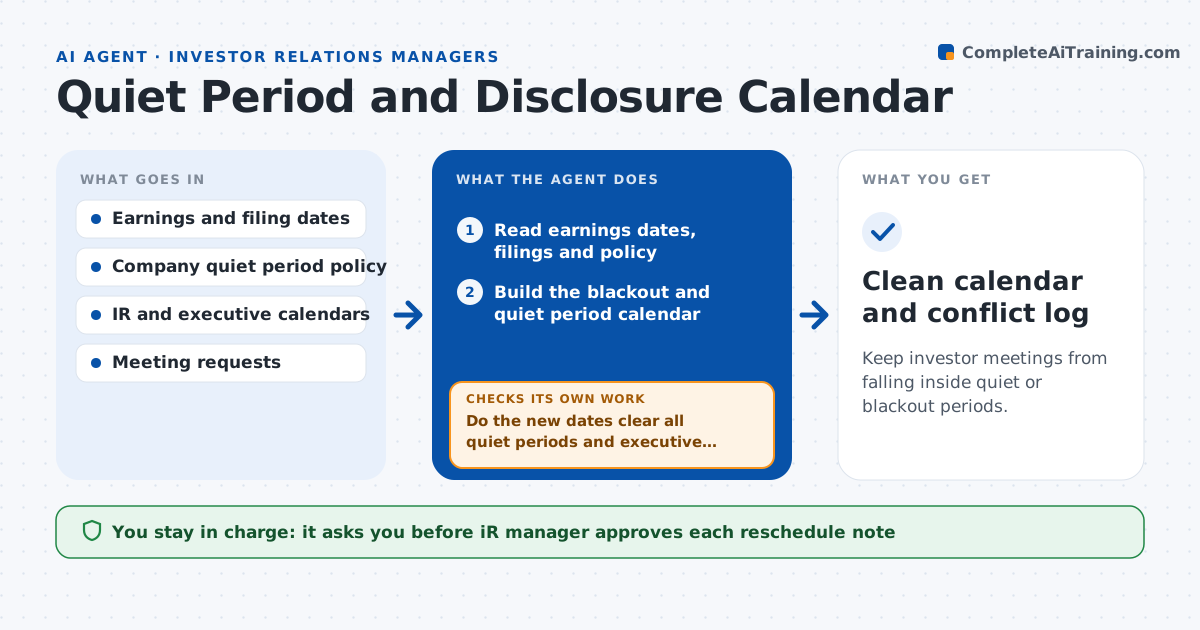
Keep investor meetings from falling inside quiet or blackout periods.
What it does
Before earnings and other announcements, a company limits what it can say, but calendar invitations from investors and bankers do not know that. This agent builds the disclosure and blackout calendar from the earnings schedule, filings and company policy. It then checks every scheduled investor meeting, conference and call against it and flags conflicts. For each conflict it drafts a polite reschedule note. As calendars change, it rechecks and updates. If a new date is added, such as a delayed earnings release, it reruns the whole check. The IR manager approves every reschedule note and any change to the calendar.
How it works
Follow the arrows from top to bottom. The orange dashed arrow is the loop: when a check fails, the agent goes back and tries again.
Read the steps as a list
- Meeting request or calendar change
- Read earnings dates, filings and policy
- Build the blackout and quiet period calendar
- Read scheduled investor meetings and requests
- Check each meeting against the calendar
- List conflicts and the policy rule involved
- Draft reschedule notes with alternative dates
- IR manager approves each noteThe agent waits here for your OK.
- Do the new dates clear all quiet periods and executive conflicts?If not: propose other dates and redraft. Back to step 7.
- Clean calendar and conflict log
How it decides
It marks a meeting as a conflict when it falls inside a quiet period unless the policy lists it as allowed.
- Start the quiet period 14 days before earnings
- Allow only meetings the policy lists as permitted
- Rerun the full check when any key date moves
- Flag meetings with executives first
Make it yours
Every agent is a starting point. You choose these settings for your own situation.
- Quiet period length (default 14 days)
- Meeting types that are allowed
- Key dates to track
- Notice wording
What keeps you in control
It always asks you first
- IR manager approves each reschedule note
- IR manager approves changes to the quiet period calendar
Hard limits
- Never sends notes or changes calendar entries itself
- Does not discuss company results in any message
It stops when
- Done: no conflicts remain
- Stop: policy rules for the period are unclear, ask the IR manager
Set it up
We guide you through the set-up, step by step
Members get the full set-up guide for this agent. No technical skills needed: you copy, paste and upload.
- One set of instructions to paste into your AI, with the clicks for ChatGPT, Claude, Microsoft 365 Copilot, Gemini and Grok
- The agent then walks you through connecting your own data, one source at a time
- A downloadable copy with the flow chart, the rules and the full guide