AI agent for investor relations managers
Executive Compensation Disclosure Prep Agent
Produce disclosure tables where every figure ties to a source record.
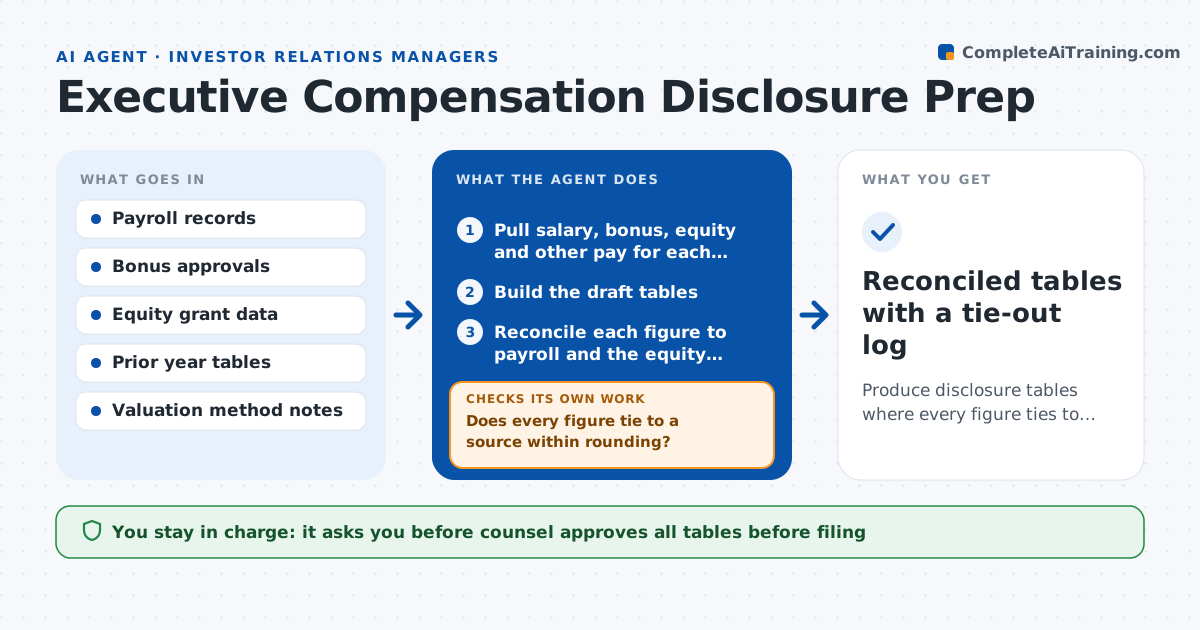
What it does
Executive pay tables for filings are assembled from payroll, bonus and equity records by hand, and one wrong number can force a correction. This agent pulls pay data and equity grants for each named executive and builds the draft tables. It reconciles every figure to payroll and to the equity system and checks that totals add up and that grant values follow the stated valuation method. Every mismatch is traced to a source, fixed in the working file and rechecked until all tie. It also compares the tables with last year to find unexplained changes. Counsel approves before anything is filed. The agent never files.
How it works
Follow the arrows from top to bottom. The orange dashed arrow is the loop: when a check fails, the agent goes back and tries again.
Read the steps as a list
- Filing preparation starts
- Pull salary, bonus, equity and other pay for each named executive
- Build the draft tables
- Reconcile each figure to payroll and the equity system
- Does every figure tie to a source within rounding?If not: trace the difference, fix the working file and rebuild the table. Back to step 3.
- Check totals and grant date values against the valuation method
- Compare with last year and explain large changes
- Are all year-over-year changes explained?If not: ask the owner for the reason and update the notes. Back to step 7.
- Counsel approves the tables before filingThe agent waits here for your OK.
- Reconciled tables with a tie-out log
How it decides
It accepts a figure only if it ties to its source within rounding, and traces any other difference.
- Accept a figure only if it ties within rounding of $1
- Flag changes above 15 percent from last year
- Use the stated valuation method for every equity award
- Hold any table with an unreconciled figure
Make it yours
Every agent is a starting point. You choose these settings for your own situation.
- Named executives list
- Rounding tolerance (default $1)
- Change threshold for explanations (default 15 percent)
- Table format and fiscal year
What keeps you in control
It always asks you first
- Counsel approves all tables before filing
- Compensation lead approves the valuation inputs
Hard limits
- Never files or sends anything to a regulator
- Marks any figure it cannot tie as unreconciled
It stops when
- Done: all figures tie and counsel has approved
- Stop: equity data is missing for a named executive
Set it up
We guide you through the set-up, step by step
Members get the full set-up guide for this agent. No technical skills needed: you copy, paste and upload.
- One set of instructions to paste into your AI, with the clicks for ChatGPT, Claude, Microsoft 365 Copilot, Gemini and Grok
- The agent then walks you through connecting your own data, one source at a time
- A downloadable copy with the flow chart, the rules and the full guide