AI agent for patent agents
Applicant Entity Status and Fee Check Agent
Keep each client's entity status and fees correct at every filing.
What it does
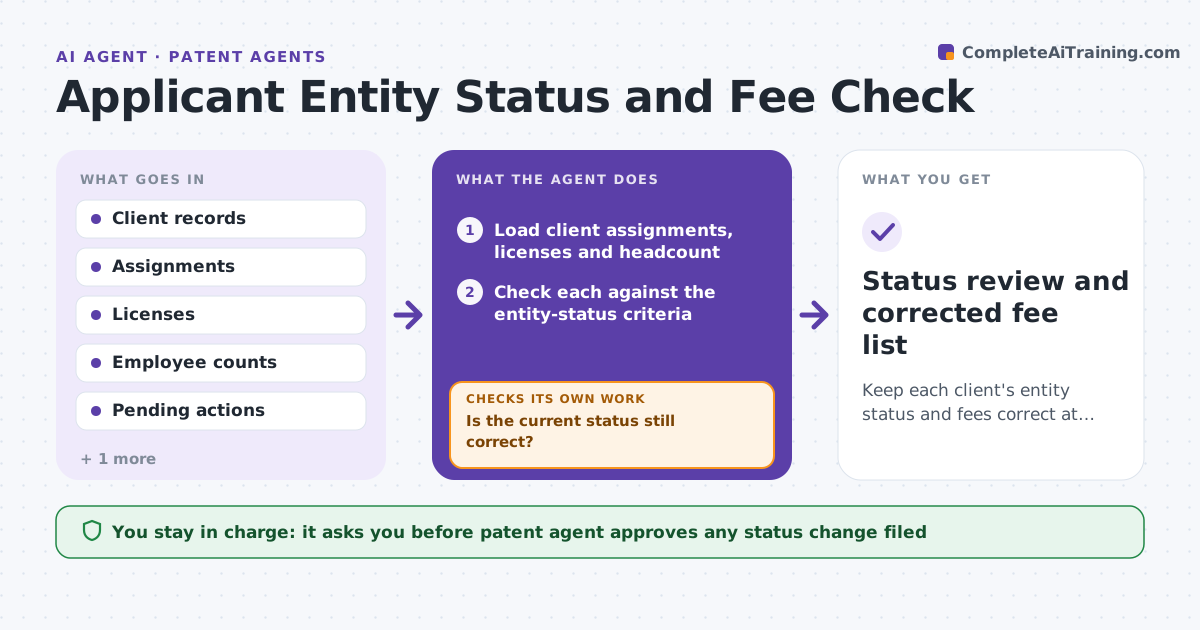
Small entity status gives a fee reduction, but errors can lead to wrong fees and even enforceability problems. For each client, the agent checks assignments, licenses and employee counts against the entity-status criteria, flags changes since the last filing, and recomputes the fee for every pending action. It lists corrections and what evidence supports each. When the client's facts change, such as a license to a large company, it re-checks. The patent agent approves any status change before it is filed. Edge case: an inventor assigned rights to a company with 800 employees, so small entity status is lost.
How it works
Follow the arrows from top to bottom. The orange dashed arrow is the loop: when a check fails, the agent goes back and tries again.
Read the steps as a list
- Fee due or client facts change
- Load client assignments, licenses and headcount
- Check each against the entity-status criteria
- Is the current status still correct?If not: Flag the change and the evidence behind it. Back to step 2.
- Recompute the fee for each pending action
- List corrections and fee differences
- Patent agent approves any status change before filingThe agent waits here for your OK.
- Prepare the corrected fee payment
- Do the recomputed fees match the fee schedule?If not: Recheck the schedule edition and each fee code. Back to step 4.
- Status review and corrected fee list
How it decides
Entity status is checked against assignments, licenses and headcount. A change that removes eligibility leads to a recomputed fee for each pending action.
- A license or assignment to a large entity ends small status
- Employee count includes affiliates as defined by the rules
- Recompute fees after any status change
- Check status before every payment
Make it yours
Every agent is a starting point. You choose these settings for your own situation.
- Fee schedule version
- Employee counting rules
- Check timing
- Clients included
What keeps you in control
It always asks you first
- Patent agent approves any status change filed
Hard limits
- Never files or pays a fee
- Never changes a status without approval
It stops when
- Done: status confirmed and fees correct
- Stop: a status question needs legal advice, so the agent decides
Set it up
We guide you through the set-up, step by step
Members get the full set-up guide for this agent. No technical skills needed: you copy, paste and upload.
- One set of instructions to paste into your AI, with the clicks for ChatGPT, Claude, Microsoft 365 Copilot, Gemini and Grok
- The agent then walks you through connecting your own data, one source at a time
- A downloadable copy with the flow chart, the rules and the full guide